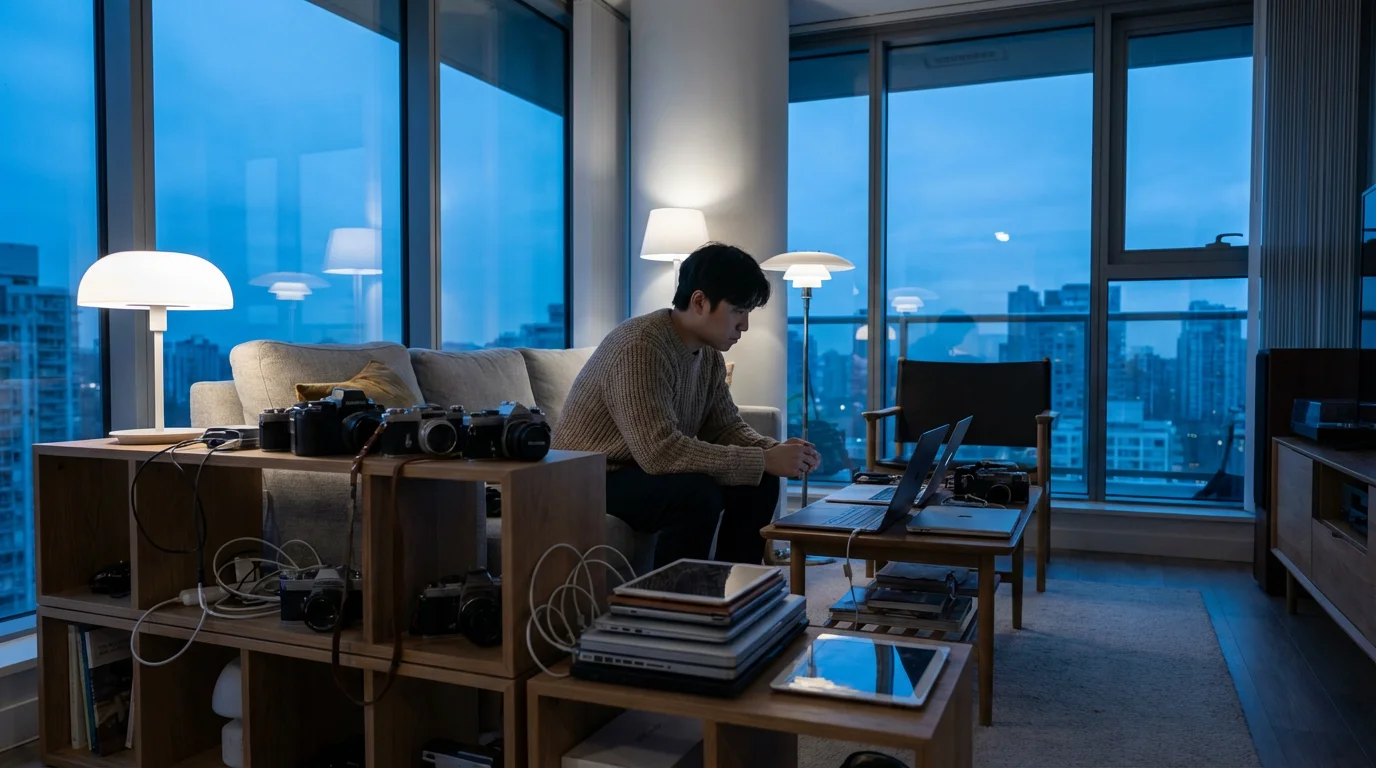

To start your journey, you can design your phone for focus by removing distractions from your primary workspace.
Starting with specific apps to help you unplug can also provide immediate relief while you build new habits.
Learning how to set healthy boundaries with your phone is the first step toward a more intentional relationship with tech.
For those feeling completely overwhelmed, a full digital detox can provide the necessary reset to break these compulsive cycles.
📚 Table of Contents
- The 5 Sneaky Signs of Tech Hoarding
- 1. Your Phone is an App Graveyard
- 2. Notification Badges Dictate Your Actions
- 3. You Have Dozens of Browser Tabs Open… Always
- 4. Your Digital and Physical Environments are Blurred
- 5. You Consume Content Passively and Endlessly
- Why Is It So Hard to Look Away? The Psychology of Digital Clutter
- The Fix, Part 1: How to Declutter Your Digital Routines
- Design a “Focus Mode” for Your Phone
- Master the Art of Notification Triage
- Curate a Minimalist Home Screen
- Use App Timers to Build Awareness
- The Fix, Part 2: How to Declutter Your Physical Environments
- Putting It Into Practice: Two Worked Examples
- Troubleshooting Common Challenges
- What if I Relapse and Binge-Scroll?
- How Do I Handle FOMO (Fear Of Missing Out)?
- What About Social and Professional Expectations?
- Are There Exceptions to the Rules?
- Frequently Asked Questions About Digital Decluttering
- Q1: I’m concerned about the privacy of digital wellness apps. Are they safe?
- Q2: I work a night shift. How can I adapt these principles to my schedule?
- Q3: As a parent, how do I model good behavior without using parental controls that feel too restrictive?
- Q4: My job requires me to be constantly connected and responsive. How can I possibly declutter?
- Your First Steps to a More Focused Life
In the quiet moments, do you feel a phantom buzz in your pocket? When a notification light blinks, does your focus shatter instantly? You’re not alone. Our digital lives are overflowing. We have devices filled with apps we don’t use, inboxes buried under unread emails, and desktops cluttered with files from projects long past. This isn’t just digital clutter; it’s a form of hoarding that consumes our most precious resource: our attention.
The constant stream of information, pings, and updates creates a low-level hum of anxiety. It pulls us away from deep work, meaningful conversations, and even our own thoughts. The cost of this distraction is immense, chipping away at our productivity, peace of mind, and overall well-being. But the solution isn’t to abandon technology and retreat to a cabin in the woods. The answer lies in mindful curation and building intentional boundaries.
This guide is for high-screen-time professionals, students, and anyone who feels overwhelmed but knows that quitting tech isn’t a realistic option. We’ll explore the subtle signs of tech hoarding, understand the psychology behind why it’s so hard to look away, and provide a clear, actionable blueprint for a digital declutter. It’s not about deprivation; it’s about reclaiming control and making technology work for you, not the other way around.
Welcome to a more focused way of living. Let’s begin.

The 5 Sneaky Signs of Tech Hoarding
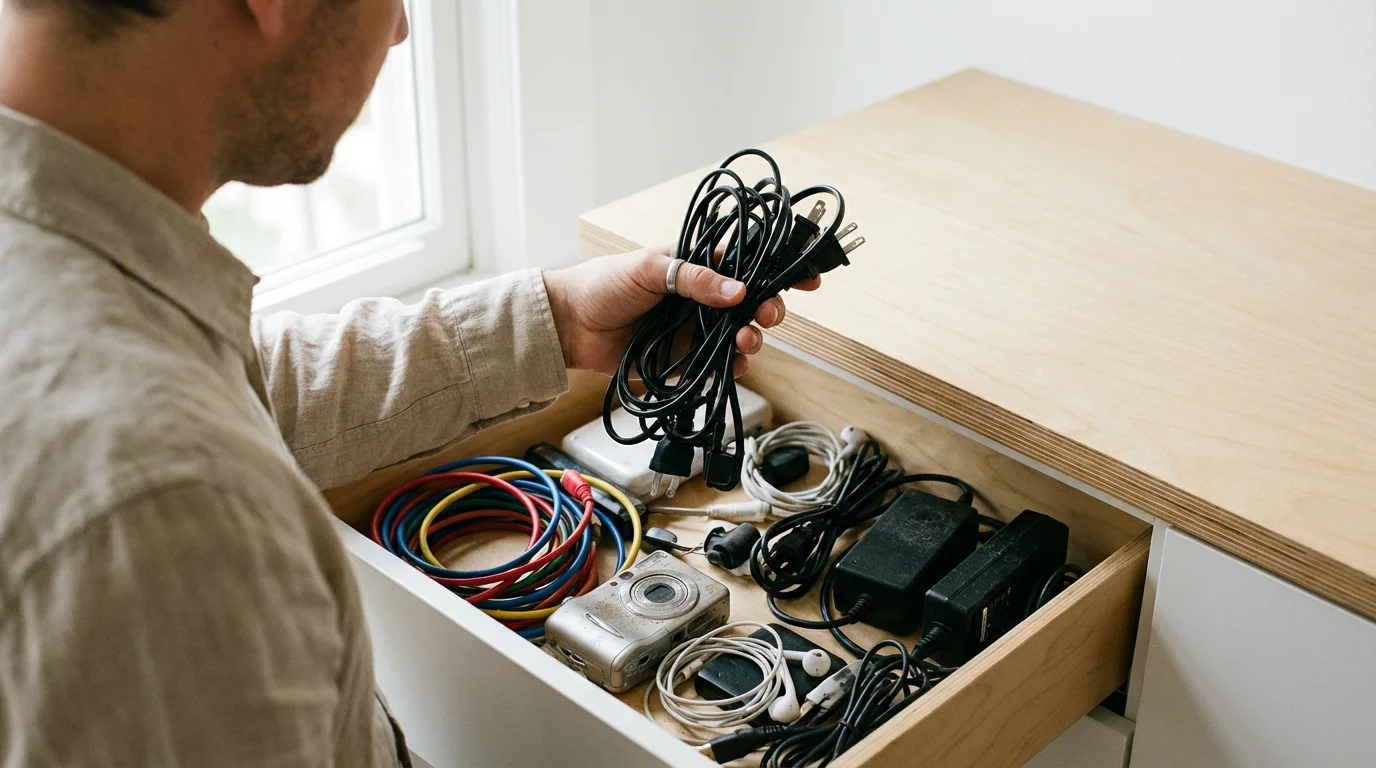
Tech hoarding goes beyond having a drawer full of old charging cables. It’s a behavioral pattern where we accumulate digital assets and habits compulsively, often to our own detriment. It’s about the apps, the notifications, the open tabs, and the unchecked screen time that clutter our minds. Recognizing the signs is the first step toward a healthier relationship with your devices. Here are five common indicators.
Often, the best way to combat these habits is by creating a digital-free zone in your home to physically separate yourself from device temptation.
Applying the KonMari method for your digital life is a powerful way to clear this mental clutter.

1. Your Phone is an App Graveyard
Take a moment to scroll through your phone. How many apps do you have installed? Now, how many have you used in the last month? If you’re like most people, you have pages of apps downloaded for a single purpose—a trip, a specific event, a fleeting interest—and now they sit there, unused. This is a classic sign of tech hoarding.
Each app, even when dormant, represents a tiny piece of cognitive load. It clutters your home screen, competes for your attention with update badges, and potentially runs processes in the background. You might keep them “just in case,” but this digital clutter makes it harder to find and use the tools that truly add value to your life. An app graveyard is a sign that your digital space is unmanaged and likely overwhelming.

2. Notification Badges Dictate Your Actions
Do you see a red circle with a number inside and feel an immediate, almost physical, urge to clear it? This is a conditioned response. Notification badges for email, social media, and messaging apps create a sense of manufactured urgency. They hijack your attention, pulling you out of your current task to address something that is rarely as important as it seems.
A person with healthy tech boundaries sees a notification and makes a conscious choice about when to address it. A tech hoarder, on the other hand, is often driven by the need to eliminate the badge. This reactionary behavior means your day is dictated by the whims of your apps rather than your own priorities. If you can’t stand to see an unread notification, it’s a strong sign your technology is managing you.

3. You Have Dozens of Browser Tabs Open… Always
Look at your web browser right now. How many tabs are open? Ten? Twenty? More? Each open tab is an unfinished thought, a task to be completed, an article to be read. While you might tell yourself you’ll get back to them, this sea of open tabs is a significant source of mental clutter.
This habit stems from a fear of missing out on information. We’re afraid that if we close a tab, we’ll lose a valuable idea forever. In reality, this digital “to-do” list overwhelms our working memory and makes it impossible to focus on the single task at hand. It’s the digital equivalent of trying to have fifteen conversations at once. True productivity comes from sequential, focused attention, not a frantic juggling of countless open loops.

4. Your Digital and Physical Environments are Blurred
Where does your phone sleep at night? If it’s on your nightstand, within arm’s reach, you’re blurring the line between your restful space and your digital world. The same goes for bringing your laptop to the dinner table or scrolling through work emails while spending time with your family. When there are no screen-free zones in your life, your brain never gets a chance to fully disconnect and recharge.
Tech hoarding isn’t just about what’s on your devices; it’s about where your devices are. Allowing them to invade every corner of your life ensures you’re in a constant state of low-grade connectivity. This prevents you from being fully present in your physical environment and with the people around you. A key part of a digital declutter is creating physical boundaries as well as digital ones.

5. You Consume Content Passively and Endlessly
Think about the last time you opened a social media app. Did you have a specific goal, like checking in on a friend or looking up an event? Or did you open it out of habit and find yourself scrolling endlessly through a feed curated by an algorithm? This passive, infinite scroll is a hallmark of an unhealthy tech relationship.
Tech hoarders often use their devices as a default activity to fill any moment of boredom or transition. Waiting in line, sitting on the couch, the first moments of waking up—these gaps are immediately filled with passive consumption. This robs you of opportunities for reflection, daydreaming, or simply being present. If your screen time is dominated by unintentional, algorithm-driven consumption rather than intentional use, it’s a clear sign that a digital declutter is in order.


Why Is It So Hard to Look Away? The Psychology of Digital Clutter
Understanding the signs of tech hoarding is one thing; understanding why these behaviors are so sticky is another. It’s not a simple matter of willpower. The technology in our hands is designed by some of the brightest minds in the world with the specific goal of capturing and holding our attention. To break free, we need to understand the psychological hooks they use.
At the core of this is a concept known as the dopamine loop. Dopamine is a neurotransmitter in the brain that plays a major role in motivation and reward. When you do something pleasurable, like eating a great meal or receiving a compliment, your brain releases a small amount of dopamine, which makes you feel good and encourages you to repeat the behavior. Tech companies have become masters at engineering experiences that trigger this system.
Think about the simple act of pulling down to refresh your email inbox or social media feed. There’s a moment of anticipation. Will there be a new email from a client? A new “like” on your photo? A message from a friend? When you see something new, you get a tiny hit of dopamine. It’s a reward. This system is based on a principle called a “variable reward schedule,” the same mechanism that makes slot machines so addictive. Because you don’t know when you’ll get a reward, you keep checking compulsively.
This loop fuels our tech hoarding habits. We keep apps “just in case” they deliver a novel reward. We refuse to turn off notifications because we have a fear of missing out (FOMO) on a potentially validating interaction. We keep dozens of tabs open because each one represents a potential hit of interesting information. As the American Psychological Association (href=”https://www.apa.org/”APA/a>) notes in various studies, these behavioral loops can have a profound impact on our mental health and focus.
This is compounded by the environment of the modern urban adult. Life is filled with “in-between” moments: waiting for the subway, standing in line for coffee, the ten minutes before a meeting starts. Historically, these were moments for our minds to wander, process thoughts, or simply observe the world. Now, they are almost universally filled by reaching for our phones. Our brains have been trained to seek a digital stimulus at the first sign of boredom.
Breaking this cycle isn’t about demonizing technology or dopamine. It’s about recognizing the system at play and making a conscious choice to engage with it on your own terms. A digital declutter is an act of reclaiming your cognitive autonomy. By building intentional routines and environments, you can break the reactive loop and replace it with purposeful, mindful technology use. The goal is to move from being a passive consumer to an active architect of your digital life.


The Fix, Part 1: How to Declutter Your Digital Routines
Changing your relationship with technology begins with changing your daily habits. Just as you have a routine for brushing your teeth or making coffee, you can build routines that promote digital wellness. The goal is to create a system that automates good decisions, reducing the need for constant willpower. Here are some powerful tech tips for decluttering your digital routines.

Design a “Focus Mode” for Your Phone
Modern smartphones come with powerful tools designed to help you focus. On an iPhone, this is called “Focus.” On Android, it’s often part of the “Digital Wellbeing” suite. These features allow you to create different profiles for different contexts, like “Work,” “Personal,” or “Sleep.”
For your “Work” focus mode, you could allow notifications only from your boss, your key colleagues, and work-related apps like Slack or Microsoft Teams. All social media, news, and game notifications would be silenced. For a “Personal” mode, you might allow calls and messages from family and close friends while silencing all work-related pings. This puts you in control. Instead of a constant barrage of interruptions, you receive only the information that is relevant to your current context. Spend 30 minutes this week setting up two or three focus modes. It’s one of the highest-leverage actions you can take.

Master the Art of Notification Triage
The default setting for most apps is to send you as many notifications as possible. Your job is to be a ruthless gatekeeper. The guiding principle should be: is this notification for my benefit or the company’s benefit? Most of the time, it’s the latter. Go into your phone’s settings and turn off notifications for every app that isn’t essential for your work or personal safety. Be aggressive. You can always turn them back on if you miss something critical, but you likely won’t.
For the notifications you do keep, consider notification batching. This is the practice of checking and responding to notifications at set times during the day, rather than in real-time. For example, you might check your email at 9 AM, 1 PM, and 4 PM. This prevents you from being constantly pulled out of deep work. You can use your phone’s Do Not Disturb (DND) function—often just called DND—between these batches to create uninterrupted blocks of time for focused work.

Curate a Minimalist Home Screen
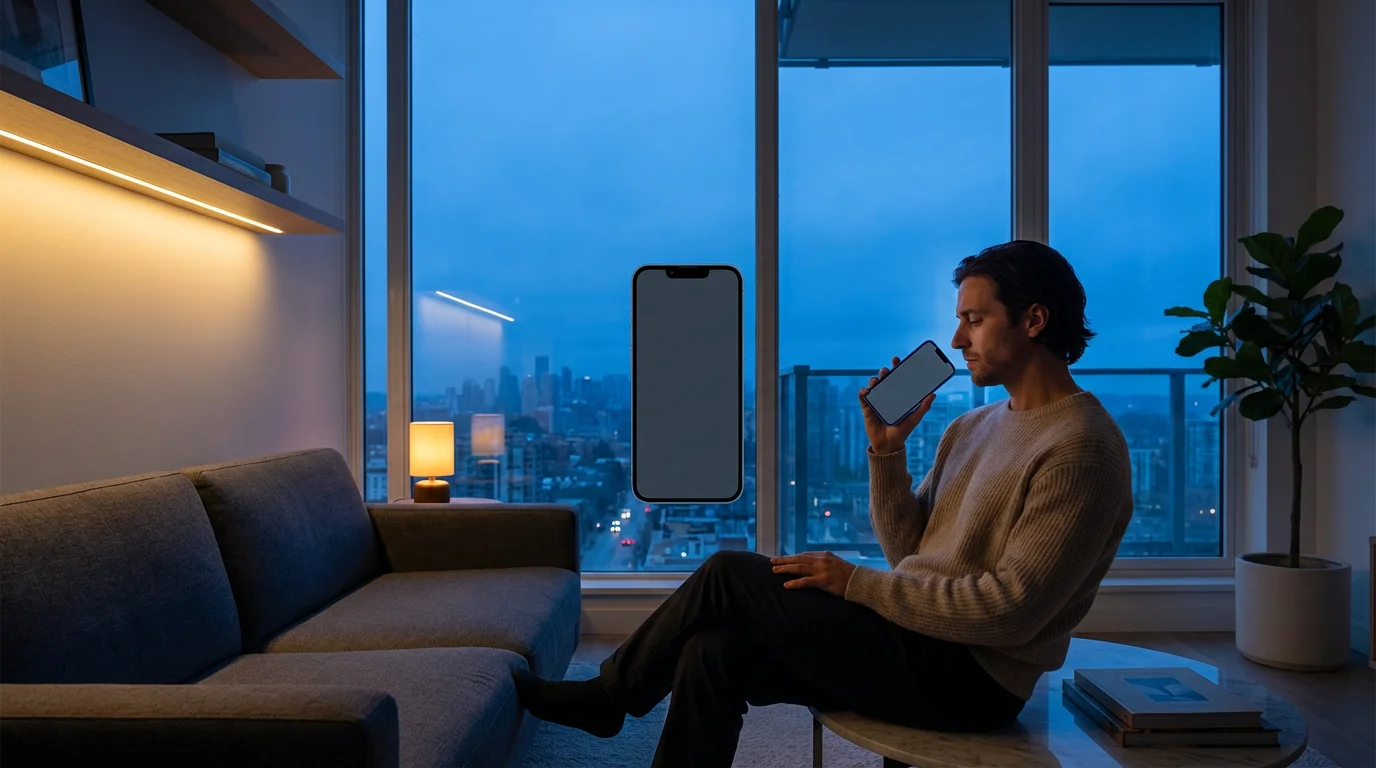
Your phone’s home screen is prime real estate for your attention. If it’s cluttered with distracting apps, it will inevitably pull you into mindless scrolling. A digital declutter of your home screen can be transformative. The goal is to make it a calm, tool-based launchpad, not an entertainment hub. Here is a simple, three-step process to redesign it:
* Step 1: The Great App Deletion. Be honest with yourself. Go through every single app on your phone and delete anything you haven’t used in the past three months. Don’t worry—if you truly need it again, you can re-download it in seconds. This single act will dramatically reduce the clutter on your device.
* Step 2: Move Distractions Off the Home Screen. Identify your “infinity pool” apps—the ones with endless scrolling feeds like Instagram, TikTok, Facebook, or news apps. Move all of them off your primary home screen and into a folder on the second or third page. This adds a small amount of friction. To open the app, you now have to make a conscious effort to swipe and find it, rather than tapping it out of muscle memory.
* Step 3: Organize by Utility. Reserve your home screen for “tools,” not “traps.” These are apps that help you accomplish a specific task and then let you leave, like your camera, notes app, calendar, or maps. Arrange them in a way that makes sense to you. Many people find that a clean, single-page home screen with only their most essential tools provides a profound sense of calm and control every time they unlock their phone.
Use App Timers to Build Awareness
You can’t change what you don’t measure. Most of us vastly underestimate how much time we spend on certain apps. App timers, a feature available in your phone’s Digital Wellbeing or Screen Time settings, allow you to set daily limits for specific applications. For instance, you could set a 30-minute daily limit for Instagram. When you hit that limit, the app will be grayed out for the rest of the day.
This isn’t about punishing yourself. It’s about building awareness and creating a moment of intentionality. When you hit your limit, it forces you to pause and ask, “Is continuing to use this app the best use of my time right now?” Often, the answer is no. Start with generous limits and gradually tighten them as you become more mindful of your usage patterns.


The Fix, Part 2: How to Declutter Your Physical Environments
A successful digital declutter extends beyond your device settings and into the physical world. Your environment sends powerful cues to your brain about what behavior is expected. By intentionally designing your spaces, you can make healthy tech habits feel effortless and automatic. Here’s how to create environments that support focus and well-being.

Establish Sacred, Screen-Free Zones
Your brain is highly associative. If you constantly work from your bed, your brain will start to associate your bed with the stress of work, making it harder to fall asleep. The same principle applies to technology. To give your mind a chance to rest, you must create zones where screens are simply not allowed. The two most important are the dinner table and the bedroom.
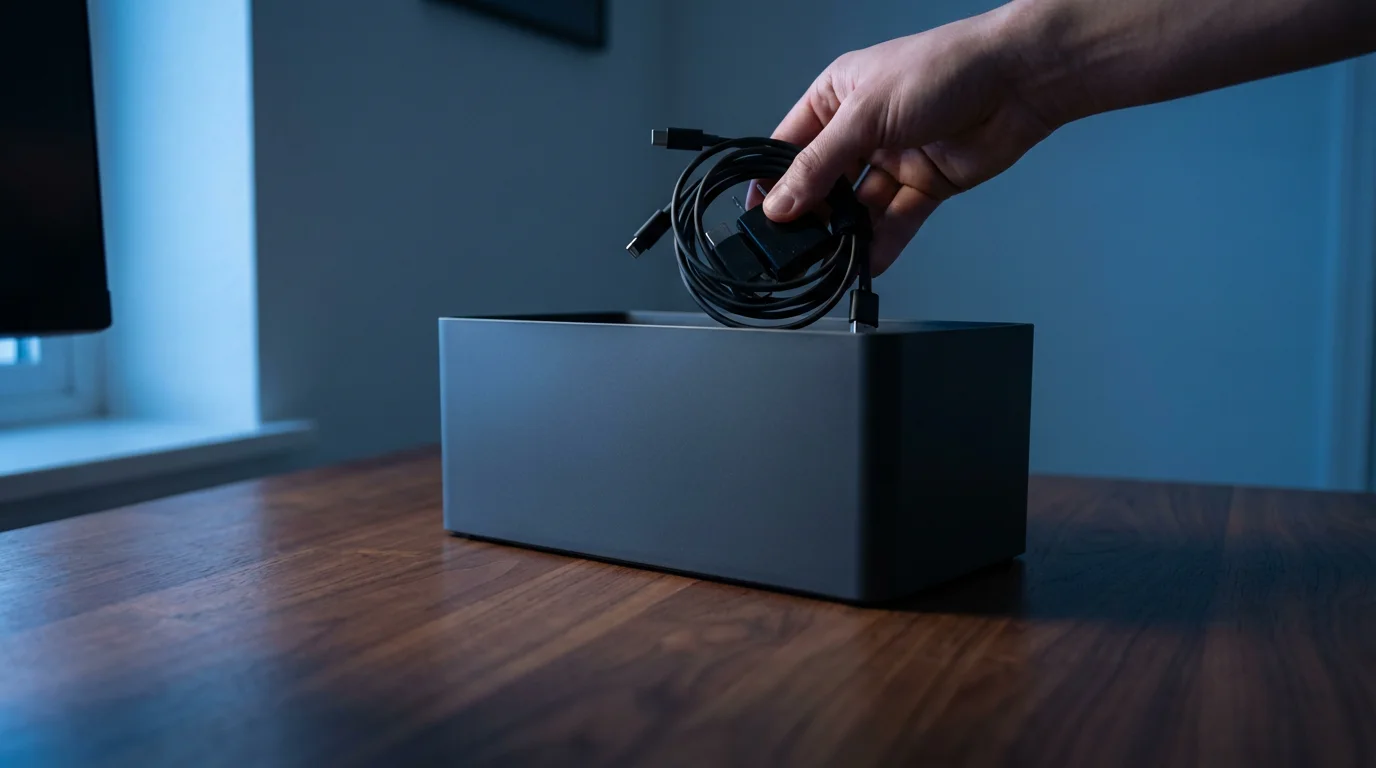
The dinner table should be a place for conversation and mindful eating, not for scrolling through emails or social media. Make a family rule: no phones at the table. It might feel awkward at first, but it will lead to richer connections. The bedroom should be a sanctuary for sleep and intimacy. Bringing a phone, tablet, or laptop into bed with you is a recipe for poor sleep and a distracted mind. Designate a charging station in another room, like the kitchen or living room, and make plugging in your devices there a non-negotiable part of your evening routine.

Engineer a Sleep-Friendly Evening
The quality of your sleep is one of the biggest determinants of your focus and well-being, and screens are one of its biggest enemies. This is largely due to blue light, the high-energy visible light emitted by our devices. Exposure to blue light in the evening can suppress the production of melatonin, the hormone that tells your body it’s time to sleep. According to experts at the href=”https://www.sleepfoundation.org/”Sleep Foundation/a>, this can disrupt your circadian rhythm, making it harder to fall asleep and reducing sleep quality.
To combat this, create an “electronic sundown.” Decide on a time—ideally 60-90 minutes before bed—when you will put all screens away. Use this time to engage in relaxing, analog activities. Read a physical book. Listen to calm music or a podcast. Do some light stretching. Talk with your partner. This buffer period allows your brain to unwind and your body to begin producing melatonin naturally. Many phones also have a “Night Shift” or “Eye Comfort Shield” feature that reduces blue light, which is a good second-best option if you must use your device closer to bedtime.

Create Cues for Deep Work
Just as you create cues for relaxation, you can create cues for focus. If you work from home, this is especially critical. Don’t just open your laptop on the couch. Designate a specific workspace, even if it’s just a corner of a room. When you are in that space, you are working. When you leave it, you are not.
You can enhance this with other sensory cues. Perhaps you light a specific candle or play a particular type of instrumental music only when it’s time for deep, focused work. Put your phone in another room or turn it on a strict “Work” focus mode. These rituals signal to your brain that it’s time to enter a state of concentration, free from the digital distractions that lead to tech hoarding behaviors. Over time, simply sitting down at your designated desk and starting your focus ritual will help you drop into a productive state more quickly and easily.

Putting It Into Practice: Two Worked Examples
Theory is important, but practical application is what creates real change. Let’s walk through two realistic scenarios for integrating these digital declutter principles into your life. These aren’t about perfection; they’re about progress and building sustainable habits.
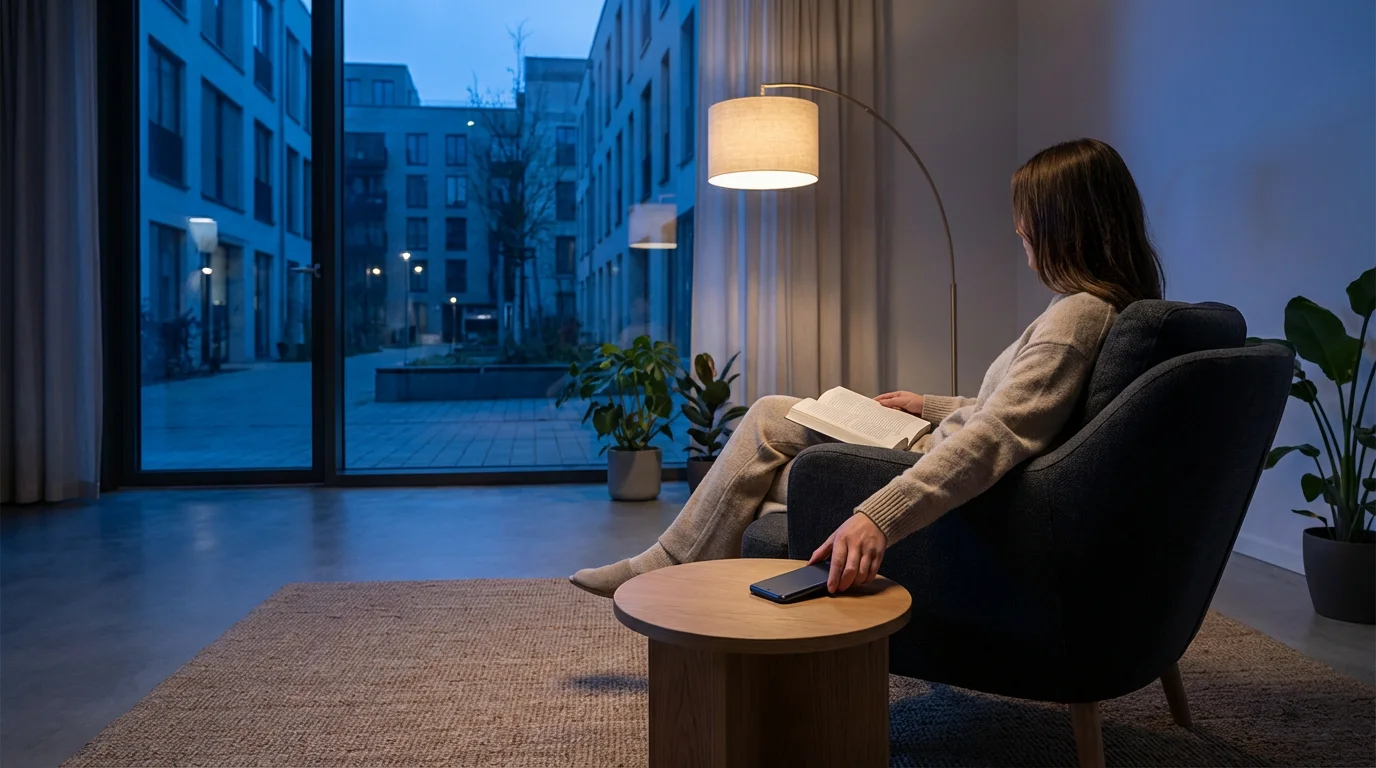
Example 1: A 10-Minute Evening Wind-Down Routine
The goal of this routine is to create a clear separation between your connected day and your restful night. It’s a simple sequence that signals to your brain that it’s time to power down.
7:50 PM: The 10-Minute Warning. An alarm on your phone goes off, not with a jarring sound, but with a gentle chime. The label reads: “Begin Wind-Down.” This is your cue.
7:51 PM: The Brain Dump. Open a physical notebook or a simple notes app (this is the last tech interaction). Spend three to five minutes writing down anything that’s on your mind. Unfinished tasks for tomorrow, worries, random ideas. Getting them out of your head and onto paper prevents them from swirling around when you’re trying to sleep.
7:55 PM: The Digital Sunset. Stand up, take your phone, and walk it over to its designated charging spot in the kitchen or living room. Plug it in. As you walk away, say to yourself, “The day is complete.” This small ritual creates a powerful physical and mental boundary.
7:57 PM: The Transition. Do one small household chore that doesn’t involve a screen. Tidy up the living room, load the dishwasher, or lay out your clothes for the next day. This physical activity helps you transition from a mental state to a physical one.
8:00 PM: Analog Mode. Your wind-down is complete. For the rest of the evening until bedtime, you are in analog mode. Pick up that book, listen to that album, or have that conversation. You’ve successfully created a screen-free buffer for better sleep and a calmer mind.
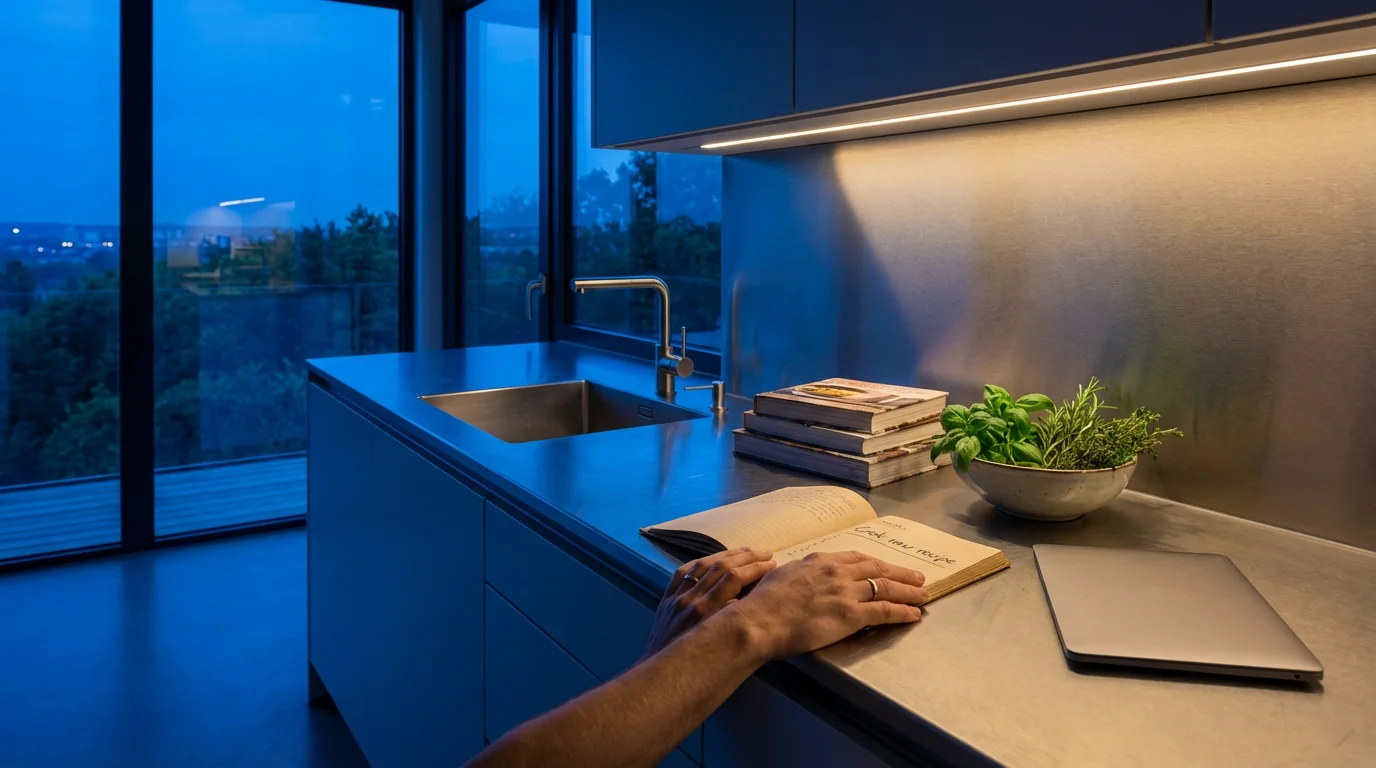
Example 2: A Realistic Weekend Digital Reset
A full-blown digital detox can feel intimidating and impractical. A “digital reset” is a more balanced alternative. The goal isn’t to eliminate technology but to shift from passive consumption to intentional creation and connection.
Friday Evening: Set Your Intention. Before the weekend begins, decide on one or two analog-focused activities you want to enjoy. Maybe it’s a long walk in a park, working on a hobby, or cooking a new recipe. Write it down. This gives your weekend a purpose beyond screen time.
Saturday Morning (9 AM – 12 PM): “Creator Mode.” For the first three hours of your day, use technology only for creating, not consuming. This could mean writing, editing photos, coding a personal project, or learning a skill through an online course. Do not open social media, news sites, or email. The day starts with you in the driver’s seat.
Saturday Afternoon: Mindful Connection. If you use your phone, use it for connection. Instead of scrolling through a feed, call a friend or family member. Instead of passively looking at photos, use your phone to navigate to a new part of town to explore. The device becomes a tool to enhance your real-world experiences, not replace them.
Saturday Evening: Entertainment with a Boundary. It’s perfectly fine to relax with a movie or a TV show. The key is to be intentional. Choose what you want to watch ahead of time instead of aimlessly browsing a streaming service for an hour. Watch it on a television, not a phone or tablet. When the movie is over, it’s over. Turn off the TV and resist the urge to “second screen” by scrolling on your phone simultaneously.
Sunday: The Reset Continues. Repeat a similar pattern. By the time Sunday evening rolls around, you will have dramatically reduced your passive screen time, engaged in real-world activities, and used technology as a tool for creativity and connection. You’ll feel more rested and in control, ready for the week ahead.


Troubleshooting Common Challenges
Embarking on a digital declutter is a journey, and like any journey, it has its challenges. It’s normal to face setbacks and friction. Anticipating these hurdles and having a plan to address them can be the difference between lasting change and a temporary experiment.

What if I Relapse and Binge-Scroll?
It will happen. One stressful day, you’ll find yourself an hour deep into an Instagram rabbit hole. The most important thing is to avoid the “what-the-hell” effect, where you feel like you’ve failed and might as well give up entirely. Instead, practice self-compassion. Acknowledge what happened without judgment. Ask yourself, “What was the trigger?” Were you bored, anxious, or procrastinating? Understanding the underlying emotion is key. Then, simply begin again. Close the app and go for a five-minute walk. The goal isn’t perfection; it’s about consistently returning to your intention.

How Do I Handle FOMO (Fear Of Missing Out)?
FOMO is a powerful driver of tech hoarding. We’re afraid that if we’re not constantly connected, we’ll miss a crucial piece of news, a social invitation, or an inside joke. The best way to counter this is to reframe it. Instead of fearing what you might miss online, focus on what you gain by being present in your offline life. Call this the Joy of Missing Out (JOMO). Remind yourself that by putting your phone down, you are choosing to be more present for a deep conversation, a beautiful sunset, or a focused work session. You are choosing the richness of your immediate reality over the curated perfection of a digital feed. Research from institutions like the National Institutes of Health often highlights the mental health benefits of real-world social connection over digital substitutes.
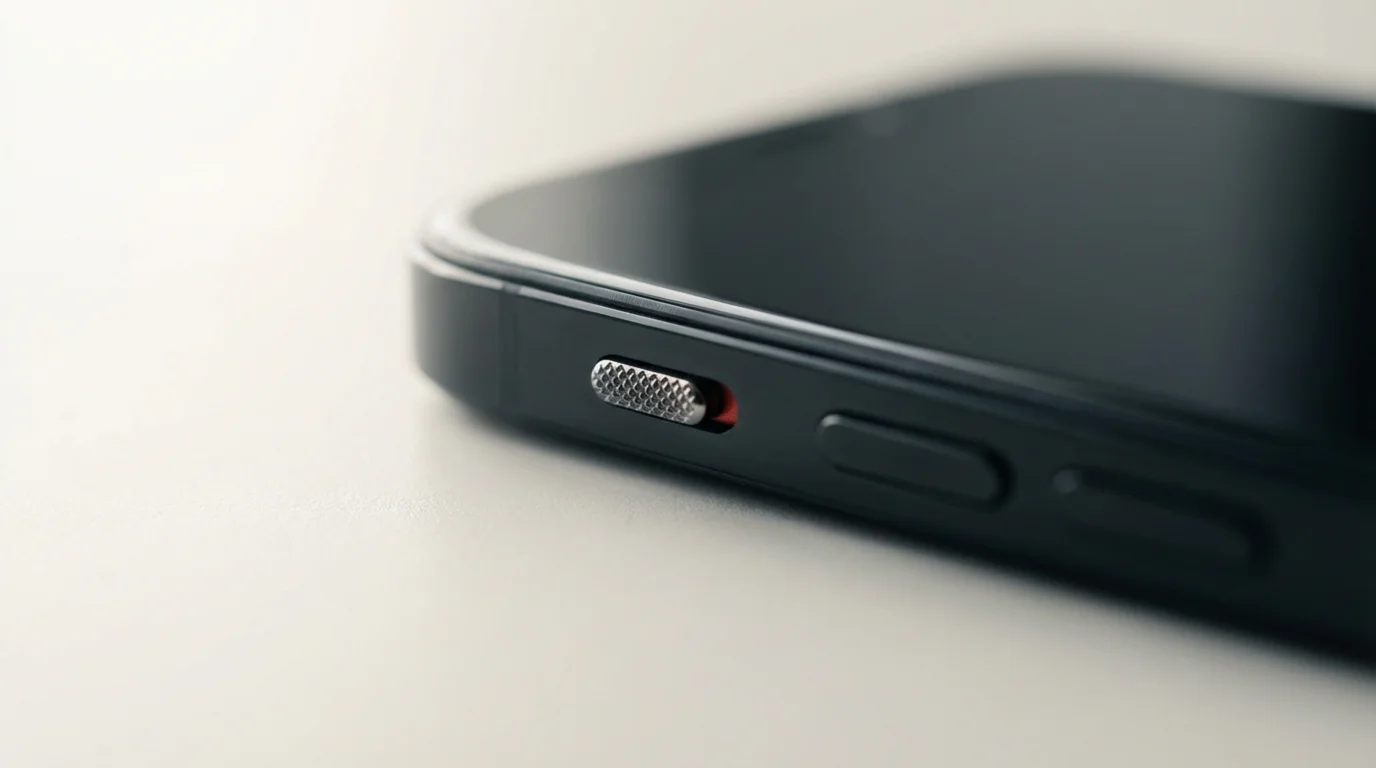
What About Social and Professional Expectations?
Many of us feel pressure to be instantly available to friends, family, and colleagues. Setting boundaries here requires clear communication. You can manage expectations proactively. For example, you can add a line to your work email signature like, “I check emails at 9 AM and 4 PM. For urgent matters, please call.” With friends and family, you can simply tell them, “I’m trying to be on my phone less in the evenings, so if I don’t reply right away, that’s why. I’ll get back to you in the morning.” Most people will understand and respect your boundaries. You might even inspire them to do the same.

Are There Exceptions to the Rules?
Absolutely. Digital wellness is not a rigid dogma. It’s a flexible framework. There will be times when you need to be on call for a family emergency or when a work project requires you to be hyper-connected for a few days. The key is that these are conscious, temporary exceptions, not the default rule. When the situation resolves, you intentionally return to your established routines. The system is there to serve you, not to make you feel guilty. A healthy relationship with technology includes the wisdom to know when to bend the rules for a good reason.

Frequently Asked Questions About Digital Decluttering
Disclaimer: The information in this article is for educational and informational purposes only and is not intended as health or medical advice. Always consult a physician or other qualified health provider regarding any questions you may have about a medical condition or health objectives.
Q1: I’m concerned about the privacy of digital wellness apps. Are they safe?
This is a valid concern. Many third-party apps that track screen time or block other apps do collect user data. The safest approach is to start with the first-party tools already built into your phone’s operating system. Apple’s “Screen Time” and Google’s “Digital Wellbeing” are integrated at the system level and are governed by their respective privacy policies. They provide robust features like app timers and focus modes without requiring you to download a separate app and agree to another company’s terms. If you do explore third-party options, read their privacy policies carefully to understand what data they collect and how they use it.
Q2: I work a night shift. How can I adapt these principles to my schedule?
The core principles remain the same; you just need to shift the timing. Your “evening wind-down” might be at 8 AM after you get home from work. The key is to create a consistent screen-free buffer before you go to sleep, whenever that may be. Similarly, your “deep work” blocks will align with your work hours. The concept of notification batching and using focus modes is just as, if not more, important for night shift workers, as your “off” hours are when the rest of the world is most active online. Protecting your sleep and downtime is paramount, so be extra diligent about creating those digital and physical boundaries.
Q3: As a parent, how do I model good behavior without using parental controls that feel too restrictive?
Modeling is the most powerful tool. Your children will learn more from watching your habits than from listening to your lectures. Practice what you preach: put your phone away at the dinner table, establish a central charging station, and talk openly about why you’re doing it. Instead of just imposing rules, have a family conversation about technology. Co-create a “Family Tech Agreement” that outlines rules for everyone, including the parents. When it comes to parental controls, frame them as a safety and learning tool, not a punishment. Use them to set reasonable time limits and block inappropriate content, but also teach your children the skills of self-regulation so they can manage their own habits as they get older.
Q4: My job requires me to be constantly connected and responsive. How can I possibly declutter?
This is a common and difficult situation. The key is to distinguish between “urgent” and “important.” Not every email or message requires an instant response, even if the sender expects one. The first step is to have a conversation with your manager. Explain your desire to create blocks of time for focused, deep work and propose a system for handling truly urgent matters (e.g., a phone call or a specific Slack channel). Second, use technology to help. Set up email filters that highlight messages from key people. Use your “Work” focus mode to silence non-essential notifications. Even carving out two 60-minute “do not disturb” blocks per day for deep work can dramatically increase your productivity and reduce the feeling of being overwhelmed, without making you unresponsive.
Your First Steps to a More Focused Life
We’ve covered the signs of tech hoarding, the psychology that drives it, and a comprehensive set of strategies for how to declutter technology from your life. It can feel like a lot, but remember: this is not about achieving a perfect, minimalist digital existence overnight. It’s about taking small, intentional steps toward a more balanced and focused life.
The journey from tech hoarder to mindful user is paved with conscious choices, not drastic renunciations. You don’t need to throw your smartphone away. You just need to re-establish who is in charge. By implementing simple routines, curating your digital and physical environments, and troubleshooting challenges with self-compassion, you can transform your relationship with the devices in your pocket.
You can reclaim your attention, deepen your focus, and be more present for the things that truly matter. The quiet and clarity you seek are not far away. They are waiting for you on the other side of a few small, deliberate changes.
To get started, commit to adopting just three of these small changes this week:
1. Create One Screen-Free Zone. Make the dinner table or your bedroom a 100% phone-free space. Start tonight.
2. Prune Your Notifications. Go into your settings and turn off all notifications for five non-essential apps. Experience the peace.
3. Tidy Your Digital Front Door. Move just one distracting social media or news app off your main home screen and into a folder. Add that tiny bit of friction.
Take these first steps. Notice how they feel. Build from there. Your focused future awaits.
Setting these limits is vital because, as many experts warn, your phone might be stealing your sleep and affecting your next-day cognitive performance.







Leave a Reply