
Most “no phones in the bedroom” or “no phones at dinner” rules collapse within a week. The reason is practical: the phone is still the alarm clock, the kitchen timer, the shopping list and the bedtime book, so it has a legitimate reason to follow you into every room.
A digital-free zone that lasts is a hardware and household problem. Give every device one home outside the zones, replace the jobs the phone was doing with cheap single-purpose objects, set one plain rule per room, and agree on it out loud with the people you live with.
Find the jobs that keep your phone in the room
Before buying anything, trace one ordinary evening. Every time you pick up your phone in the kitchen, at the table or in bed, note whether you were doing a utility job (checking the time, setting a timer, reading a recipe, jotting a reminder) or simply drifting.
The utility pickups are the ones to design out. Each is a doorway: you unlock to set a 12-minute pasta timer and are still on the phone when it goes off. Remove the excuse and the drifting drops with it, which is the core idea behind designing your space for automatic habit success.
Step 1: Build one charging dock outside the zones
The dock is where every phone, tablet and smartwatch in the house lives when it isn’t in use. Put it in the entryway or on a kitchen counter, on the path between the front door and where you relax in the evening. It should be easy to reach when you need to check something deliberately, and out of arm’s reach from the sofa, the dining table and the bed.

What the dock needs:
- A multi-port charger. Count every device that sleeps in the house and add one spare port for guests. Check the total output rather than the per-port figure: when all ports share the power, charging slows, which doesn’t matter overnight.
- Short cables, one per device. Label them with tape or a coloured tag so nobody carries a cable to the bedroom “just for tonight”.
- A tray or shallow box. Phones go in face down. A lid is optional but helps if screen glow tempts you from across the room.
- A notepad and pen. More on this below; it’s the single most useful object on the dock.
For a household of two adults, a 14-year-old and a 9-year-old with a shared tablet and one smartwatch, that’s five devices: a six-port charger, five cables and one tray cover it. Laptops don’t belong on the dock; they go back to the desk.
If one of you is on call, that phone still lives on the dock with the ringer loud enough to hear from the bedroom. If it can’t be heard there, set it to let through only calls from the people who matter; our guide to designing your phone for focus covers those settings.
Step 2: Replace the phone’s utility jobs with analog tools
Each replacement below costs little and does one thing, so picking it up never leads anywhere else.
- Standalone alarm clock. This is the one that makes a phone-free bedroom possible. Choose one with a battery backup so a power cut doesn’t make you late, and a silent (non-ticking) movement if you’re a light sleeper. A sunrise lamp works too.
- Kitchen timer. A magnetic digital timer on the fridge or a wind-up mechanical one. Pair it with a cookbook stand or a few printed recipes in a plastic sleeve for the meals you cook most often.
- Paper notepad. Keep one at the dock and one by the bed. Most late-evening pickups are “I must remember to reply to that” thoughts; writing them down closes the loop without unlocking anything.
- Physical books or an e-ink reader. E-ink screens emit zero blue light when the front-light is off, and significantly less than tablet or phone screens when front-lit, especially in warm-light mode.
The reading swap matters more than it looks. In a small laboratory study, reading on a light-emitting tablet before bed delayed sleep, shifted circadian timing and reduced next-morning alertness compared with reading a printed book. It involved only a handful of young adults reading for hours, so it can’t put a precise number on the harm, but it still gives a clear reason to reach for paper or a warm-lit e-ink reader at night.
Step 3: Set one rule per room
Each zone gets a single rule that a nine-year-old could repeat back. Vague rules (“try not to use phones much in here”) invite negotiation every night.
| Room/Zone | Primary rule | Analog hardware needed | Central charging/drop location |
|---|---|---|---|
| Bedroom | No phones, tablets or laptops overnight | Alarm clock, bedside notepad, books or e-ink reader | Kitchen or entryway dock, by an agreed time |
| Dining table | No devices from first plate served to last plate cleared | Kitchen timer, printed recipes | Basket on a sideboard or the main dock |
| Home office desk | Phone off the desk during focus blocks; laptop never leaves the desk after work | Paper notepad, desk clock or timer | Drawer or shelf across the room; laptop closed on the desk at day’s end |
| Sofa/reading chair (optional) | Paper or e-ink only | Side table with books, lamp | Main dock |
Bedroom
The bedroom rule applies whenever you sleep, including after a night shift. Pick a fixed time when devices go to the dock, such as an hour before lights out, and make the alarm clock the only thing on the nightstand that tells the time. For the sleep side of this, see our guide to screen-free bedtime.

Dining table
The evidence here is the clearest of any room. In a field experiment, having phones out during a shared meal left diners more distracted and enjoying the meal less than when phones were put away. Children notice too: an observational study of families eating at fast food restaurants found that the more absorbed caregivers were in their devices, the less they engaged with the children at the table.
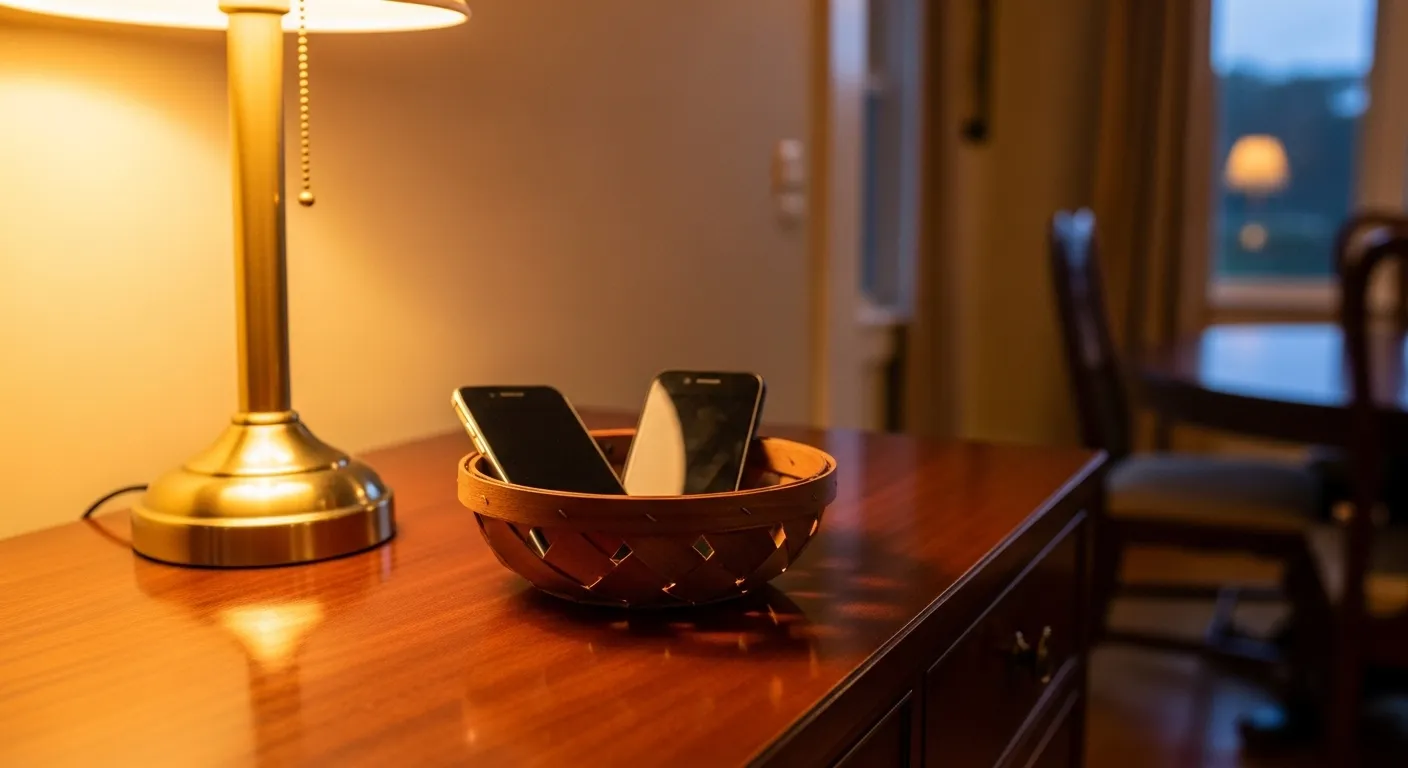
Make the drop physical: a small basket on a sideboard, filled before anyone sits down. If someone needs to check a score or show a photo, they get up and go to the basket, which keeps it possible but deliberate.
Home office desk
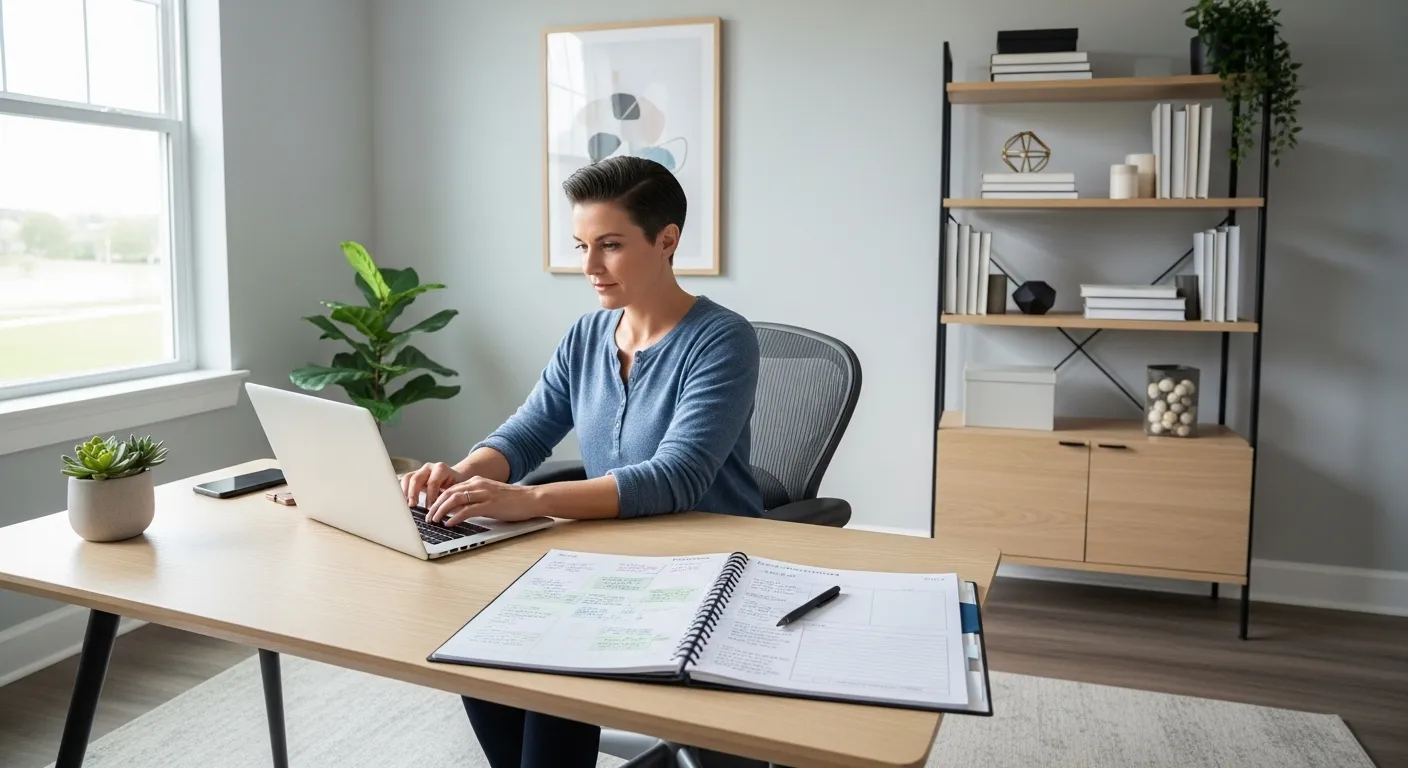
The desk rule runs in both directions. During focus blocks the phone sits in a drawer or on a shelf across the room, with smart-home alerts routed elsewhere and a notepad on the desk for stray thoughts. At the end of the workday the laptop closes and stays put; if it migrates to the sofa or bed, the work zone has quietly taken over the house. In a small flat, a defined productivity corner gives the laptop a boundary it can’t drift past.
Household agreement scripts for partners and kids
Zones fail most often because one person treats them as a judgement on everyone else. That friction is real: research on partner “phubbing” found that being snubbed for a phone sparked phone-related conflict and lowered relationship satisfaction. Frame the agreement as a shared experiment, not a verdict.
Scripts that tend to land:
- With a partner: “I keep picking up my phone in bed and it’s wrecking my sleep. I’ve bought an alarm clock and set up a charger in the kitchen. Would you try it with me for two weeks, then we decide?”
- With a partner who’s on call: “Your work phone can stay on the dock with the ringer up. Could your personal phone go there too, so it’s just the one we listen for?”
- With younger kids: “From now on, phones and tablets sleep in the kitchen, including mine. You can put mine in the basket every night and check I’ve done it.”
- With teenagers: “You choose one of these: phone docked by 9:30 on school nights, or by 10:00 with the dining table rule every night. We’ll review it in a month.” Offering a choice gets far more buy-in than a decree.
- With guests: “We keep phones in the basket at dinner; there’s a spare charger there if you need it.”
Write the agreement on an index card taped near the dock: the zones, the drop time, the exceptions (on-call phones, a family member who’s travelling) and what happens when someone forgets. A good default is simply “walk it back to the dock, no lecture”.
Keeping the zones working
Start with one zone, usually the bedroom or the dining table, and run it for two weeks before adding another. Adults go first; kids follow rules they watch you keep.
Watch where phones migrate. If the bathroom or the sofa becomes the new scrolling spot, solve it with hardware: a book basket by the sofa, or moving the dock further from it. For leftover pull from notifications when your phone is back in hand, a few notification rules pick up where the physical setup stops.
Once a month, ask everyone the same question at dinner: which rule feels pointless, and which one is working? Adjust the card, not the principle.



1 Comment