
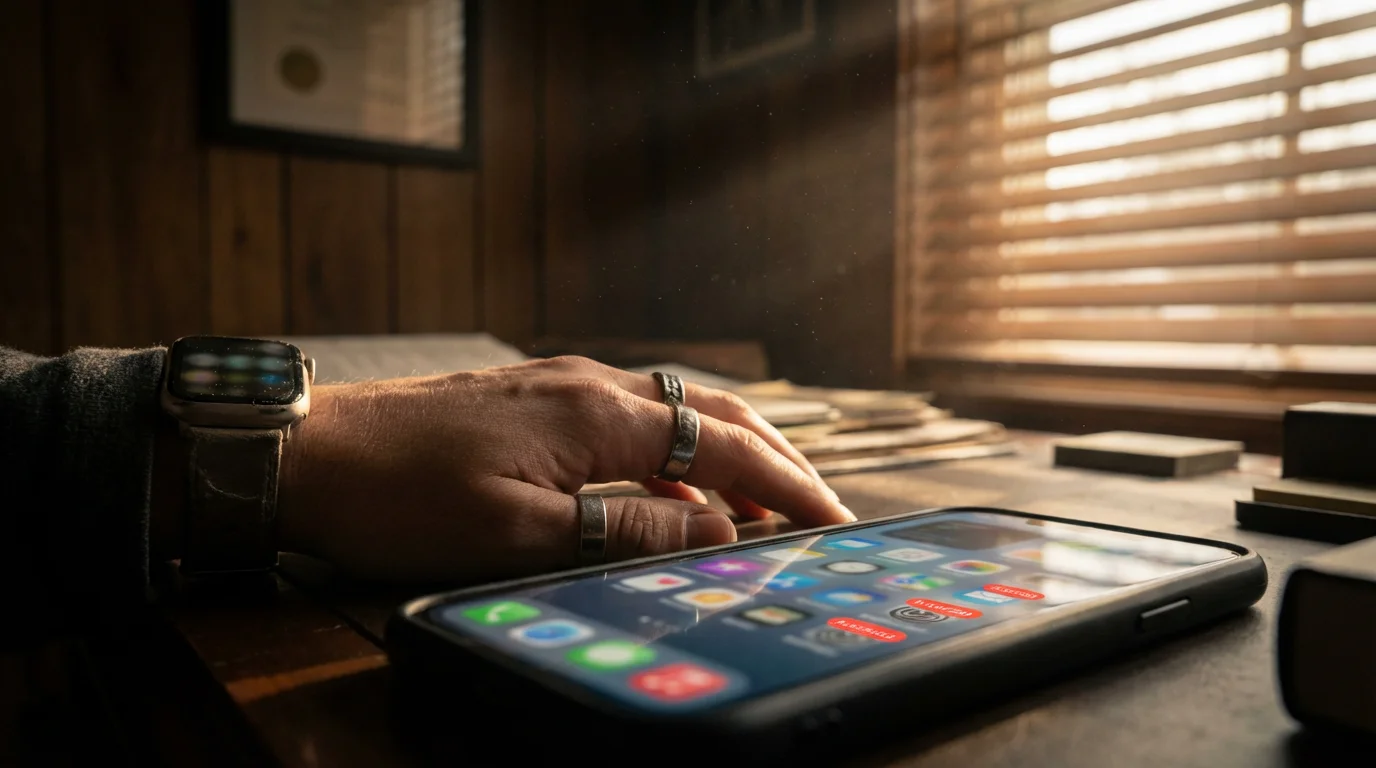
Constant pings, vibrating pockets, and flashing screens interrupt your day, pulling your attention away from critical tasks. This relentless assault from digital notifications fragments your focus, making deep work difficult and often impossible. Managing notification overload is not about abandoning technology, but about intentionally shaping its role in your life.
You can reclaim significant portions of your mental bandwidth and productivity by adopting strategic notification management. This guide provides actionable steps and insights to help you reduce digital distractions and cultivate a more focused, calmer working environment. We deliver practical solutions to help you regain control over your attention, moving you from reactive to proactive engagement with your devices.
Understanding Notification Overload
Notification overload occurs when the sheer volume and frequency of digital alerts overwhelm your ability to concentrate. Every chime, pop-up, or vibration demands a sliver of your attention, regardless of its true urgency. You face a constant barrage from emails, social media, news alerts, messaging apps, and even system updates.
This relentless stream creates a state of perpetual readiness for interruption, hindering your ability to engage in deep work. Deep work, as defined by Cal Newport, involves professional activities performed in a state of distraction-free concentration that push your cognitive capabilities to their limit. Managing notification overload directly supports your capacity for this valuable work.
The Science of Distraction and Your Brain
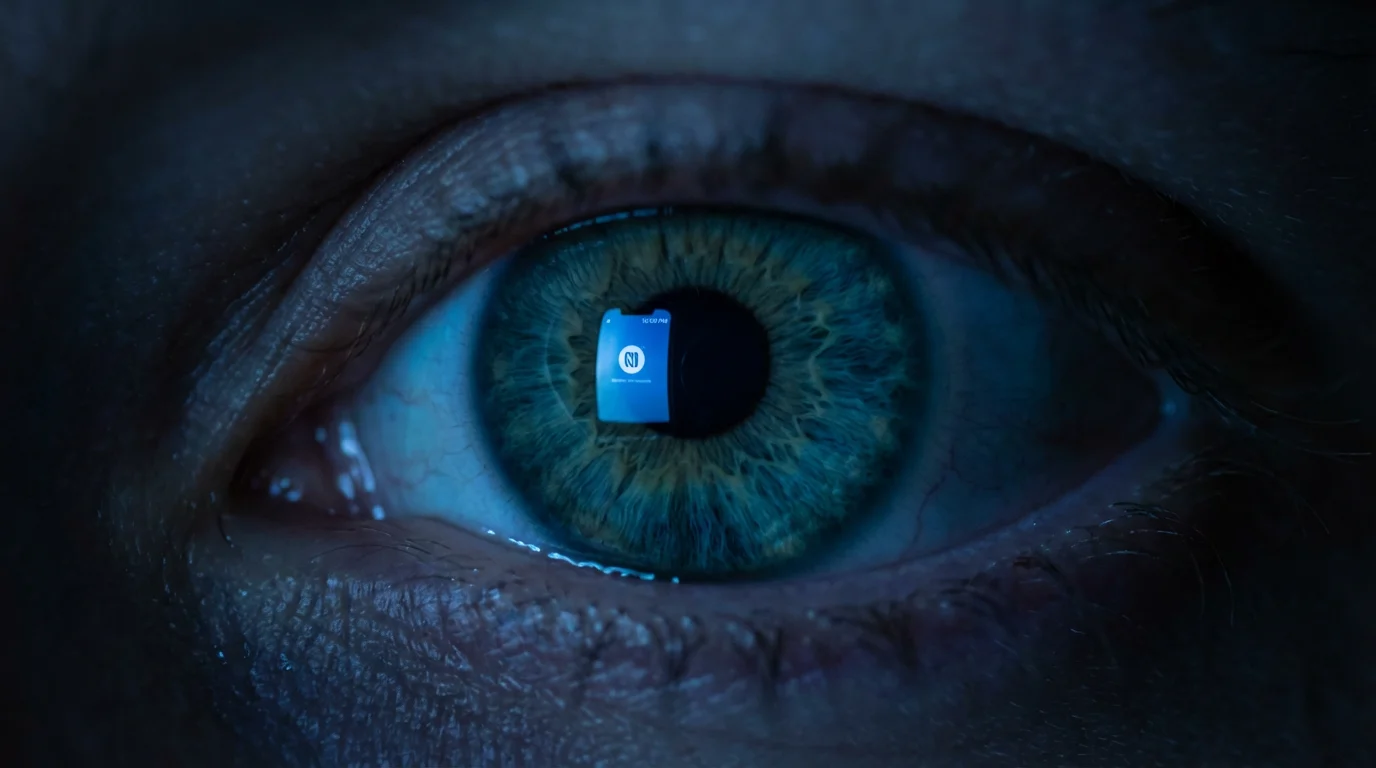
Your brain pays a steep cognitive cost for every interruption. When a notification arrives, your attention shifts, even if you do not actively engage with the alert. This shift triggers a “context-switching” penalty, forcing your brain to reorient itself to the original task.
To mitigate the effects of context-switching, you can reclaim your attention by practicing specific exercises designed to retrain your cognitive focus.
Research published by the American Psychological Association indicates that even brief interruptions can significantly increase the time it takes to complete a task and the likelihood of errors. Your brain releases dopamine with each new notification, creating a reward loop that makes checking your devices addictive. You begin to crave these small bursts of novelty, further eroding your ability to resist distractions.
“Clarity about what matters provides clarity about what does not.” — Deep Work Principle
This principle emphasizes that a clear understanding of your priorities helps you identify which notifications truly matter and which ones create unnecessary noise. Your brain functions best when it can sustain focus, allowing you to process information more deeply and creatively. Effectively managing digital notifications helps preserve this crucial cognitive resource.

Identifying Your Notification Hotspots
Before you can manage your notifications, you must understand where they originate and how they impact you. Conduct a personal audit to identify the apps and services that most frequently disrupt your focus. This requires a period of conscious observation.
To streamline your audit, you might also consider decluttering your digital life by removing apps that no longer serve your goals.

Conduct a Notification Audit (30-60 minutes)
- Track your interruptions: For one to three days, carry a small notebook or use a digital log. Every time you receive a notification, jot down the app, the time, and whether it genuinely required your immediate attention.
- Categorize notifications: After your audit period, review your log. Group notifications by urgency, sender, and necessity. Do most come from work, social media, or news apps?
- Assess emotional impact: Note how each type of notification makes you feel. Does it cause anxiety, excitement, or annoyance? This emotional data provides insight into your digital habits.
This process reveals patterns in your digital behavior, highlighting the specific apps and times that contribute most to your distraction. You gain clear data to inform your strategy for disabling notifications for productivity.

Implementing a Tiered Notification Strategy
A tiered approach to notification management categorizes alerts based on their genuine urgency and your role. This moves beyond simply turning everything off, offering a nuanced system tailored to your specific needs. You decide which notifications reach you instantly, which ones can wait, and which ones you silence entirely.
Once you have categorized your alerts, you can utilize your phone’s mindful features to enforce these tiers automatically.
To further simplify this process, you can follow 5 simple rules for managing your notifications to ensure your system remains sustainable.

Tier 1: Essential and Urgent
- Definition: These notifications require your immediate attention to prevent significant negative consequences or to address critical safety issues.
- Examples: Emergency calls from family, critical system alerts (for IT professionals), or direct messages from a manager about an urgent client issue.
- Action: Allow these to come through with sound or vibration. Consider using a distinct tone so you recognize their importance instantly.

Tier 2: Important, but Not Urgent
- Definition: These alerts convey valuable information but do not demand instant action. You can address them within a defined timeframe, such as an hour or two.
- Examples: Most work emails, team chat messages (non-emergency), or calendar reminders for upcoming meetings.
- Action: Disable sounds and vibrations. Allow them to appear on your lock screen or in a notification center, so you can review them during scheduled breaks.
Tier 3: Non-Essential and Distracting
- Definition: These notifications provide entertainment, news, or general updates that you can seek out on your own terms. They rarely contribute to your immediate goals or well-being.
- Examples: Social media likes and comments, news alerts, marketing promotions, game reminders, or app update prompts.
- Action: Turn these off completely. You can always check these apps manually when you choose to. This significantly reduces background distractions.
This strategy allows you to effectively manage digital notifications without missing truly critical information. You regain control over your attention, deciding when and how information reaches you.
Device-Specific Notification Controls: A How-To Guide
Each operating system offers robust controls to customize your notification experience. Understanding these settings empowers you to implement your tiered strategy across all your devices. These steps apply broadly to most modern smartphones and computers.
Most modern systems also allow you to configure specific focus modes that filter out non-essential alerts during your most productive hours.
Beyond settings, learning how to design your phone for focus and productivity by reorganizing your home screen can further minimize temptation.
On Smartphones (iOS and Android)
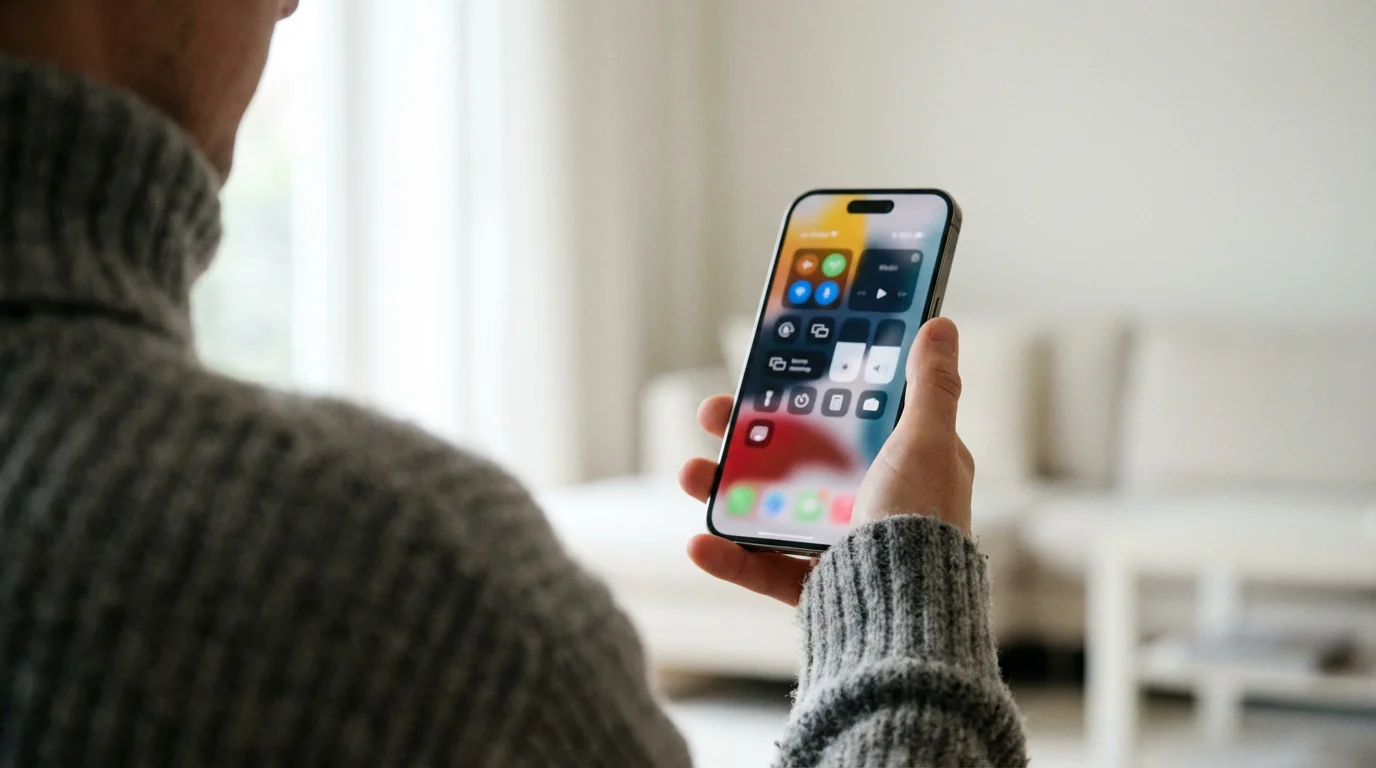
- Access Notification Settings: Go to your device’s “Settings” app, then find “Notifications” or “Apps & Notifications.”
- App-Specific Customization: Tap on individual apps. You often find options to:
- Toggle notifications entirely On or Off.
- Choose alert types: banner, lock screen, notification center.
- Adjust sound and vibration.
- Silence specific categories of alerts within an app (e.g., turn off “likes” but keep “direct messages” for a social media app).
- “Do Not Disturb” (DND) or “Focus” Modes: Configure DND settings to allow calls from specific contacts (Tier 1) while silencing all others during work hours or sleep. Modern devices offer “Focus” modes that automate these settings based on your activity, like work, driving, or sleep.
- Review App Permissions: Periodically check which apps have permission to send notifications. Revoke permissions for apps you no longer use or those that prove overly intrusive.
On Computers (Windows and macOS)
- Access Notification Settings:
- Windows: Go to “Settings” > “System” > “Notifications & actions.”
- macOS: Go to “System Settings” > “Notifications & Focus.”
- App-Specific Customization: Similar to smartphones, you can adjust settings for each application, including banners, sounds, and appearance in the notification center.
- “Focus Assist” (Windows) or “Focus” (macOS) Modes: Activate these modes to silence all but prioritized notifications during specific times or when you are using certain applications. This feature is particularly useful for periods of deep work.
- Browser Notifications: Most websites ask for permission to send notifications. Go into your browser’s settings to review and revoke these permissions. For example, in Chrome, navigate to “Settings” > “Privacy and security” > “Site Settings” > “Notifications.”
Regularly review these settings, perhaps monthly, to ensure they still align with your current productivity goals. Your needs change, and your notification strategy should evolve with them.

Cultivating Digital Wellness Habits
Managing notifications is one piece of the larger digital wellness puzzle. Digital wellness refers to your intentional and healthy relationship with technology. It focuses on reducing negative impacts and leveraging technology for positive outcomes. Building specific habits reinforces your notification management strategy.

Key Digital Wellness Practices
- Schedule Notification Checks: Instead of reacting to every ping, designate specific times to check emails, messages, and social media. For example, check email at 9:00 AM, 12:00 PM, and 4:00 PM. This reduces continuous context-switching.
- Create Device-Free Zones: Establish areas in your home or specific times of day where devices are not allowed. Your dining table or bedroom can become a sanctuary from digital interruptions.
- Implement a Digital Detox Routine: Dedicate an hour before bed to screen-free activities. Reading a physical book or engaging in conversation helps your mind unwind without blue light interference. Explore resources on digital detox for more in-depth strategies.
- Use Productivity Tools Wisely: Leverage tools designed to enhance focus, but configure their notifications carefully. Many task managers and communication platforms offer extensive notification controls.
- Practice Mindful Engagement: When you pick up your phone, do so with intention. Ask yourself, “What is my purpose in using this device right now?” This question reduces mindless scrolling.
These habits complement your technical notification settings, creating a comprehensive approach to effectively managing digital notifications and fostering overall well-being. According to the Pew Research Center, many smartphone users report difficulty disengaging from their devices, highlighting the need for intentional strategies like these.

Real-World Scenarios and Adaptive Strategies
Life is not static, and your notification strategy must adapt to different contexts. A busy professional in a hybrid work environment faces different challenges than a freelancer managing multiple clients. Here are examples illustrating how you can tailor your approach.

Scenario 1: The Hybrid Office Worker
You split your week between working from home and the office. When you are in the office, colleagues often tap you on the shoulder. At home, family members might interrupt. Your strategy needs flexibility.
- Office Days:
- Set your computer’s “Focus Assist” to prioritize team communication channels (like Slack or Teams) for urgent messages from your immediate project team. Silence all other app notifications.
- Keep your phone on silent, face down, in a drawer. Check it only during scheduled breaks.
- Remote Work Days:
- Communicate your “deep work” blocks to your family. Use a visual cue, like a “Do Not Disturb” sign on your office door.
- Configure your phone’s “Do Not Disturb” to allow calls only from critical contacts (e.g., child’s school, spouse).
- Schedule specific times to check personal emails and social media.

Scenario 2: The Freelancer Juggling Multiple Clients
You manage communication across various platforms, often with tight deadlines. Missing a client email is critical, but constant pings from every project channel are overwhelming. Effective notification management supports time management, a core principle on TheFocusedMethod.com.
- Client Communication:
- Assign unique notification sounds or vibrations to your top 2-3 most critical clients or platforms.
- Use a dedicated email client for urgent client communications, ensuring its notifications are distinct from general inbox alerts.
- Project Management Tools:
- Disable most notifications from project management software (e.g., Asana, Trello). Instead, rely on checking these platforms proactively at the start and end of each work block.
- Set up “daily digest” emails for non-urgent project updates if the tool offers them.
- Personal Device Management:
- During focused work blocks (e.g., 90 minutes using the Pomodoro Technique), put your phone on airplane mode or in a separate room.
- Batch all non-client-related notifications for check-ins every 2-3 hours.
These scenarios highlight that your strategy is a living document. Regularly assess your environment and adjust your settings to match your current needs. Experiment with different approaches to find what truly supports your focus.

Overcoming Common Challenges
Even with the best intentions, you will encounter obstacles when trying to manage notification overload. Anticipating these challenges helps you develop resilient strategies.

The Fear of Missing Out (FOMO)
This psychological phenomenon makes you worry about missing important social interactions, news, or opportunities if you are not constantly connected. This fear drives the urge to check every notification. You can mitigate FOMO by understanding that most “urgent” digital information can wait. Focus on the value of uninterrupted concentration and the quality of your engagement with what truly matters.

Social Pressure
Your colleagues, friends, or family might expect instant replies. This can create a conflict between your desire for focus and the demands of your relationships. Communicate your notification strategy to those close to you. Explain that you are not ignoring them, but prioritizing focused work for better outcomes. Set expectations for response times. For example, “I check messages twice a day, usually at lunch and before I sign off.”
Relapsing into Old Habits
Changing ingrained behaviors takes time. You might find yourself instinctively reaching for your phone or re-enabling notifications you had previously silenced. Do not view this as a failure, but as an opportunity for refinement. Revisit your notification audit, remind yourself of the cognitive benefits, and recommit to your strategy. Implementing strong habit formation techniques can help.
Technical Glitches or Overly Complex Settings
Sometimes, notification settings can be confusing or seem to revert unexpectedly. If you encounter difficulties, consult your device’s official support documentation or online forums for specific troubleshooting steps. Many productivity tools also offer guides on optimizing their notification preferences. Do not let technical frustration deter you from your goal of better focus.
Approach these challenges with patience and self-compassion. Your goal is progress, not perfection. Each step you take towards disabling notifications for productivity enhances your mental clarity and control over your attention.
Frequently Asked Questions
What is digital wellness?
Digital wellness refers to a proactive and mindful approach to technology use, aiming to maximize technology’s benefits while minimizing its potential negative impacts on your mental, physical, and social health. It involves setting boundaries, managing notifications, and cultivating intentional engagement with your devices.
How often should I review my notification settings?
You should review your notification settings at least once a quarter, or whenever your work role or personal circumstances change significantly. Your needs evolve, and your digital environment should adapt accordingly. A quick check, perhaps 15-30 minutes, ensures alignment with your current goals.
Will turning off notifications make me miss important things?
Initially, you might fear missing out. However, a well-implemented tiered notification strategy ensures critical communications still reach you. By defining what is truly urgent and allowing only those alerts, you actively filter out noise. You gain peace of mind knowing you will only be interrupted by what genuinely matters, rather than by every casual ping.
How do I manage notifications for team collaboration tools like Slack or Microsoft Teams?
These tools often have their own extensive notification settings. Within each app, you can typically:
- Set “Do Not Disturb” periods.
- Mute specific channels or conversations.
- Customize alerts for direct messages versus general channel activity.
- Enable keyword alerts for urgent topics relevant to you.
Prioritize direct messages and mentions, while muting broader channel conversations during focused work blocks. Check these channels proactively during scheduled breaks.
What about app badges or red dots on app icons? Should I disable those too?
Yes, consider disabling app badges (the small red numbers on app icons) for non-essential apps. These visual cues serve as persistent, passive notifications, constantly signaling unread content and drawing your attention. Turning them off for social media or news apps helps reduce the urge to check them unnecessarily. Your phone’s settings typically allow you to customize these badge notifications on an app-by-app basis.
Is it better to put my phone on silent or airplane mode?
For deep work, airplane mode is superior. Silent mode still allows visual notifications to appear on your screen, which can be distracting. Airplane mode completely severs your device’s connection to cellular and Wi-Fi networks, eliminating all incoming calls, texts, and app notifications. This creates a true, uninterrupted focus environment. Use it for critical tasks requiring sustained concentration.
The information provided in this article is for general informational purposes only and does not constitute medical, psychological, or legal advice. Always seek the advice of a qualified professional for any questions you may have regarding a medical or psychological condition. Reliance on any information provided by this article is solely at your own risk.
Pairing these habits with a structured digital wind-down routine ensures you can fully disconnect after a long day of work.





Leave a Reply