
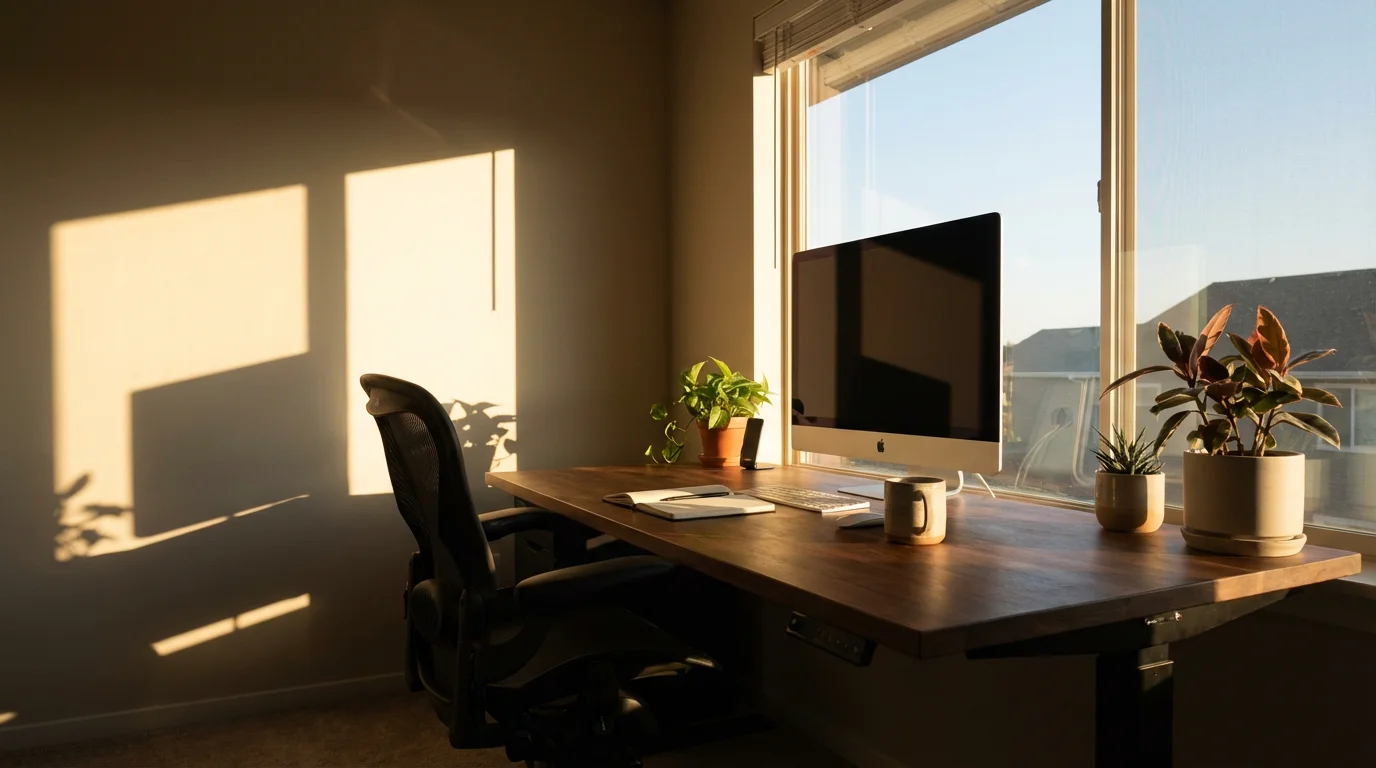
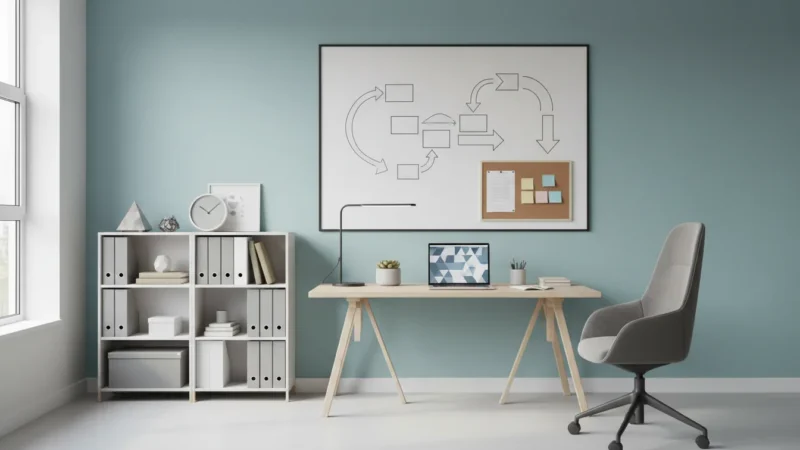
Your home workspace is more than just a place to put your computer. It is a vital environment that directly impacts your focus, creativity, and overall productivity. For busy professionals and knowledge workers, designing an effective home office involves more than aesthetics; it requires a strategic approach to physical organization, ergonomic setup, and a deep understanding of your personal work style. A well-designed workspace acts as a silent partner, supporting your most demanding tasks and minimizing distractions.
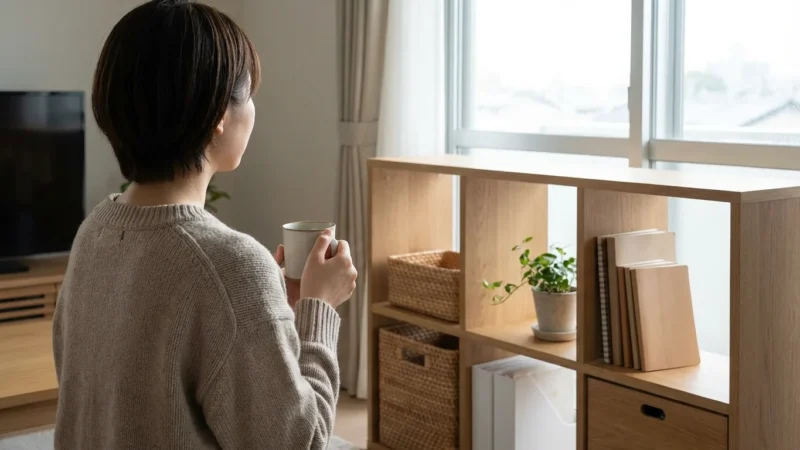
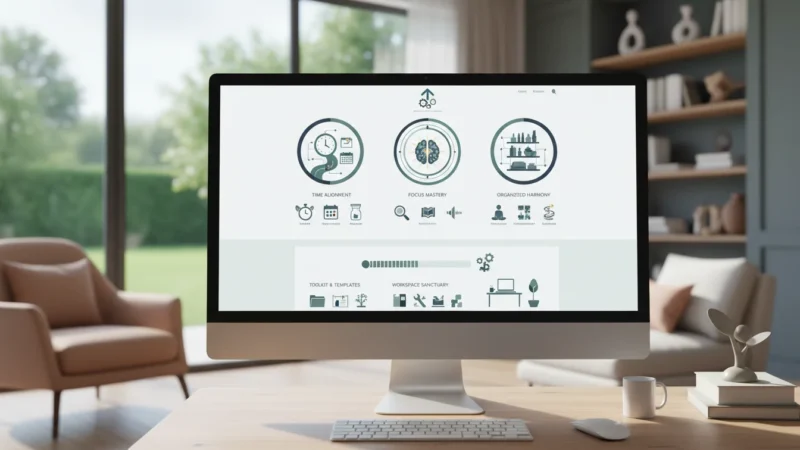
Creating a sanctuary for productivity means crafting a space that aligns with how your brain works, leverages smart organizational systems, and actively supports your goals. This comprehensive guide will walk you through the practical steps to transform any area into an optimized home office, helping you achieve peak performance.
Understanding Your Productivity Profile: Defining Your Needs
Before you move a single piece of furniture, take time to understand your unique work habits and requirements. What kind of tasks do you perform most frequently? Do you need intense focus for extended periods, or do you engage in collaborative work and frequent breaks? Your answers dictate the ideal design of your home office.
Consider the core functions your workspace must support. A writer might prioritize quiet and minimal visual distractions, while a graphic designer needs ample surface area and specialized equipment. Defining your core needs is the first step in optimizing your home office effectively.
Key Questions to Guide Your Design:
- What are your primary daily tasks? (e.g., writing, coding, meetings, creative work, research)
- How long do you typically work at a stretch?
- What tools and equipment are essential for your daily workflow? (e.g., dual monitors, specific software, physical notebooks)
- What level of sensory input do you prefer? (e.g., absolute silence, background music, natural sounds)
- How much space do you realistically have available for your home workspace?
- What are your biggest distractions when working from home?
For example, if you spend six hours a day coding, a comfortable chair, multiple monitors, and a quiet environment become non-negotiable. If you primarily conduct video calls, excellent lighting and a professional backdrop take precedence. Tailoring your workspace to these specific demands ensures it becomes a true asset, maximizing your home workspace efficiency.
Decluttering for Clarity: The Foundation of an Organized Workspace
A cluttered environment leads to a cluttered mind. Research indicates that visual clutter can compete for your attention, reducing your ability to focus and process information. Before you optimize anything, thoroughly declutter your current or prospective workspace. This process of organized living is about removing anything that does not serve a purpose or bring you joy in your working life.
Start with a clean slate. Dedicate an hour to a specific area of your workspace. Remove everything, then sort items into categories: keep, relocate, donate, or discard. Be ruthless in your evaluation; if you haven’t used it in six months and it is not critical, it likely does not belong in your immediate workspace.
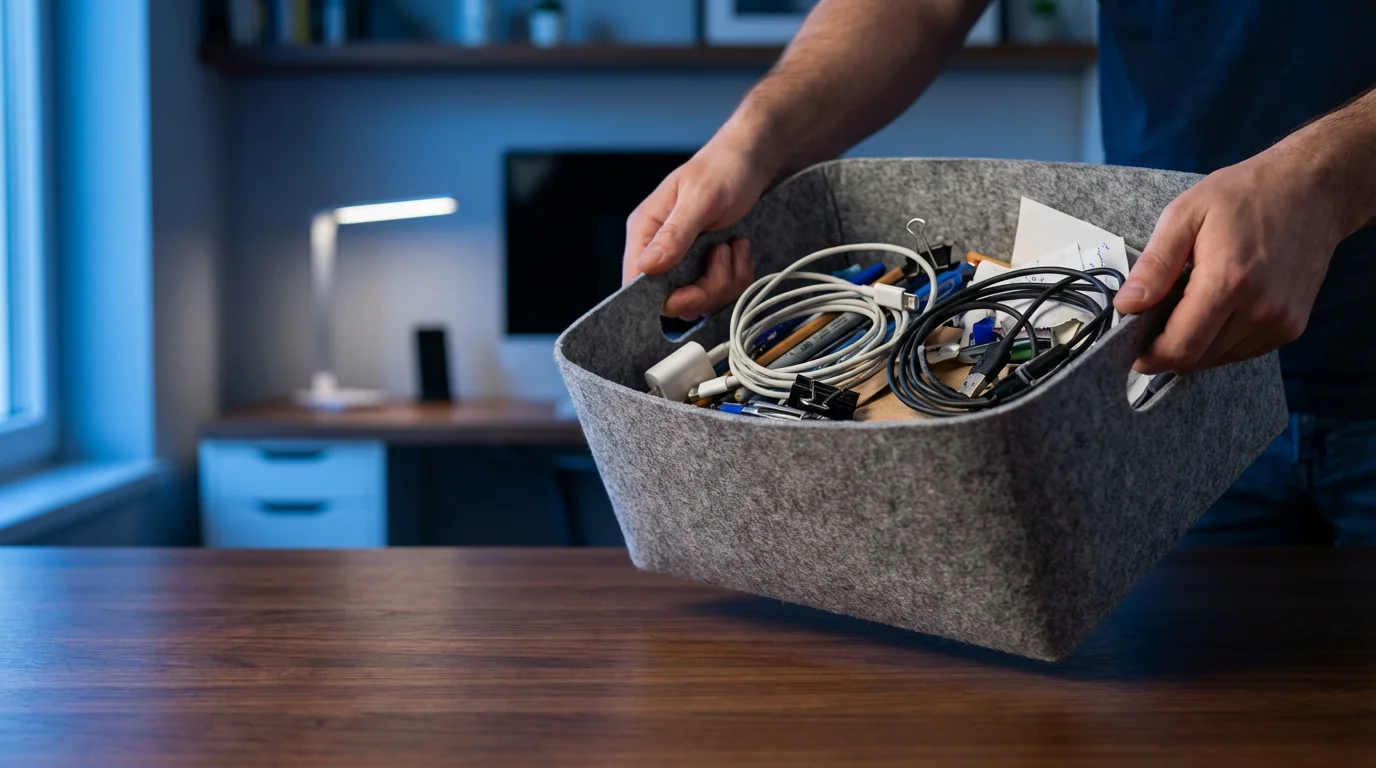
Practical Decluttering Steps:
- Empty the Space: Remove all items from your desk, shelves, and drawers. Place them in a temporary holding area (e.g., a box or a clear section of the floor).
- Sort and Categorize: Go through each item one by one. Group similar items together (e.g., pens, notebooks, cables).
- Make Keep/Discard Decisions: For each item, ask yourself:
- Do I use this item regularly (at least weekly)?
- Is it essential for my work?
- Does it have a designated place?
Items that do not meet these criteria should be removed from your workspace.
- Designate Homes: Assign a specific home for every item you decide to keep. Use drawer organizers, file folders, and simple bins to contain items. This organized living principle, often called “a place for everything, and everything in its place,” dramatically reduces future clutter.
- Process Paperwork: Address any paper piles immediately. Digitize what you can, shred what you do not need, and file what must be kept physically.
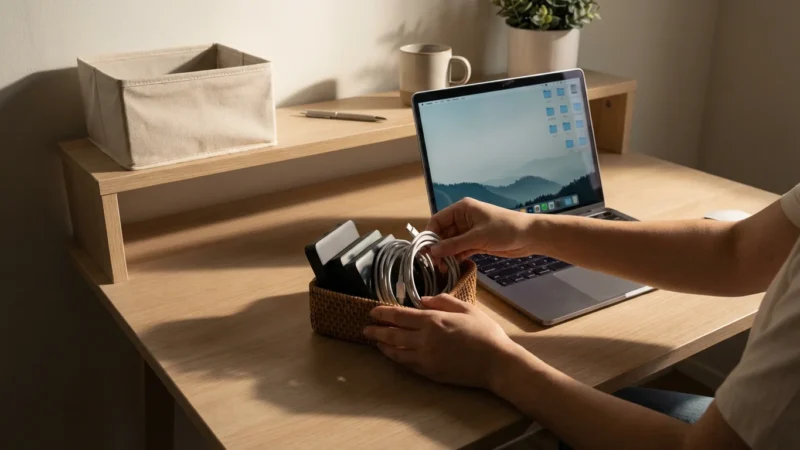
By investing this time upfront, you create a neutral, distraction-free canvas upon which to build your productive sanctuary. For instance, a knowledge worker might find half-a-dozen old charging cables, three dried-out pens, and a stack of irrelevant meeting notes. Removing these clears valuable physical and mental space.
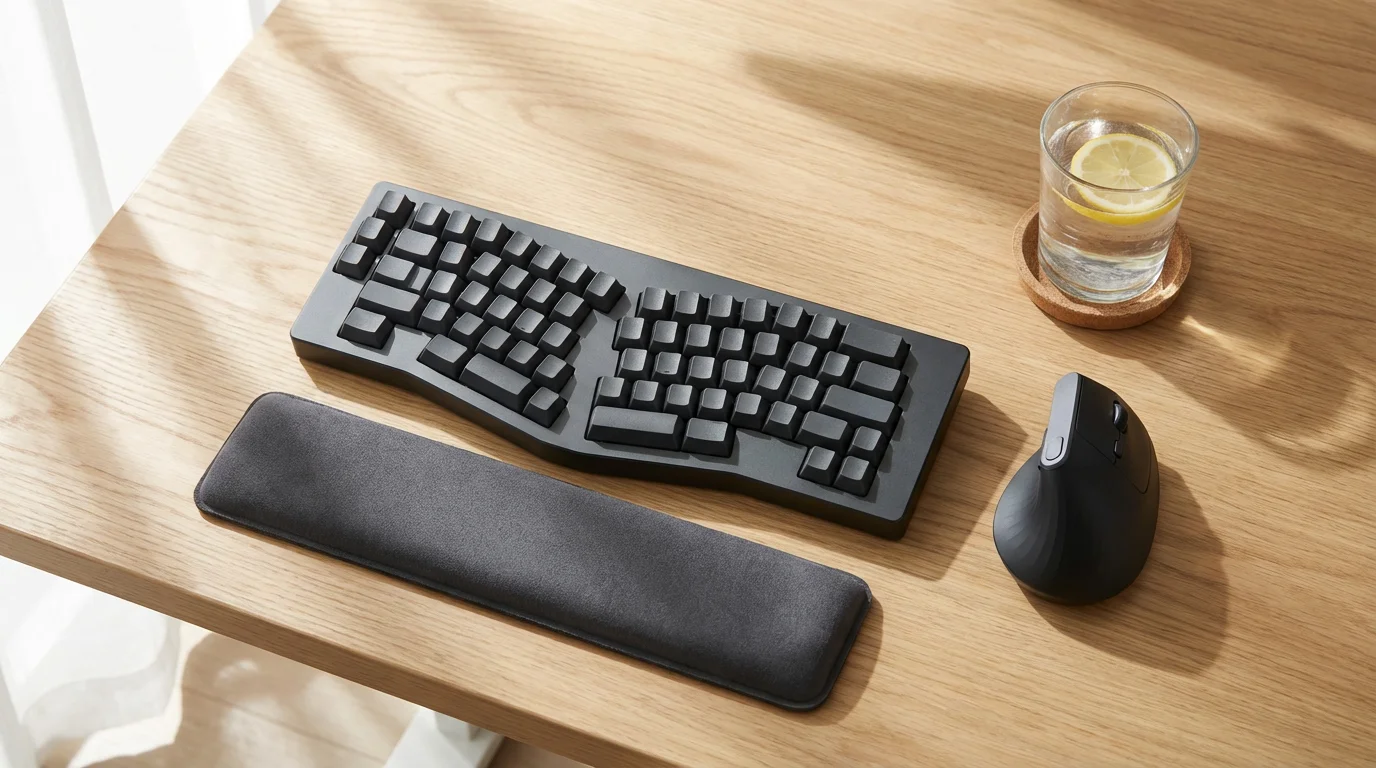
Ergonomics for Endurance: Setting Up Your Physical Space
Ergonomics is the science of designing and arranging things people use so that they interact most efficiently and safely. A poorly set up home office can lead to discomfort, fatigue, and long-term health issues, all of which sabotage productivity. Investing in proper ergonomic setup is paramount for sustained focus and well-being in your workspace.
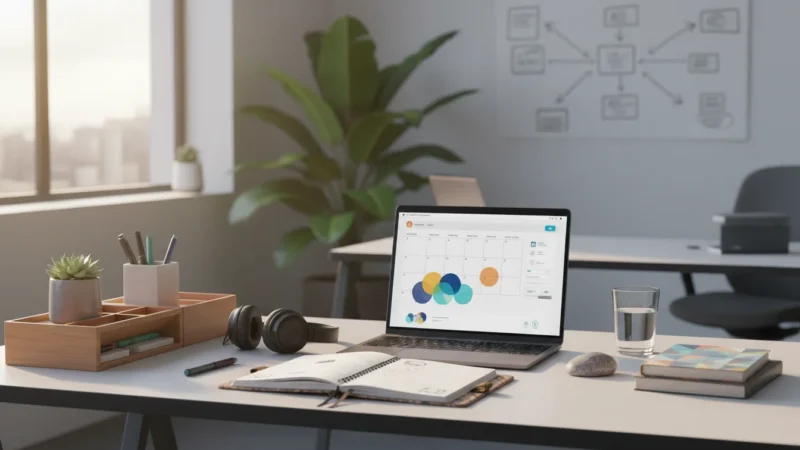
Your chair, desk, and monitor positioning are the cornerstones of an ergonomic home office. Aim for a setup that supports a neutral posture, minimizes strain on your joints, and allows for natural movement throughout the day. This is critical for maximizing home workspace comfort and longevity.
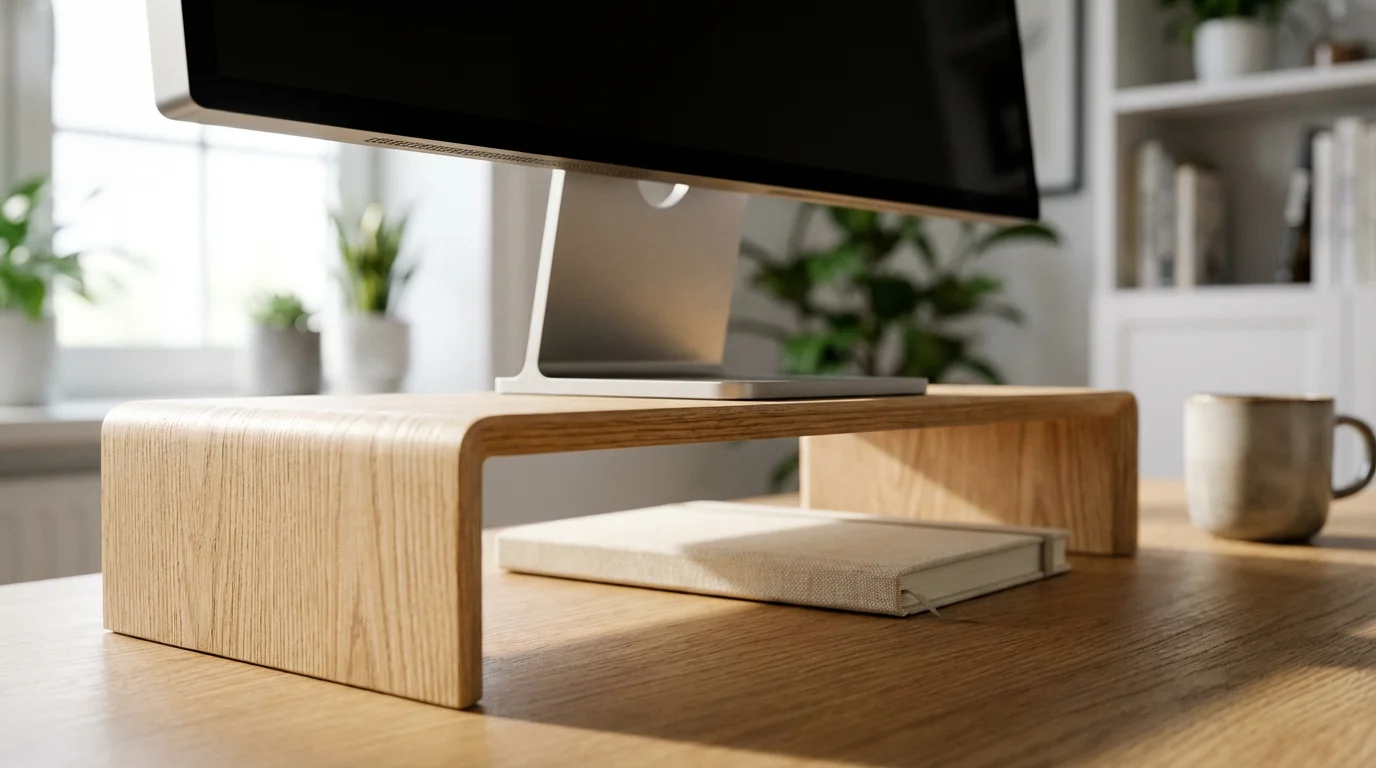
Ergonomic Setup Checklist:
- Chair:
- Choose an adjustable chair that supports the natural curve of your spine.
- Adjust seat height so your feet are flat on the floor or a footrest, with knees at a 90-degree angle.
- Ensure armrests support your forearms, keeping shoulders relaxed, not hunched.
- Desk:
- Your desk height should allow your arms to rest comfortably, with elbows at a 90-100 degree angle when typing.
- Consider a standing desk converter or a full standing desk to incorporate movement and reduce sedentary time. Varying your posture throughout the day can significantly improve energy levels and reduce back pain.
- Monitor:
- Position the top of your monitor screen at or slightly below eye level.
- Place the monitor about an arm’s length away from your eyes to reduce eye strain.
- Center your primary monitor directly in front of you. If using dual monitors, place them side-by-side or angle them slightly for easy viewing.
- Keyboard and Mouse:
- Keep your keyboard directly in front of you, close to your body.
- Use a mouse that fits comfortably in your hand, minimizing wrist bending.
- Consider ergonomic alternatives like vertical mice or split keyboards if you experience discomfort.
- Lighting:
- Minimize glare on your screen. Position your monitor perpendicular to windows, not directly facing or backing them.
- Use diffused ambient lighting combined with task lighting (e.g., a desk lamp) to reduce eye strain.
Small adjustments can make a significant difference. For example, simply raising your monitor on a stand can alleviate neck and shoulder pain that accumulates over hours of looking down. A good ergonomic setup is an investment in your long-term productivity and health, essential for any optimized home office.

Mastering Your Environment: Light, Sound, and Scent
Beyond the physical setup, the sensory aspects of your workspace play a profound role in your ability to focus and maintain energy. Light, sound, and even subtle scents can either enhance or detract from your productivity. Actively managing these elements transforms your home office into a truly optimized home office environment.
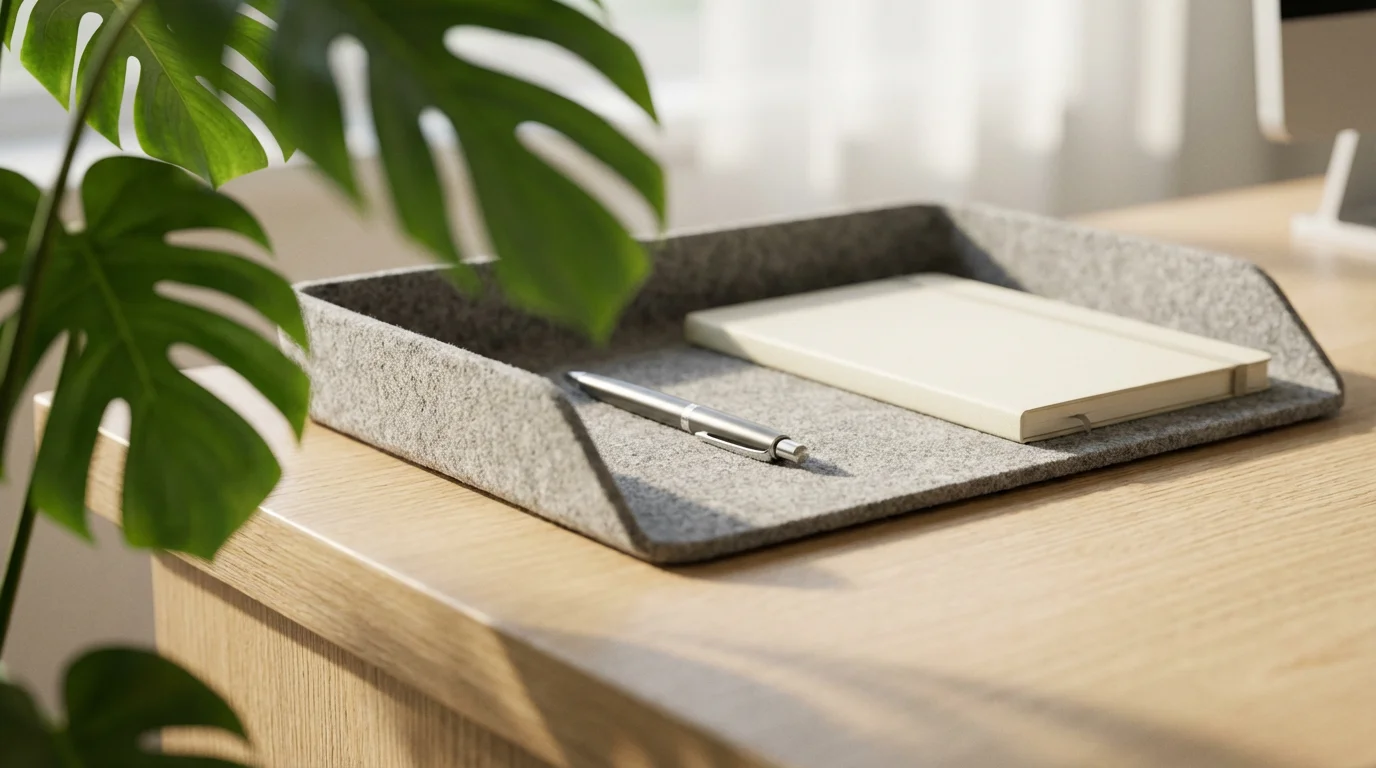
Optimizing Your Sensory Environment:
- Natural Light:
- Position your desk to receive ample natural light whenever possible. Exposure to natural light improves mood, energy levels, and reduces eye strain.
- If direct sunlight causes glare, use sheer curtains or blinds to diffuse it.
- Even a small amount of natural light can make a difference. Consider taking short breaks near a window.
- Artificial Lighting:
- Supplement natural light with layered artificial lighting. Use overhead ambient light, a task lamp for focused work, and perhaps an accent light for mood.
- Opt for warm-to-neutral white light (2700K-4000K) to avoid harshness. Avoid overly bright or dim lighting, as both contribute to eye fatigue.
- Sound Management:
- Identify your ideal soundscape. Some thrive in silence, others prefer background noise.
- Use noise-canceling headphones to block out household distractions.
- Consider ambient sound generators or focus-enhancing music (e.g., classical, instrumental, lo-fi beats) if silence feels too isolating or if you need to mask inconsistent background noises.
- If your workspace is prone to outside noise, sound-absorbing panels or heavy curtains can help.
- Scent and Air Quality:
- Ensure good air circulation by opening windows periodically or using an air purifier. Stuffy air can lead to sluggishness.
- Consider subtle, uplifting scents from essential oil diffusers (e.g., peppermint for focus, citrus for energy). Use sparingly to avoid overpowering the space.
- Keep your workspace clean to prevent stale odors and dust accumulation.
A well-lit, quiet, and fresh-smelling workspace contributes significantly to your overall comfort and cognitive function. For example, a lawyer working on complex briefs might choose noise-canceling headphones and a peppermint diffuser to maintain intense focus, creating a robust personal workspace for deep thought.
“Clarity about what matters provides clarity about what does not.” — Deep Work Principle
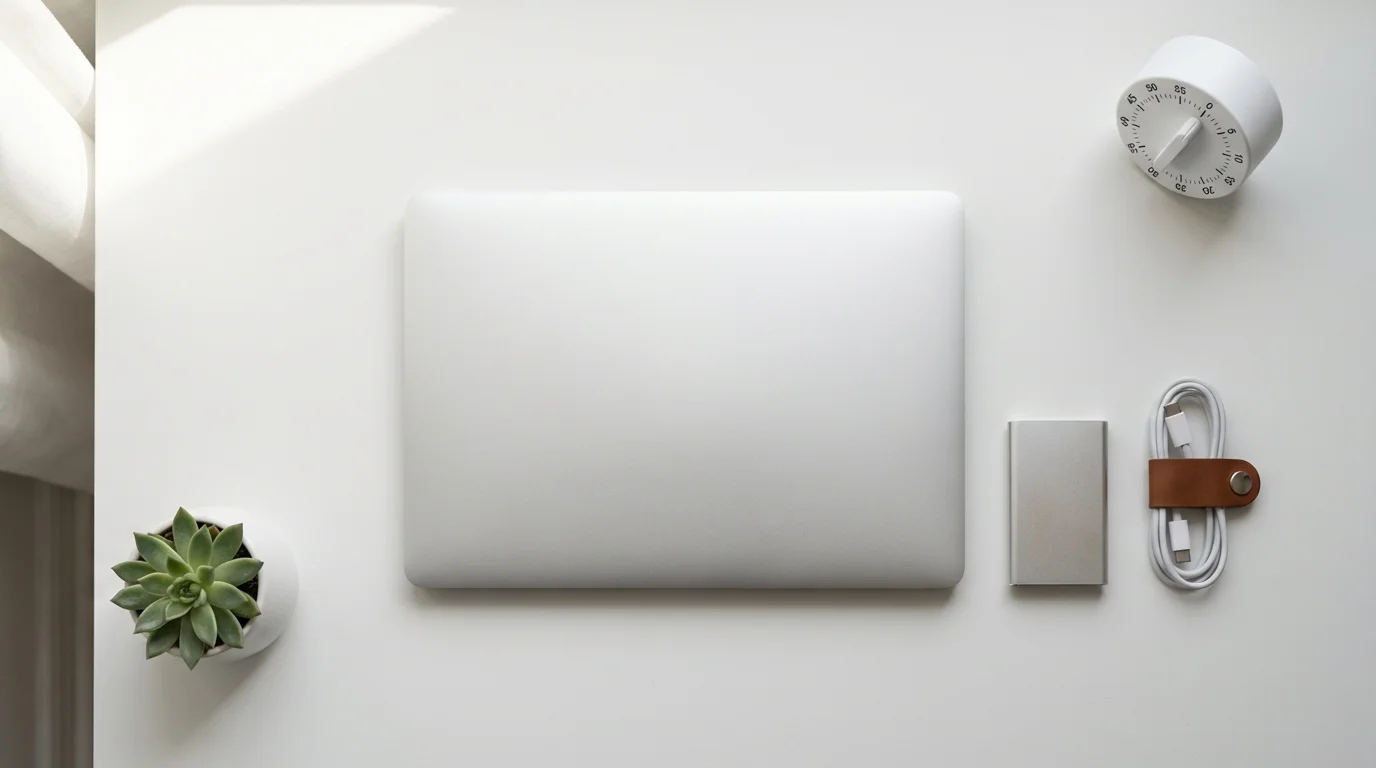
Digital Decluttering and Workflow Optimization
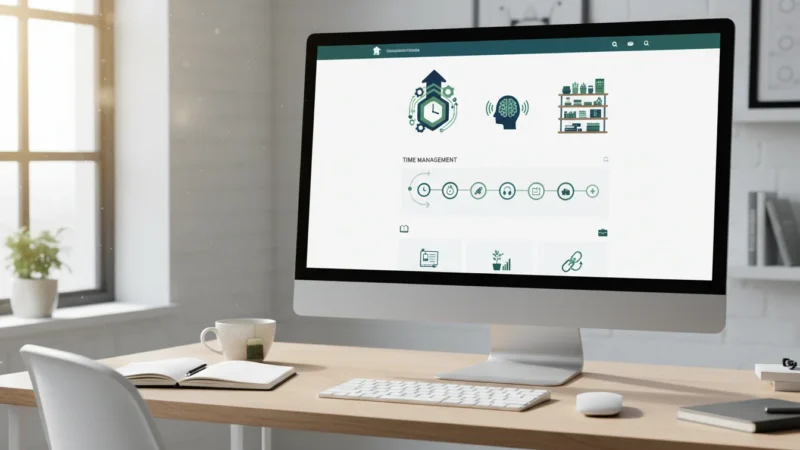
Physical clutter is only half the battle; digital clutter can be equally detrimental to your productivity. An overwhelming desktop, disorganized files, and constant notifications create mental friction, pulling your attention away from high-value tasks. Digital minimalism is a crucial component of an organized home office.
Just as you organize physical items, apply the same principles to your digital assets. This enhances your ability to quickly find what you need and minimizes digital distractions, effectively optimizing your home office’s digital footprint.
Steps for Digital Decluttering:
- Clean Your Desktop:
- Remove all unnecessary files, shortcuts, and icons from your computer’s desktop. Treat your digital desktop like a physical one: keep it clear for current tasks only.
- Create a dedicated “Downloads” folder for temporary files that need processing.
- Organize Files and Folders:
- Implement a consistent folder structure. Group files logically by project, client, or date.
- Use clear, concise naming conventions for files so you can easily search for them later.
- Regularly review and archive old projects or irrelevant documents.
- Manage Email:
- Employ the “zero inbox” method: process each email immediately (delete, respond, delegate, defer) rather than letting it pile up.
- Unsubscribe from newsletters you do not read.
- Use email rules and filters to automatically sort incoming mail into appropriate folders.
- Streamline Notifications:
- Turn off all non-essential notifications on your computer and phone during work hours. Only allow notifications from critical communication channels.
- Batch process non-urgent communications at specific times during the day.
- Optimize Software and Apps:
- Delete unused applications.
- Organize frequently used apps into easily accessible docks or taskbars.
- Utilize project management tools and task managers to keep track of your workload rather than relying on scattered notes.
For example, a marketing manager might create a top-level folder for each client, with subfolders for “Current Projects,” “Archived Campaigns,” and “Resources.” Within “Current Projects,” they have folders like “Q3 Launch” and “Website Redesign,” ensuring all relevant files are just a few clicks away. This structured approach to digital organization significantly contributes to maximizing home workspace productivity.

Establishing Productive Routines in Your Home Office
A well-designed workspace is most effective when paired with consistent routines. Habits provide structure and reduce decision fatigue, allowing you to channel your energy into actual work rather than planning when and how to start. Establishing routines for your home office environment strengthens your focus and work-life boundaries.
Consider rituals that signal the start and end of your workday, as these help your brain transition into and out of work mode. This is particularly important when your workspace is within your home, blurring the lines between personal and professional life.
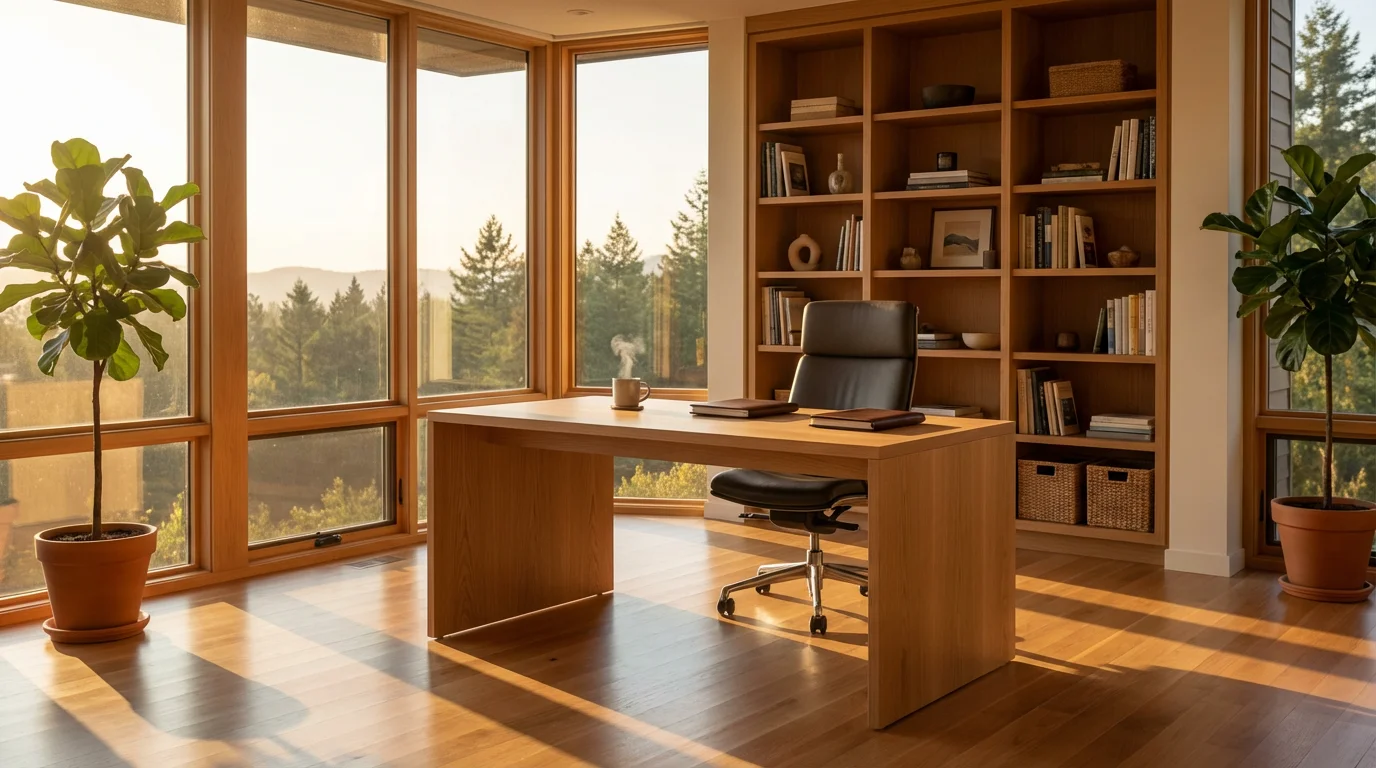
Routine Building Strategies:
- The “Start Work” Ritual:
- Begin your day with a consistent set of actions. This might include making coffee, reviewing your daily to-do list, or tidying your desk for five minutes.
- This ritual signals to your brain that it is time to focus.
- Time Blocking:
- Schedule specific blocks of time for different types of tasks. For example, dedicate 9 AM to 11 AM for “deep work” on critical projects, and 1 PM to 2 PM for emails and administrative tasks.
- This helps you allocate mental resources efficiently and reduces task-switching costs.
- Planned Breaks:
- Do not work continuously. Schedule short breaks every 60-90 minutes to stretch, walk around, or grab a drink.
- Use a technique like the Pomodoro Technique (25 minutes of work, 5 minutes break) to structure your focus periods.
- The “End Work” Ritual:
- Create a consistent routine to conclude your workday. This might involve reviewing tomorrow’s tasks, tidying your workspace, or shutting down your computer.
- This ritual helps you mentally disengage and prevents work from spilling into your personal time.
- Weekly Review:
- Dedicate a short time each week (e.g., Friday afternoon) to review your progress, plan for the next week, and reassess your goals.
- This proactive approach keeps your efforts aligned and your workspace organized.
An example of a powerful routine might be a morning block of focused writing from 8 AM to 11 AM, followed by a planned lunch break, then meetings and administrative tasks in the afternoon. This structured approach prevents tasks from expanding to fill available time.
“Work expands to fill the time available for its completion.” — Parkinson’s Law
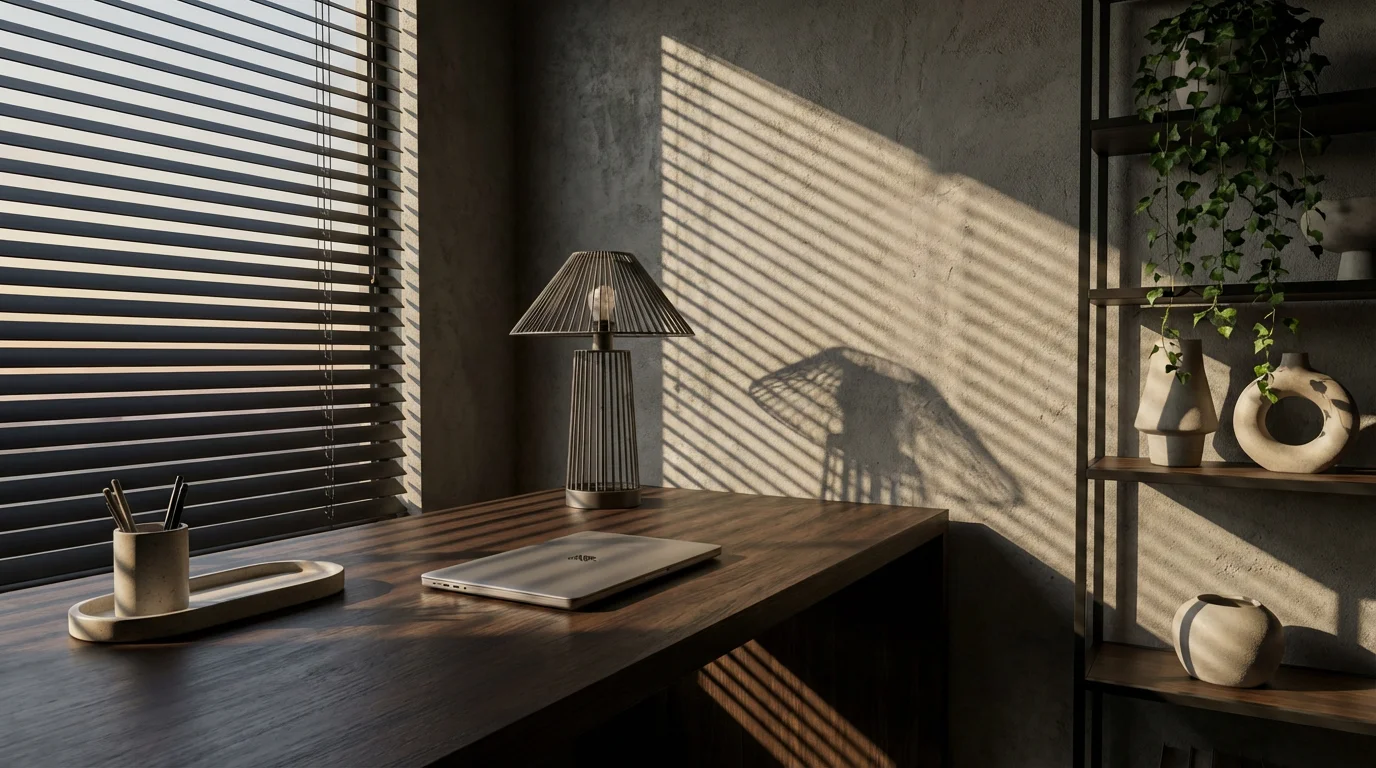
Maintaining Your Sanctuary: Habits for Lasting Organization
Creating an organized workspace is an achievement, but maintaining it requires ongoing effort. Without consistent habits, clutter inevitably creeps back in. Think of maintenance as an integral part of your productivity system, not an optional chore. Integrating small, regular organizational tasks into your daily or weekly routine prevents overwhelm.
The goal is to prevent large-scale clean-ups by keeping on top of small messes. This proactive approach ensures your home office remains a consistent source of focus and efficiency, truly maximizing your home workspace potential long-term.
Maintenance Habits to Adopt:
- The “Five-Minute Tidy”:
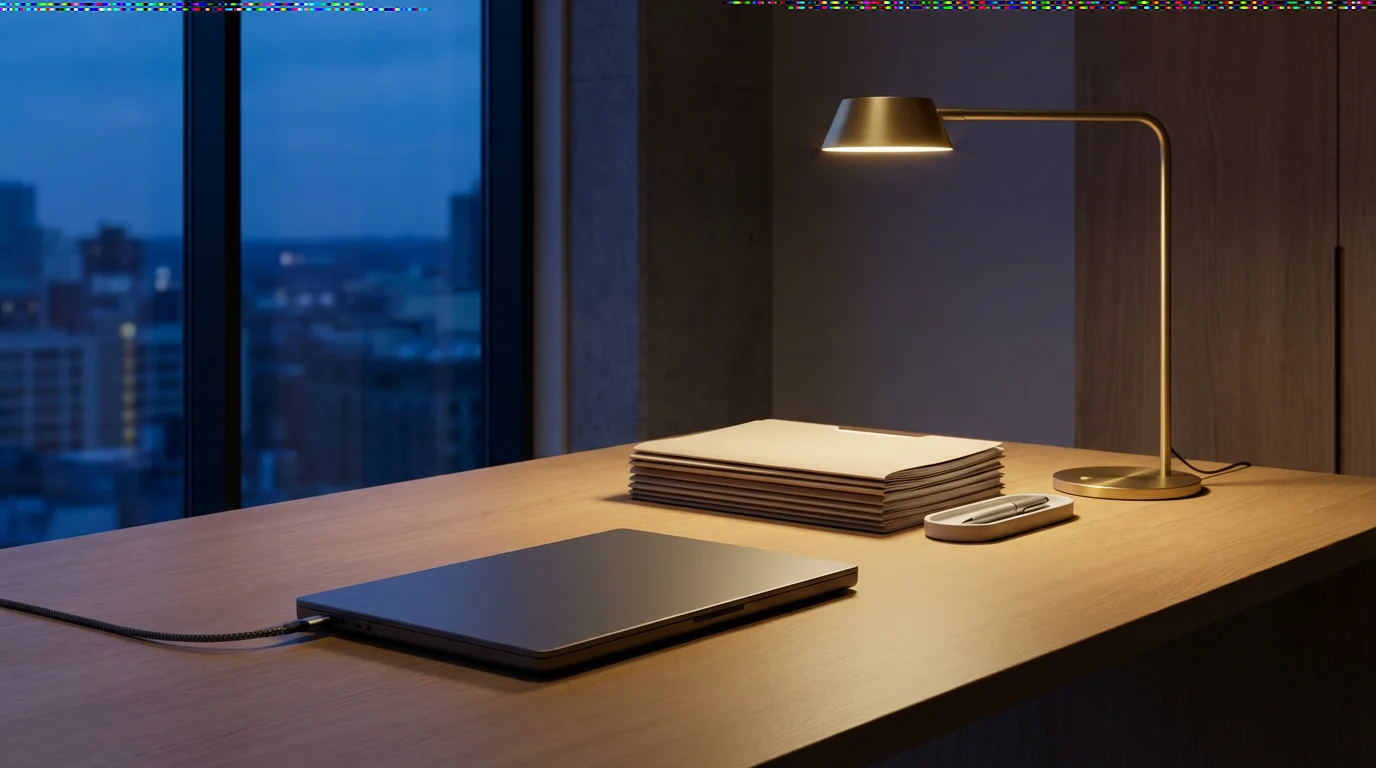
- At the end of each workday, spend five minutes putting everything back in its designated place. Clear your desk, put away files, and charge your devices.
- Starting fresh each morning significantly boosts productivity.
- Process In-Tray Daily:
- If you use an in-tray for incoming papers or items, process its contents daily. Action, file, or discard.
- This prevents paper piles from forming.
- Digital Cleanup (Weekly):
- Dedicate 10-15 minutes each week to a quick digital declutter. Clear your downloads folder, organize new files, and empty your trash.
- This prevents digital clutter from accumulating.
- Supply Check (Monthly):
- Once a month, quickly check your office supplies. Restock pens, paper, and other essentials before you run out.
- This prevents interruptions during critical work.
- Deep Clean (Quarterly):
- Perform a more thorough clean and reorganization of your workspace every three months. Dust shelves, wipe down surfaces, and review archived files.
- This is a good opportunity to re-evaluate what is working and what needs adjustment.
- Review and Adapt:
- Periodically assess your workspace’s effectiveness. Are there new tools you need? Are certain areas becoming cluttered again?
- Be willing to adapt your systems as your work or needs evolve.
A finance professional, for example, might spend the last five minutes of their day clearing their desk, ensuring all client files are securely put away, and their laptop is charging. This simple routine ensures they start the next day focused and organized, preventing minor issues from escalating into major distractions. This dedicated attention to maintenance is key for an optimized home office.
Adapting Your Workspace for Different Contexts
Not everyone has the luxury of a dedicated home office. Many professionals work in smaller apartments, shared living spaces, or hybrid environments. The principles of creating a sanctuary still apply; they simply require more creative application. Maximizing home workspace efficiency often means making the most of limited resources.
The key is to define clear boundaries, even if they are only symbolic, and to ensure your core ergonomic and organizational needs are met within your constraints. This adaptability ensures that no matter your situation, you can cultivate an effective workspace.
Strategies for Diverse Workspace Setups:
- Small Spaces or Corners:
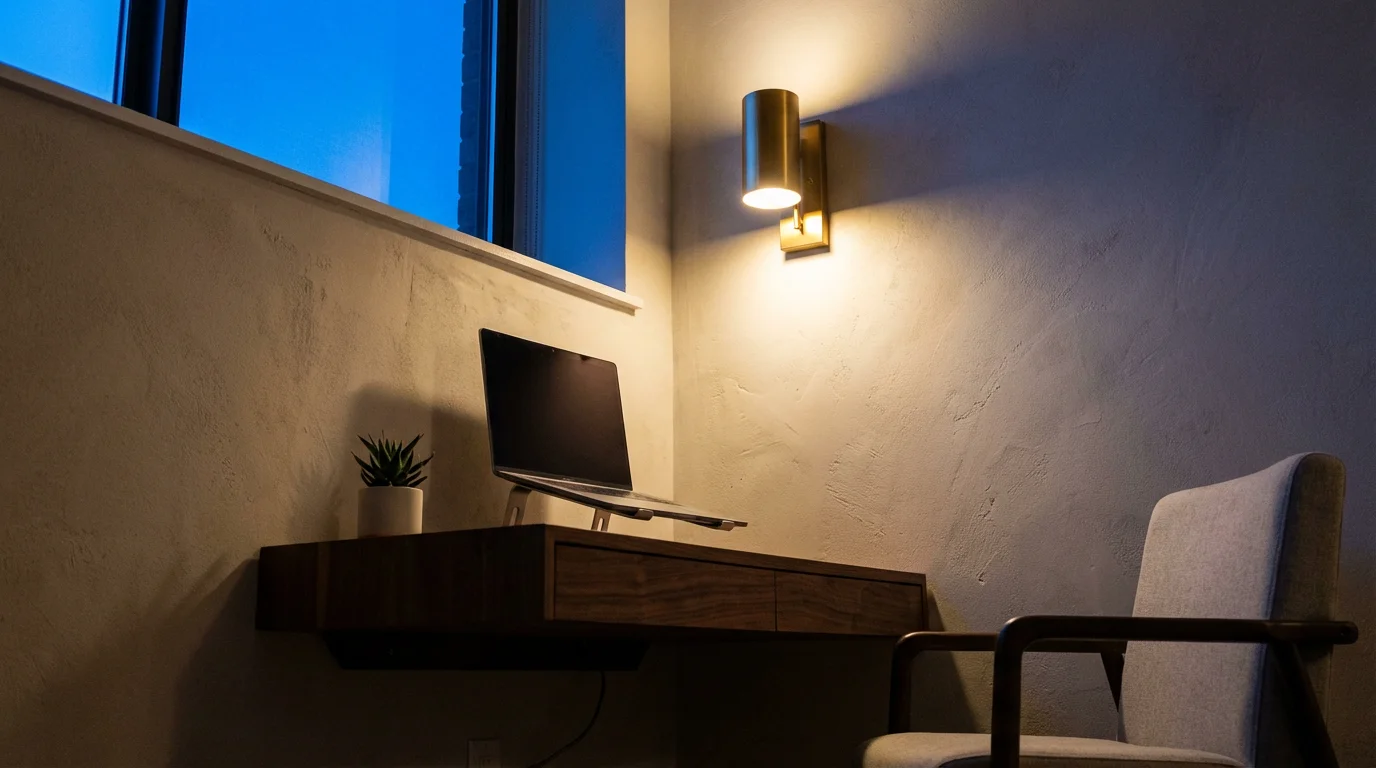
- Utilize vertical space with shelves or wall-mounted organizers.
- Opt for compact, multi-functional furniture, such as a desk with built-in storage or a fold-down desk.
- Keep surfaces minimalist; only display essential items.
- Consider using a room divider or screen to visually separate your workspace from the rest of the room, creating a psychological boundary.
- Shared Living Spaces:
- Establish clear communication with housemates or family members about your work hours and need for uninterrupted time.
- Use noise-canceling headphones to create a personal quiet zone.
- Invest in portable organization solutions (e.g., a rolling cart, a “work box”) that allow you to easily set up and pack away your workspace.
- When you pack away, ensure all work-related items are stored out of sight to signal the end of your workday.
- Hybrid Work Models:
- Maintain consistency between your home and office workspaces. Use similar file naming conventions, digital tools, and organizational systems.
- Keep a dedicated “go bag” or portable kit with essential items (laptop charger, headphones, important documents) that travels between locations.
- Ensure your home setup is comfortable enough for focused work, even if you are only there a few days a week.
- Temporary or Flexible Setups:
- When working from a kitchen table or temporary spot, create a “work kit” that contains everything you need: laptop, mouse, notebook, pens, and perhaps a small ergonomic stand.
- Choose a spot with good lighting and minimal foot traffic.
- Always put away your work items at the end of the day to reclaim the space for its primary function.
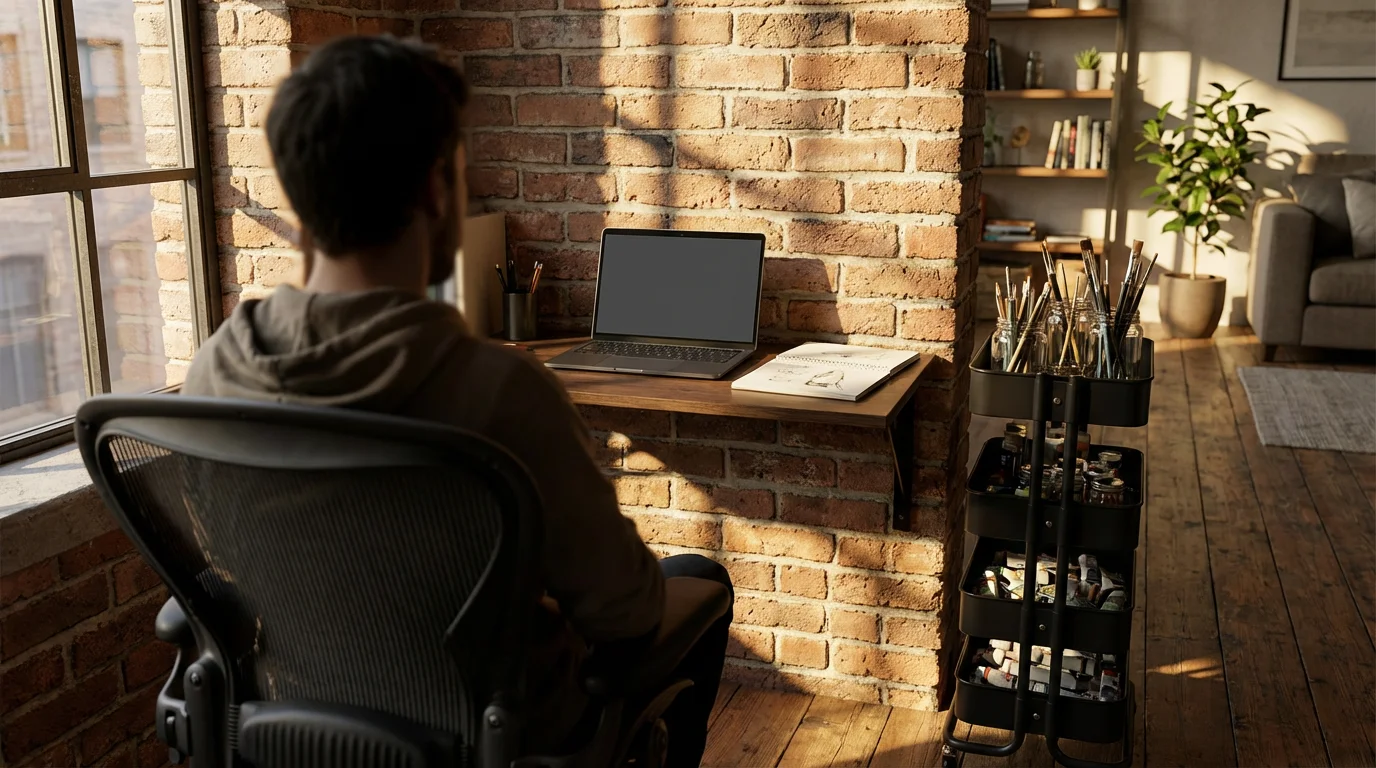
A graphic designer in a studio apartment might use a wall-mounted floating desk that folds away when not in use, alongside a rolling cart for supplies that tucks into a closet. This approach provides a dedicated workspace during work hours without permanently occupying living space, proving that an effective home workspace is achievable in almost any setting.
Frequently Asked Questions
What is the most important item for an ergonomic home office?
An ergonomic chair is often considered the most crucial investment. It supports your spine, promotes good posture, and significantly reduces the risk of back pain and discomfort during long working hours. Combine this with proper monitor height for maximum benefit.
How do I deal with digital distractions effectively?
Implement a strict notification management strategy. Turn off all non-essential notifications on your computer and phone. Use website blockers for social media or distracting sites during focused work periods. Practice time blocking to dedicate specific periods to emails and communication, avoiding constant interruptions.
Can I have a productive home office in a small space?
Absolutely. Focus on vertical storage, multi-functional furniture, and a minimalist approach. Use floating shelves, wall-mounted organizers, and compact desks. Define boundaries using screens or clever furniture placement. The key is clear organization and intentionally designating the space for work, even if it is temporary.
How often should I declutter my home workspace?
Regular, small decluttering efforts are more effective than infrequent, large ones. Aim for a “five-minute tidy” at the end of each workday, a quick digital cleanup weekly, and a more thorough review quarterly. This consistent approach prevents clutter from accumulating and maintains an optimized home office.
Is it better to have my home office completely silent or with background noise?
This depends entirely on your personal preference and the type of work you do. Some individuals achieve deep focus in complete silence, while others find ambient noise, instrumental music, or white noise helps block out distractions and stimulate concentration. Experiment to discover what works best for you and your specific tasks.
What if I share my home workspace with another person?
Clear communication is paramount. Establish a schedule of usage, define personal zones, and agree on noise levels and tidiness expectations. Each person should have their own organized storage solutions. Consider noise-canceling headphones for focused periods to minimize mutual disruptions.
This article provides general information and guidance for productivity and organized living. It is not intended as a substitute for professional advice in areas such as health, psychological well-being, or legal matters. Always seek professional support when appropriate for your specific circumstances.
Leave a Reply