
Email overload impacts nearly every professional today. Your inbox, intended as a tool for communication and productivity, can quickly become a source of stress, distraction, and lost time. This constant influx of messages siphons your focus, prevents deep work, and erodes your digital wellness, the conscious and intentional effort to manage your interactions with digital technology to optimize your well-being.
Beyond your inbox, it is vital to learn how to reclaim your attention span in an age of constant digital noise.
Developing a productive and peaceful email workflow is essential for maintaining your sanity in a modern digital workplace.
Reclaiming control over your email is not just about clearing messages; it is about establishing healthier digital boundaries. This guide provides practical, actionable strategies to transform your inbox from a chaotic vortex into a streamlined, efficient communication hub. You will learn how to reduce the volume of incoming emails, process those you receive more effectively, and maintain a state of calm and control over your digital communication.

The Hidden Cost of Email Overload
The constant stream of emails carries significant costs beyond mere annoyance. Studies indicate professionals spend a substantial portion of their workday on email. This continuous context-switching diminishes cognitive performance and extends the time required to complete tasks. Each new email notification pulls your attention, interrupting focused work and making it harder to re-engage with complex problems.
Understanding how to organize your inbox is a fundamental step in reducing the mental friction caused by a cluttered digital environment.
Email overload also contributes to decision fatigue. The sheer volume of messages demanding attention forces you to make countless small decisions throughout the day. This mental strain depletes your willpower and mental energy, leaving less capacity for critical thinking on important projects. You may find yourself less productive and more stressed at the end of the day, even if you feel busy.
“Work expands to fill the time available for its completion.” — Parkinson’s Law
Parkinson’s Law applies directly to email. If you allocate an entire day to manage your inbox, your inbox will likely consume that entire day, regardless of the actual necessity. This highlights the importance of setting strict boundaries and efficient processing methods.

Setting Your Email Boundaries: A Foundation for Digital Wellness
Establishing clear boundaries is the first step toward regaining control. Digital boundaries are personal rules you set for how and when you interact with technology, ensuring it serves you, not the other way around. Without these, your work-life balance suffers, and your ability to focus deteriorates.
By establishing these hard stops, you can effectively eliminate time thieves that otherwise fragment your concentration throughout the day.
Begin by defining your email-free zones. Designate specific times of day or even entire days when you will not check email. For example, avoid checking email for the first 60-90 minutes of your workday. This protects your most productive hours for deep work, allowing you to tackle high-priority tasks with a fresh mind before external demands begin to accumulate.
Consider implementing a “digital Sabbath,” a period, such as a full day each week, where you intentionally disconnect from all non-essential digital devices. This practice significantly reduces mental fatigue and helps you reconnect with other aspects of your life. Start small, perhaps with a few hours on a weekend, and gradually extend the period.
Decluttering Your Inbox: The Initial Purge
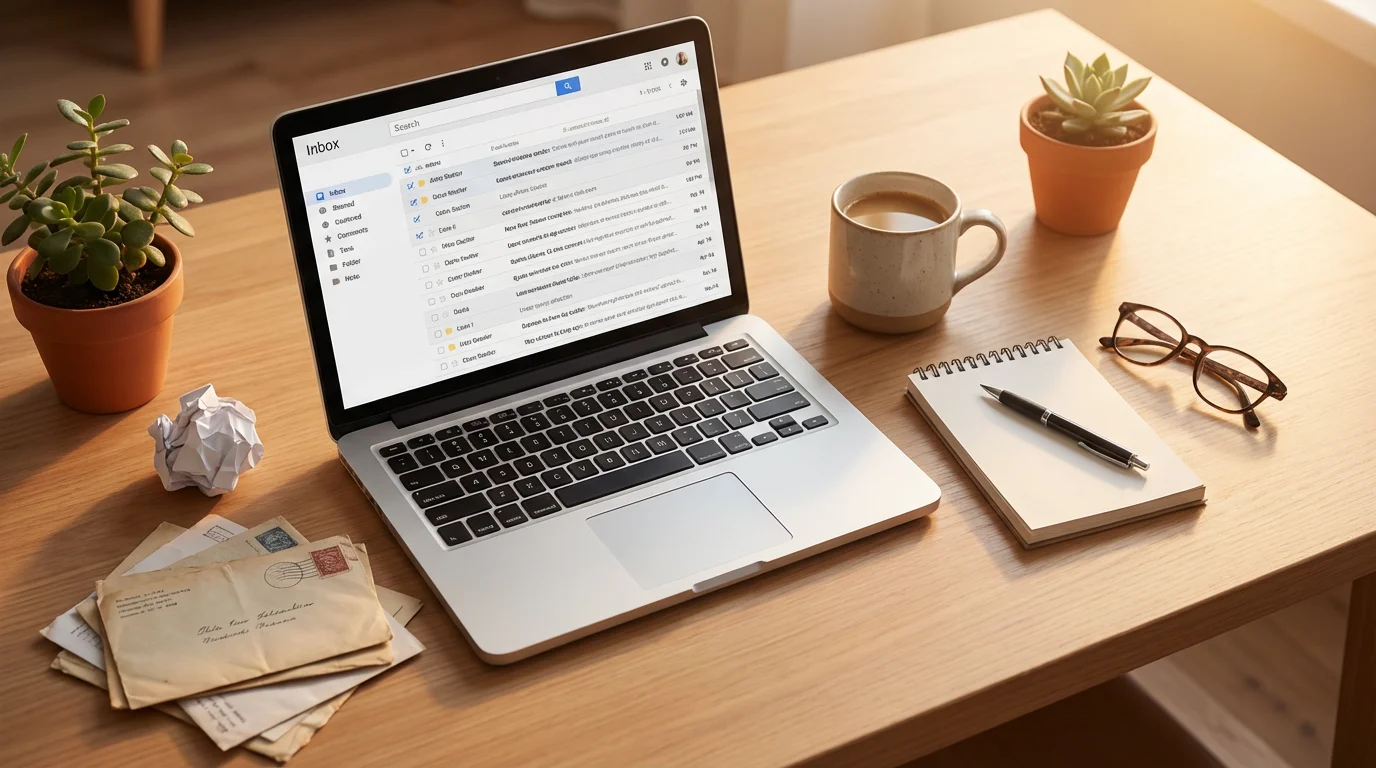
Facing a mountain of unread emails can feel overwhelming, but a systematic purge simplifies future management. This process involves quickly assessing, archiving, or deleting messages, reducing the immediate visual clutter and mental burden. The goal is not to read every old email, but to lighten the load significantly.
If you are feeling overwhelmed by a backlog of thousands of messages, using a shortcut to a clean inbox can provide the immediate relief needed to implement new systems.
Unsubscribe Ruthlessly
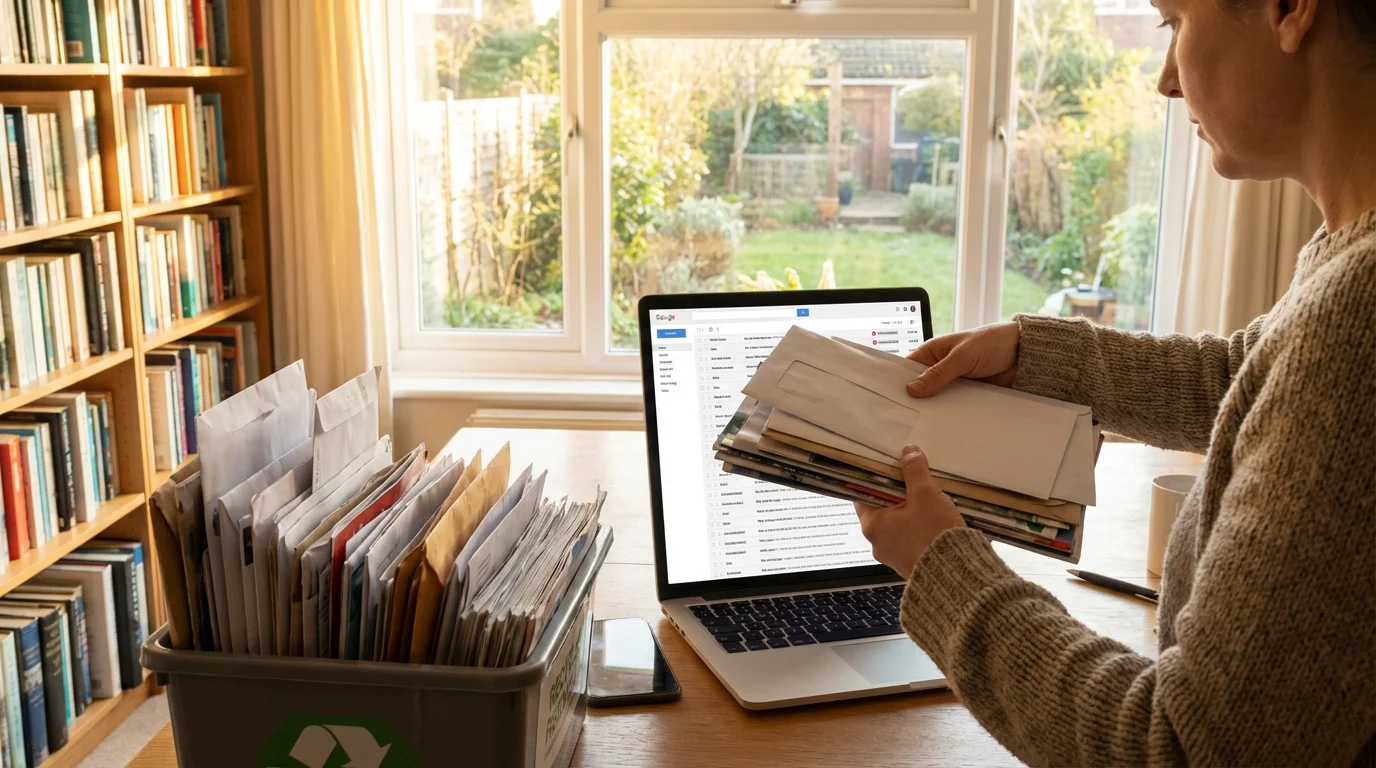
The majority of unwanted email often comes from subscriptions you no longer need or remember signing up for. Take immediate action to stop this flow. When you encounter a newsletter or promotional email you do not find valuable, unsubscribe immediately.
- Identify Subscription Emails: Look for “unsubscribe” links, typically at the bottom of the email.
- Utilize Tools: Many email clients offer features to identify and manage subscriptions. You can use these to see all your subscriptions in one place.
- Block Senders: If an unsubscribe link does not work or is absent, block the sender to prevent future emails from reaching your inbox.
For example, imagine you receive daily emails from a clothing retailer you purchased from once. Instead of simply deleting it, scroll to the bottom, find the “Unsubscribe” link, and click it. This simple action takes less than 15 seconds but prevents hundreds of future emails.
Delete or Archive Old Messages
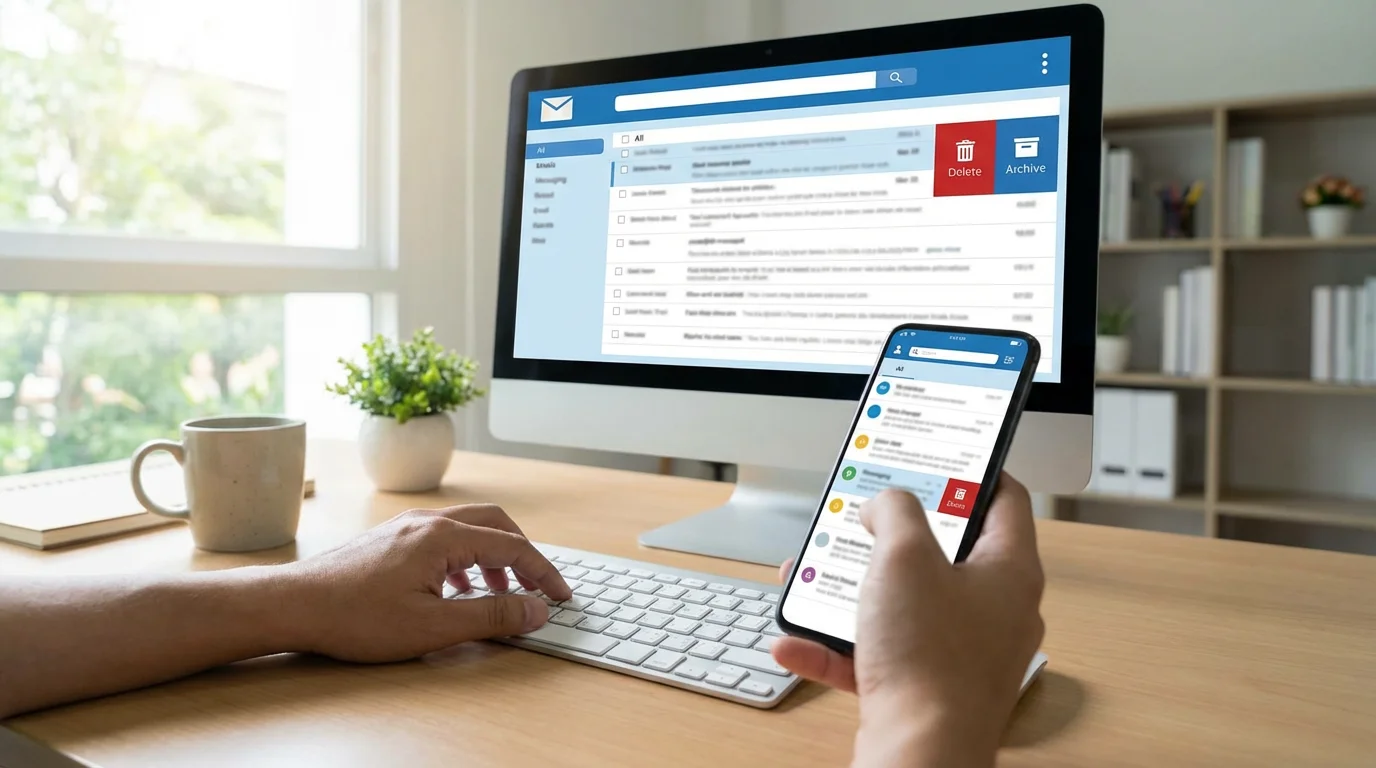
Most old emails offer no current value. They consume digital space and create mental clutter. Decide on a cutoff date, for instance, six months or one year ago, and process everything older than that.
- Mass Delete: For purely informational or expired messages, select and delete them in bulk.
- Mass Archive: If you feel uncomfortable deleting, archive messages. This removes them from your active inbox but keeps them searchable if needed later.
Many email providers allow you to search by date range, such as “before:2023/01/01.” Use this feature to quickly isolate and process large batches of old emails. This initial purge dramatically reduces the visual overwhelm, giving you a fresh starting point.

Streamlining Your Workflow: Process and Automation
Once you have purged your existing inbox, focus on preventing future overload through systematic processing and automation. This involves creating rules for how you handle incoming messages and using technology to sort them automatically.

Implement the “Four Ds” for Email Processing
When you check email, apply the “Four Ds” rule to each message. This decision-making framework helps you quickly categorize and act on emails, avoiding the trap of rereading messages without taking action.
- Delete: If the email is spam, promotional, or no longer relevant, delete it immediately. (Estimated time: 5-10 seconds)
- Do: If the email requires an action that takes less than two minutes, do it now. This includes quick replies, forwarding, or adding a calendar event. (Estimated time: 1-2 minutes)
- Delegate: If the email requires action from someone else, forward it to the appropriate person and then archive your copy. (Estimated time: 30 seconds)
- Defer: If the email requires a longer action, add it to your to-do list or schedule a specific time to address it. Then, move the email out of your inbox into a “To Do” or “Follow Up” folder. (Estimated time: 10-30 seconds)
Leverage Filters and Rules
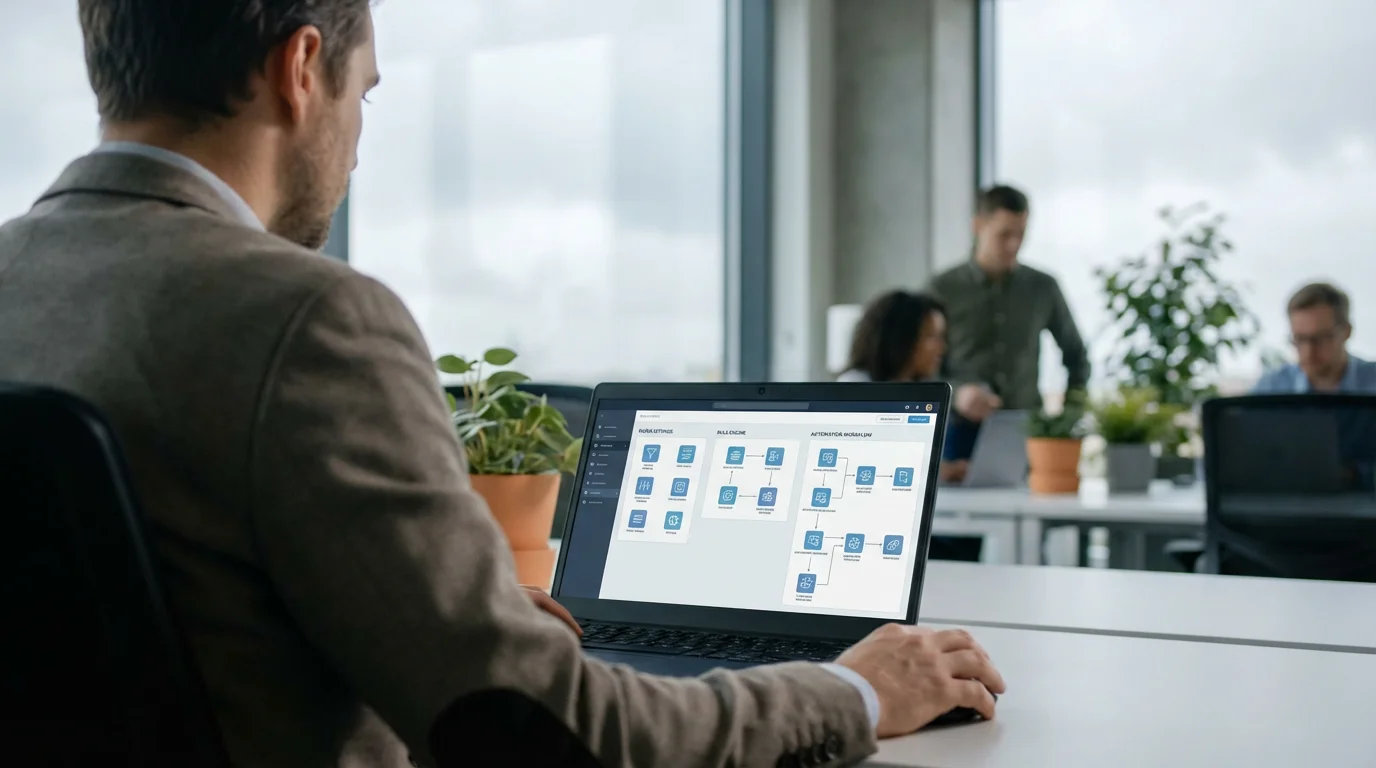
Automate the sorting of incoming emails using filters and rules. This ensures less important messages never reach your primary inbox, reducing clutter and distractions. You can set rules based on sender, subject, keywords, or recipients.
- Identify Patterns: Notice repetitive emails that do not require immediate attention, such as internal announcements, project updates, or CC’d messages.
- Create Rules: Set up rules to automatically move these emails into specific folders (e.g., “Newsletters,” “Project X Updates,” “FYI”).
- Review Folders Periodically: Schedule dedicated times to review these folders, perhaps once a day or a few times a week, rather than having them interrupt your main workflow.
For example, if you receive daily project reports from “Project Manager Bob” with the subject line “Daily Project Update,” create a rule. This rule would automatically move any email from “Bob” with that subject line into a “Project Reports” folder. This removes it from your main inbox, keeping it clean, yet accessible when you specifically want to review reports.

Mastering Notifications and Checking Habits
The allure of an immediate response fuels email overload. You can break this cycle by changing how and when you check your email. Disabling notifications and scheduling specific check-in times are crucial steps.
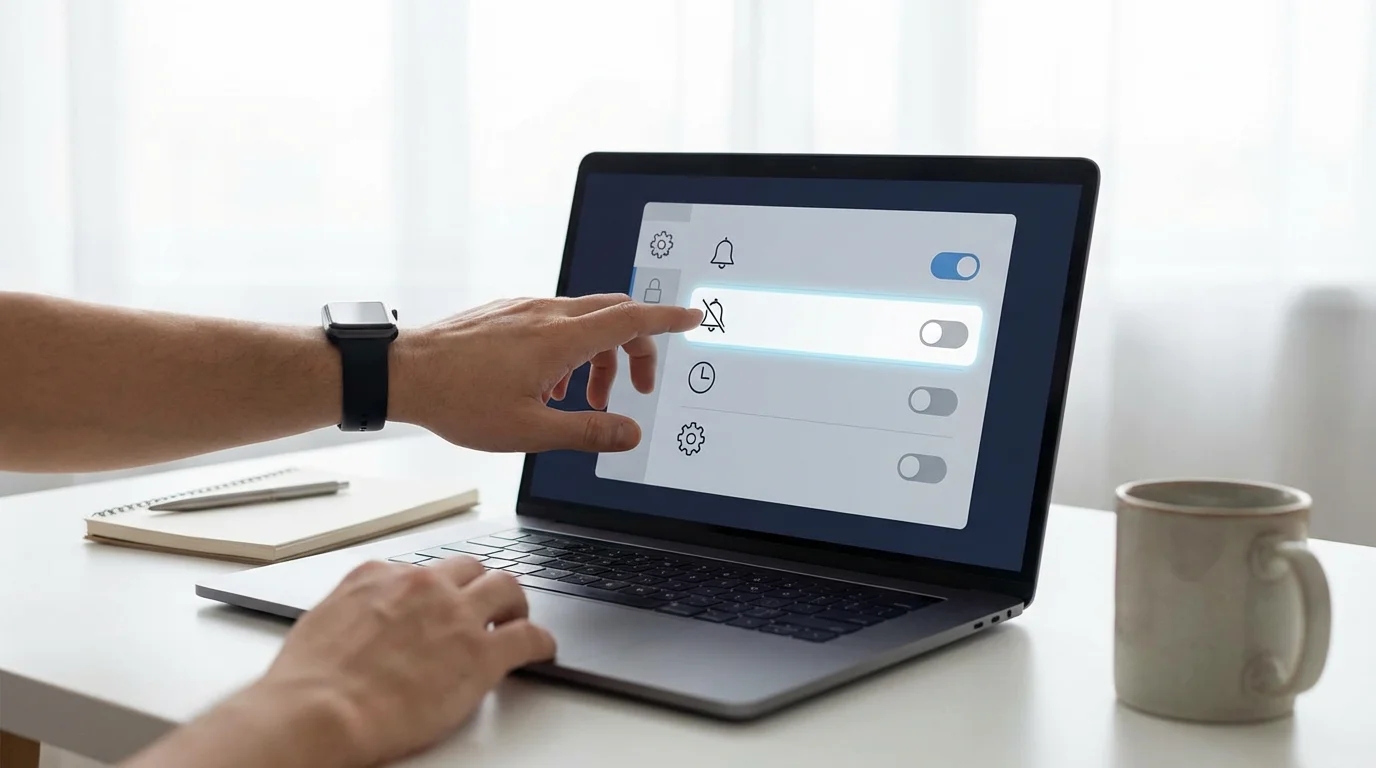
Disable All Email Notifications
Notifications are productivity killers. Each ding or pop-up pulls you away from your current task, creating mini-interruptions that accumulate throughout the day. Turn off all visual and auditory notifications for email on your computer, phone, and any other devices. This simple action significantly reduces distractions and allows you to decide when to engage with your inbox.

Batch Your Email Checks
Instead of constantly reacting to incoming mail, adopt a proactive approach by checking email in scheduled batches. This allows you to process messages efficiently without constant interruption.
- Set Specific Times: Dedicate 2-3 specific blocks of time during your workday for email processing. For example, 9:00 AM, 1:00 PM, and 4:30 PM.
- Use a Timer: Set a timer for 15-30 minutes for each batch. This creates a focused sprint and prevents email from consuming unlimited time.
- Close Your Email Client: Between these scheduled blocks, completely close your email application. This removes the temptation to peek and helps enforce your new boundaries.
Consider a professional working on a report. If their email client is open and notifications are active, they might be interrupted every 5-10 minutes. By closing the client and checking email only at 9 AM and 1 PM, they gain several hours of uninterrupted focus, improving the quality and speed of their report completion.
Crafting Effective Email Responses and Composing Strategies
Your outgoing emails also contribute to inbox management. Concise, clear, and action-oriented messages reduce back-and-forth communication, saving time for both you and your recipients.

Be Clear and Concise
Avoid lengthy preambles or unnecessary details. Get straight to the point, stating your purpose and desired outcome clearly. Use bullet points or numbered lists for complex information. Before sending, review your email and remove any superfluous words or sentences. Aim for messages that are easy to scan and understand quickly.

Set Expectations for Response Times
Train your colleagues and clients on your new email habits. You can include a polite note in your email signature or in an automatic reply, indicating your batch processing schedule. For instance: “I check emails twice daily at 9:00 AM and 1:00 PM ET. I will respond to urgent matters within 24 hours. If your request is time-sensitive, please contact me by phone.” This manages expectations and reduces pressure for instant replies.
Use Templates for Frequent Responses
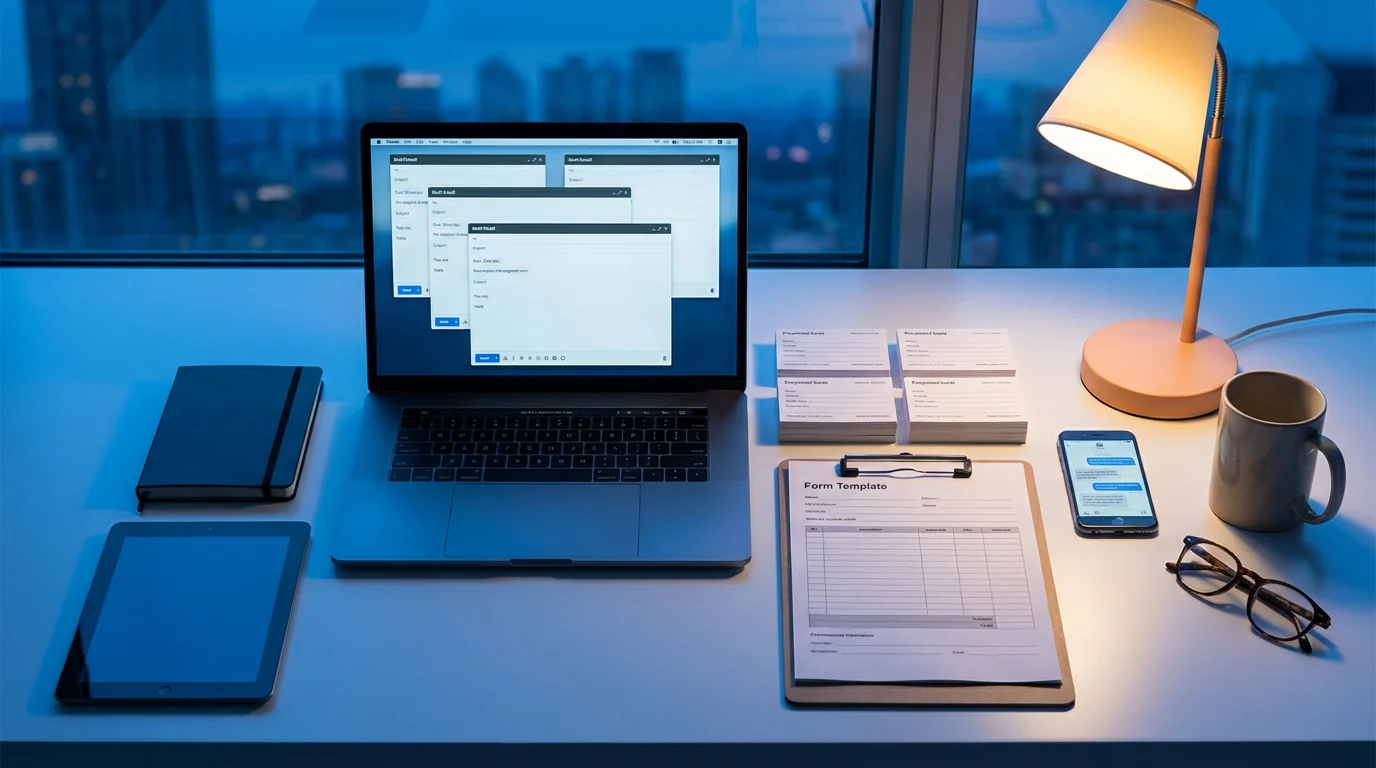
For common inquiries or recurring tasks, create email templates. This saves significant time and ensures consistency in your communication. Many email clients allow you to save and reuse message templates. Examples include responses to meeting requests, common troubleshooting questions, or requests for information.
For example, if you frequently receive questions about your project timelines, draft a template that outlines your general process, expected turnaround times, and where to find more detailed information. When a new request comes in, you can quickly insert this template, customize it slightly, and send it within minutes.

Maintaining a Clean Inbox: Daily Habits for Sustained Calm
Achieving a detoxed inbox is a continuous process, not a one-time event. Establishing consistent habits ensures your inbox remains a productive tool rather than a source of stress. These daily routines reinforce your digital wellness practices.

Practice Inbox Zero (or Inbox Few)
Inbox Zero is a methodology aimed at keeping your inbox empty or nearly empty. It involves processing every email as it comes in during your designated check times, ensuring no message sits unaddressed. If achieving absolute zero feels daunting, aim for “Inbox Few,” keeping only a handful of truly actionable items in your primary inbox.
Here is how to approach it:
- Process during batch times: Apply the Four Ds to every email.
- Move out of inbox: Once an email is acted upon, delegated, or deferred, move it to an archive, a specific folder, or a “waiting” folder.
- No “holding area”: Your inbox is not a storage unit; it is a processing station.

Regularly Review and Refine Your System
Your email habits and needs evolve. Periodically review your filters, unsubscribe list, and processing schedule. Are your rules still effective? Are you receiving new types of junk mail? Adjust your system as needed. For instance, set a monthly calendar reminder to review your email rules and unsubscribe from any new unwanted mailing lists. This keeps your system lean and responsive to changes in your communication patterns.

Understand the “Urgency Illusion”
Most emails are not truly urgent, despite the pressure you might feel to respond immediately. Differentiating between actual emergencies and perceived urgency is critical for maintaining focus. Train yourself to recognize that few situations genuinely demand an instant email reply. This perspective shift empowers you to stick to your batch processing schedule and protect your focus blocks.

Adapting Strategies for Different Work Environments
The effectiveness of email management strategies can vary based on your work environment. Whether you work remotely, in a traditional office, or a hybrid model, tailoring your approach ensures sustainable results.

Remote Work and Flexible Schedules
Remote work often blurs the lines between professional and personal time, making email boundaries even more critical. You might feel a greater pressure to be “always on.”
- Strict Time Blocks: Be especially disciplined with your email checking blocks. Use a physical timer if necessary.
- Digital Door Closing: Mentally and physically “close your office” at the end of the workday by shutting down email and collaboration tools.
- Automated Out-of-Office Replies: Use these more frequently to communicate your availability, even for short breaks, reinforcing your boundaries.

Office and Hybrid Environments
In a traditional office, peer pressure or manager expectations can make it harder to resist immediate email responses. Hybrid models present their own challenges, balancing in-person and digital communication.
- Communicate Your System: Inform your team about your email processing schedule. Explain that this allows you to focus better and deliver higher-quality work.
- Leverage In-Person Communication: For truly urgent or complex matters, encourage colleagues to approach you directly or use instant messaging tools rather than email, reserving email for asynchronous communication.
- Dedicated Focus Time: If possible, block out “do not disturb” time on your calendar to protect your email-free deep work sessions.
Frequently Asked Questions
What is “digital wellness” in the context of email?
Digital wellness, in the context of email, refers to the practice of intentionally managing your email interactions to support your overall mental health and productivity. It involves setting boundaries, reducing distractions, and using email as a tool rather than allowing it to control your time and attention.
How long does it take to see results from these strategies?
You can often see immediate relief from visual clutter by unsubscribing and deleting old emails within the first day. Establishing new habits like batch checking and using filters typically takes a few weeks of consistent effort to become second nature, with significant improvements in focus and reduced stress appearing within a month.
What if my job requires me to be constantly responsive to email?
Even in highly responsive roles, you can implement modified strategies. Communicate your batching approach to your team, perhaps allowing for one or two “urgent” slots per day in addition to your regular checks. Use collaboration tools for real-time communication for true emergencies, reserving email for non-immediate information exchange. Consider a “red alert” folder for critical emails that bypass filters.
Is “Inbox Zero” realistic for everyone?
Inbox Zero is an aspirational goal. While highly effective, the exact definition can be flexible. For some, it means a truly empty inbox, while for others, “Inbox Few” – having only a handful of truly actionable items – is a more sustainable and realistic target. The core principle is processing rather than stockpiling emails.
Should I use multiple email accounts for different purposes?
Yes, separating personal, professional, and promotional emails can be highly effective. Use a dedicated email for newsletters and online shopping, keeping your primary work and personal inboxes cleaner for important communications. This segregation naturally reduces the volume and urgency of messages reaching your core attention.
How can I deal with emails that require a lot of thought or research?
These emails are perfect candidates for the “Defer” strategy. Immediately move them out of your inbox into a dedicated “Action Required” or “Research” folder. Then, add a specific task to your to-do list or calendar to address that email at a scheduled time when you can give it your full, uninterrupted attention, without the pressure of it sitting in your main inbox.
This article provides information for educational purposes only and does not constitute professional advice. Always seek the guidance of qualified professionals for specific concerns.








Leave a Reply