

If your day ends with you exhausted while the report you meant to write has barely moved, the usual cause is fragmentation. Your attention was split across email, chat, calls and the real work, and every split cost you something.
Learn which tasks can genuinely share your attention (very few), batch the rest into fixed windows, and protect one block a day where you do a single thing. This guide explains the mechanism, gives you a pairing table for deciding what can run together, and ends with ways to defer the interruptions that usually drag you into switching.
What your brain does when you “multitask”
When two tasks both need thinking, the brain does not run them in parallel. Harold Pashler’s research on dual-task interference and the central processing bottleneck showed that even simple decisions queue up. While one response is being selected, the second one waits.
So “multitasking” on demanding work is really rapid switching, and switching has a measurable price. Rubinstein, Meyer and Evans found that each switch runs through two control stages, shifting the goal and then activating the new task’s rules, and both take longer as tasks get more complex.
In a summary of that research published by the American Psychological Association, David Meyer estimated that heavy switching can cost as much as 40 percent of a person’s productive time. That figure is his upper-end estimate drawn from the lab work, not an average measured across real workers.
Two further costs compound the delay:
- Attention residue. Sophie Leroy showed that switching away from an unfinished task leaves part of your attention stuck on it, which lowers performance on the next task. The email reply you half-wrote follows you into the report.
- Slower work and more mistakes. Summarising task-switching studies in Brain Rules, John Medina notes that interrupted work can take up to 50 percent longer and contain up to 50 percent more errors. The range depends heavily on task complexity; simple tasks suffer far less.
Across projects rather than minutes, Gerald Weinberg offered a well-known rule of thumb in Quality Software Management: each additional concurrent project costs roughly 20 percent of your time to switching. With three projects running, about 40 percent of the week goes to reorienting. It is a heuristic from consulting experience rather than a lab result, so use it to reason about trade-offs, not to forecast hours precisely.

Which tasks can actually share your attention
Some pairings are fine, and Christopher Wickens’ multiple resource theory explains why. Tasks interfere most when they compete for the same channel (two verbal tasks, or two visual ones) and for the same central decision-making capacity. When one task runs on habit and the other uses a different channel, they can coexist.
| Pairing type | Example | Verdict | Switching cost |
|---|---|---|---|
| Automatic physical task + audio input | Folding laundry + podcast | Safe | Near zero: hands run on habit, ears take the content |
| Repetitive visual task + instrumental music | Sorting photo files + music without lyrics | Usually safe | Low, until lyrics or speech start competing with reading |
| Two activities serving one goal | Taking notes in a lecture you are attending | Safe (it is one task) | Low: same context, nothing to reload |
| Reading or writing + spoken words | Drafting a proposal + news podcast | Destructive | High: both draw on language processing |
| Two language and executive-function tasks | Answering Slack during a Zoom call | Destructive | High: you miss parts of the call and write worse replies |
| Two problem-solving tasks | Debugging code + reviewing a budget | Destructive | Very high: every switch reloads goals and rules, and residue lingers |
The quick test: if both tasks would make you stop and think, or both involve words, do them one after the other.
Diagnose where your switches come from
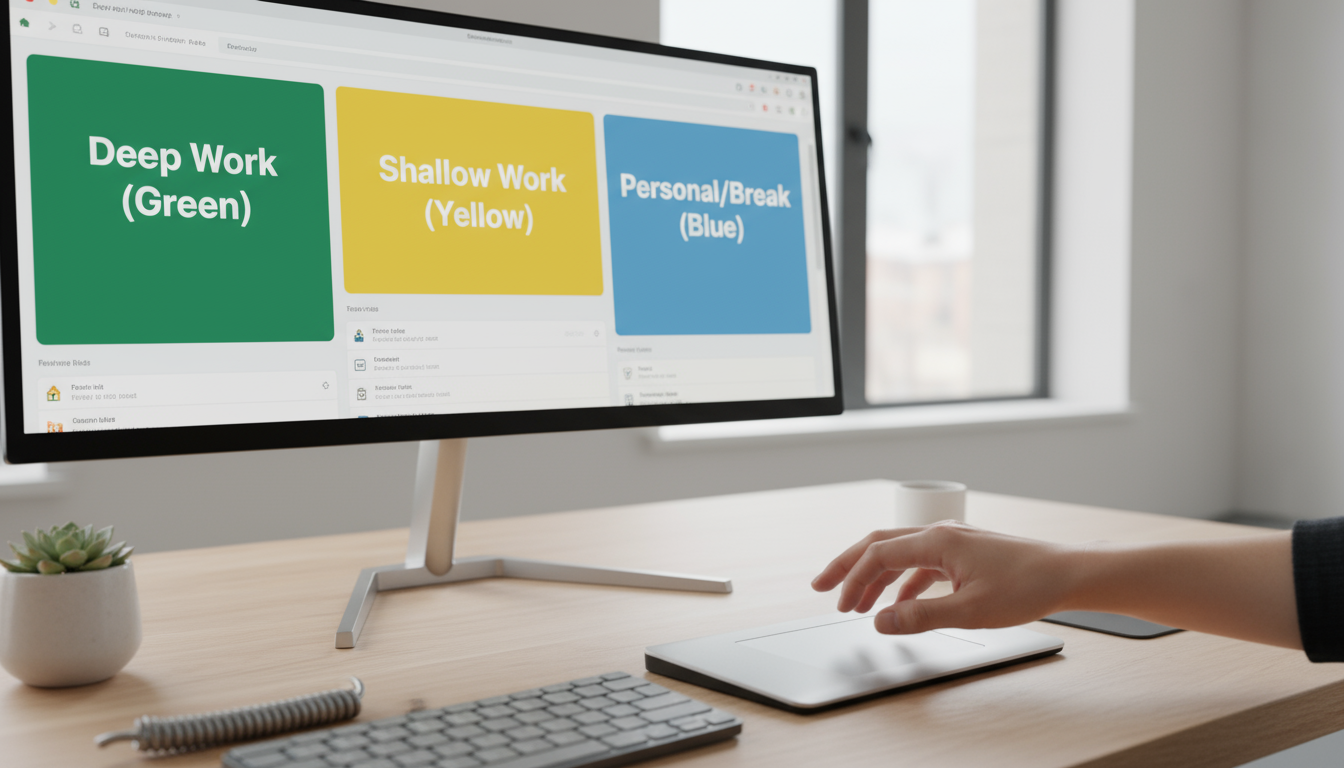
Most switching is not chosen in the moment. It is built into how the day is set up, so match your symptom to its likely source before changing anything.
| Symptom | Likely source | First fix |
|---|---|---|
| You reopen email or chat when nothing has arrived | Habitual checking | Fixed check windows (Phase 2) |
| A ping pulls you out mid-sentence | Notifications on by default | Keep alerts only for messages from people who need you now |
| You re-read the last paragraph every time you return | Attention residue from an unfinished task | A parking note before every switch |
| Three projects “in progress”, none finished | Too many concurrent projects | Cap active projects at two per day |
| You reply to chat during meetings | A destructive pairing | Close chat when the call starts |
| You jump to easy tasks when the work gets hard | Avoidance, not interruption | Shrink the next step to one concrete action |
For the notification row, our five rules for managing notifications cover which alerts to keep and how to filter the rest.
Switching less in three phases
Phase 1 (days 1-3): count your switches
For one working hour, keep a text file open and every 15 minutes write what you actually did, including every glance at email, chat or news. Entries like “wrote two sentences, checked email, re-read the two sentences” show the cost of switching more convincingly than any study.
Tally switches rather than minutes, and mark each one as triggered by something arriving or by you deciding to look. That split tells you whether Phase 2 or the notifications fix matters more.
Phase 2 (week 1): batch shallow work into fixed windows
Group email, chat replies, approvals and quick calls into two or three set windows. In one experiment, people asked to check email three times a day instead of continuously reported lower daily stress. Our guide to batching covers how to size the windows; the non-negotiable part is that outside them the email tab is closed, not merely ignored.
If your role needs faster replies, shorten the gap rather than drop the rule. A check at the top of every hour still turns unpredictable interruptions into eight planned ones across a working day.
Phase 3 (week 2 onward): protect one single-task block a day
Give your hardest task 60 to 90 minutes with chat closed, phone in another room and one window open. Cal Newport calls this kind of distraction-free effort deep work, and the easiest way to keep it is to put it on the calendar using time blocking, then open it the same way each time with a short deep work ritual.
Before you leave any task unfinished, write a one-line parking note with where you stopped and the next action, such as “next: rewrite the section 3 intro using the Q2 numbers”. It gives the open loop somewhere to go, which is the most practical response to attention residue.
A worked example: escalations versus the quarterly report
A customer support lead handling live escalations and quarterly reporting keeps the escalation queue open while drafting the report. Checking it roughly every ten minutes, a three-hour writing afternoon contains about 18 switches, each with its own reload and residue. Weinberg’s rule of thumb puts two concurrent workstreams at about 20 percent lost, around eight hours of a 40-hour week.
Restructuring changes the shape of the day: a senior agent covers the queue from 1 to 3 p.m. four days a week, with a phone call reserved for severity-one cases, and the lead owns escalations live the rest of the time. The report gets eight protected hours a week instead of fragmented ones, and switches during writing fall from 18 to near zero. Even if the real gain is half Weinberg’s estimate, that is about four hours a week back.
Turning interruptions into ‘when’, not ‘no’
Each response below defers the interruption to a set time instead of refusing it. For requests that genuinely need a refusal, see how to say no and protect your time.

- A colleague arrives at your desk mid-block: “I’m in the middle of something that needs my full attention. Can I come and find you at 11:30?”
- An urgent-looking message lands: “Seen this. I’ll have an answer by 3 p.m. If it can’t wait, call me.” The call option filters out everything that only looks urgent.
- Chat pings during a video call: close the chat app as the call starts and set your status to “On a call until 2, replying right after.”
- A manager adds a task during your block: “Happy to take this. Should it go ahead of the proposal I’m drafting, or after it?”
- Your own urge to check something: write the thought on your parking list, tell yourself “after this block” and return to the sentence you were on.
- A day of back-to-back meetings: single-task the meetings themselves with one window open and no inbox, and use each 15-minute gap for exactly one batched item.




1 Comment