
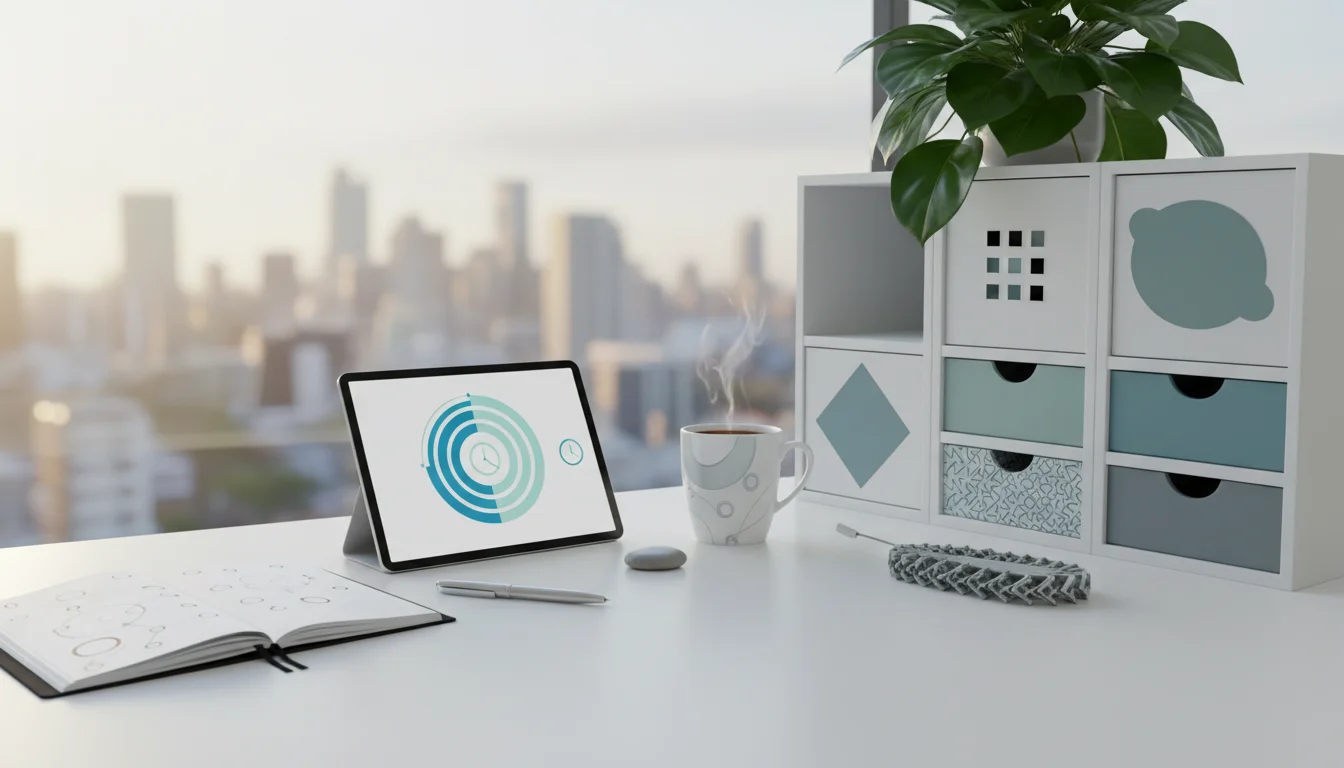
If your focus is gone by mid-afternoon and you keep rereading the same paragraph, look at your breaks before anything else. Most likely they are leftover time: taken too late, spent on your phone, or dropped whenever the calendar fills up.
Manage breaks the way you manage meetings. Schedule them before you feel drained, pick an activity that contrasts with the work you just did, and decide in advance what happens when a meeting eats one. This guide covers a block-by-block break schedule, a matrix for choosing what to do on each break, and scripts for protecting them.
Why your breaks aren’t restoring you
Most break habits fail in one of three ways. Each has a simple correction.
You wait until you’re exhausted
The default is to stop only when fatigue forces you to. Biwer and colleagues compared fixed, Pomodoro-style breaks with breaks people took whenever they felt like it, and found that pre-scheduled breaks led to lower fatigue than self-regulated ones. By the time you notice you need a break, you have usually been working below par for a while.
Timing across the day matters too. In Hunter and Wu’s study of employees, breaks taken earlier in the workday were more restorative than those saved for the afternoon slump. A mid-morning break is not a reward for finishing something. It is what keeps the afternoon usable.
You spend the break on your phone
Reaching for your phone feels like rest, but the evidence says otherwise. Kang and Kurtzberg found that people who used a cell phone during a mid-task break recovered less than those who took their break without one, and they worked less efficiently afterward. Feeds are built to hold your attention, which is the opposite of what a break is for.
If the phone is your reflex, keep a short list of things to do instead of scrolling and leave the device on your desk when you stand up.
You dismiss short breaks as pointless
Like a muscle, the brain’s capacity for sustained attention fatigues without rest. A 2022 systematic review and meta-analysis by Albulescu and colleagues found that micro-breaks of ten minutes or less reduce fatigue and boost vigor. Their effect on performance was smaller and depended on the type of task, so expect micro-breaks to keep you fresh, not to multiply your output.

A break-managed workday, block by block
Here is one workable pattern for someone with focus work in the morning and calls in the afternoon. Shift the focus blocks to match your biological prime time if your energy peaks later.
- 9:00-10:30, focus block 1. Notifications off, one task.
- 10:30-10:50, recharge break. Calendar label: “Walk Around the Block (No Phone).” Leave the phone behind and let your mind wander.
- 10:50-11:00, buffer. Water, bathroom, a glance at notes for the next meeting.
- 11:00-12:00, meeting.
- 12:00-12:30, shallow work. Email and quick replies.
- 12:30-1:15, lunch away from the desk. Spend 15 minutes of it walking outside if you can.
- 1:15-2:45, focus block 2.
- 2:45-2:55, micro-break. Stand, stretch, refill your water.
- 3:00-5:00, calls. In every gap between calls, stand up and look out a window instead of opening your inbox.
The lunch walk is the most evidence-backed block on the list: Sianoja and colleagues found that 15-minute lunchtime park walks improved afternoon concentration. If 90-minute blocks are too long for the work, a 25/5 rhythm from the Pomodoro Technique suits inbox clearing and tasks you are resisting.
Name each break by its activity
A calendar event called “Break” is easy to type over and leaves you deciding what to do at the moment you are most tired. Specific labels remove that decision: “Stretch & Hydrate,” “Look Out Window & Breathe,” “No-Screen Lunch,” “Listen to 3 Songs.” Add them as recurring events when you time-block your week so they exist before meetings fill the space.
Natural pauses also work as anchors for tiny habits. “After I finish a task, I take three sips of water” turns every completed task into a hydration cue, with nothing to remember.
Match the break to the work you just did
The best break contrasts with the work. If you have been staring at numbers, move your body and rest your eyes; if you have been talking for hours, get some quiet. The worst breaks are work-adjacent: industry news, a work chat or a quick look at the inbox.
| Type of work | What to avoid on the break | 5-minute break | 20-minute break |
|---|---|---|---|
| Analytical or screen-heavy (spreadsheets, code, reports) | Phone, news, any other screen | Stand, look at something at least 20 feet away, refill water | Walk outside without your phone |
| Back-to-back video calls | Catching up on chat or email, more conversation | Camera off, stand up, step away from the desk in silence | Solo walk or a quiet lunch away from people |
| Creative writing or design | Reading other people’s work, social feeds | One-sense pause: hold a hot drink and notice only its warmth and smell | A mindless chore (dishes, folding laundry) that lets your mind drift; keep a notecard for ideas |
| Customer-facing or talking all day | Social breaks, phone calls | Slow breathing with eyes closed or gaze softened | Music or a walk alone |
The one-sense pause comes from mindfulness practice and takes one to three minutes. Pick sight, sound or touch, give it your full attention, and when your mind drifts back to work, return to the sensation.

Idle breaks after learning or a stuck problem
Some breaks work best when you do as close to nothing as you can: no screen, no podcast, no reading. In 2001, Marcus Raichle and colleagues described brain regions that become more active when people stop a task. This set, now called the default mode network, is busiest during mind wandering, remembering and imagining.
That idle activity has measurable payoffs. Dewar and colleagues found that ten minutes of quiet wakeful rest right after learning improved recall a week later, compared with spending the same time on a simple visual task. Benjamin Baird and colleagues found that an undemanding break that let minds wander helped people solve problems they had already seen, more than a demanding task or sitting quietly, so a slow walk counts as doing nothing.
Use the idle version in two places. After a training session, a new manual or a briefing you need to remember, take ten minutes with no input before checking messages. When you are stuck, write one line naming the sticking point, such as “Can’t see why the March totals don’t reconcile,” then stop working on it and let it drift while you walk.
The first idle minutes often feel uncomfortable because the urge to check something peaks early. Naming your return time (“back at 10:40”) makes the break feel bounded rather than empty.
Full and minimum versions for different settings
Your setting changes what a realistic break looks like. The full version is the target on a normal day; the minimum version is the floor on a crunch day, and skipping even that usually costs you the afternoon.
| Setting | Full version | Minimum version |
|---|---|---|
| Remote or home office | A 20-minute walk or chore after each focus block; lunch outside; a different chair or room for breaks so the desk stays for work | Two 5-minute breaks away from the desk; lunch not eaten at the keyboard |
| Office or open plan | A 15-minute coffee walk with a colleague as the morning break; water from a different floor between meetings | Leave the desk between meetings; eat lunch anywhere but your desk |
| Meeting-heavy day | Auto-shortened meetings plus a 30-minute no-meeting block at midday | Stand and look away from the screen in every gap; decline or delegate one meeting |
| Student between lectures and labs | A 10-minute walk across campus without headphones; evening study in 60-minute blocks with 15-minute breaks; a firm stop time to protect sleep | Five minutes of slow breathing before a lab; one real break per evening study session |

Protect your breaks with settings and scripts
Breaks disappear because other people’s requests feel more urgent than your recovery. Set up defaults that create gaps automatically, then have words ready for when they are challenged.
Build buffers into your calendar
Outlook and Google Calendar can both shave a few minutes off every meeting you organize; the exact settings are in our guide to making meetings more productive. For meetings someone else runs, ask the organizer to end at :50 instead.
A worked example: a radiology resident with three case conferences at 1:00, 2:00 and 3:00 asks the coordinators to wrap each one at ten to the hour. That yields three 10-minute gaps, enough to stand up, drink water and rest eyes that have spent the morning on dim reading-room monitors.
What to say when a break gets booked over or overrun
- Someone books over your break: “I’m not free at 10:30, but 11:00 works. Does that suit you?” You don’t need to explain that the slot is a break.
- A colleague interrupts a focus block: “I’m in the middle of something. Can I come find you at 11?” Jot down where you stopped so restarting is quick.
- A meeting runs over and eats your break: reschedule, don’t delete. Take it straight after the meeting, or trim a shallow-work block by 15 minutes to make room.
- The culture rewards working through lunch: “I’m stepping out for 20 minutes, back on at 1:15.” Stating a return time makes the absence predictable rather than suspicious.
- The day is overbooked from the start: decide which commitment can be moved, delegated or declined, and use these ways to say no without damaging relationships.
Start with one change tomorrow: put a 15-minute “Walk & Unplug” event in the late morning, leave your phone on the desk when it starts, and compare how your afternoon goes. Once that break feels routine, add the meeting buffers.



2 Comments