

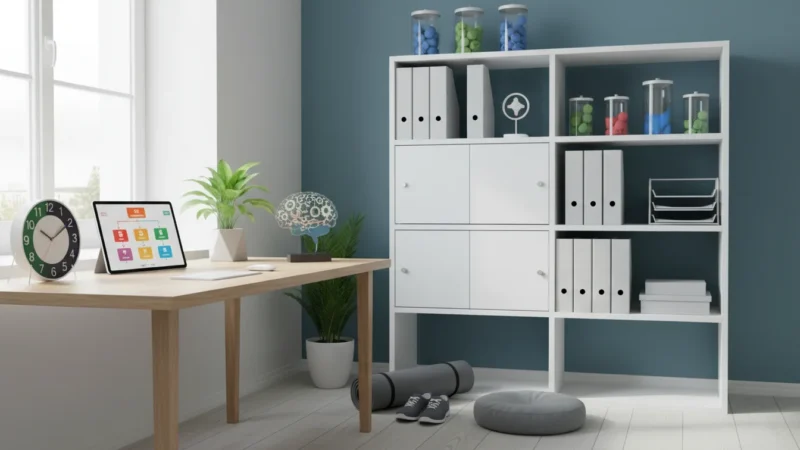
Welcome to TheFocusedMethod.com. We believe that true productivity isn’t born from heroic, unsustainable bursts of effort. It’s not about finding that one magical app that will solve all your problems. It’s about building small, intelligent systems that work for you, day in and day out. It’s about creating an environment where focus is the default and distraction is the exception.
Many people hunt for the single best productivity hack or the perfect list of tech tools, believing that external solutions will fix internal chaos. The truth is, the most powerful changes come from tiny, consistent habits. A tool is only as good as the system it supports. A hammer is useless if you don’t know how to build a frame.
In this guide, we’re going to do both. First, we’ll build the frame. We will lay the foundation with a few powerful, non-digital habits that create the space for deep work. Then, and only then, we will introduce the hammer: five specific Google Chrome extensions that will amplify your efforts, protect your focus, and help you reclaim your time. These aren’t just random apps; they are precision instruments designed to reinforce the very systems we’re about to build.
Forget the fantasy of a complete life overhaul. Instead, embrace the reality of small, compounding wins. Let’s build a system so effective that your productivity feels less like a struggle and more like an inevitability.
📚 Table of Contents
- First, Build the System: Your Non-Digital Foundation
- The 5 Google Chrome Extensions That Amplify Your System
- 1. BlockSite: Your Digital Bouncer
- 2. OneTab: The Clutter Killer
- 3. Todoist for Chrome: The Idea Catcher
- 4. Mercury Reader: The Sanctuary for Deep Reading
- 5. Toggl Track: The Truth Teller
- The Art of Compounding: Chaining Your New Habits
- Putting It All Together: Two Real-World Scenarios
- Frequently Asked Questions (FAQ)
- Is this just about finding the right tool? Aren’t habits more important?
- This sounds like a lot of work to set up. What about the switching costs?
- When should I quit a hack or a tool?
- Can too many productivity tools be counterproductive?
- Are these Chrome extensions safe to use?
- What about the impact of screen time on sleep?
- Your First Steps to a Focused Life

First, Build the System: Your Non-Digital Foundation
Before you install a single extension, you must first address the physical and mental environment where you work. Technology can’t fix a chaotic desk or an undefined plan. These foundational habits take less than 30 minutes a day combined, but their return on investment is monumental.
Once you have addressed these foundational routines, you might also consider incorporating specific morning habits to ensure your day starts with high energy and focus.
The One-Screen Phone Rule
Your smartphone is the single greatest threat to your focus. The endless scroll, the notification badges, the siren song of “just a quick check.” The first step is to neuter it as a distraction device. Reconfigure your phone to have only one home screen. On that screen, place only utility apps—things like your calendar, maps, calculator, and phone. Everything else, especially social media, email, and news apps, must go into a single folder on the second page. This tiny bit of friction—the extra swipe and tap—is often enough to break the unconscious habit of opening distracting apps.
The 10-Minute Desk Reset
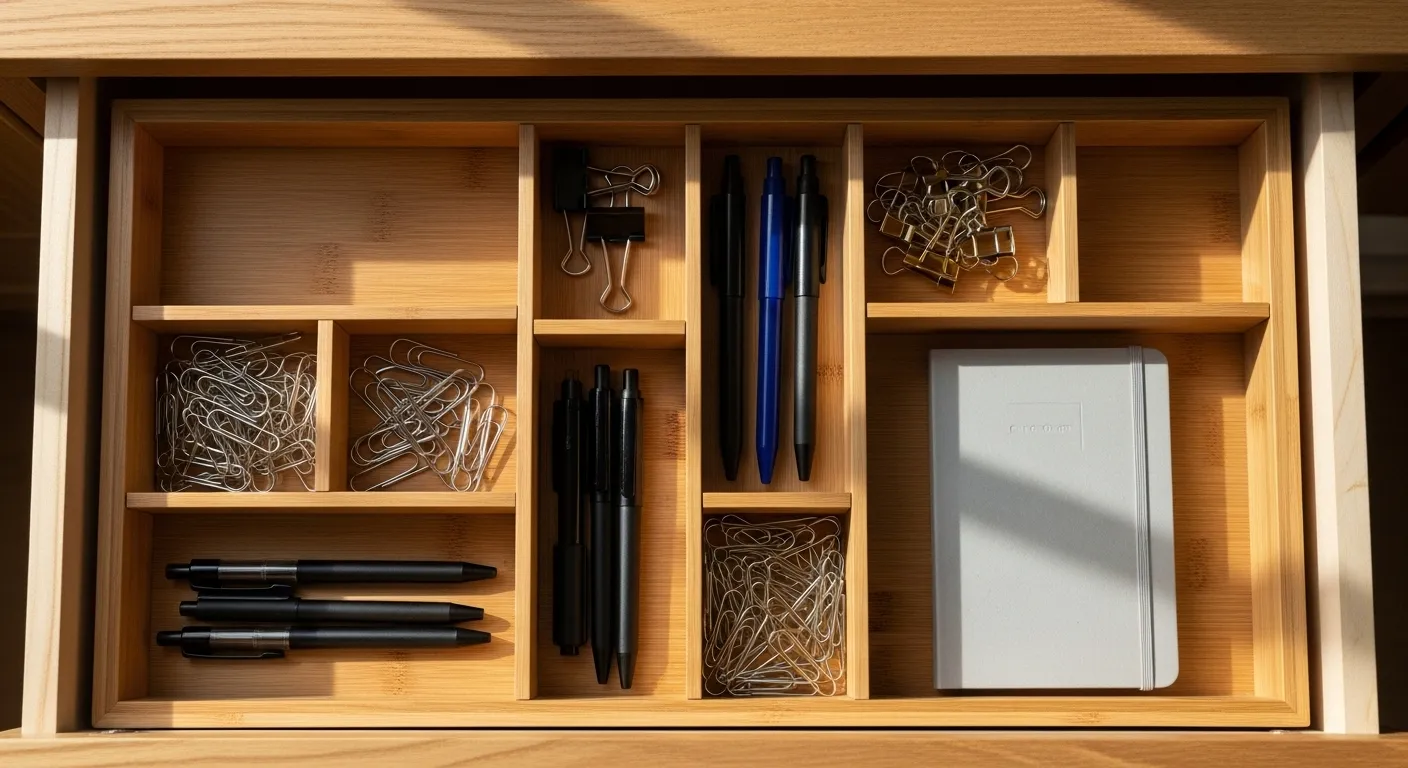
At the end of each workday, set a timer for 10 minutes and reset your physical workspace. Put away papers, wipe down the surface, organize pens, and close down unnecessary computer applications. This ritual does two things. First, it creates a psychological barrier, signaling to your brain that the workday is officially over. Second, it presents your future self with a gift: a clean, inviting workspace, ready for immediate, focused work the next morning. You eliminate the friction of having to clean up before you can even start.
The 15-Minute Weekly Review
Every Friday afternoon or Sunday evening, invest 15 minutes in a weekly review. This is not a complex planning session. It’s a simple, three-step process: Look back at your calendar and to-do list from the past week. What got done? What didn’t? Look ahead to the next week. What are the most important priorities? And finally, clear your head. Write down any open loops, ideas, or worries into a trusted system, like a notebook or a digital to-do list. This habit ensures that you start every week with clarity and intention, rather than reacting to the chaos of your inbox.
The Micro Time Audit
You can’t manage what you don’t measure. A time audit is the practice of tracking where your time actually goes. But a full-scale audit can be daunting. Start with a micro-audit. For just two hours on a typical workday, keep a simple log. Every 30 minutes, write down what you were just doing. The results will almost certainly surprise you. You’ll discover how a “quick check” of email turned into 20 minutes of reactive work, or how many times you switched tasks. This data isn’t for judgment; it’s for awareness. It’s the diagnostic tool that will show you exactly where the chrome extensions we’re about to discuss can help most.


The 5 Google Chrome Extensions That Amplify Your System
With your foundational habits in place, your desk is clear, your phone is less distracting, and you have a clear intention for your week. Now, we bring in the technology. These are not just cool apps; they are force multipliers for the systems you just built. These are some of the best productivity chrome extensions because they solve specific, universal problems that erode focus.
To further increase your speed within the browser, pairing these tools with essential keyboard shortcuts will minimize the friction of digital tasks.

1. BlockSite: Your Digital Bouncer
The Problem It Solves: The unconscious drift toward distracting websites. Your micro time audit likely revealed that you visit sites like Twitter, YouTube, or news aggregators without even thinking about it. It’s a muscle memory habit that kills productivity.
How It Changes Your Life: BlockSite acts as a bouncer for your brain. You create a list of websites that you know are time-sinks. Then, you can either block them completely during your work hours or, even better, use its scheduling feature to align with a technique called batching.
Batching is a productivity technique where you group similar tasks together and perform them in a dedicated time block. Instead of checking social media 20 times a day, you can use BlockSite to block those sites from 9 AM to 4:30 PM, then allow yourself a 30-minute “batch” at the end of the day to catch up. This simple change moves you from a state of constant, low-grade distraction to one of intentional engagement. You control the tools; they don’t control you.
Get Started: Install BlockSite from the Chrome Web Store. Spend five minutes adding your top 3-5 most distracting websites to the block list. Set a simple schedule, like 9 AM to 5 PM on weekdays. The first time you instinctively type that URL and see the block page, you’ll feel the power of this new guardrail.

2. OneTab: The Clutter Killer
The Problem It Solves: Tab overload, or what some call “tab-pocalypse.” Having dozens of tabs open is not a sign of being busy; it’s a sign of a cluttered digital workspace. Each tab consumes mental energy (as you try to remember why it’s open) and precious computer resources (RAM), slowing everything down.
How It Changes Your Life: With a single click, OneTab closes all your open tabs and converts them into a simple list on a single new tab. This instantly declutters your browser and frees up your computer’s memory. But its real power is psychological. It removes the visual noise and the “open loop” anxiety of having to deal with all those tabs. You haven’t lost them; you’ve simply filed them away neatly for later.
This extension pairs perfectly with the 10-Minute Desk Reset. As part of your end-of-day shutdown ritual, click the OneTab icon. Your browser becomes as clean as your physical desk. You can then review the list later, closing what’s no longer relevant or restoring a group of tabs when you’re ready to work on a specific project. It’s the digital equivalent of putting your tools away after you’re done with them.
Get Started: After installing OneTab, let your tabs build up as they normally would. Before you start to feel overwhelmed, click the extension’s icon in your toolbar. Feel the immediate sense of relief as your browser becomes clean and fast again. Name the tab group “Research for Project X” or “Articles to Read” to stay organized.

3. Todoist for Chrome: The Idea Catcher
The Problem It Solves: On-the-fly distractions that come from your own brain. You’re deep in a report when you suddenly remember you need to email a colleague, buy a gift, or research a new idea. If you act on it immediately, your focus is broken. If you try to “just remember it,” it creates a lingering mental residue that degrades your concentration.
How It Changes Your Life: This extension lets you capture tasks and ideas without leaving your current page. You click the icon, type the thought, and send it directly to your to-do list. The idea is captured in a trusted system, and your mind is free to return to the task at hand instantly. This follows David Allen’s “Getting Things Done” principle of the “mind like water”—clear and ready for what’s next, not bogged down by trying to hold onto open loops.
This habit is a superpower. Every time you successfully capture a thought instead of acting on it, you are strengthening your ability to maintain deep focus. It’s a core skill for any knowledge worker, and this tool makes it frictionless. It’s one of the most essential productivity hacks for a scattered mind.
Get Started: Install the extension and log in to your Todoist account (a free one is fine). The next time a random “I need to…” thought pops into your head while you’re working, resist the urge to do it. Instead, click the Todoist icon, type it, and hit enter. Notice how quickly you can get back on track.

4. Mercury Reader: The Sanctuary for Deep Reading
The Problem It Solves: The modern web page is a minefield of distractions. Ads, pop-ups, auto-playing videos, and “related articles” are all designed to pull your attention away from the content you came to read.
How It Changes Your Life: Mercury Reader strips away all the clutter from an online article with one click, leaving you with nothing but clean text and relevant images. It transforms a chaotic webpage into a serene, book-like reading environment. This is crucial for anyone who does research or needs to absorb complex information online.
By creating a distraction-free reading space, you can read faster and with much higher comprehension. Pair this with OneTab: gather a list of articles you want to read throughout the day, and when you’re ready for a dedicated reading block, open them one by one and activate Mercury Reader. This is another form of batching—you’re batching your deep reading into a focused session, protected from the web’s distractions. This directly supports mental well-being, as a calmer digital environment can reduce cognitive load, a concept often studied by organizations like the American Psychological Association (APA).
Get Started: The next time you land on an interesting but cluttered article, click the Mercury Reader rocket ship icon. Customize the font size and background (dark mode is great for eye strain) to your liking. Experience the difference of reading without visual noise.

5. Toggl Track: The Truth Teller
The Problem It Solves: A lack of accurate data about where your time truly goes. The micro time audit we discussed earlier is a manual, short-term snapshot. Toggl Track automates this process, giving you a crystal-clear, long-term picture of your work habits.
How It Changes Your Life: This extension places a timer button inside many popular web apps (like Google Docs, Trello, and Gmail). You simply start the timer when you begin a task and stop it when you’re done. Over time, Toggl provides you with detailed reports showing exactly how many hours you spent on “Project Alpha,” “Client Meetings,” or even “Responding to Email.”
This data is not for self-criticism. It’s for intelligent decision-making. The data will reveal the truth. Are you really spending 80% of your time on your most important tasks, or is it closer to 20%? The answer empowers you. You can adjust your schedule, delegate tasks, and have honest conversations with your manager or clients based on real data, not guesswork. It makes your 15-Minute Weekly Review infinitely more powerful because you’re reviewing facts, not feelings.
Get Started: Install the extension and create a free Toggl account. For one week, commit to tracking your main tasks. Don’t worry about being perfect. Just start the timer for a project, and stop it when you switch. At the end of the week, look at the report. This is your new baseline for productivity.

The Art of Compounding: Chaining Your New Habits
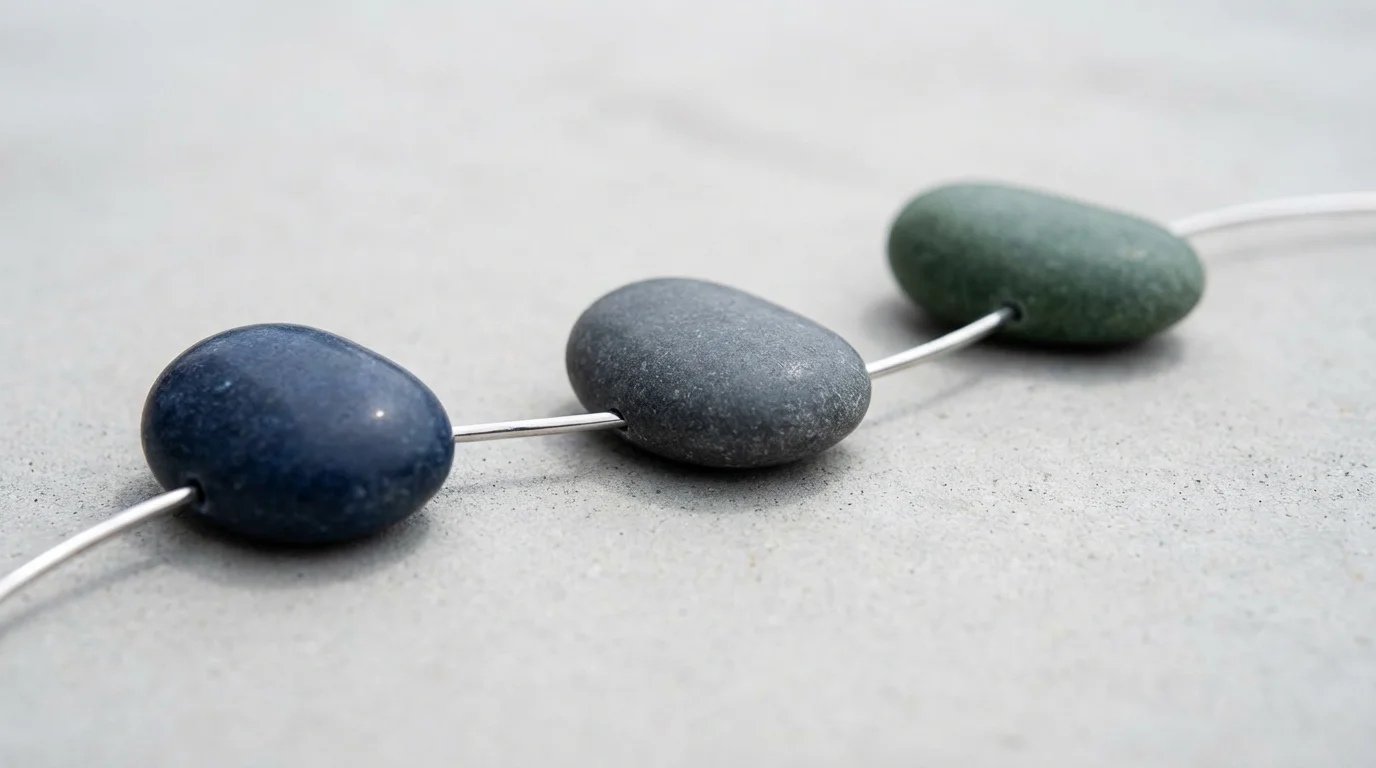
The real magic happens when you start chaining these habits and tools together. This is where you move from isolated actions to a cohesive, self-reinforcing system. The goal isn’t to become a productivity robot, but to create a workflow so smooth that you expend less energy on managing your work and more on doing it.
Think of it like a chain reaction. A single small habit can trigger the next, creating momentum that carries you through the day with less friction. This is often called “habit stacking.”
Example Chain 1: The End-of-Day Shutdown
At 4:50 PM, a calendar reminder pops up: “Begin Shutdown Routine.” You start your 10-Minute Desk Reset timer. While clearing your physical desk, you also clear your digital one. You click the OneTab icon in Chrome, collapsing 30 tabs into a single, organized list. You glance at your email one last time, use the Todoist for Chrome extension to capture any last-minute tasks for tomorrow, and then close your inbox. When the timer dings, your physical and digital workspaces are pristine. You’ve closed the loops for the day and can fully disconnect.
Example Chain 2: The Deep Work Block
You’ve scheduled a 90-minute block on your calendar for “Write Project Proposal.” When the time comes, you activate BlockSite‘s “Focus Mode,” which blocks your distracting sites for the next 90 minutes. You open the necessary research tabs you saved in OneTab. You start your Toggl Track timer for “Project Proposal.” Now, you are in a protected bubble. Your environment—physical, digital, and mental—is perfectly aligned for one purpose. If an unrelated thought appears, you capture it with Todoist and immediately return to the task.
A Word of Warning: The Trap of Over-Optimization
As you explore these productivity hacks, you may be tempted to add more and more tools, more and more rules, more and more complexity. Resist this urge. The goal of a good system is to be simple and robust. Over-optimization leads to a brittle system that breaks easily and requires more time to manage than it saves. Start with the foundations and the five chrome extensions listed here. Master them. Only add a new tool if it solves a significant, recurring problem that your current system can’t handle. Simplicity is the ultimate sophistication.


Putting It All Together: Two Real-World Scenarios
Theory is great, but seeing how these systems and tools work in practice makes them tangible. Let’s walk through a day in the life of two different professionals using The Focused Method.

Scenario 1: Maria, the Busy Manager
Maria’s biggest challenges are back-to-back meetings, constant interruptions via chat, and a never-ending stream of small requests that derail her strategic work. Her goal is to carve out time for planning and team development.
Her System in Action:
Maria’s calendar is her fortress. She uses a technique called timeboxing, where every minute of her day is scheduled, even breaks and “thinking time.” She schedules two 60-minute “Focus Blocks” each day—one in the morning, one in the afternoon. During these blocks, BlockSite is activated, blocking her access to news sites and LinkedIn. Her chat status is set to “Do Not Disturb.”
In meetings, she used to struggle with random ideas and action items derailing the conversation. Now, when a team member mentions something that needs to be done but isn’t on the agenda, she quickly uses the Todoist for Chrome extension to capture it (“Follow up with Mark about Q4 budget”). The idea is safe, and the meeting stays on track.
At the end of her day, she performs her 10-Minute Desk Reset and OneTab ritual. She looks at her Toggl Track report for the day and sees she successfully protected her two Focus Blocks. This data reinforces her behavior, making it easier to defend that time tomorrow. She feels in control, not just reactive.
She also follows a simple prioritization framework called the 1-3-5 Rule for her daily plan: each day, she aims to accomplish 1 big thing, 3 medium things, and 5 small things. This brings clarity to her overwhelming to-do list and helps her use her Focus Blocks on what truly matters.

Scenario 2: David, the Solo Creator
David is a freelance writer and designer. His biggest challenge is managing long, unstructured days, avoiding the rabbit hole of online research, and accurately scoping his projects for clients.
His System in Action:
David starts his day with his 15-Minute Weekly Review on Mondays, setting his 1-3-5 priorities for the week. For his writing projects, research is a major time sink. He used to have 50 tabs open, feeling overwhelmed. Now, he dedicates a one-hour block just for research. As he finds interesting articles, he doesn’t read them. He saves them to a group in OneTab named after the project.
When it’s time to write, he opens the OneTab group. For each article he needs to read, he activates Mercury Reader to get a clean, focused view. This prevents him from getting sidetracked by “related articles” and ads. He uses Toggl Track religiously, creating a separate project for each client. When he starts writing, he starts the timer. When he takes a break, he stops it.
This has been a game-changer for his business. When a new client asks for a quote, David can look at his Toggl reports for similar past projects and give a highly accurate estimate. He no longer undercharges for his work because he has hard data on how long things actually take. His unstructured days now have a rhythm, and his work is more profitable and less stressful. The relationship between sleep quality and cognitive performance is well-documented by institutions like the National Institutes of Health (NIH), and by reducing stress, his system indirectly improves his rest and overall effectiveness.
Frequently Asked Questions (FAQ)
Is this just about finding the right tool? Aren’t habits more important?
This is the most important question. Habits are, without a doubt, more important. A tool is an amplifier. If you have bad habits, a tool will just help you be unfocused more efficiently. That’s why we spent the first section of this article on foundational, non-digital habits. Build the system first. The Google Chrome extensions we recommend are designed to reinforce good habits—like batching, single-tasking, and decluttering. The system comes first; the tool serves the system.
This sounds like a lot of work to set up. What about the switching costs?
There is a small, upfront investment of time, which is a form of “switching cost.” It might take an hour to install these extensions, configure them, and practice the daily habits for the first time. But compare that one-hour investment to the time you will save over the next year. Saving even 15 minutes of wasted time per day adds up to over 90 hours in a year. The return on investment is massive. Start small. Implement one new thing this week, not all of them at once.
When should I quit a hack or a tool?
The moment it adds more friction than it removes. The entire purpose of a productivity system is to make your life easier and your work more effective. If you find that you’re spending more time managing your to-do list app than doing the tasks, it’s the wrong tool for you. If a time-tracking tool makes you so anxious that you can’t focus, abandon it. The system should serve you, not the other way around. Regularly ask yourself during your weekly review: “Is my system feeling light and helpful, or heavy and burdensome?” Adjust accordingly.
Can too many productivity tools be counterproductive?
Absolutely. This is a common trap. It’s easy to fall into a cycle of “productivity procrastination,” where you spend all your time researching and trying new tech tools instead of doing the actual work. That’s why we’ve limited this list to five core extensions that solve fundamental problems. The ideal tech stack is minimal. Each tool should have a clear and distinct purpose in your workflow. Resist the urge to add “just one more” unless there is a compelling and persistent need.
Are these Chrome extensions safe to use?
Safety is a valid concern. The extensions recommended here (BlockSite, OneTab, Todoist, Mercury Reader, Toggl Track) are highly reputable, widely used, and have been available on the Chrome Web Store for years. As a general rule, you should always be cautious. Before installing any extension, check its user ratings and reviews, and review the permissions it asks for. A to-do list extension needing access to your “browsing history” might be a red flag, whereas a tab manager needing it is logical. Stick to well-known developers to minimize risk.
What about the impact of screen time on sleep?
This is a critical point. Increased productivity during the day should not come at the expense of your health. The goal of these systems is to help you finish your work more efficiently so you can disconnect completely. Using tools like Mercury Reader with a dark or sepia theme can reduce eye strain. More importantly, habits like the 10-Minute Desk Reset are designed to create a hard stop to your workday. This helps you protect your evenings for rest and recovery. For more on the science of sleep hygiene, we recommend consulting resources like the Sleep Foundation (Sleep Foundation).


Your First Steps to a Focused Life
We’ve covered a lot of ground, from foundational habits to powerful digital tools. It can feel like a lot, but remember the core principle: start small. Lasting change is built through small, consistent steps, not giant leaps.
Here are three simple actions you can take today to begin building your own focused method. Don’t try to do them all. Pick the one that resonates most with you.
1. Choose and Install One Extension. Just one. If your biggest problem is tab clutter, install OneTab. If you’re constantly distracted by social media, install BlockSite. Spend five minutes setting it up. That’s it. Let that one tool work for you for a week before considering another.
2. Schedule Your First Weekly Review. Open your calendar right now and block out 15 minutes for this Friday or Sunday. Call it “Weekly Clarity.” When the time comes, just answer the three simple questions: What went well? What didn’t? What are my priorities for next week? This single habit can be transformative.
3. Commit to the 10-Minute Reset. Today, at the end of your workday, set a timer for 10 minutes and clear your physical desk. Close your applications. Give your future self the gift of a clean slate for tomorrow morning. Pay attention to how it feels to start the next day with a clear space.
Productivity isn’t a destination you arrive at; it’s a practice. It’s about building a system that honors your attention as the precious resource it is. Start with these small steps, be consistent, and you won’t just get more done—you’ll feel more in control, less stressed, and more present in every aspect of your life.
Disclaimer: The information provided in this article is for educational and informational purposes only and is not intended as a substitute for professional medical, psychological, or legal advice. Always seek the advice of a qualified professional with any questions you may have.
If you find yourself hesitating before starting a difficult task, pairing a site blocker with the 5-second rule can help you take action before your brain makes an excuse.




Leave a Reply