Recognizing the common signs you’re managing your time wrong is often the first step toward building a truly efficient workflow.
📚 Table of Contents
- Hack 1: The One-Screen Phone for Radical Focus
- Hack 2: The 10-Minute Digital and Physical Desk Reset
- Hack 3: The 15-Minute Weekly Review for Intentional Action
- Hack 4: The 30-Minute Time Audit Snippet to Reveal Reality
- Hack 5: Compounding Habits with Simple Tooling
- Chaining Micro-Habits for Maximum Impact
- Essential, Low-Friction Tooling
- A Warning Against Over-Optimization
- Putting It All Together: Worked Examples
- Frequently Asked Questions (FAQ)
- 1. Are the specific tools more important than the habits?
- 2. I’ve heard switching between tasks is bad. How do these hacks help with that?
- 3. How long should I try a hack before deciding it’s not for me?
- 4. What if I miss a day? Does it ruin everything?
- 5. These tips seem focused on work. Can they apply to personal life too?
- Your First Steps to Instant Productivity Gains
In the relentless pursuit of productivity, we often imagine a single, monumental change that will revolutionize our workflow. We dream of a perfect app, a flawless system, or an ironclad discipline that appears overnight. But the reality of sustainable high performance isn’t built on heroic, one-time efforts. It’s forged in the quiet consistency of small, intelligent habits.
True productivity isn’t about working harder; it’s about removing friction. It’s about designing an environment and a system where doing the right thing is the easiest thing. The most powerful changes are often the ones that seem too small to matter, yet they compound over time into massive gains. These are the quick productivity tips that actually stick.
This is where technology, often a source of distraction, can become your greatest ally. By making subtle, deliberate adjustments to the tools you already use, you can reclaim your focus, reduce decision fatigue, and build momentum effortlessly. These are not complex life overhauls. They are simple, low-effort tech hacks designed for immediate impact. Forget the steep learning curves and expensive software. We’re going to use what you already have to create a calmer, more focused, and drastically more effective workday, starting today.
Let’s explore five specific tech hacks for productivity that you can implement in minutes, each designed to give you a disproportionate return on your time and attention.
Hack 1: The One-Screen Phone for Radical Focus
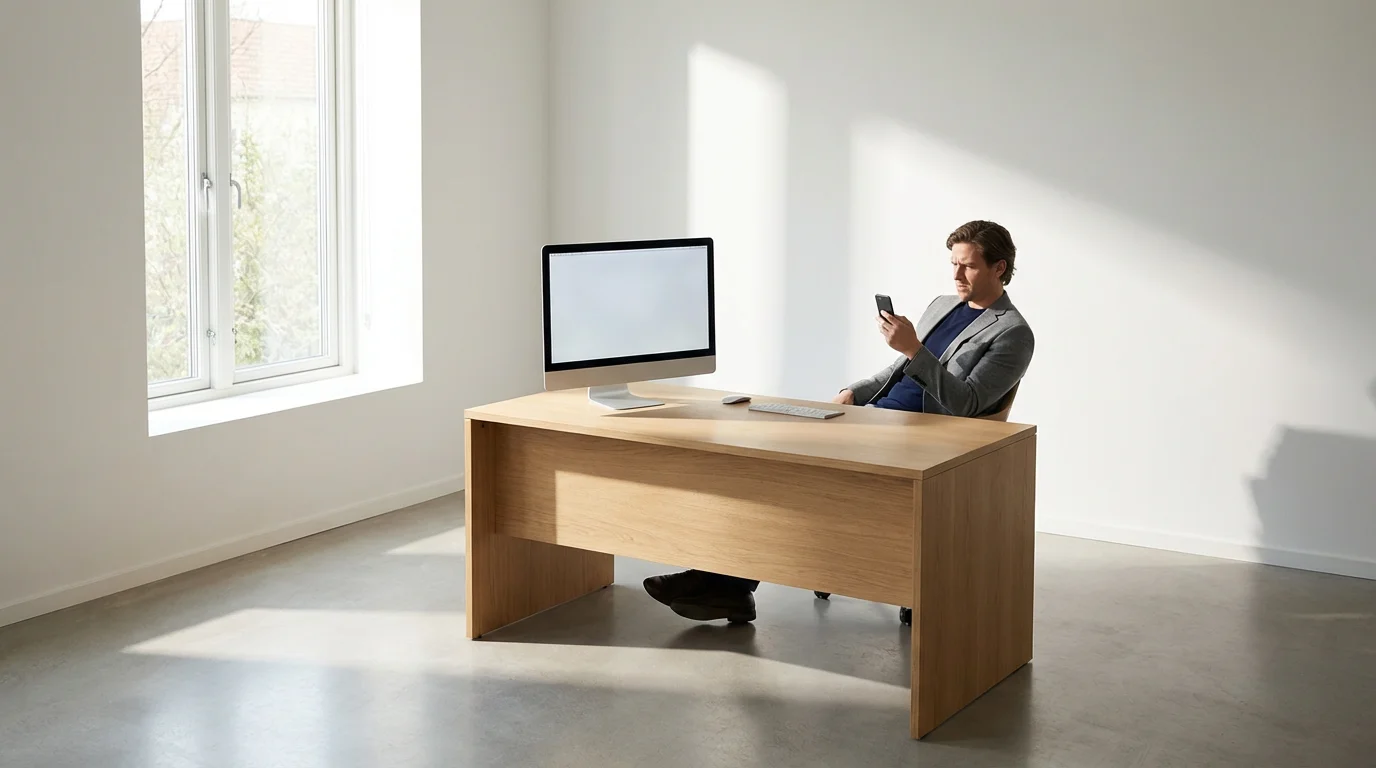
Your smartphone is a marvel of connection and information. It is also the single greatest threat to your concentration. Every notification, every brightly colored icon, every endless scroll is a carefully engineered siren song, pulling your attention away from what truly matters. The first and most impactful tech hack is to transform your phone from a slot machine of distraction into a deliberate, functional tool.
Beyond visual minimalism, you should explore how to use your phone’s built-in productivity features to automate your digital boundaries.
Beyond visual layout, learning how to use focus mode can add an extra layer of protection against digital interruptions.
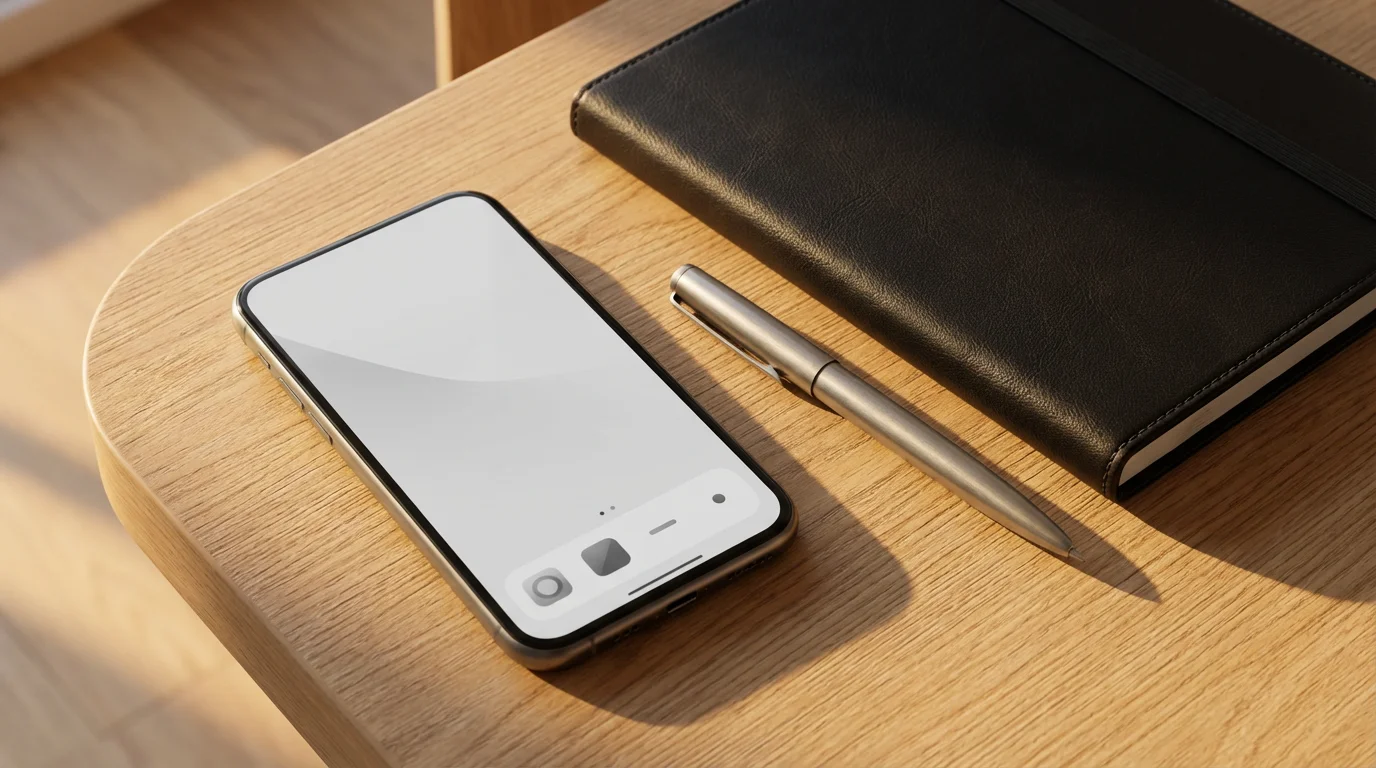
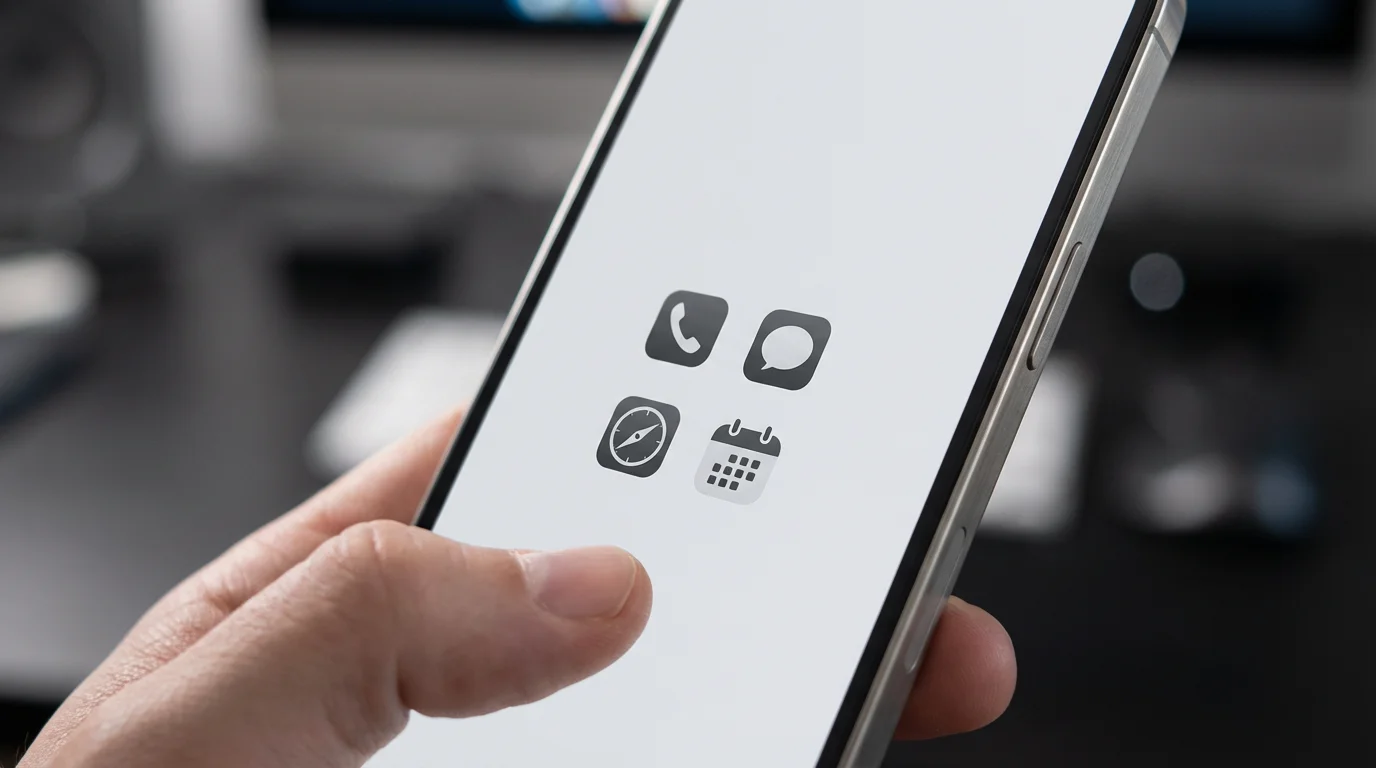
The goal is simple: create a single home screen that contains only tools, not triggers. Everything else gets hidden away in a folder or the app library, accessible only when you make a conscious choice to seek it out.
Why This Tech Hack Works
Our brains are wired to respond to novelty and visual cues. When you unlock your phone and see a dozen apps vying for your attention, you engage in a micro-negotiation. Should I check my email? I wonder what’s on Instagram? Maybe a quick look at the news? This process, repeated dozens of times a day, drains your willpower and creates a constant state of low-grade distraction.
By curating a single, boring home screen, you eliminate that negotiation. You pre-decide what your phone is for. Unlocking your device becomes an intentional act to use a tool, not an unconscious reflex to find a distraction. This simple change reduces cognitive load and preserves your most valuable resource: your focused attention.
How to Implement the One-Screen Method
This process takes less than ten minutes and the results are immediate. The steps differ slightly for iOS and Android, but the principle is the same.
For iPhone (iOS) users:
First, press and hold on an empty area of your home screen until the apps start to jiggle. Tap the dots at the bottom of the screen that represent your different home screen pages. You’ll see a view of all your pages. Uncheck every page except for your main one. Those pages are now hidden, not deleted.
Next, go back to your single, main home screen. Move all non-tool apps off this screen. Drag your social media, news, and gaming apps to the right edge of the screen until they move to the App Library. Your goal is a home screen with only utility apps like Phone, Messages, Calendar, Notes, and perhaps a folder for categories like “Finance” or “Travel.” Your muscle memory will scream for the first day, but by day two, you’ll feel a profound sense of calm and control.
For Android users:
The process is similar. Press and hold on your home screen and remove any extra home screen pages. Then, one by one, remove the icons for distracting apps. You aren’t uninstalling them; you are simply removing the shortcut from your home screen. They will still be available in your app drawer, which you access with a deliberate swipe.
Create a single home screen populated only by essential tools. You can even use folders to group them. For example, a “Communication” folder might contain your phone and messaging apps, while a “Productivity” folder holds your calendar and to-do list app. The key is to make distraction an intentional, multi-step process rather than a one-tap accident.
This one change is among the most powerful quick productivity tips you can adopt. It reclaims your phone as a tool that serves you, not a master that demands your attention.

Hack 2: The 10-Minute Digital and Physical Desk Reset
Clutter in your physical space creates clutter in your mental space. The same is true for your digital environment. A desktop littered with random files, a browser with fifty open tabs, and an overflowing downloads folder all create a subtle, persistent drag on your cognitive resources. They represent open loops, unanswered questions, and deferred decisions.
This reset is also an ideal time to apply the 2-minute rule for better productivity to clear small tasks that would otherwise clutter your mental space.
Maintaining a perfectly organized digital workspace is the foundation for this rapid reset habit.
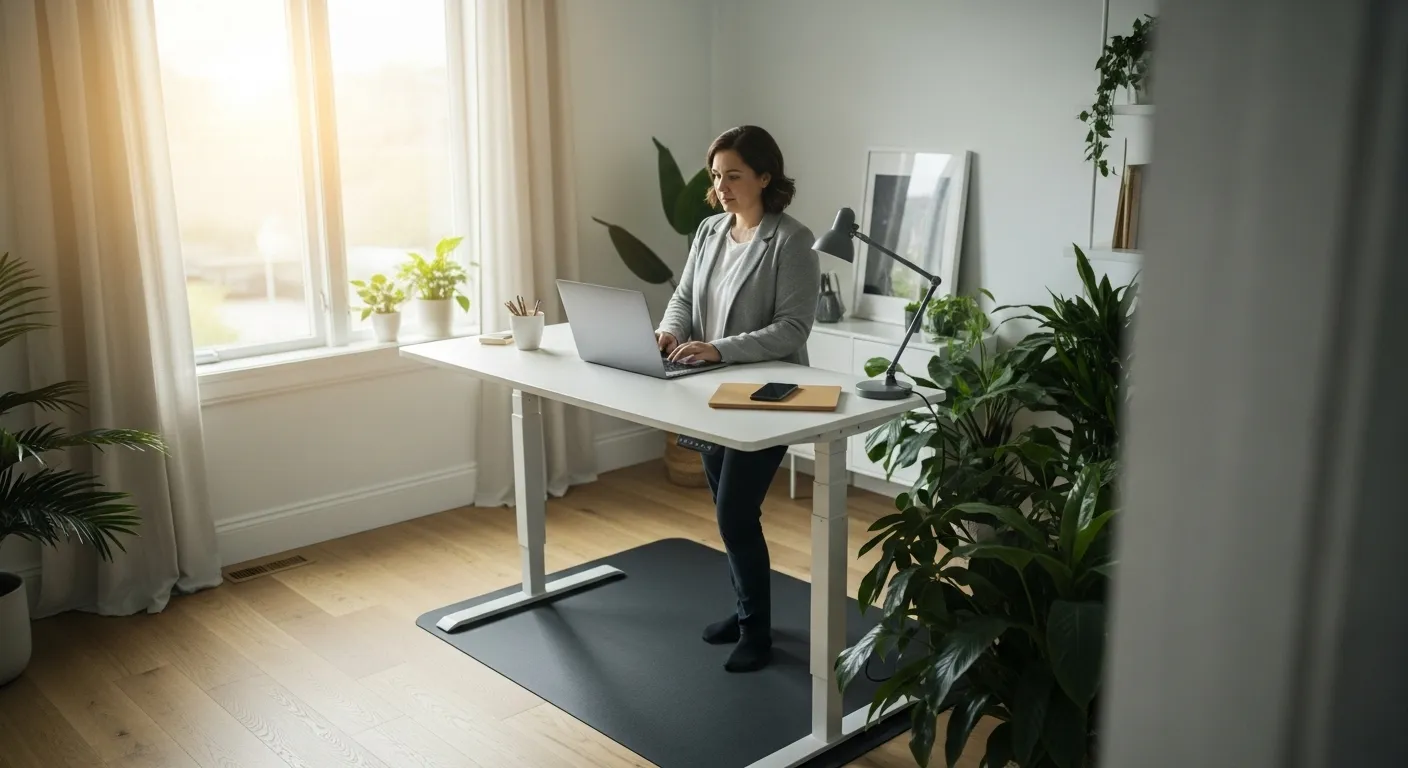
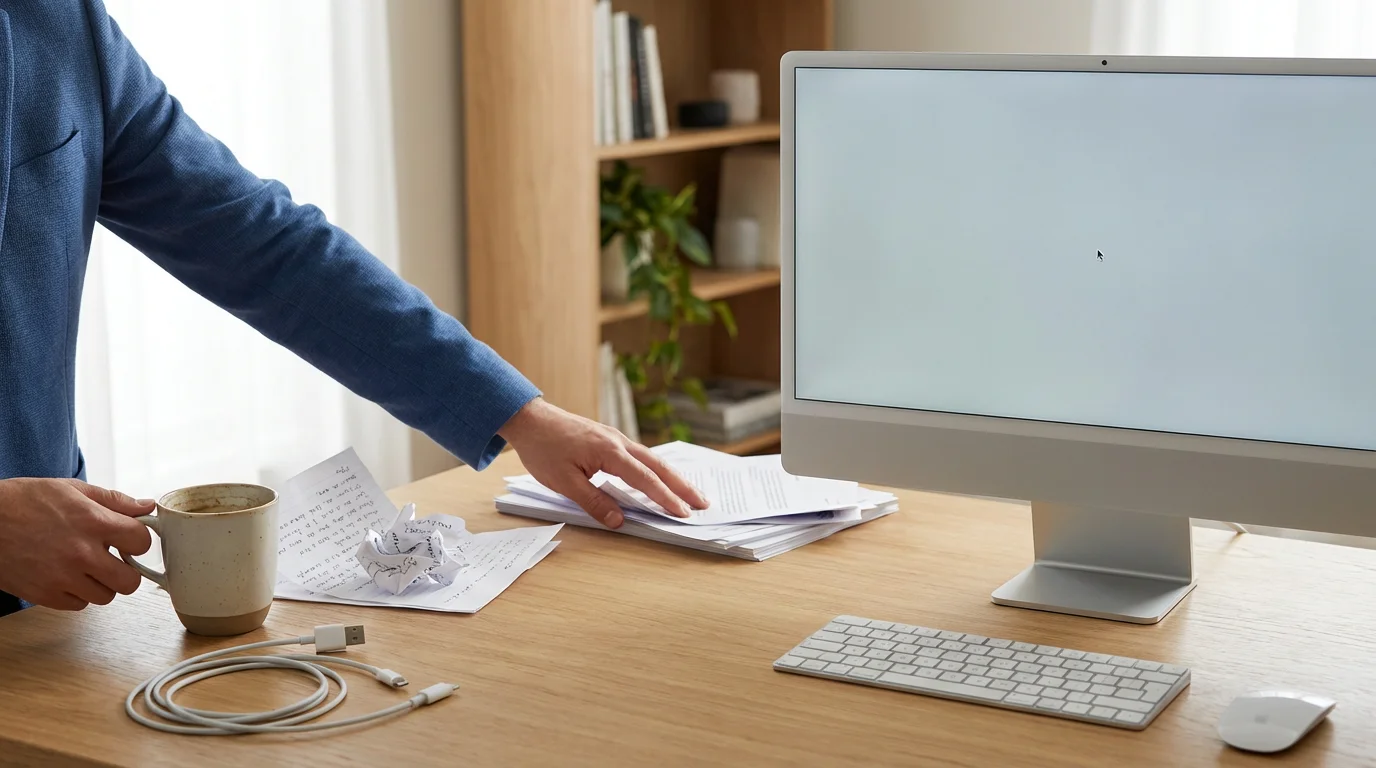
The solution is not a massive, hours-long spring cleaning. It’s a simple, daily ritual: the 10-minute desk reset. This tech hack serves as a “shutdown sequence” for your workday, ensuring you end the day with clarity and begin the next with a clean slate.

The Psychology of a Clean Workspace
Think of your workspace, both physical and digital, as a reflection of your mind. When it’s chaotic, your brain has to work harder to filter out irrelevant information. According to research from institutions like the National Institutes of Health (https://www.nih.gov/), a cluttered environment can lead to decreased focus and increased stress. By tidying up, you aren’t just cleaning; you are signaling to your brain that the day’s work is complete, allowing you to mentally disconnect and recharge more effectively.
This daily reset builds momentum. Starting your day with a clear desk and a focused digital setup eliminates the initial friction of figuring out where to begin. Your first task is already waiting for you, unobscured by the debris of yesterday’s battles.

Your 10-Minute Reset Checklist
Set a timer for 10 minutes at the end of your workday. Don’t skip this. The timer creates a container, preventing it from feeling like an endless chore. This is a sprint, not a marathon.
Digital Reset (5 Minutes):
Start with your computer. Your goal is to get to “Desktop Zero” and “Tab Zero.” First, close every application and browser tab you are finished with. Be ruthless. If you need a link for later, save it to a “Read Later” app or a dedicated note, don’t leave the tab open as a reminder.
Next, tackle your desktop. Create a single folder on your desktop named “_INBOX” or “_To Process.” Drag every single stray file, screenshot, and download into this one folder. Your desktop should now be completely empty, save for that one folder. You aren’t organizing everything perfectly; you are simply corralling the chaos into one place to be dealt with later, during a dedicated administrative block.
Finally, look at your calendar for tomorrow morning. Identify your single most important task. Write it on a sticky note (digital or physical) or open the specific document you’ll need. You are setting up your future self for an easy win.
Physical Reset (5 Minutes):
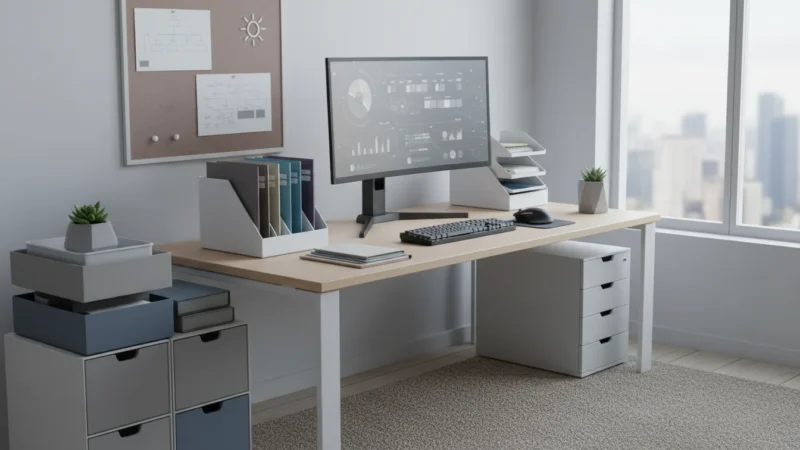
With your digital space clear, turn to your physical desk. Put away papers, pens, and notebooks. Wipe down the surface. Throw away any trash. Stack the books neatly. Plug in your devices to charge overnight. The goal is to return your desk to its neutral, ready state. This simple act provides a powerful sense of closure to the workday.
This 10-minute investment is one of the highest-leverage productivity hacks available. It reduces anxiety, improves focus, and makes starting your work tomorrow almost frictionless.
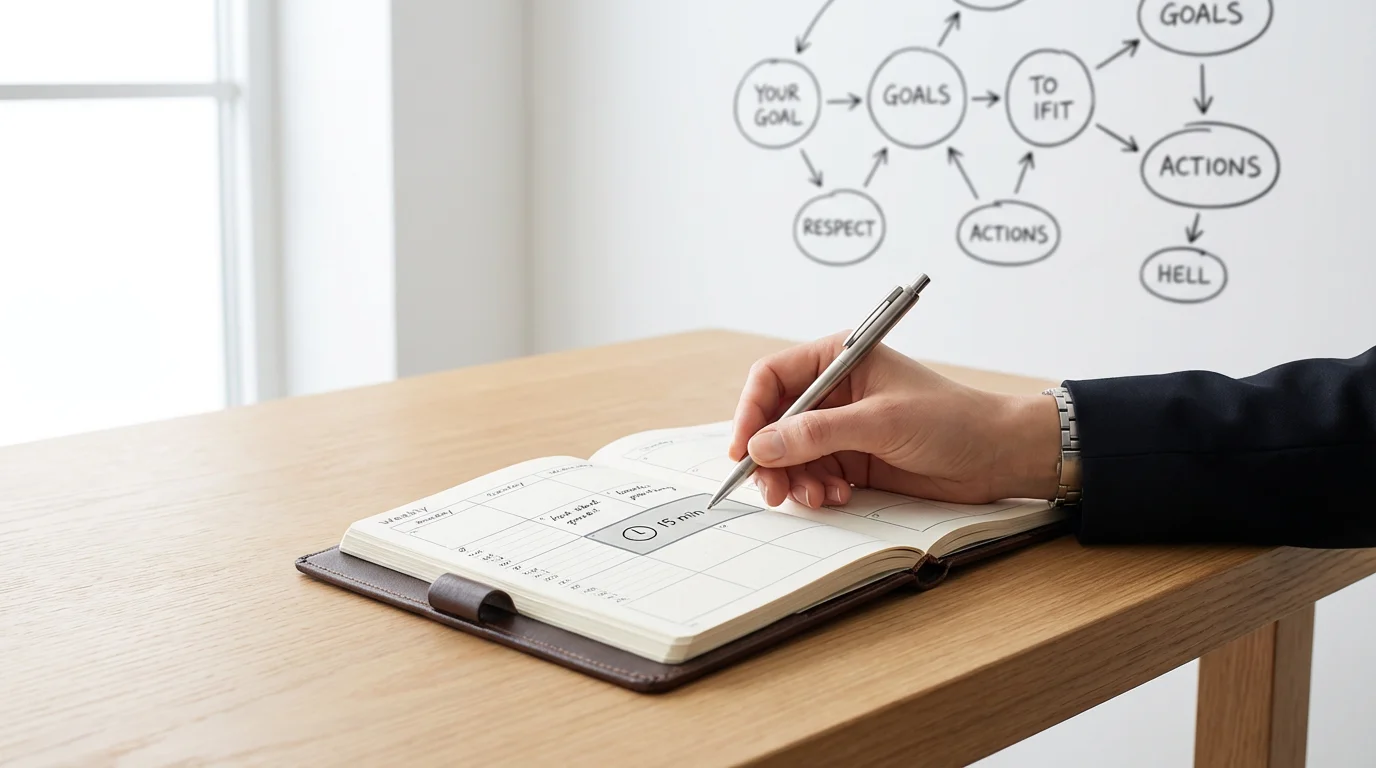
Hack 3: The 15-Minute Weekly Review for Intentional Action
Productivity isn’t just about getting more things done; it’s about getting the right things done. Without a system to regularly align your daily actions with your larger goals, it’s easy to spend a week being busy but not effective. You answer emails, attend meetings, and fight fires, only to arrive at Friday with a nagging sense of having run in place.
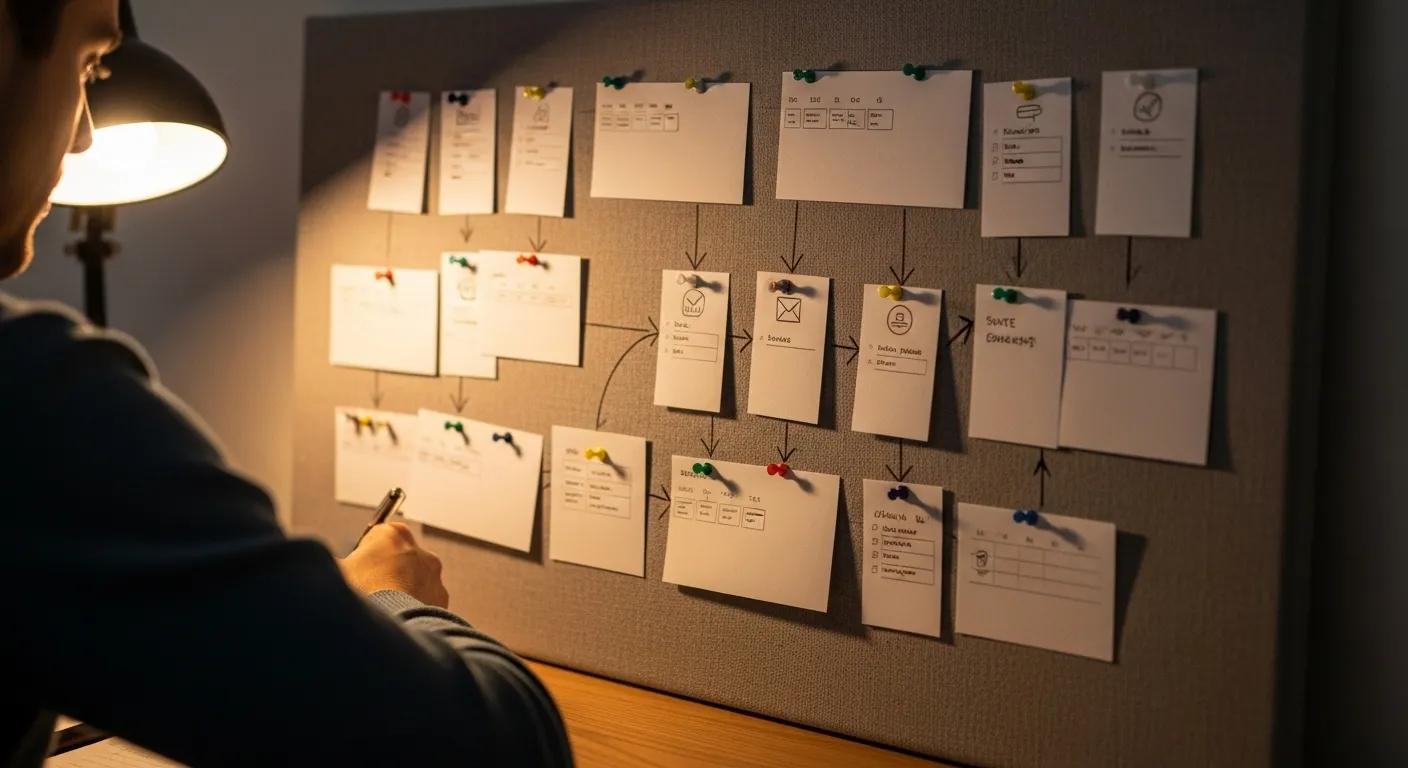
The 15-minute weekly review is your steering wheel. It’s a short, recurring appointment with yourself to look back at the past week and plan the week ahead with intention. This isn’t a complex project management exercise; it’s a quick, high-impact check-in that ensures your effort is pointed in the right direction.
Defining Your Priorities with the 1-3-5 Rule
To make this review effective, you need a simple framework for prioritizing. Enter the 1-3-5 Rule. This is a straightforward method for planning your week or day. The rule is simple: assume that in any given day, you can realistically accomplish:
One big, significant task.
Three medium, moderately important tasks.
Five small, minor tasks or chores.
By using this framework during your weekly review, you move from a vague, endless to-do list to a concrete, actionable plan. You are forced to make tough decisions about what truly matters, preventing you from over-committing and setting yourself up for failure.

How to Conduct Your 15-Minute Weekly Review
Block out 15 minutes on your calendar every Friday afternoon. Treat this appointment as non-negotiable, just like a meeting with your most important client. When the time comes, close your email and silence your notifications. This is your time to think.
Step 1: Review the Past (5 minutes).
Open your calendar and to-do list from the week that’s just ending. What did you accomplish? What didn’t get done? Don’t judge, just observe. Did any unexpected tasks derail your plans? Were your time estimates realistic? This quick reflection provides valuable data for planning the week ahead. Move any unfinished but still important tasks to next week’s list.
Step 2: Clear Your Inboxes (5 minutes).
Quickly process your various “inboxes.” This includes your primary email inbox, your physical mail tray, and that “_To Process” folder you created during your daily desk reset. This is not the time to do the work. It’s time to triage. If something takes less than two minutes, do it. If it takes longer, either schedule it on your calendar for next week or add it to your task list. The goal is to get your inboxes to zero so you can plan with a clear head.
Step 3: Plan the Future (5 minutes).
Look at your calendar and commitments for the upcoming week. Now, using your master task list and your goals, decide on your priorities using the 1-3-5 Rule for the week as a whole. What is your one most important objective? What are the three key supporting tasks? What are the five smaller things you need to handle? Write them down. Then, start mapping them out, blocking time on your calendar for the most important items. This practice is often called **timeboxing**, a technique we’ll explore further.
This weekly ritual is a keystone habit. It’s a small investment of time that provides clarity, control, and a sense of purpose for your entire week, making it one of the most essential tech hacks for productivity.


Hack 4: The 30-Minute Time Audit Snippet to Reveal Reality
We often have a distorted perception of where our time goes. We feel like we spent all day working on that important report, but the reality might be a patchwork of focused work interrupted by email checks, social media glances, and context switching. To truly optimize your time, you first need an honest picture of how you’re spending it.
A full-blown, week-long time audit can feel intimidating. So we’re not going to do that. Instead, we’ll use a “time audit snippet,” a hyper-focused, 30-minute tracking session that provides a powerful dose of reality with minimal overhead. A **time audit** is the practice of meticulously tracking your activities to understand exactly where your minutes and hours are allocated. This mini-version makes the concept accessible and immediately actionable.

Why a “Snippet” is So Effective
The barrier to a full time audit is high. It requires sustained discipline and can feel like a chore. A 30-minute snippet, however, is easy. You can do it anytime. The goal isn’t to capture a perfect representation of your entire life, but to shine a bright light on a small, representative slice of your day. This brief period of hyper-awareness is often enough to reveal your most common distraction patterns and time-wasting habits.
This is one of the most insightful quick tips because it’s diagnostic. It doesn’t just tell you to be more productive; it shows you exactly where your productivity is leaking away, allowing you to plug the holes with precision.

How to Run Your 30-Minute Time Audit
The tools for this are incredibly simple: a pen and paper, a text file, or a notes app. The technology is secondary to the act of observation.
Step 1: Pick Your Time.
Choose a 30-minute block when you intend to do focused work. This could be in the morning when you’re tackling a big task, or in the afternoon when you feel your energy start to dip. Don’t pick a lunch break or a meeting; choose a time that is supposed to be productive.
Step 2: Start a Timer and a Log.
Start a 30-minute timer. On your piece of paper or text file, write down the current time and the task you intend to work on. For example: “9:00 AM – Writing project proposal.”
Step 3: Record Every Switch.
This is the crucial part. The moment your attention shifts away from your intended task, you must record it. Be brutally honest and non-judgmental. It might look like this:
9:00 AM – Writing project proposal.
9:04 AM – Checked email for a response from Chris.
9:06 AM – Back to proposal.
9:11 AM – Opened Twitter. Scrolled for 3 minutes.
9:14 AM – Back to proposal.
9:19 AM – Got up to get water.
9:22 AM – Responded to a quick Slack message.
9:25 AM – Back to proposal.
Step 4: Review and Identify a Pattern.
When the 30 minutes are up, look at your log. In this example, out of 30 minutes of intended “work,” only about 18 minutes were spent on the actual task. The rest was lost to context switching. The pattern here might be “checking for external validation” (email, Twitter) or “responding to inbound requests” (Slack). You now have a concrete, specific problem to solve. Perhaps the solution is to turn off notifications or use a site blocker during your next work block.
Perform this quick tech hack once a day for a week, and you’ll have a crystal-clear understanding of your personal productivity kryptonite.

Hack 5: Compounding Habits with Simple Tooling
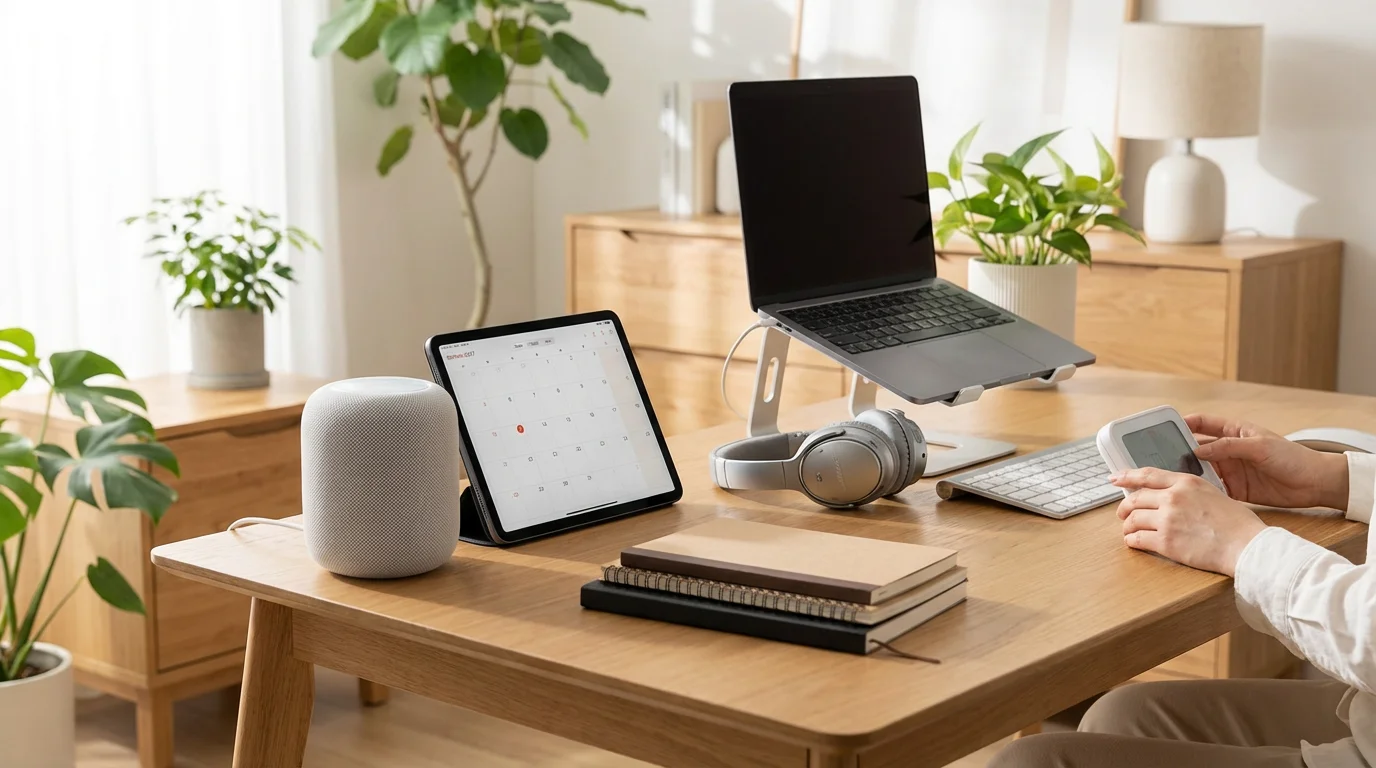
The previous four hacks are powerful on their own, but their true potential is unlocked when you begin to chain them together, creating a seamless system supported by simple, readily available technology. This is where you move from isolated quick tips to an integrated productivity engine. The goal is not to find the perfect app, but to use basic tools like calendars, timers, and shortcuts to automate and reinforce your good habits.
Once you have your tooling set up, you can learn how to use batching to group similar activities and minimize cognitive switching costs.

Chaining Micro-Habits for Maximum Impact
A great system is one where the completion of one good habit naturally triggers the start of the next. Think about how the hacks we’ve discussed can connect:
Your 10-Minute Desk Reset at the end of the day is the perfect trigger to review your calendar for tomorrow. As part of that reset, you can use the technique of **timeboxing**, which is simply blocking out specific periods on your calendar for specific tasks. For instance, after clearing your desktop, you open your calendar and create a 90-minute event from 9:00 AM to 10:30 AM tomorrow titled “Focus: Draft Project Proposal.”
Now, when you start your day, you don’t have to decide what to work on. The decision is already made. To protect that timeboxed session, you use your One-Screen Phone setup, ensuring no notifications will derail you. You might even use a simple timer app to work in focused 25-minute bursts, a technique known as the Pomodoro Technique. Each hack supports the others.
Your Weekly Review informs your timeboxing for the entire week. The insights from your Time Audit Snippets help you understand how long to make your focus blocks and what distractions to guard against.

Essential, Low-Friction Tooling
You don’t need fancy software. The best productivity hacks use the tech you already have:
Your Digital Calendar: This is your most powerful tool. Use it for more than just meetings. Timebox your important tasks, your breaks, your lunch, and even your daily desk reset. An appointment on your calendar is a commitment. It transforms a vague intention (“I should work on the report”) into a concrete plan (“1-3 PM: Work on report”).
Timers: Every phone and computer has a built-in timer or stopwatch. Use it relentlessly. Use it for your 10-minute reset. Use it for 25-minute focus sprints. A running timer creates a sense of urgency and focus, helping you resist the urge to multitask. It gamifies the work.
Keyboard Shortcuts: Every minute saved from fumbling with your mouse is a minute you can reinvest in deep work. Take 15 minutes to learn five keyboard shortcuts for your most-used applications. Common ones like Ctrl/Cmd + C (copy), Ctrl/Cmd + V (paste), Ctrl/Cmd + T (new tab), and Ctrl/Cmd + W (close tab) are just the beginning. Learning shortcuts for switching apps or managing windows can save you hours over the course of a year.

A Warning Against Over-Optimization
There’s a dangerous trap in the world of productivity: the tendency to spend more time building and tweaking the system than actually doing the work. The beauty of these tech hacks is their simplicity. Resist the urge to find the “perfect” to-do list app or the most complex calendar integration. A basic digital calendar and a simple notes app are more than enough. The goal is to reduce friction, not to build a system so complex that maintaining it becomes a job in itself. Start simple, stay simple.


Putting It All Together: Worked Examples
Theory is useful, but seeing these productivity hacks in action makes them tangible. Let’s look at how two very different professionals, a manager with a meeting-heavy schedule and a solo creator with long, unstructured days, might apply these quick tips.
Scenario 1: Manager Maya
Maya is a department head whose calendar is a wall of back-to-back meetings. Her biggest challenge is finding time for strategic thinking and protecting her team from her own scattered attention. Being “busy” is her default state, but she wants to be more “effective.”
Her Implementation:
First, Maya implements the One-Screen Phone hack. During meetings, her phone now sits face down, a boring tool she knows won’t tempt her with notifications, allowing her to be fully present with her team.
During her 15-Minute Weekly Review on Friday, she identifies her one “big thing” for the next week: “Finalize Q3 budget proposal.” She then ruthlessly uses **timeboxing**. She looks for the 90-minute gaps in her calendar and blocks them out as “DO NOT BOOK – Strategic Work.” This proactively protects her focus time.
Maya uses the 10-Minute Desk Reset at the end of each day. Her digital reset involves closing all her messaging and email tabs and opening the one document she needs for her first timeboxed session the next morning. This means when she starts her day, she can dive right into her most important work before the meeting onslaught begins.
The result? Maya feels more in control. Her meetings are more effective because she’s more present, and she’s finally making progress on the important work that used to get pushed aside by the urgent.

Scenario 2: Solo Maker Sam
Sam is a freelance writer. He has the opposite problem of Maya: his days are wide open, a terrifying blank canvas. His biggest challenges are procrastination, a lack of structure, and the endless rabbit holes of “research” on the internet. He needs to create his own momentum.
His Implementation:
Sam starts with a 30-Minute Time Audit Snippet during his prime writing time. He is shocked to find he only spends about 12 of those 30 minutes actually writing; the rest is lost to checking stats, tweaking his website, and browsing social media. This is his wake-up call.
Armed with this data, he uses his Weekly Review to structure his week with **timeboxing**. He blocks out two 90-minute “Deep Work: Writing” sessions each morning. He also schedules time for administrative tasks like invoicing and email, a practice known as **batching**. Batching is the act of grouping similar tasks together to reduce the cognitive cost of switching between different types of work.
To protect these sacred writing blocks, he implements the One-Screen Phone and uses a website blocker on his computer. He uses a simple Timer to work in 45-minute sprints with 15-minute breaks. He finds the gentle pressure of the timer keeps him on task.
Finally, his 10-Minute Desk Reset includes not just cleaning his physical and digital space, but also logging his word count for the day. This small act of tracking his progress creates a positive feedback loop, motivating him for the next day.
For Sam, these tech hacks for productivity create the structure that was missing, transforming his unstructured days into a predictable and highly effective workflow.

Frequently Asked Questions (FAQ)
Adopting new habits, even small ones, can bring up questions. Here are answers to some common concerns about implementing these tech hacks for productivity.
1. Are the specific tools more important than the habits?
Absolutely not. The habit is always more important than the tool. A simple pen and paper for a to-do list used consistently is infinitely more effective than the most advanced project management software that you open once a week. The tech hacks described here are designed to be tool-agnostic. Use the calendar, timer, and notes app that are already built into your phone or computer. The goal is to use technology to support the underlying principles: reduce distraction, create intention, and build consistency. Don’t get lost searching for the “perfect” app; focus on mastering the simple, repeatable actions.
2. I’ve heard switching between tasks is bad. How do these hacks help with that?
You’ve heard correctly. The “cost of context switching” is a significant drain on productivity. Every time you switch from one task to another, your brain has to unload the context of the old task and load the context of the new one, which takes time and mental energy. These hacks are specifically designed to minimize that cost. Timeboxing and batching reduce the number of times you switch between different *types* of work. The one-screen phone and desk reset reduce unplanned switches caused by distractions. By creating a more controlled and intentional work environment, you spend more time in a state of deep focus and less time in transition.
3. How long should I try a hack before deciding it’s not for me?
Give any new habit at least two weeks of consistent effort before making a judgment. The first few days will feel awkward. Your muscle memory will fight you on the one-screen phone. Your brain will resist the structure of timeboxing. This is normal. It takes time for new neural pathways to form. After a couple of weeks, evaluate honestly. Is this hack reducing friction or adding it? Is it making you feel more in control or more constrained? If it genuinely isn’t working, don’t be afraid to discard it or modify it. The goal is to build a system that works for you, not to follow a rigid dogma.
4. What if I miss a day? Does it ruin everything?
No, and this is a critical mindset shift. The “all-or-nothing” mentality is the enemy of long-term consistency. You will miss a day. You’ll forget to do your desk reset. You’ll have a chaotic Friday and skip your weekly review. It’s okay. The rule is simple: never miss twice. If you miss one day, make it a priority to get back on track the next. The power of these habits comes from their cumulative effect over months and years, not from perfect, unbroken streaks. Forgiveness and immediate course correction are key. As a great deal of research from organizations like the American Psychological Association (https://www.apa.org/) suggests, self-compassion is a key component of building resilience and maintaining long-term habits.
5. These tips seem focused on work. Can they apply to personal life too?
Yes, absolutely. You can timebox personal projects or chores on your weekend calendar. You can use the 10-minute reset to tidy your kitchen before bed, which has a similar effect of making the next morning easier. The weekly review can include personal goals alongside professional ones. The principles of reducing friction, setting intentions, and creating a supportive environment are universal and can be applied to any area of your life where you want to be more effective and less stressed.
Remember, a healthy lifestyle underpins all productivity. Ensuring you get adequate rest is crucial. For evidence-based information on sleep and its impact on cognitive performance, the Sleep Foundation (https://www.sleepfoundation.org/) is an excellent resource.


Your First Steps to Instant Productivity Gains
We’ve covered a lot of ground, but the core message is simple: small, intelligent changes, consistently applied, yield remarkable results. You don’t need to overhaul your entire life to become more productive. You just need to start. The friction of getting started is often the biggest hurdle, so let’s make it as easy as possible.
Don’t try to implement all five of these tech hacks at once. That’s a recipe for feeling overwhelmed. Instead, pick one. Just one. Master it for a week, feel the benefit, and then stack the next one on top of it. Productivity is a journey of a thousand small steps, not a single giant leap.
Here are three actions you can take in the next 15 minutes to begin your journey. Choose the one that feels easiest or most impactful for you right now.
1. Tame Your Phone. Pick up your smartphone right now. Take three to five minutes and create your one-screen setup. Move all social media, news, and game apps off your main home screen. Leave only the tools. This single act will give you back hours of your life over the next year.
2. Schedule Your Shutdown. Open your calendar. Set a recurring 10-minute appointment for the end of each workday titled “Daily Reset.” The simple act of putting it on your calendar makes it real and dramatically increases the likelihood that you’ll do it.
3. Book a Meeting with Yourself. Find a 15-minute slot on your calendar for this coming Friday. Create an event called “Weekly Review.” That’s it. You’ve now taken the first step toward moving from a reactive to a proactive workflow.
These aren’t just quick tips; they are foundational habits that build on each other. They replace chaos with order, distraction with intention, and anxiety with control. Start small, stay consistent, and watch how these simple tech hacks transform not just your work, but your entire relationship with technology.
Disclaimer: The information provided in this article is for educational and informational purposes only and is not intended as a substitute for professional medical, psychological, or legal advice. Always seek the advice of a qualified professional with any questions you may have.
If you are working independently like Sam, you can further refine your workflow with targeted strategies for individual productivity.




Leave a Reply