

In today’s fast-paced world, distractions constantly compete for your attention. Notifications chime, emails arrive, and household tasks beckon. Achieving deep focus and sustained productivity feels increasingly challenging. The solution often lies not in willpower alone, but in strategically designing your surroundings. A dedicated workspace serves as a powerful anchor, signaling to your brain that it is time to engage in meaningful work. It minimizes external interruptions and helps you enter a state of flow more readily. This guide delivers practical steps for creating an optimal workspace at home or in any setting, transforming your environment into a catalyst for focus and productivity.

Understanding the Science of Focus and Environment
Your environment significantly influences your cognitive function, mood, and productivity. Our brains are highly susceptible to contextual cues. When you consistently perform a specific activity in a particular space, your brain forms an association. This phenomenon, known as psychological anchoring, means entering that space primes your mind for the associated task.
Ultimately, achieving a productivity mindset shift will help you better appreciate the deep connection between your brain and your surroundings.
Research consistently demonstrates the impact of surroundings on performance. Studies in environmental psychology show that factors like noise, lighting, and clutter directly affect concentration levels and stress. A disorganized or distracting environment forces your brain to constantly process irrelevant stimuli, draining cognitive resources before you even begin your core tasks.
Conversely, a well-designed, dedicated space reduces cognitive load. It signals “work mode,” making it easier to transition into deep work. This reduces decision fatigue and allows your mental energy to focus on the task at hand. By intentionally shaping your environment, you create a powerful, silent partner in your productivity journey.
“Clarity about what matters provides clarity about what does not.” — Deep Work Principle
Defining Your Ideal Workspace: More Than Just a Desk
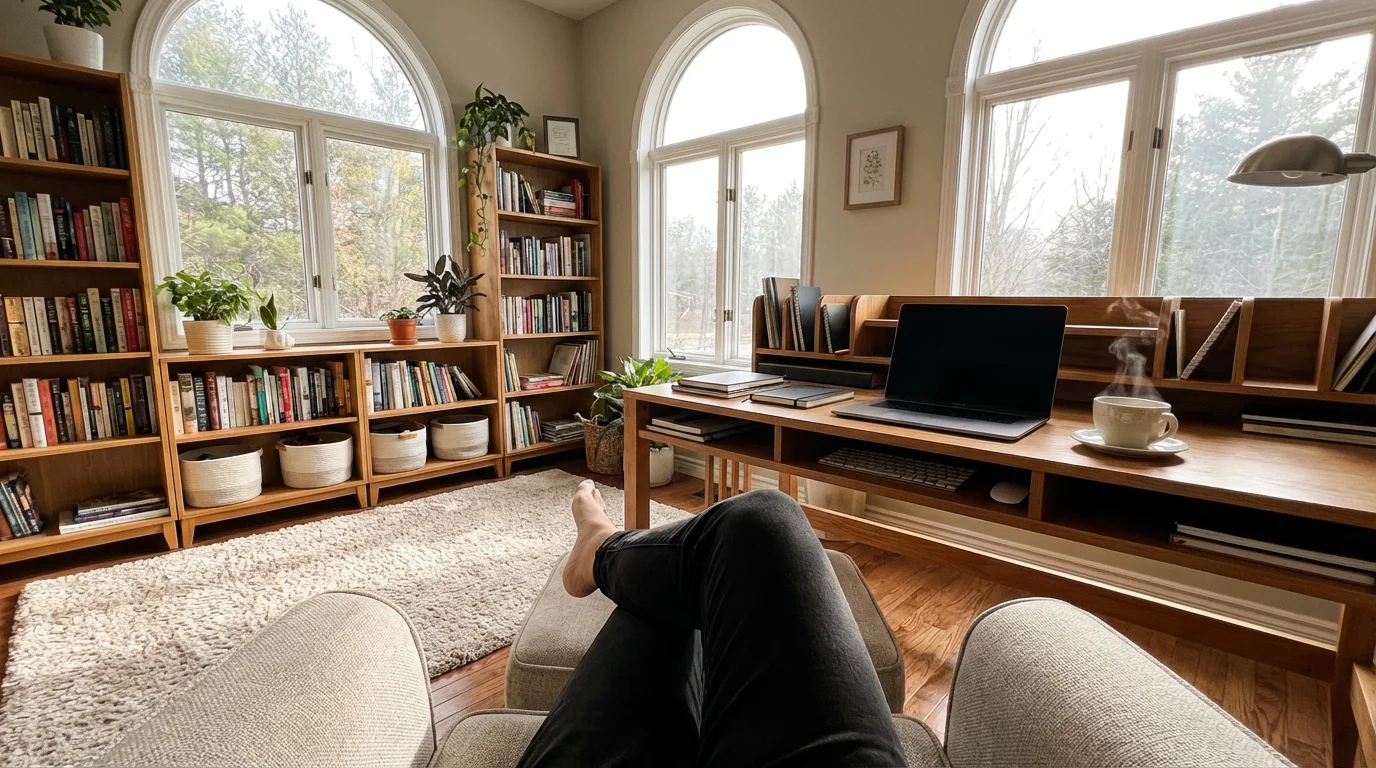
A dedicated workspace does not necessarily mean a separate room. It signifies a space primarily used for work activities, distinct from areas for relaxation or household chores. This distinction is crucial for effective psychological anchoring. You must actively define this space, regardless of its physical size.
To avoid overcomplicating your area, identifying the essential items for a focused workspace can help keep your desk area functional and clean.
For more specific advice on setting up your layout, explore this minimalist’s guide to a productive home office.
Consider the core functions your workspace needs to support. Do you mostly perform computer-based tasks, require physical documents, or engage in creative work? Your activities dictate the necessary setup. Avoid the trap of a “one-size-fits-all” solution, as personal preferences and job demands vary widely.
When selecting or defining your space, evaluate these key factors:
- Noise Levels: Does this area experience frequent interruptions or high ambient noise?
- Privacy: Can you minimize visual and auditory distractions from household members or colleagues?
- Accessibility: Is it easy to access when you need to work, encouraging consistency?
- Light Source: Does it offer sufficient natural light, or can you augment it with appropriate artificial lighting?
- Ergonomics Potential: Can you set up your equipment to support healthy posture and reduce strain?
For example, if you live in a small apartment, your “dedicated workspace” might be a specific corner of the living room, utilized only during working hours. You might set up a folding desk and pack away work items at the end of the day. This routine reinforces the boundary between work and personal time, even within the same physical room.
Ergonomics for Sustained Productivity and Well-being
An optimal workspace prioritizes your physical comfort and long-term health. Poor ergonomics lead to discomfort, fatigue, and potential injuries, directly impacting your focus and reducing your capacity for sustained work. Investing in ergonomic setup is an investment in your productivity.
Maintaining a clear surface is just as important as posture, so consider following a guide to a productive “no-clutter” desk to keep your mind focused.
To ensure you maintain these healthy movements throughout the day, consider implementing the “Pomodoro” timer hack to schedule regular intervals for standing and stretching.
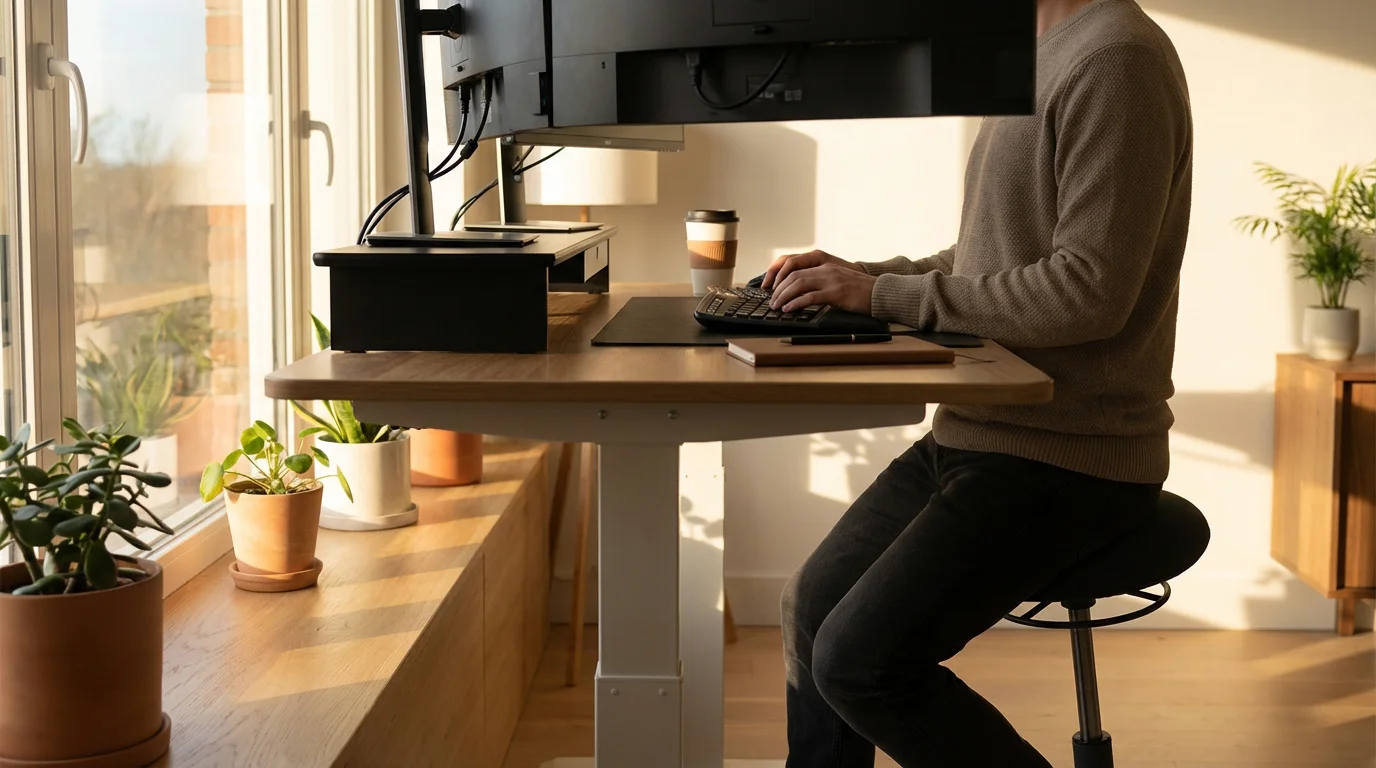
Start with your chair. Your chair should provide lumbar support, allowing your feet to rest flat on the floor or a footrest. Your knees should form a 90-degree angle. Adjust armrests so your shoulders remain relaxed and your forearms are parallel to the floor.
Next, consider your desk. Your keyboard and mouse should sit at a height that allows your elbows to form a 90 to 100-degree angle, keeping your wrists straight. A standing desk offers benefits for circulation and energy levels, but use it in conjunction with regular movement, not as a static solution.
Position your monitor correctly to prevent neck and eye strain. The top of your screen should be at or slightly below eye level, approximately an arm’s length away. Use a monitor riser if necessary. Ensure your monitor is centered directly in front of you, reducing the need for constant head turning.
Here are actionable steps for an ergonomic setup:
- Chair Adjustment: Adjust seat height so feet are flat. Ensure lumbar support is in your lower back curve.
- Desk Height: Position your desk so your forearms are parallel to the floor, wrists straight.
- Monitor Placement: Raise or lower your monitor so the top edge is at eye level. Sit an arm’s length away.
- Keyboard and Mouse: Keep them close, allowing neutral wrist posture. Consider an ergonomic keyboard and mouse for extended use.
- Regular Breaks: Even with perfect ergonomics, take short breaks every 30-60 minutes to stand, stretch, and move.
A properly configured workspace minimizes physical distractions, allowing your mental energy to flow freely towards your tasks. Neglecting ergonomics costs you in lost productivity, discomfort, and potential health issues down the line.
Optimizing Your Physical Environment: Light, Sound, and Air
Beyond ergonomics, sensory inputs significantly shape your ability to focus. The right combination of light, sound, and air quality creates a supportive atmosphere for deep work. These elements subtly influence your mood, energy levels, and cognitive performance.
By streamlining your sanctuary, you can remove the environmental friction that often disrupts deep concentration.

Leveraging Light for Focus
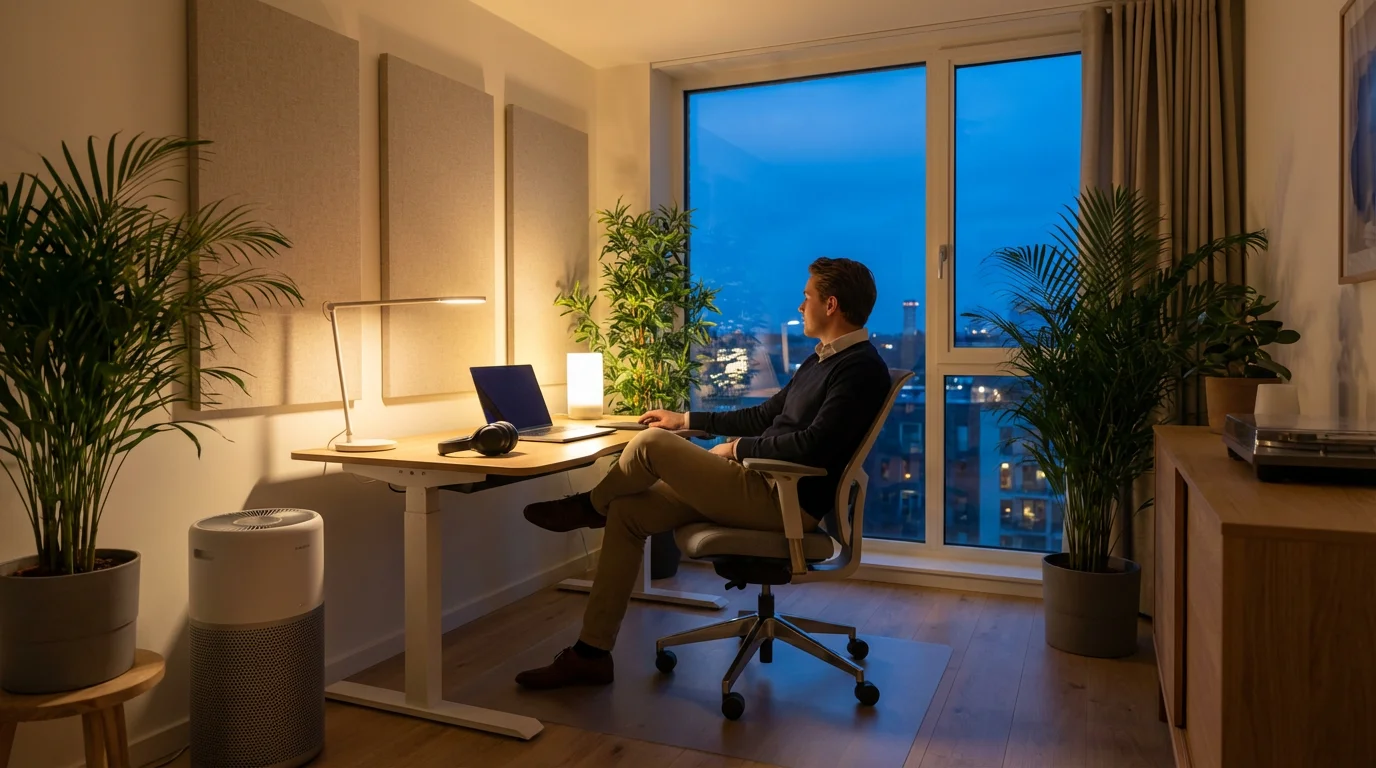
Natural light is the gold standard for a productive workspace. It boosts mood, reduces eye strain, and helps regulate your circadian rhythm, which impacts sleep quality and daytime energy. Position your desk to receive ample natural light, avoiding direct glare on your screen. If natural light is scarce, supplement with appropriate artificial lighting.
- Avoid Fluorescent Lights: They often cause flicker and contribute to eye strain and headaches.
- Opt for Full-Spectrum LED: Choose bulbs that mimic natural daylight (5000K-6500K color temperature).
- Use Task Lighting: A desk lamp provides focused illumination for reading or writing without over-lighting the entire room.
- Manage Glare: Use blinds or curtains to control direct sunlight, and position your screen perpendicular to windows to minimize reflections.
Managing Sound for Concentration
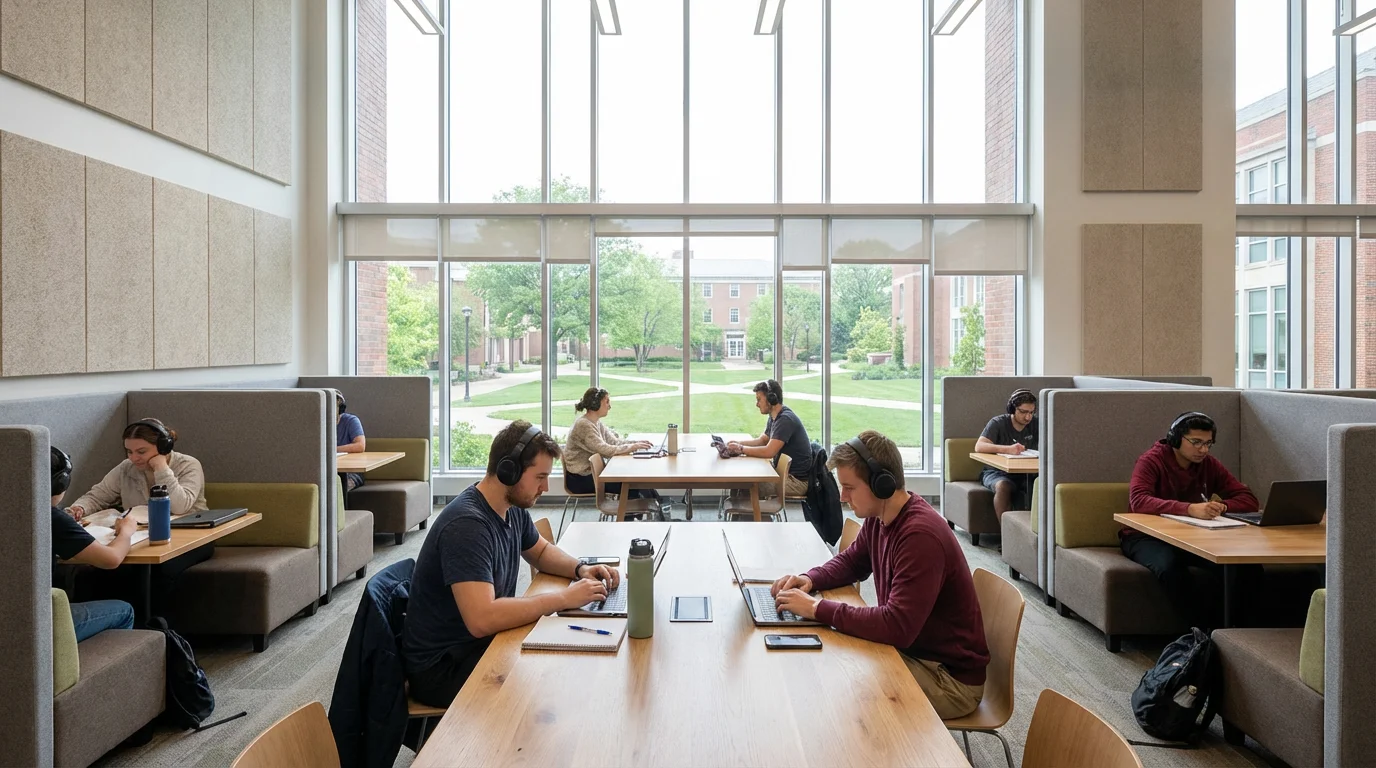
Noise pollution is a major productivity killer. Your ideal soundscape depends on your personal preference: some thrive in silence, others prefer ambient noise. Identify what works best for you and take steps to achieve it.
- Eliminate Distracting Sounds: Turn off TV, silence phone notifications, ask housemates for quiet during specific hours.
- Consider Noise-Canceling Headphones: An excellent investment for open-plan offices or noisy home environments.
- Explore Ambient Sound: White noise, brown noise, or instrumental music without lyrics can mask distractions and aid concentration. Apps like Brain.fm or Coffitivity offer curated soundscapes.
- Acoustic Treatments: For significant noise issues, consider rugs, curtains, or even wall panels to absorb sound.

Air Quality and Temperature
Fresh air and comfortable temperatures are not luxuries, they are necessities for optimal brain function. Stuffy, stale air or extreme temperatures cause discomfort and mental fog.
- Ventilation: Open a window periodically to let in fresh air. If not possible, use an air purifier.
- Temperature Control: Aim for a comfortable temperature, typically between 68-72°F (20-22°C). Dress in layers to adjust as needed.
- Add Greenery: Houseplants can improve air quality, boost mood, and add a touch of nature to your space. Examples include snake plants, peace lilies, or spider plants.
By consciously managing light, sound, and air quality, you engineer an environment that actively supports your mental and physical well-being, paving the way for sustained focus.
Digital Declutter and Systemization
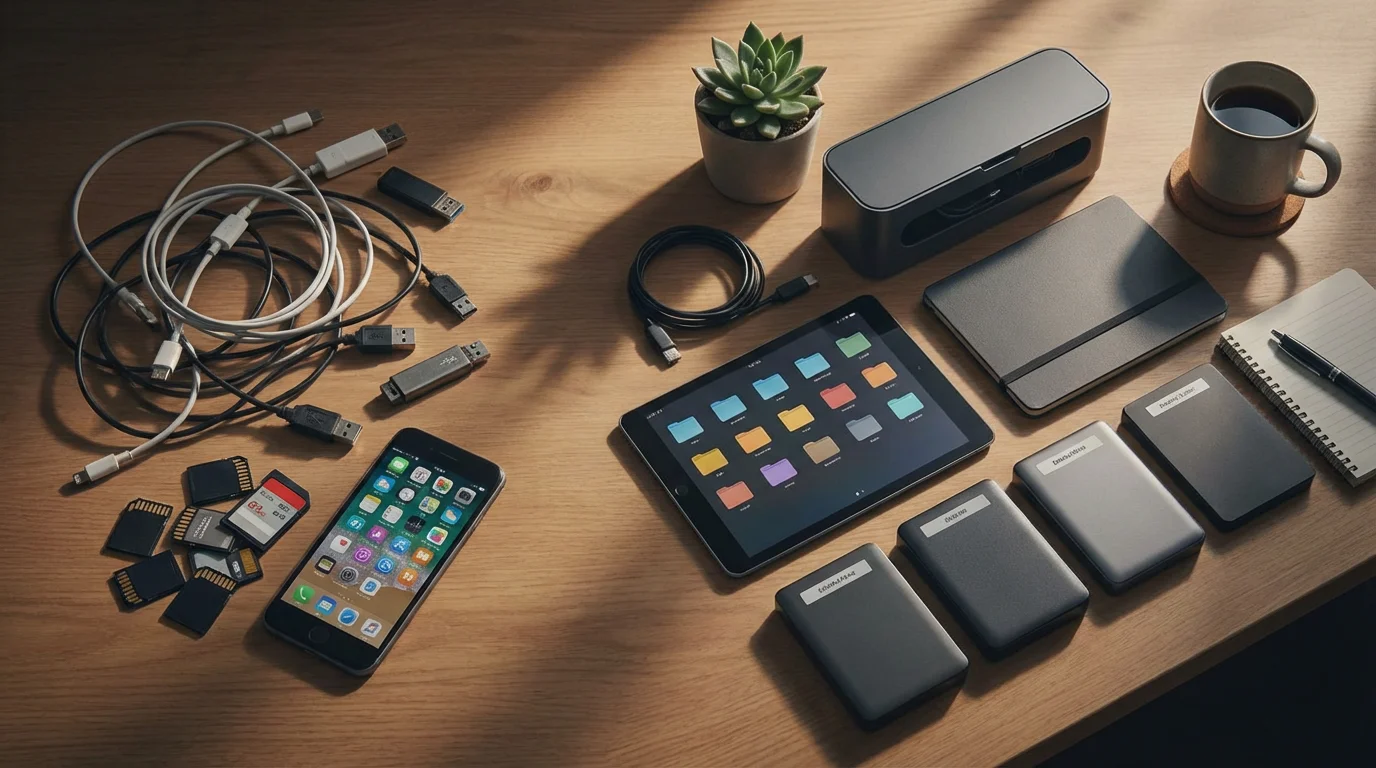
Your physical workspace extends to your digital one. A chaotic digital environment—a cluttered desktop, overflowing inbox, constant notifications—mirrors a messy physical desk, fragmenting your attention and slowing you down. Digital decluttering is a crucial productivity hack for maximum focus.
These digital organization habits are essential components of learning how to be productive while working from home consistently.
Streamlining Your Digital Real Estate
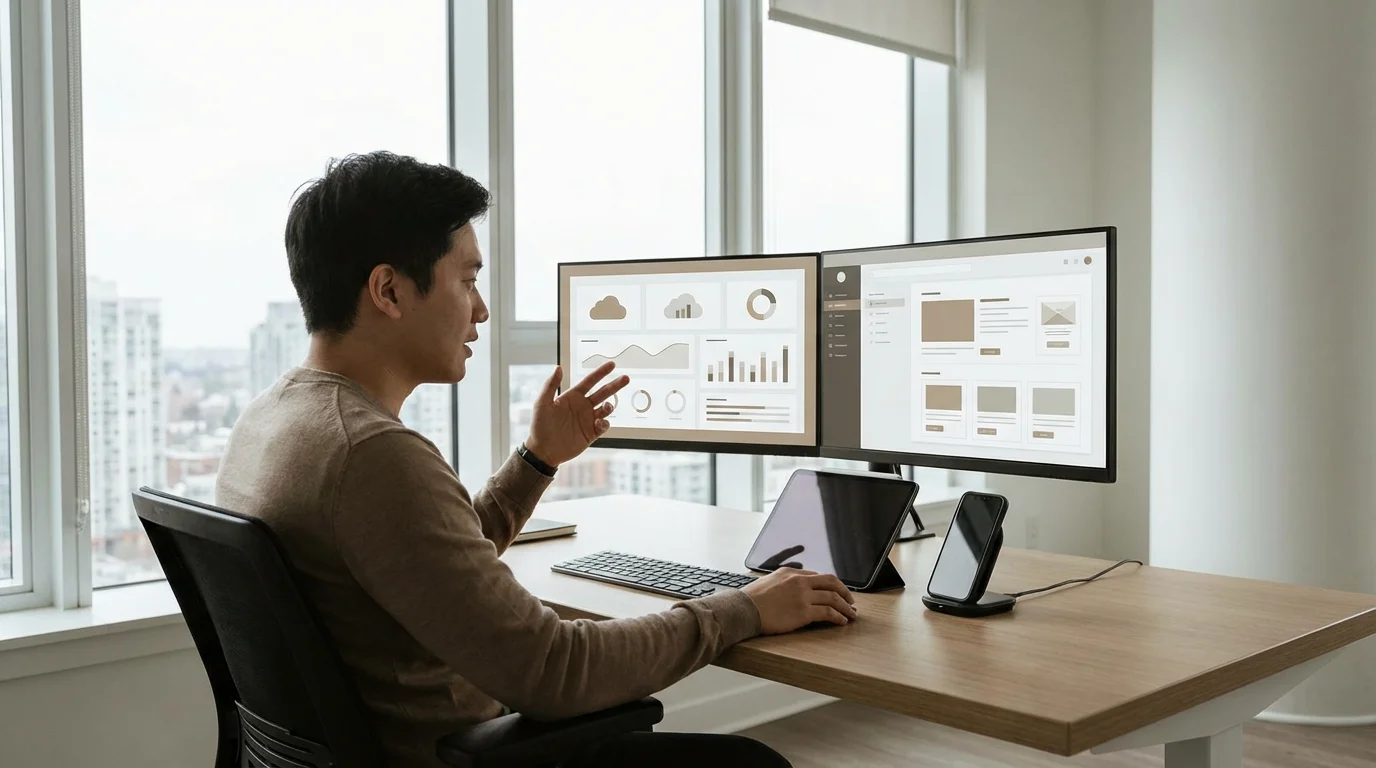
- Desktop Minimalism: Treat your computer desktop like a pristine physical desk. Keep only essential, current project files visible. Archive or delete old files regularly.
- File Organization: Implement a consistent folder structure for your documents, projects, and downloads. Use clear, descriptive naming conventions. Example: “ProjectX_Phase1_Docs” instead of “stuff.”
- Cloud Storage: Utilize cloud services (e.g., Google Drive, Dropbox) for easy access and backup, but organize them with the same rigor as your local files.
- Email Management: Practice inbox zero or a similar system. Process emails immediately: delete, archive, respond, or move to a task list. Unsubscribe from irrelevant newsletters.

Taming Digital Distractions
Notifications are perhaps the biggest digital culprit for fragmented attention. Each ping pulls you away from deep work, and regaining focus takes significant time and effort. According to research published by the American Psychological Association, even brief interruptions can significantly increase errors and time to task completion.
- Turn Off Non-Essential Notifications: Disable notifications for all apps that do not require immediate attention (social media, news, non-critical email).
- Schedule “Notification Checks”: Designate specific times to check emails and messages, rather than responding to them as they arrive.
- Use Focus Modes: Leverage operating system features (e.g., Windows Focus Assist, macOS Focus) to block distractions during designated work periods.
- Limit Tab Overload: Close unnecessary browser tabs. Use tab management extensions if you frequently need many tabs open for specific projects.
- Utilize Productivity Apps: Explore tools like Todoist for task management, Notion for note-taking and project organization, or Freedom to block distracting websites during work sessions.
Worked Example: Digital Cleanup Routine
Imagine you dedicate 15 minutes every Friday afternoon to digital maintenance.
- 5 minutes: Go through your desktop, moving completed project files to an archive folder. Delete temporary files.
- 5 minutes: Check your “Downloads” folder, sorting items into their proper project folders or deleting them.
- 5 minutes: Quick scan of your email inbox, unsubscribing from 2-3 newsletters you no longer read. Schedule a deeper email clean for your next weekly review.
This small, consistent effort prevents digital clutter from overwhelming you, reinforcing your ability to maintain a sharp focus when it truly counts.

Establishing Boundaries and Rituals
A dedicated workspace thrives on clear boundaries and consistent routines. These elements protect your focus time, reduce interruptions, and help your brain smoothly transition between work and non-work activities. Without them, even the most ergonomic and organized space can become a source of stress.
Setting Physical and Time Boundaries
Boundaries are declarations, both to yourself and to others, about when and where work happens. They are especially critical for remote professionals who integrate work into their living spaces.
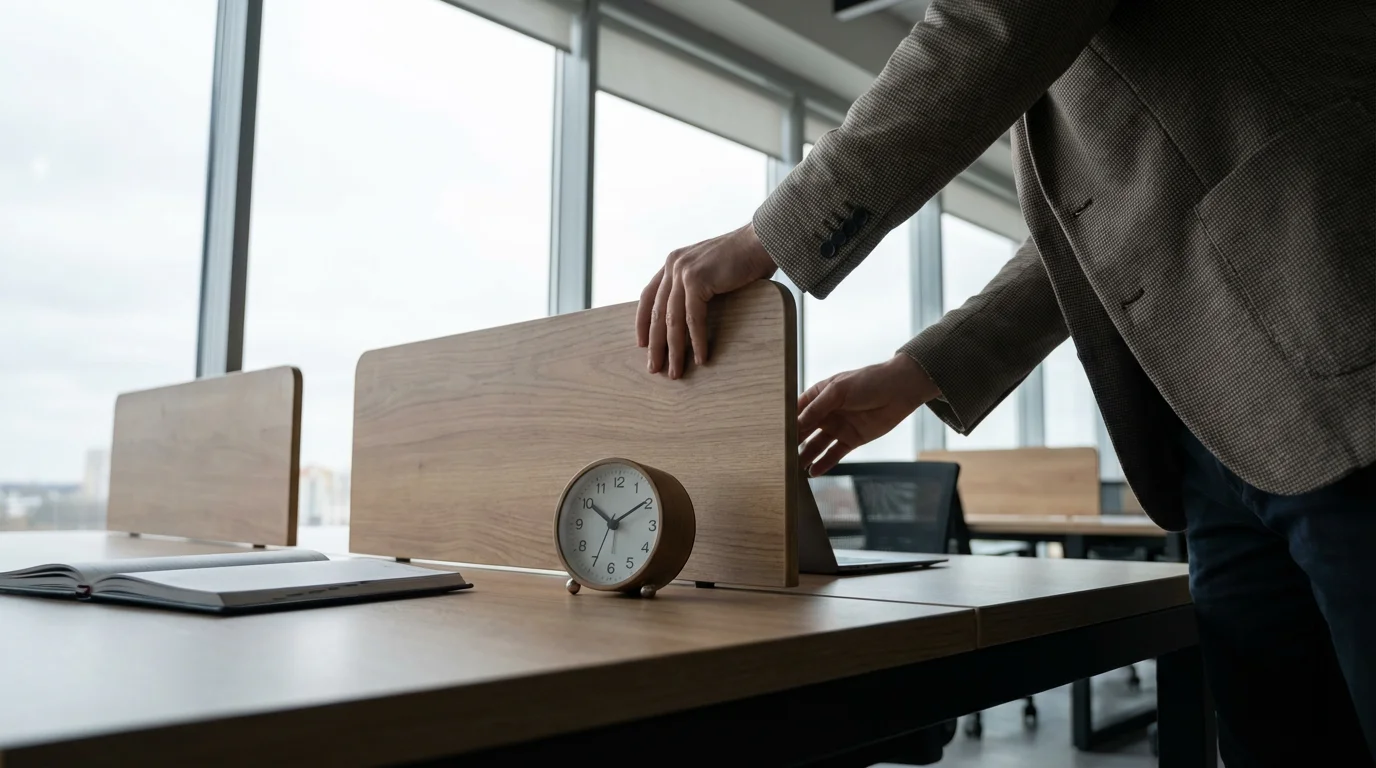
- Physical Closure: If your workspace is in a shared room, signal its end-of-day closure. This might involve folding a screen, closing a laptop, or covering your desk. This physical act helps mentally detach from work.
- Defined Work Hours: Establish clear start and end times for your workday. Communicate these hours to family, friends, and colleagues. While flexibility is often a benefit of remote work, a complete lack of structure leads to blurred lines and burnout.
- No-Go Zones: Designate parts of your home as “work-free zones,” such as the bedroom or dining table. This protects those spaces for relaxation and connection, preventing work from infiltrating every aspect of your life.

Cultivating Productive Rituals
Rituals are intentional sequences of actions that help you mentally prepare for a task or transition. They serve as psychological cues, guiding your brain into the desired state.
- Morning Work Ritual (5-10 minutes):
- Brew a cup of tea or coffee.
- Review your top three priorities for the day.
- Open only the applications needed for your first task.
- Take a few deep breaths to center yourself.
This consistent sequence signals to your brain that it’s time to shift into work mode.
- End-of-Day Transition Ritual (10-15 minutes):
- Review what you accomplished and plan your top priorities for tomorrow.
- Clear your physical desk, putting away documents and charging devices.
- Close all work-related computer programs.
- Take a short walk or engage in a non-work activity immediately after.
This ritual helps you psychologically “leave work” and transition to personal time, preventing work thoughts from lingering into your evening.
Consistency is key for rituals to become effective. Practice them daily, even on lighter workdays. Over time, these actions will automatically trigger a mental shift, enhancing your focus and improving your work-life balance.
Maintaining Your Optimal Workspace: A Continuous Process
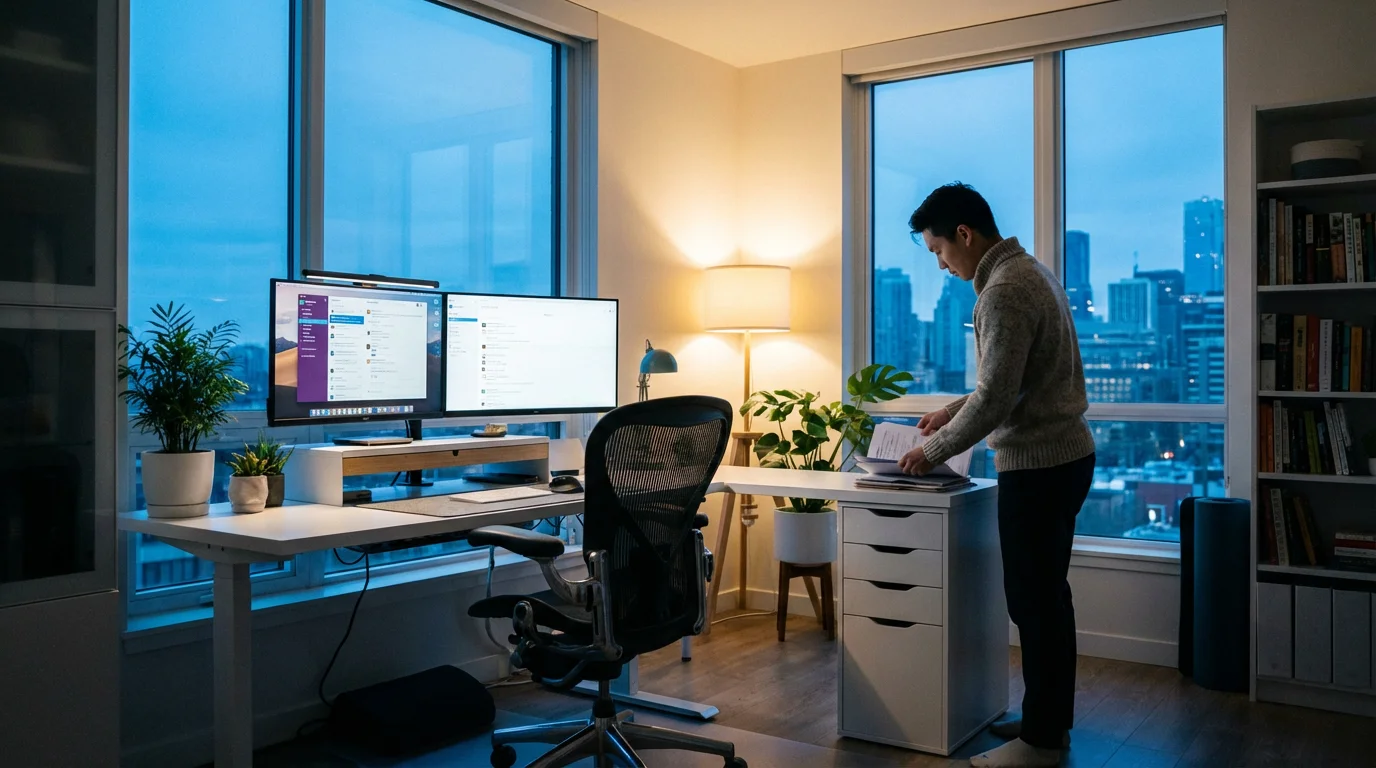
Creating a dedicated workspace is an initial project, but maintaining its effectiveness requires ongoing attention. Clutter has a tendency to creep back, digital distractions evolve, and your needs change. Regular maintenance ensures your environment continues to support your productivity, rather than becoming another source of stress.

Daily Tidy-Ups and Weekly Reviews
Small, consistent actions prevent major overhauls. Implement a “five-minute rule” at the end of each workday.
- Daily 5-Minute Tidy:
- Put away physical items (pens, notebooks, papers).
- Wipe down your desk surface.
- Organize any digital files or browser tabs used during the day.
- Charge devices so they are ready for the next morning.
This quick routine keeps your space ready for action and helps reinforce the end-of-day boundary.
- Weekly Review (30-60 minutes):
- Physical Space: Deeper declutter. Discard old notes, file away completed project documents, clean monitor and keyboard.
- Digital Space: Review digital files, clean up your desktop, process your email inbox more thoroughly, and check software updates.
- Tool Assessment: Evaluate if your tools (software, hardware) still meet your needs. Are there any bottlenecks or frustrations?
A weekly review acts as a reset, ensuring both your physical and digital environments are optimized for the upcoming week.

Overcoming Common Challenges
Maintaining a perfect workspace is an unrealistic expectation. Life happens, and occasional clutter or distraction is inevitable. The key is to address issues promptly and avoid self-judgment.
- Mess Creep: If clutter returns quickly, re-evaluate your storage solutions. Do you have enough accessible space for current items? Are you holding onto things you no longer need?
- Motivation Dips: When you feel unmotivated to maintain your space, remember the tangible benefits. A clean, organized area reduces mental friction and makes starting work easier. Sometimes, a simple 10-minute “power purge” is enough to regain momentum.
- Adapting to Change: Your work tasks, team, or even home situation might change. Be flexible. Your workspace is not static; adapt it as your requirements evolve. For example, if you start taking more video calls, you might need better lighting or a cleaner background.
“Work expands to fill the time available for its completion.” — Parkinson’s Law
This principle applies to clutter as well. If you leave space available for it, clutter will expand to fill it. Proactive maintenance is your defense against this natural tendency, ensuring your workspace remains a tool for productivity, not a source of frustration.
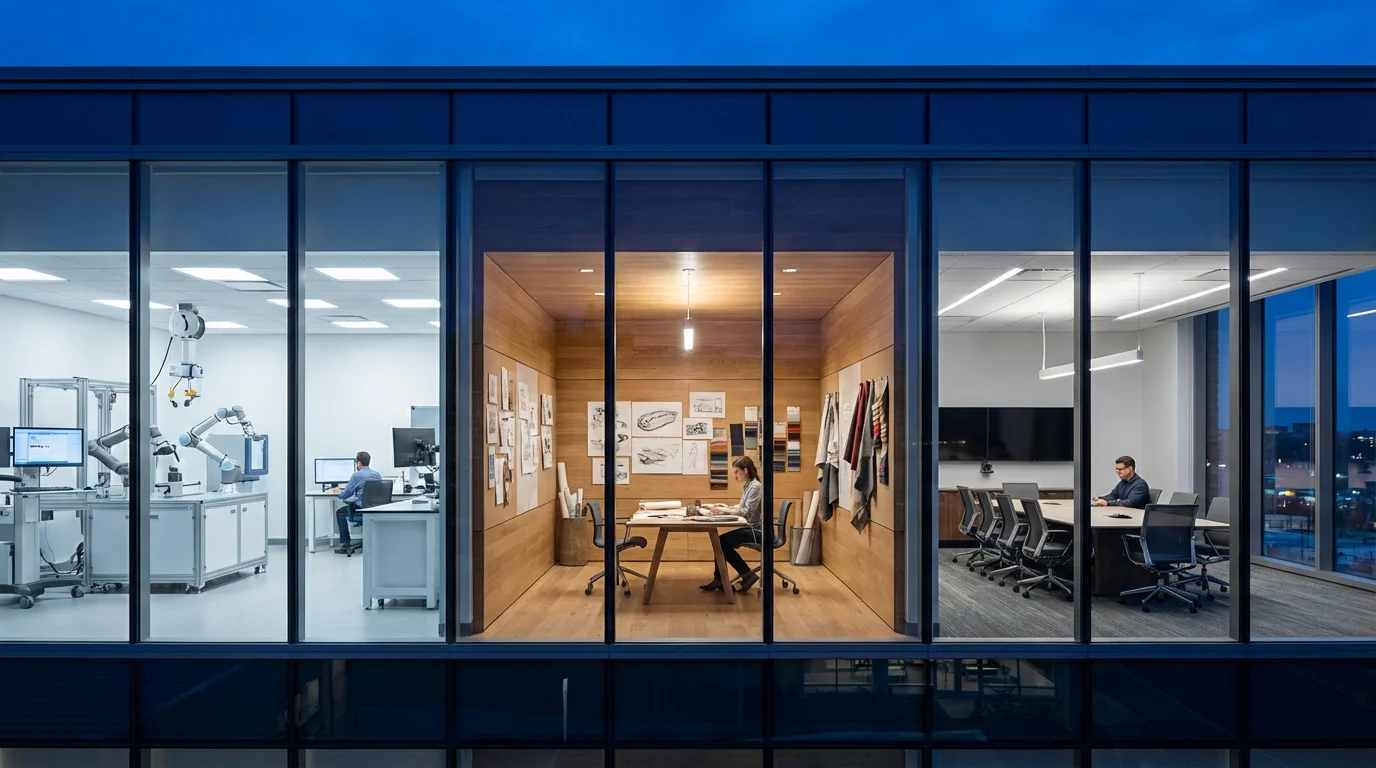
Customizing for Specific Roles and Spaces
An optimal workspace is not a universal template; it is a personalized ecosystem tailored to your unique circumstances. Different professional roles, types of work, and physical environments demand distinct approaches to workspace design and organization. Acknowledging these variations ensures you create a truly effective system.

Remote Workers: Blending Work and Home Life
For fully remote professionals, the challenge often lies in preventing work from spilling into personal life. Your workspace must offer strong psychological and physical boundaries.
- Visual Separation: Use screens, room dividers, or strategically placed furniture to visually separate your work area, even if it is in a shared room.
- Dedicated Storage: All work-related items should have a designated home within your workspace. Avoid scattering work documents or equipment throughout your living space.
- Strict Shutdown Routines: End your workday with a ritual that signals a clear transition, such as putting away your laptop in a drawer or closing the door to your dedicated office.
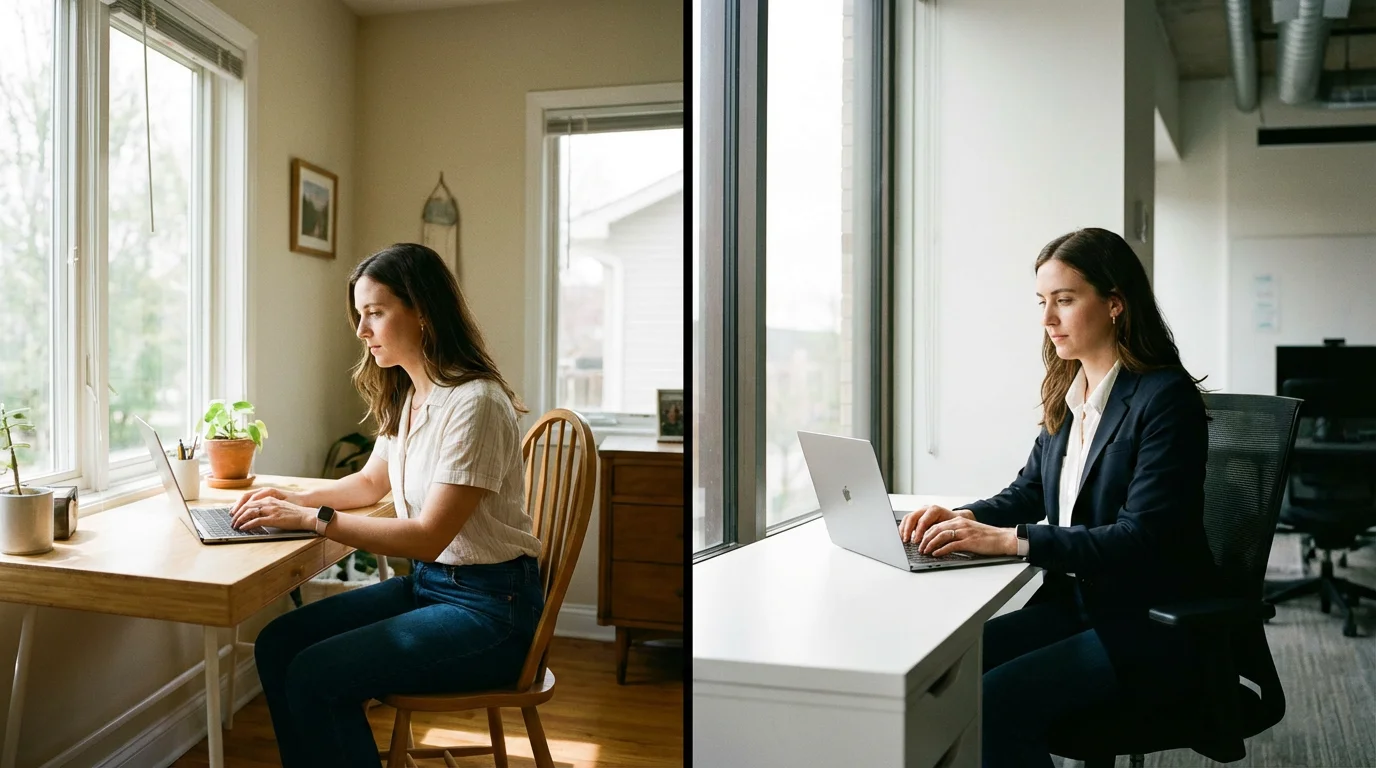
Hybrid Workers: Consistency Across Locations
Hybrid work, splitting time between home and office, requires a strategy for maintaining focus in two distinct environments.
- Portable Productivity Kit: Curate a small bag with essential items you use daily (e.g., specific mouse, ergonomic keyboard, noise-canceling headphones, charger). This ensures consistent tools regardless of location.
- Cloud-First Approach: Store all active work documents and resources in the cloud. This provides seamless access from any device, preventing file version confusion or lost work.
- Replicate Key Elements: Identify the elements that most support your focus in one space (e.g., a specific monitor setup, ambient music) and try to replicate them in the other, even if imperfectly.

Small Spaces: Multi-Functional Furniture and Vertical Storage
Limited square footage does not preclude an effective workspace. It simply demands more creative and efficient use of space.
- Folding or Wall-Mounted Desks: These disappear when not in use, reclaiming floor space for other activities.
- Vertical Storage: Utilize shelves, wall-mounted organizers, and drawer units to store items vertically, freeing up desk surface.
- Multi-Functional Furniture: An ottoman with storage, a console table that doubles as a standing desk, or a bookshelf with an integrated desk can serve multiple purposes.
- Minimalism: Be ruthless in decluttering. Only keep items essential to your immediate work or well-being in your small space.
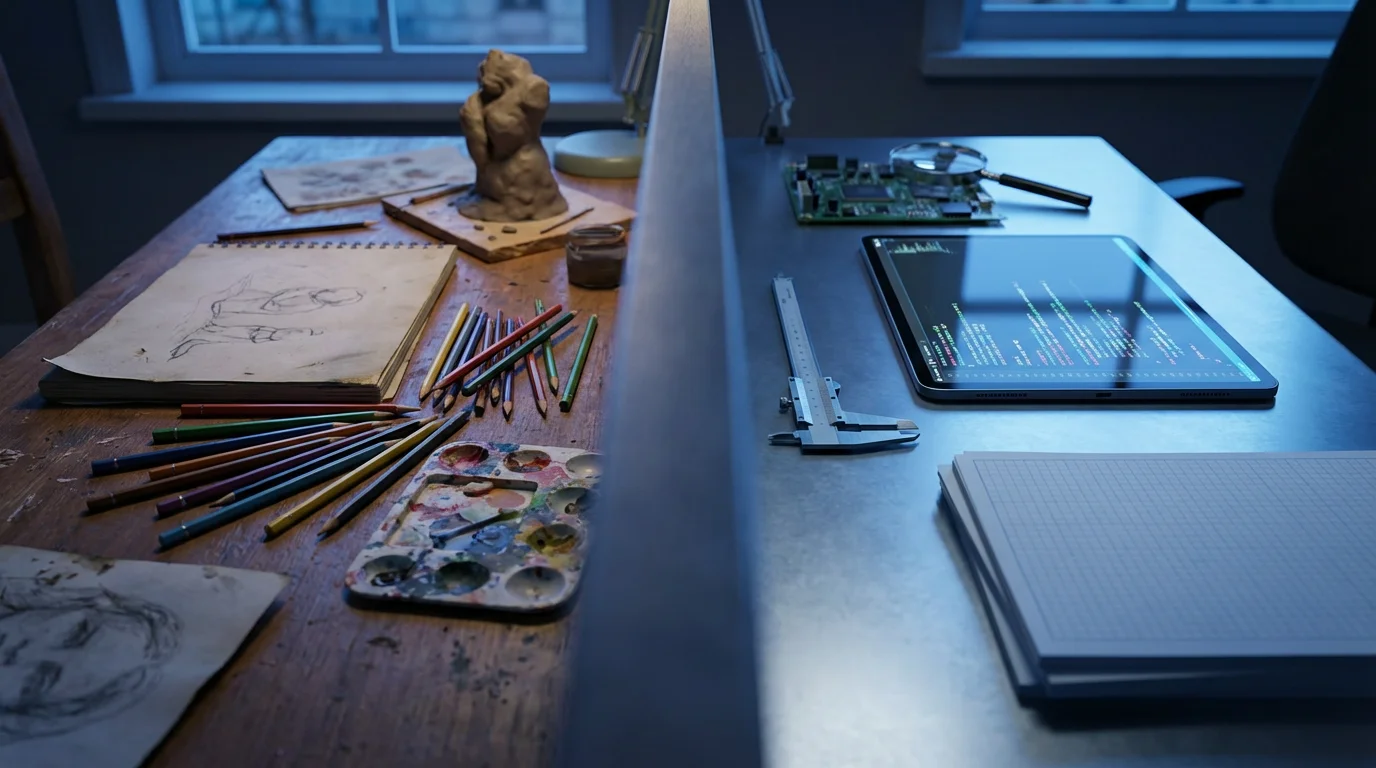
Creative vs. Analytical Roles: Different Environmental Needs
The nature of your work dictates specific environmental requirements.
- Creative Professionals: May benefit from visual inspiration (e.g., mood boards, art), flexible layouts, and tools for brainstorming. An easel, whiteboard, or large monitor for graphic design might be essential.
- Analytical Professionals: Often require a highly organized, distraction-free environment. Multiple monitors for data analysis, secure filing for sensitive documents, and a quiet setting are typically prioritized.
By understanding your specific context and professional demands, you can move beyond generic advice and engineer a truly personalized environment that amplifies your focus and productivity.
Frequently Asked Questions
What if I don’t have a spare room for a dedicated office?
You do not need an entire room. A dedicated workspace means a specific area, even a corner of a room, used primarily for work. Use visual cues like a screen or a specific rug to define the boundary. Consistency in using that space for work helps your brain associate it with focus.
How do I manage interruptions from family members while working from home?
Set clear expectations and communicate your work schedule. Use visual signals like a “do not disturb” sign or noise-canceling headphones. Establish specific times when you are available for non-work interactions. Explain to your family the importance of uninterrupted time for your focus.
Is it really worth investing in ergonomic equipment?
Absolutely. Poor ergonomics lead to physical discomfort, fatigue, and potential long-term health issues like back pain, carpal tunnel syndrome, and eye strain. These issues directly diminish your productivity and quality of life. An ergonomic setup is an investment in your health and sustained performance.
How can I prevent my workspace from becoming cluttered again?
Implement daily and weekly maintenance routines. A 5-minute tidy at the end of each workday helps prevent “mess creep.” Conduct a weekly review to declutter and organize thoroughly. Regularly assess whether you truly need every item in your space, and be ruthless about removing non-essentials.
Should I allow personal items in my dedicated workspace?
A few personal items that bring you joy or inspiration, like a plant or a framed photo, can enhance your mood and comfort without causing distraction. The key is moderation. Avoid excessive clutter from personal items that could shift the space’s primary association from “work” to “personal hobby” or “storage.”
How often should I take breaks from my workspace?
Regular breaks are crucial for sustained focus. Aim for short breaks (5-10 minutes) every 30-60 minutes, and a longer break (30-60 minutes) every 2-3 hours. Use these breaks to stand, stretch, move, or briefly step away from your screen. This prevents mental fatigue and improves overall concentration.
This information is for general informational purposes only and does not constitute medical, psychological, or legal advice. Always seek the advice of a qualified professional for any specific concerns or conditions.
Transitioning to a paperless workflow can further reduce the physical clutter on your desk while making your files more searchable.


Leave a Reply