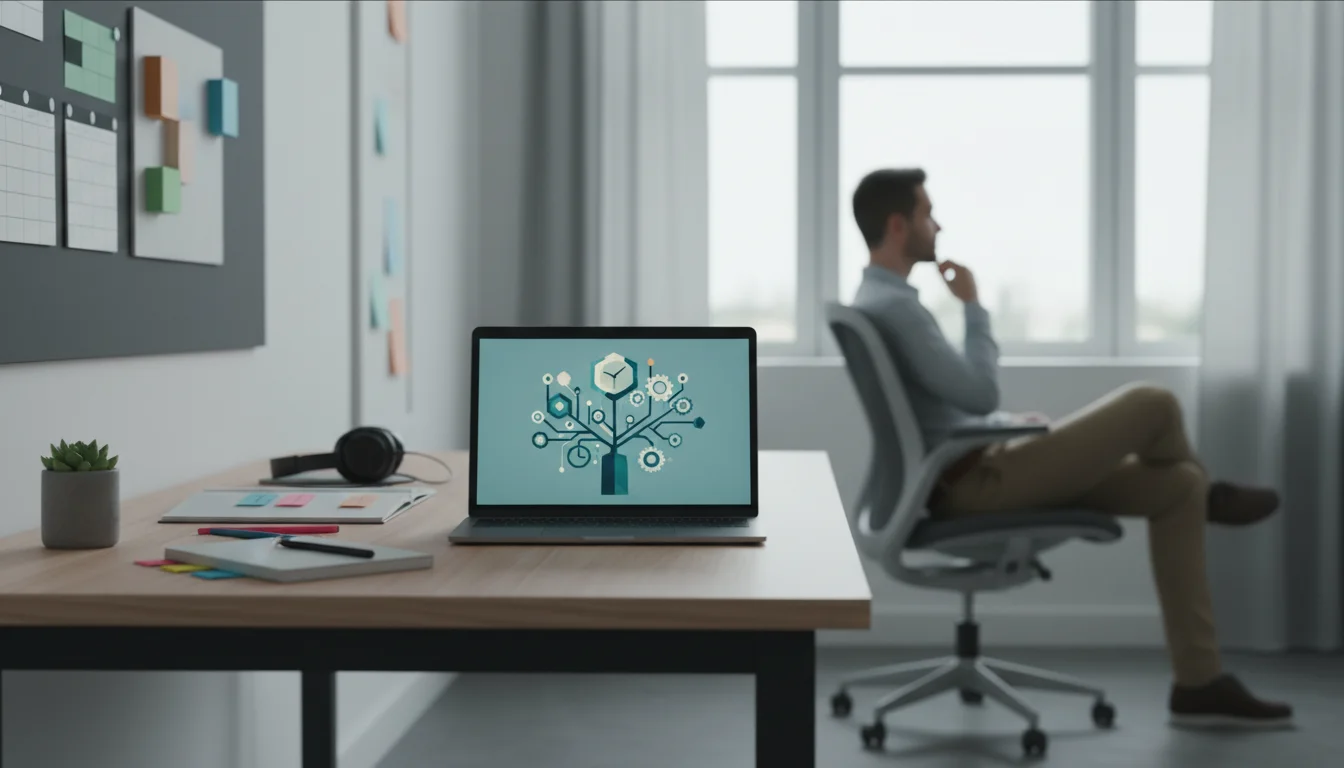

Relearning how to focus is a process of figuring out how to reclaim your attention span in an increasingly loud digital world.
To pinpoint the leaks in your schedule, consider performing a time audit to see exactly where your attention drifts throughout the day.
Do you ever reach the end of your day and wonder where all the hours went? You felt busy, connected, and constantly in motion, yet the things that truly matter—reading a book, taking a walk, or simply sitting in silence—felt impossibly out of reach. In a world saturated with notifications, emails, and infinite scrolling feeds, our time is no longer just our own. It has become a commodity, fragmented into a thousand tiny pieces and sold to the highest digital bidder.
The very technology that promised to make our lives more efficient has, for many of us, become the primary source of our distraction. That little device in your pocket is a gateway to immense knowledge and connection, but it’s also a master of interruption. Each buzz, ding, and pop-up pulls you out of the present moment, splintering your focus and draining your mental energy. The cost isn’t just lost productivity; it’s lost time for yourself. Time to think, to create, to rest, and to simply be.
But what if the solution wasn’t to abandon technology altogether? For most of us, that’s not a realistic or even desirable option. The goal isn’t to go back in time, but to move forward with more intention. This is the core of digital wellness: a practice of using technology in a way that supports your well-being, rather than detracts from it.
This guide is not about digital minimalism in its strictest sense. It’s not about deleting all your apps or trading your smartphone for a flip phone. Instead, we’re going to explore how you can transform your relationship with technology from a reactive one to a proactive one. We will show you how to use the very tools that distract you to build routines, create boundaries, and ultimately carve out more precious time for yourself. It’s time to stop letting technology manage you and start managing your technology.
📚 Table of Contents
- Understanding How Your Attention is Captured
- Building Intentional Digital Routines
- Set Up Your Focus Modes
- Master the Art of Notification Triage
- Design a Purpose-Driven Home Screen
- Use App Timers as Guardrails
- Creating Environments for Digital Wellness
- Worked Examples: Putting It All into Practice
- Troubleshooting Common Challenges
- Handling “Relapse” Moments
- Navigating the Fear of Missing Out (FOMO)
- Managing Social and Professional Expectations
- Knowing When to Make Exceptions
- Frequently Asked Questions (FAQ)
- Q: I’m concerned about the privacy of wellness and productivity apps. How can I manage that?
- Q: I work night shifts. How can I apply tips about blue light and sleep when my schedule is inverted?
- Q: As a parent, how can I find time for myself when I also have to manage my kids’ screen time?
- Q: My job requires me to be highly responsive and available. How can I possibly disconnect?
- Q: Is all screen time “bad”? Should I feel guilty for relaxing with a game or a show?
- Your First Steps to Reclaiming Your Time

Understanding How Your Attention is Captured
Before we can reclaim our time, we need to understand how it’s being taken from us. It’s not a personal failing or a lack of willpower. The apps and platforms we use are designed by teams of experts with a deep understanding of human psychology. Their goal, from a business perspective, is to maximize your engagement—to keep you tapping, scrolling, and watching for as long as possible.
One of the primary mechanisms they use is the dopamine loop. Dopamine is a neurotransmitter in your brain associated with pleasure and reward. Think of it as the chemical that says, “That felt good, let’s do it again.” A dopamine loop is a reward cycle where an action triggers a release of dopamine, which in turn motivates you to repeat that action. Modern technology has become incredibly effective at creating these loops.
Consider the simple act of pulling down to refresh your social media feed. The anticipation of what you might find—a new photo, an interesting comment, a piece of breaking news—is a powerful driver. When you see something novel, your brain gets a tiny hit of dopamine. It’s unpredictable, just like a slot machine. Sometimes you get a reward, sometimes you don’t. This variability is what makes it so compelling and, over time, so habitual.
This isn’t just about social media. It’s in the red notification badge that creates a sense of urgency, compelling you to open an app to clear it. It’s in the “streaks” on language or fitness apps that create a fear of breaking the chain. It’s in the auto-playing videos that seamlessly transition from one clip to the next, removing the friction of having to make a conscious choice to keep watching.
For an adult living a busy urban life, these patterns are woven into the fabric of the day. You check emails while waiting for your coffee. You scroll through news headlines on your commute. You glance at work messages during dinner. Each of these small actions seems harmless on its own, but collectively they create a state of continuous partial attention. You are never fully present in any one activity because a part of your brain is always on standby, waiting for the next digital stimulus. This constant context-switching is mentally exhausting and is a primary reason why, even on a day with no major stressors, you can feel completely drained.
Recognizing these patterns is the first and most crucial step. When you understand that your urge to check your phone isn’t just a random impulse but a conditioned response, you gain the power to interrupt the cycle. The goal is to shift from mindless consumption to mindful interaction, making technology a tool you wield with purpose, rather than a force that wields you.

Building Intentional Digital Routines
The opposite of a reactive, distraction-driven day is one guided by intention and routine. By being proactive about how you configure your devices, you can create a digital environment that serves your goals instead of undermining them. It’s about building a system that makes focus the default and distraction the exception. Here are some powerful routines you can implement directly on your smartphone.

Set Up Your Focus Modes
Modern smartphones (both iOS and Android) have powerful “Focus” or “Mode” features that are vastly underutilized. These allow you to create custom profiles that control which apps and people can reach you at certain times. Instead of a one-size-fits-all phone, you can have a “Work Phone,” a “Personal Phone,” and a “Wind Down Phone” all on the same device.
Start by creating three basic modes:
1. Work Mode: Active during your working hours. This mode should silence notifications from all personal social media, news, and entertainment apps. It should only allow notifications from work-related apps (like Slack or your email client) and calls from key contacts (your boss, your family). Your home screen in this mode could show only your calendar, to-do list, and work communication tools.
2. Personal Mode: Active when you are done with work. This mode can silence work-related apps. It allows you to be present with your family and friends without a work email pulling you away from the dinner table. You can allow notifications from your messaging apps and social platforms, but we’ll address how to manage those next.
3. Sleep/Wind Down Mode: This should activate about an hour before you plan to go to sleep. It should be the most restrictive, silencing almost all notifications. The only exceptions might be calls from your absolute closest contacts in case of an emergency. This signals to your brain that the day is ending and it’s time to disconnect.

Master the Art of Notification Triage
Notifications are the single biggest enemy of deep focus. The most effective strategy for managing them is notification batching. This is the practice of checking your notifications at specific, scheduled times during the day, rather than reacting to them in real time as they arrive. For example, you might decide to check email and messages at 10 AM, 1 PM, and 4 PM.
To make this work, you need to perform a notification audit. Go into your phone’s settings and turn off notifications for every single app that is not absolutely time-sensitive. Does you need an instant alert that someone liked your photo? Or that a news story just broke? Probably not. Be ruthless. For most apps, turning off banners, sounds, and badge icons is liberating. You can still see new content when you choose to open the app, but it will be on your terms.

Design a Purpose-Driven Home Screen
Your home screen is the front door to your digital world. If it’s cluttered with distracting apps, you are more likely to open them impulsively. Curate your home screen to be a launchpad for intentional actions, not a minefield of temptations.
Move all social media, news, and entertainment apps off the first screen. Place them in a folder on the second or third screen, perhaps even renaming the folder something like “Time Wasters” or “Check Once a Day.” This adds a small amount of friction, forcing you to make a conscious decision to open them.
Your main home screen should contain only tools. Think of apps that help you produce, not just consume: your calendar, a notes app, your camera, a map, a meditation app. By cleaning up this digital real estate, you reduce the number of unconscious taps that lead to an hour of lost time.

Use App Timers as Guardrails
Even with the best intentions, it’s easy to lose track of time in a particularly engaging app. App timers, a feature built into most smartphones, act as helpful guardrails. Go into your settings and set a daily time limit for your most-used apps, like Instagram, TikTok, or YouTube. Start with a realistic number—if you currently spend 90 minutes a day on an app, setting a 15-minute limit is a recipe for frustration. Try setting it for 60 minutes and gradually reduce it over time.
When you reach your limit, the phone will notify you. This simple interruption is often enough to break the spell of the scroll. It forces a moment of awareness, prompting you to ask, “Is this really how I want to be spending my time right now?” More often than not, the answer will be no, and you’ll be empowered to close the app and do something else.

Creating Environments for Digital Wellness
Your physical environment has a profound impact on your digital habits. Just as you wouldn’t try to work in the middle of a loud party, it’s difficult to disconnect when your environment is filled with digital triggers. By making small but strategic changes to your surroundings, you can create physical spaces that naturally encourage focus, rest, and presence.

Establish Screen-Free Zones
One of the most effective ways to create boundaries is to designate certain areas of your home as screen-free zones. This isn’t about punishment; it’s about protecting the sanctity of specific activities. Two of the most beneficial zones are the dining table and the bedroom.
Making the dining table a screen-free zone allows you to fully engage with your food and the people you are sharing it with. When phones are off the table, conversation flows more naturally. You savor your meal instead of mindlessly eating while scrolling. This simple rule can transform mealtime from a transactional event into a restorative ritual.
The bedroom is arguably the most important screen-free zone. Banning screens from the bedroom protects your sleep and preserves the space for rest and intimacy. When your phone is your alarm clock, it’s the first thing you see in the morning and the last thing you see at night, tempting you into cycles of late-night scrolling and early-morning email checking. Buy a simple, inexpensive alarm clock and charge your phone overnight in another room, like the kitchen or living room. This single change can dramatically improve your ability to wind down and wake up peacefully.

Cultivate a Sleep-Friendly Evening
The quality of your sleep is directly linked to your digital habits in the evening. Our screens emit a significant amount of blue light, which is a type of high-energy visible light that our brains interpret as daylight. Exposure to blue light in the evening can suppress the body’s production of melatonin, the hormone that regulates our sleep-wake cycles. According to experts at organizations like the Sleep Foundation, this can make it harder to fall asleep and can reduce the quality of the sleep you do get.
To combat this, establish a “digital curfew.” Aim to put away all screens—phones, tablets, laptops, and even bright TVs—at least 60 to 90 minutes before your intended bedtime. Use this time for analog activities that signal to your body it’s time to rest. Read a physical book, listen to calming music or a podcast, do some light stretching, or journal. If you must use a screen, enable “Night Shift” or a similar blue-light-filtering mode, which gives the screen a warmer, amber tint.

Use Technology to Cue Deep Work
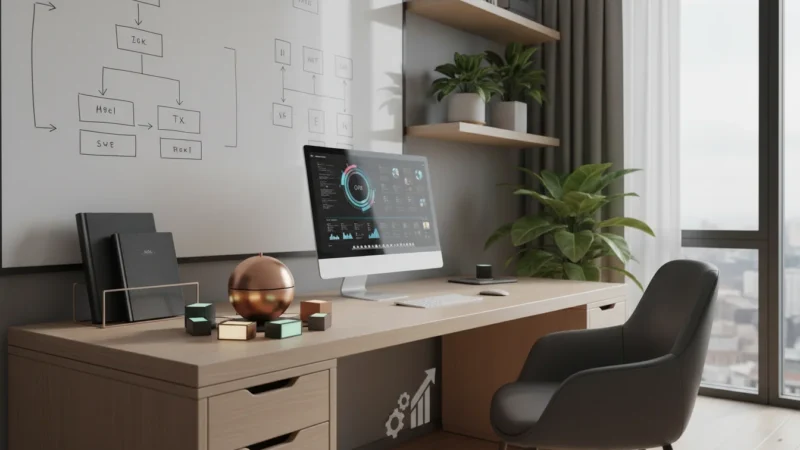
Just as you can design your environment to encourage rest, you can also design it to cue focus. Deep work—the ability to focus without distraction on a cognitively demanding task—is a skill that is becoming increasingly rare and valuable. Technology, used intentionally, can help you create the conditions for it.
Create a “deep work” ritual. This could involve putting on a specific pair of noise-canceling headphones and listening to a pre-selected playlist of instrumental music or ambient sounds. The act of putting on the headphones becomes a physical cue to your brain that it’s time to concentrate. You can use a website or app that plays ambient sounds like a coffee shop or a rainy day to block out distracting household noises.
The Pomodoro Technique is another powerful, tech-assisted method. Use a simple timer app (or a physical timer) to work in focused 25-minute intervals, followed by a 5-minute break. During that 25-minute block, your only job is to focus on the single task at hand. No checking email, no glancing at your phone. This structured approach breaks down intimidating tasks and helps train your attention muscle, making it easier to sustain focus over longer periods.
Worked Examples: Putting It All into Practice
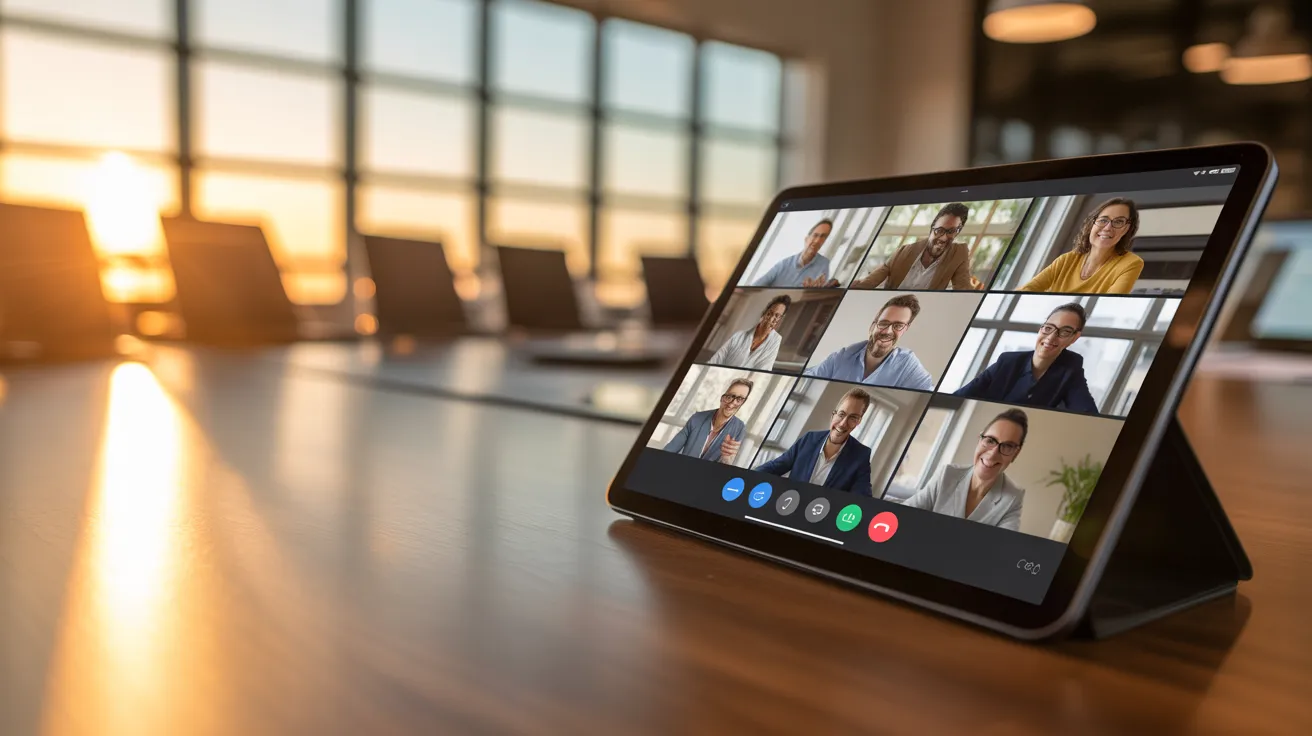
Theory is valuable, but seeing how these principles apply in real life can make them feel more achievable. Let’s walk through two practical scenarios: a simple evening wind-down routine and a realistic plan for a weekend digital detox that doesn’t require you to go completely offline.

A 10-Minute Tech-Assisted Evening Wind-Down
The goal of this routine is to use technology constructively to help you transition from a busy day to a restful night. It’s short, simple, and can be adapted to your preferences. Let’s say your target bedtime is 10:30 PM.
10:00 PM: The Digital Shutdown. Your “Sleep” focus mode automatically activates on your phone, silencing all non-emergency notifications. You plug your phone in to charge—across the room, not on your nightstand. This physical distance is a crucial boundary.
10:01 PM: Guided Transition. You pick up your phone for one last, intentional use. You open a meditation or mindfulness app (like Calm or Headspace) and select a 5-minute guided breathing exercise or a “sleep story.” You are using the device as a tool for relaxation, not a portal for stimulation.
10:06 PM: Screen-Free Reading. After the meditation, you put the phone down for the night. You pick up an e-reader (with the backlight turned low and the blue-light filter on) or, even better, a physical book or magazine. You read for 15-20 minutes. This activity is engaging but not over-stimulating, allowing your mind to gently detach from the day’s worries.
10:25 PM: Final Preparations. You put your book down, do a final bit of light stretching, and get ready for bed. Because you haven’t been scrolling through agitating news or work emails, your mind is calmer and more prepared for sleep.
In this example, technology wasn’t the enemy. It was a carefully selected tool used at the beginning of the routine to kickstart the relaxation process, after which it was set aside. This is a perfect illustration of using tech for self-care.
A Realistic Weekend Digital Detox
The idea of a full weekend without a phone can be stressful, especially if you have family commitments or need to be reachable. A realistic detox focuses on reducing mindless consumption while still allowing for intentional, useful tech engagement.
Saturday Morning: A Slow Start. You’ve configured your phone’s DND (Do Not Disturb) mode to stay on until 10 AM. DND is a powerful setting that silences all incoming alerts, often with customizable exceptions for specific contacts. This means you wake up on your own terms, not to a barrage of notifications. You can have a leisurely breakfast, read, or talk with your family before the digital world intrudes.
Saturday Afternoon: An Analog-First Activity. Plan an activity that is inherently low-tech. This could be a hike in a local park, a trip to a farmer’s market, or a cooking project. You can, of course, use your phone for its utility—as a map to get to the trailhead, as a camera to take pictures, or to play music. The key is to use it as a single-purpose tool. Before you leave, make a conscious decision not to check social media or email while you are out. The goal is to be present in the activity.
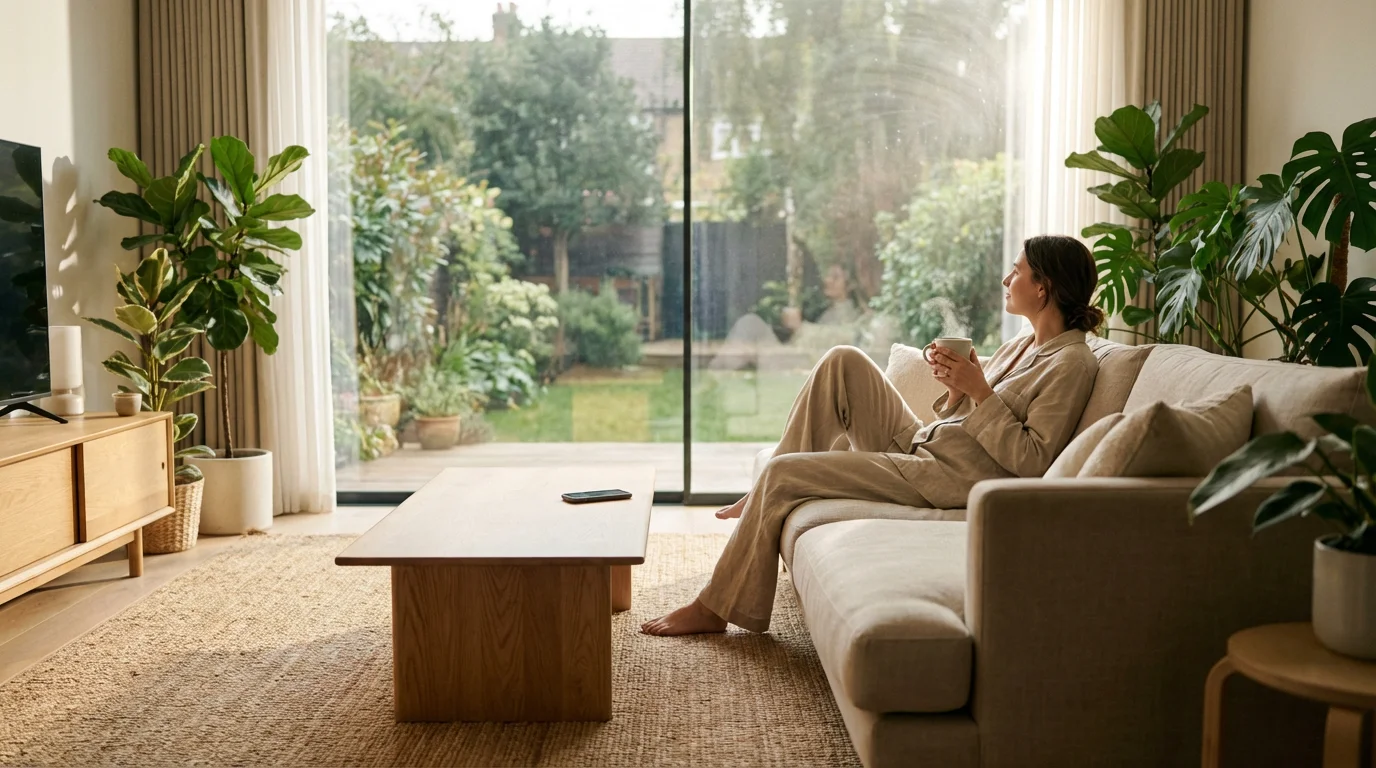
Saturday Evening: Intentional Entertainment. Instead of everyone retreating to their own screens, plan a shared media experience. Watch a movie together as a family. The rule is simple: all phones are left in another room. This prevents the “second-screening” phenomenon where you’re half-watching the movie and half-scrolling through your phone, doing neither with your full attention.
Sunday: The “One Hour On, Three Hours Off” Rule. If you need to catch up on things, try a structured approach. Allow yourself one hour in the morning to check messages, read news, and browse social media. Then, put the phone away and commit to three hours of screen-free time. This balances the need to stay connected with the need to have substantial, uninterrupted blocks of personal time.
This approach to a digital detox isn’t about deprivation; it’s about punctuation. It creates deliberate pauses in your digital life, allowing you to appreciate both your online and offline worlds more fully.

Troubleshooting Common Challenges
Building healthier tech habits is a journey, not a destination. There will be days when you fall back into old patterns. You’ll get caught in a YouTube rabbit hole or find yourself scrolling mindlessly before bed. This is completely normal. The key is to approach these moments with self-compassion and curiosity, not judgment.

Handling “Relapse” Moments
When you find you’ve spent an hour on an app you intended to use for five minutes, don’t beat yourself up. Acknowledge it without criticism. Instead of thinking, “I have no self-control,” try asking, “What triggered that? Was I feeling bored, anxious, or lonely?” Often, our compulsive tech use is a form of self-soothing or avoidance. Understanding the underlying emotion is the first step to finding a more constructive way to address it. Each “relapse” is simply data you can use to refine your system. Maybe you need to set a stricter app timer or find a better analog activity to do when you’re feeling bored.

Navigating the Fear of Missing Out (FOMO)
One of the biggest psychological barriers to disconnecting is FOMO. We worry that if we’re not constantly checking in, we’ll miss an important update, a social invitation, or a crucial piece of news. The truth is, most of what happens online is not urgent. To combat FOMO, try reframing it as the Joy of Missing Out (JOMO). Celebrate the peace and presence that comes from not being beholden to every digital update. Remind yourself that by being less connected online, you are able to be more connected to your immediate reality—the conversation you’re having, the meal you’re eating, the book you’re reading. Over time, you’ll realize that the world continues to turn just fine without your constant vigilance, and the joy of being present far outweighs the fear of what you might be missing.

Managing Social and Professional Expectations
Sometimes the pressure to be “always on” comes from others. Friends, family, and colleagues may be used to you responding to messages instantly. When you start creating boundaries, you may need to communicate them clearly and gently. You don’t need to give a long explanation. A simple message can work wonders. For example, you might tell your team, “To improve my focus, I’m now checking my emails at 10 AM, 1 PM, and 4 PM. If you have an urgent matter, please call me.” For friends, you could say, “I’m trying to be on my phone less in the evenings, so if I don’t reply right away, I’ll get back to you in the morning.” Most people are understanding, and you may even inspire them to adopt similar habits.

Knowing When to Make Exceptions
The goal of digital wellness is intention, not rigid perfection. There will be times when you need to break your own rules, and that’s okay. An emergency call from a family member, a time-sensitive project at work, or a long-distance video call with a dear friend are all valid reasons to be on your screen outside of your planned times. The difference is that these are conscious, deliberate choices. You are deciding to use the tool for a specific, important purpose, which is a world away from being unconsciously pulled into a vortex of distraction. True control isn’t about never breaking the rules; it’s about being the one who decides when and why they should be broken.

Frequently Asked Questions (FAQ)
Q: I’m concerned about the privacy of wellness and productivity apps. How can I manage that?
A: This is a very valid concern. The best approach is to start with the tools already built into your phone’s operating system. Focus Modes, Screen Time trackers, and App Timers are native features that don’t require you to share data with a third-party developer. If you do choose to use a third-party app (for meditation, journaling, or task management), do your research. Read the privacy policy, check what permissions it asks for, and choose reputable apps with a long track record. Often, you can use these apps without creating an account or by providing minimal personal information.
Q: I work night shifts. How can I apply tips about blue light and sleep when my schedule is inverted?
A: The core principles remain the same, but they are applied to your unique schedule. The goal is to signal to your brain when it’s “day” (time to be awake) and “night” (time to sleep). When you finish your shift and head home in the morning, wear sunglasses to minimize daylight exposure. Make your bedroom as dark as possible with blackout curtains. Your “digital curfew” would apply to the hours before you go to sleep, even if it’s 9 AM. Use your phone’s night mode/blue light filter during this wind-down period. Consistency is key. As recommended by institutions like the National Institutes of Health (NIH), maintaining a regular sleep-wake schedule, even on your days off, is crucial for shift workers.
Q: As a parent, how can I find time for myself when I also have to manage my kids’ screen time?
A: This is a significant challenge, but these strategies can be even more impactful for parents. The most powerful tool you have is modeling behavior. When your children see you putting your phone away during dinner or reading a book instead of scrolling, it normalizes those behaviors. Use “Focus Modes” to create a “Family Time” setting that silences work and other distractions so you can be fully present with them. While parental control tools are useful for setting limits on your children’s devices, applying these digital wellness principles to your own life is what will truly shape a healthier tech culture in your home.
Q: My job requires me to be highly responsive and available. How can I possibly disconnect?
A: Even in high-demand jobs, you can carve out pockets of autonomy. Focus on what you can control. First, use the “exceptions” feature in your DND or Focus modes. You can set it to allow calls and messages from specific people (like your direct manager) to come through while silencing everything else. Second, clearly define and communicate your boundaries. Is 24/7 availability truly required, or has it just become the culture? Talk with your team about reasonable response times for non-urgent matters. Third, if possible, try to create separation between devices. Using a work phone for work and a personal phone for your personal life can create a powerful physical and mental boundary.
Q: Is all screen time “bad”? Should I feel guilty for relaxing with a game or a show?
A: Absolutely not. This is a crucial point. The distinction lies in intention and consumption mode. There is a huge difference between active, intentional screen time and passive, mindless consumption. Video calling with a family member, using a language app, watching a documentary you’ve been looking forward to, or playing a collaborative video game with friends are all potentially valuable and restorative uses of technology. The problem arises from “junk food” screen time: the endless, unintentional scrolling through feeds designed to keep you hooked without providing any real nourishment or satisfaction. The goal is not to eliminate screens, but to be a connoisseur of your digital diet. Research from sources like the American Psychological Association often emphasizes the context and quality of screen use over just the quantity.

Your First Steps to Reclaiming Your Time
We have covered a lot of ground, from the psychology of distraction to the practical steps of reconfiguring your digital life. It can feel like a lot to take in, but remember that progress, not perfection, is the goal. You don’t need to implement every single one of these strategies overnight. The path to healthier digital wellness is built through small, consistent, and intentional changes.
The core message is this: technology is a powerful tool. Right now, it may be a tool that is working against your best interests, fragmenting your attention and stealing your time. But by making conscious choices, you can transform it into a tool that supports your well-being, fosters your focus, and helps you create more space for the things that truly matter.
You have the power to redefine your relationship with your devices. It begins with the simple recognition that your time and attention are your most valuable resources. Protect them fiercely. Cultivate a digital environment that serves you, your goals, and your peace of mind.
To get you started, here are three small changes you can adopt this week. Choose one or two that feel most manageable and see how they feel:
* Design your minimalist home screen. Take 15 minutes to move all distracting apps off your primary home screen. Leave only essential tools. This small bit of friction can dramatically reduce impulsive app-opening.
* Charge your phone outside your bedroom tonight. Buy a cheap alarm clock if you need one. Experience what it feels like to have the first and last moments of your day be screen-free.
* Set one app timer. Identify the one app that consumes most of your unintentional screen time. Go into your settings right now and set a daily limit. It’s not about restriction; it’s about awareness.
These small actions are the building blocks of a more focused and fulfilling life. Start today, and you will begin to find the time you’ve been looking for.
Disclaimer: The information provided in this article is for informational purposes only and is not intended as a substitute for professional medical or psychological advice, diagnosis, or treatment. Always seek the advice of your physician or other qualified health provider with any questions you may have regarding a medical condition.
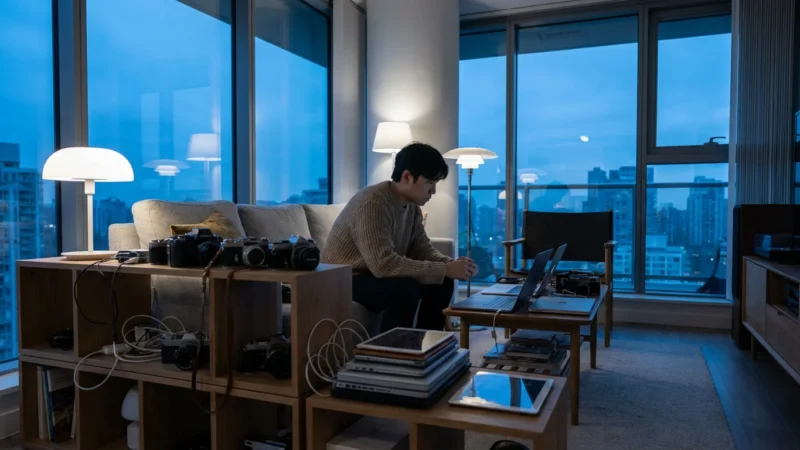
Setting up a digital-free zone in your home provides a physical sanctuary that helps you disconnect from the pressure of constant connectivity.







Leave a Reply