If you reach your desk already tired and scattered, the routine meant to set you up may be the cause. Three habits do most of the damage: reading your phone before you have decided what matters, running a long checklist that turns the morning into a test, and spending your sharpest hour on email.
Subtract rather than add. Replace the elaborate routine with a 20-minute on-ramp that ends with you already working on your most important task, and move messages to after your first focus block.
Three ways a morning routine backfires
The phone sets your agenda before you do
Checking email or news in bed feels like getting ahead. In practice you open a dozen loops you cannot close yet: a client question you can’t answer from your pillow, a thread you will deal with later, a headline you half-read.
The cost is not the five minutes of reading. It is that you sit down to demanding work still carrying everything you glimpsed, with your first decisions already made by other people.
The checklist becomes the work
The influencer-style morning of cold shower, journaling, meditation, workout, reading, affirmations, smoothie and planning can run 90 minutes and ten steps. Every step is a decision about whether, how long and in what order, and every step is a place the routine can break.
A long routine eats time you don’t have on busy days, and when you skip step four it is easy to declare the morning lost and drift into the inbox. The research behind the popular “decision fatigue” story is more contested than its reputation; if choices are piling up across your whole day, streamlining recurring decisions helps more than adding morning steps.
Admin eats your best cycle
Cal Newport’s Deep Work separates cognitively demanding work from shallow work: email, scheduling and logistics that don’t need your full ability and are easy to replicate. A day that starts in the inbox hands its first focused stretch to shallow work by default.
Alertness is not flat across the day. Peretz Lavie’s measurements of ultradian rhythms in alertness found cycles of roughly 75 to 125 minutes, and research on circadian rhythms in cognition shows performance on demanding tasks shifts with time of day and with chronotype. That last point matters: there is no universal golden hour after waking. An early riser may peak at 8:00, while a night owl may still be sluggish then and sharpest near 11:00.
So the rule is not “do deep work at dawn.” It is: protect the first full cycle of your workday, and if you know your peak hours, aim that cycle at them. Our guide to biological prime time shows how to find yours.
Sabotaging habits and their low-friction replacements
| Focus-sabotaging habit | Why it costs focus | Low-friction replacement |
|---|---|---|
| Checking the inbox in bed | Opens unfinished loops before you have chosen a priority | Phone charges in the kitchen; a cheap alarm clock does the waking |
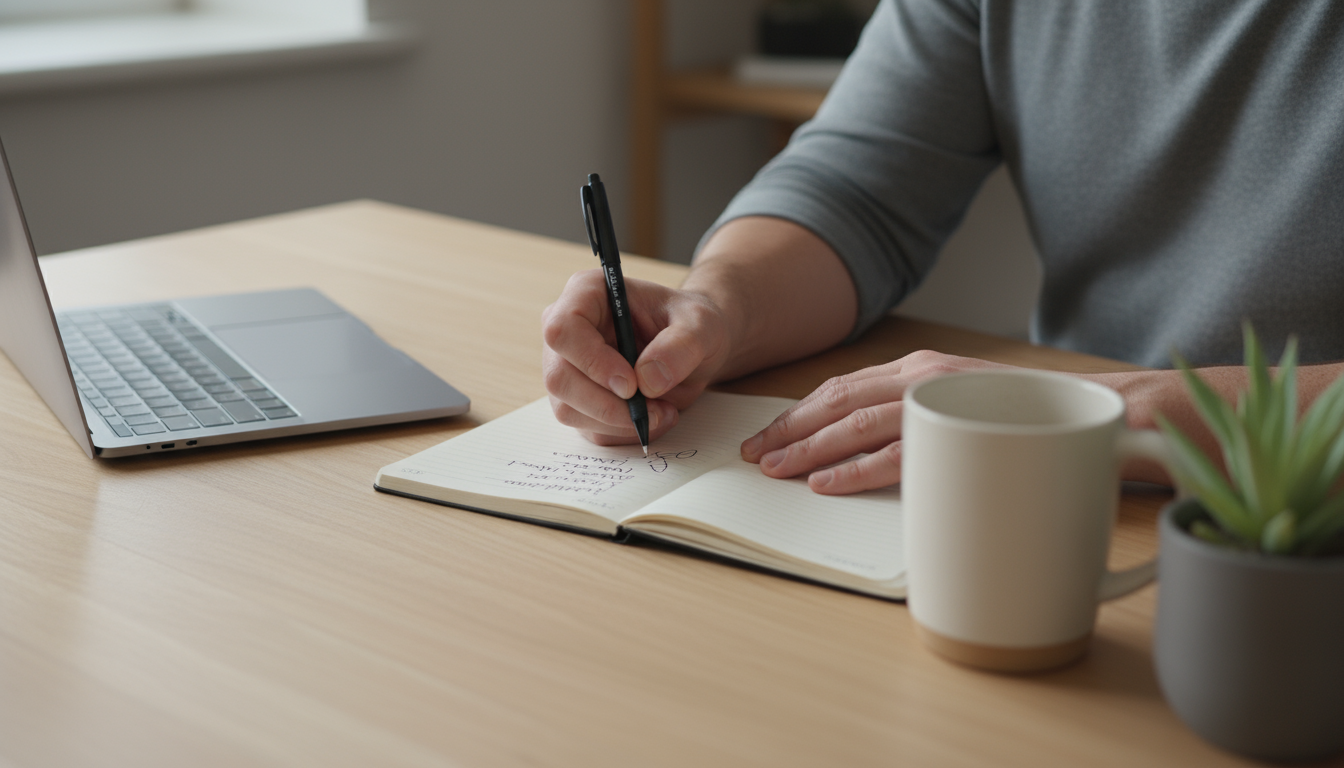
| News or social scrolling with coffee | No natural endpoint; leaves emotional residue | Coffee with a notebook or at a window; news at lunch |
| Elaborate 90-minute, ten-step checklist | Many failure points; collapses on busy days | 20-minute on-ramp with one non-negotiable: start the task |
| Clearing email “to get it out of the way” | Gives the first cycle to shallow work; replies breed replies | First email check after the first focus block, at a set time |
| Planning the whole day in detail | Planning quietly becomes procrastination | Write one first task and its first physical action |
| A “quick look” at team chat | Puts you in reactive mode instantly | Status message plus a scheduled Focus mode |
The 20-minute on-ramp, minute by minute
The on-ramp starts when your workday starts, whether that is 6:30 or 9:15. Its only job is to deliver you into your most important task with nothing else open.
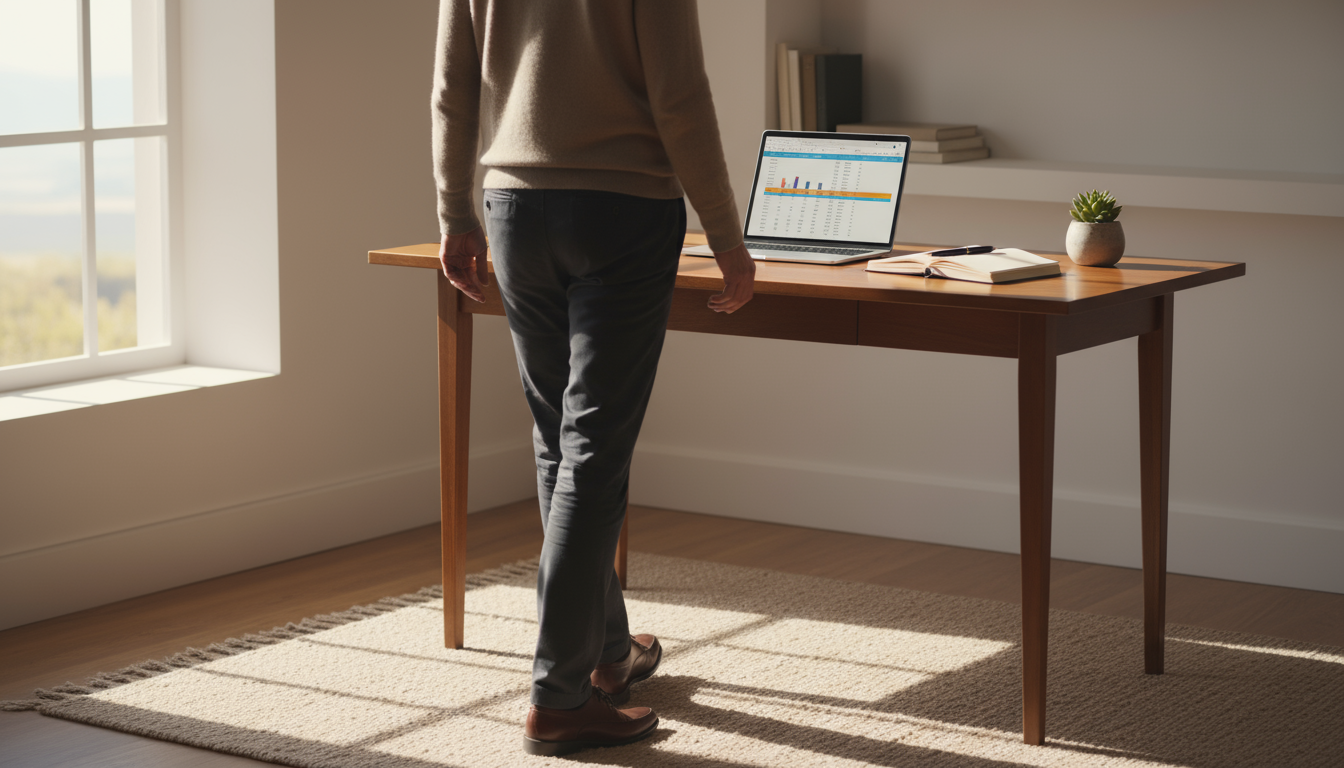
It relies on two minutes the evening before: write tomorrow’s first task on a sticky note and leave the file open on your computer. If your phone currently sleeps beside you, a screen-free bedtime removes the first temptation before morning arrives.
- Minutes 0–5: Body before screens. Drink a full glass of water, get daylight at a window or outside, and dress for work even if you work at home. The phone stays where it charged.
- Minutes 5–9: Confirm the one task. Read last night’s note and rewrite it as a first physical action. Not “pricing proposal” but “draft the three package tiers in the proposal doc.” Only swap the task if you already know something changed; don’t renegotiate from scratch.
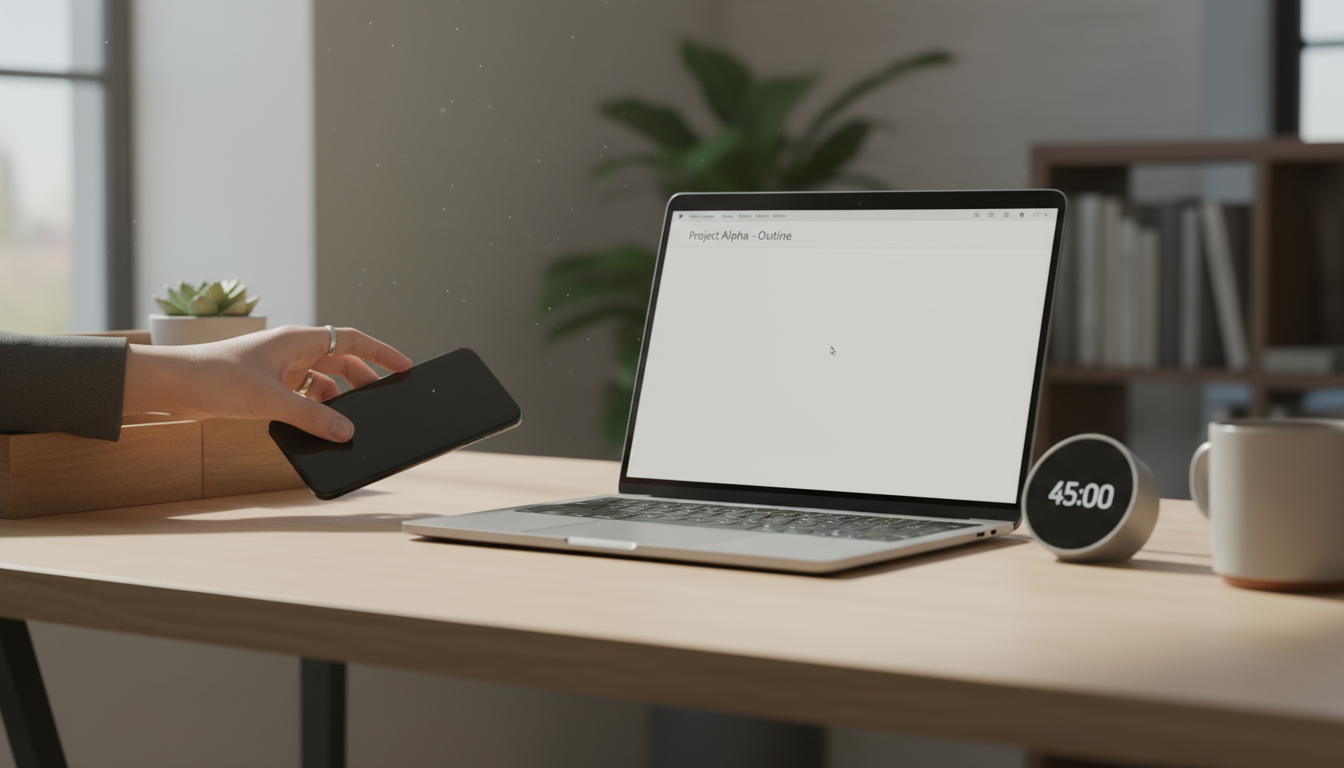
- Minutes 9–12: Close the doors. Turn on a Focus mode, quit email and chat apps, and close every tab the task doesn’t need. Put the phone face down out of reach or in another room.
- Minutes 12–20: Start badly. Set a timer for eight minutes and work on the first action, aiming for a rough version. When it rings, keep going: you are inside the task now, so extend into a full block of 60 to 90 minutes.
The water and daylight in the first five minutes are cheap hedges, and the evidence for each has limits. A controlled study found that mild dehydration of about 1.6% body mass impaired vigilance and working memory and increased fatigue in young men; it shows the cost of running short on fluid, not that a morning glass lifts you above baseline.
On light, a 70-day daily diary study of US adults linked morning sunlight exposure with better sleep the following night. It is observational, but outdoor daylight is generally far brighter than indoor lighting even on overcast days, so a few minutes at the doorstep beats sitting under a lamp.
After the block, open email at a fixed time and process it in one pass; our email workflow guide covers how. If you want the rest of the day equally protected, time blocking extends the same logic.
Let your phone do the gatekeeping
Resolve at 8:00 is unreliable, so schedule the barrier. On iPhone, Apple’s Focus settings handle this: go to Settings > Focus, choose Do Not Disturb or Work (or tap + to create one), then under Set a Schedule tap Add Schedule and pick a time window, such as 8:30 to 10:30 on weekdays. On the same screen, allow notifications only from the people who could have a genuine emergency.
Android offers comparable scheduled Do Not Disturb and Focus mode options in Settings, though menu names vary by manufacturer.
Full on-ramp vs minimum version
Some mornings will not allow 20 minutes: school runs, early calls, a bad night. Keep a minimum version so the habit survives them.
| Step | Full version (20 minutes) | Minimum version (5 minutes) |
|---|---|---|
| Body | Water, daylight, dressed for work | A glass of water on the way to the desk |
| Task | Rewrite the note as a first physical action | Read the note as written |
| Close the doors | Focus mode, quit apps, close tabs, phone in another room | Focus mode on, phone in another room |
| Start | Eight-minute rough start, extended into a 60–90 minute block | Open the file and write one sentence or one line of work |
| First email check | After the full block | After a 25-minute sprint |
The minimum version keeps the only step that really matters: starting the task before reacting to anyone else’s.
Two mornings, adjusted
A credit risk modeller who is sluggish at 9:00 and sharpest near 11:00 deliberately spends 9:00 to 9:50 on email and data-pull requests, capped by a timer, then runs the full on-ramp at 10:00 into a 90-minute block recalibrating a default-probability model. Email first is fine here because it is scheduled, bounded and placed outside the peak.
A parent whose school run ends at 8:20 and whose first meeting is at 9:30 runs the full on-ramp at 8:30. Real work starts at 8:42, giving roughly 40 minutes on one draft before a ten-minute email pass at 9:20.
Wording that keeps your first block intact
- Team status message: “Heads-down on the Q3 forecast until 10:30. If something can’t wait, call me.”
- To a manager who expects early replies: “I’m doing my hardest work first thing and checking messages at 10:30. A call will always reach me sooner. Can we try that for the next two weeks?”
- When an urgent-looking email gets through anyway: ask whether someone stays blocked until you answer. If yes, send one line with a time (“Seen this, you’ll have it by 11”) and close the app.
- When you have already opened the inbox: tell yourself “That can wait until 10:30,” jot the item on a capture list, and go back to the sticky note.
Run the on-ramp for two weeks before judging it. If it keeps breaking at the same step, cut that step rather than trying harder at it.