In today’s fast-paced professional landscape, the ability to excel in solo work defines true productivity. Whether you operate remotely, in a hybrid setup, or within a traditional office environment, optimizing your individual work habits directly impacts your output and professional satisfaction. This article delivers practical, science-backed strategies to help you navigate your solo projects with enhanced focus, efficiency, and clarity. You will discover actionable techniques to streamline your workflow and achieve more meaningful results.
Many professionals struggle with distractions, managing their time effectively, and maintaining motivation when working alone. These common challenges often lead to decreased productivity and increased stress. By implementing structured approaches, you can transform your individual work sessions from reactive task completion into proactive, highly effective periods of deep work. You will learn how to design your environment, manage your attention, and build sustainable habits for peak performance.

Foundational Principles for Solo Excellence
Optimizing solo work begins with understanding core productivity principles. Your individual work habits form the bedrock of your success. Effective solo projects demand not just effort, but strategic application of that effort. You must prioritize tasks that move the needle and minimize energy spent on low-impact activities. This foundational approach ensures every hour you dedicate to individual work translates into tangible progress.
Consider the core tenets that drive high performance in solo contexts. You benefit significantly from clarity, focus, and intentionality. Without these, your efforts scatter, and your momentum stalls. Building a robust system for your solo work helps you achieve consistent, high-quality output.
“Work expands to fill the time available for its completion.” — Parkinson’s Law
This principle underscores the importance of setting clear deadlines and scope for your individual work. Without a defined endpoint, a task often takes longer than necessary, consuming valuable time. Applying this insight helps you become more efficient with your solo projects.

Strategy 1: Strategic Time Blocking for Deep Work
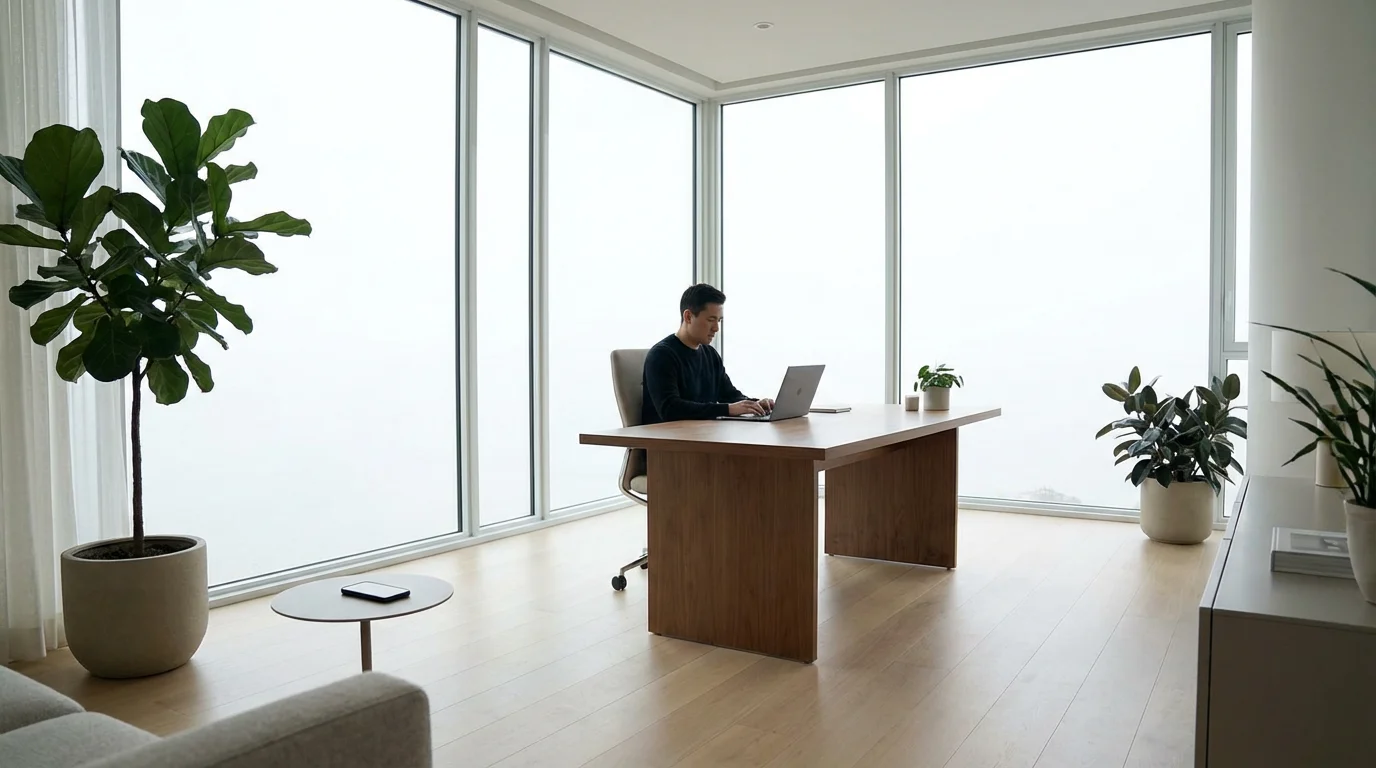
Time blocking involves allocating specific blocks of time in your calendar for specific tasks or types of work. This method is particularly powerful for solo work because it creates dedicated space for deep work, a state of focused, uninterrupted concentration. Deep work allows you to produce high-value output in less time. You protect your most critical tasks from daily interruptions by scheduling them deliberately.
To get the most out of these sessions, you should create a deep work ritual that signals to your brain it is time for peak concentration.
How to Implement Time Blocking Effectively:
- Identify Your Peak Performance Hours: Determine when you feel most alert and focused. Schedule your most demanding solo work, like strategic planning or complex problem-solving, during these times.
- Define Task Categories: Group similar tasks to create cohesive blocks. For instance, dedicate 90 minutes to “report writing” or 60 minutes to “email processing.”
- Block Out Time in Your Calendar: Treat these blocks like unmissable appointments. Label them clearly, such as “Deep Work: Project Alpha” or “Focus Time: Content Creation.” Aim for blocks of 60-120 minutes for significant solo projects.
- Communicate Your Availability: If working in a shared environment, inform colleagues of your blocked times. Use “do not disturb” modes or visible signals to minimize interruptions.
For example, if you need to write a detailed proposal, block out a 2-hour slot first thing in the morning when your cognitive energy is highest. During this period, you close all unnecessary tabs, silence your phone, and dedicate yourself solely to the proposal. This structured approach prevents context switching and enhances your focus on individual work.

Strategy 2: The Power of Intentional Task Batching
Task batching is a productivity hack that involves grouping similar tasks and completing them all at once. This strategy significantly reduces the mental overhead of switching between different types of work. When you perform similar activities consecutively, your brain stays in the same cognitive mode, leading to faster execution and fewer errors in your solo work.

Benefits of Task Batching for Solo Projects:
- Reduces Context Switching: Each time you switch tasks, your brain needs to reorient, costing valuable time and mental energy. Batching minimizes this cost.
- Increases Efficiency: You get into a rhythm, completing repetitive tasks more quickly.
- Improves Focus: By dedicating a specific time to a category of tasks, you can concentrate fully without the pull of other responsibilities.
- Streamlines Workflow: It helps create a predictable and organized structure for your individual work habits.
Consider batching your communication tasks. Instead of checking emails and messages every few minutes, dedicate specific times, perhaps 9:00 AM, 1:00 PM, and 4:00 PM, to process all communications. Similarly, you can batch administrative tasks like expense reporting, invoice generation, or file organization into a single block once or twice a week. This ensures your solo work on high-value tasks remains undisturbed.

Strategy 3: Crafting an Optimized Workspace
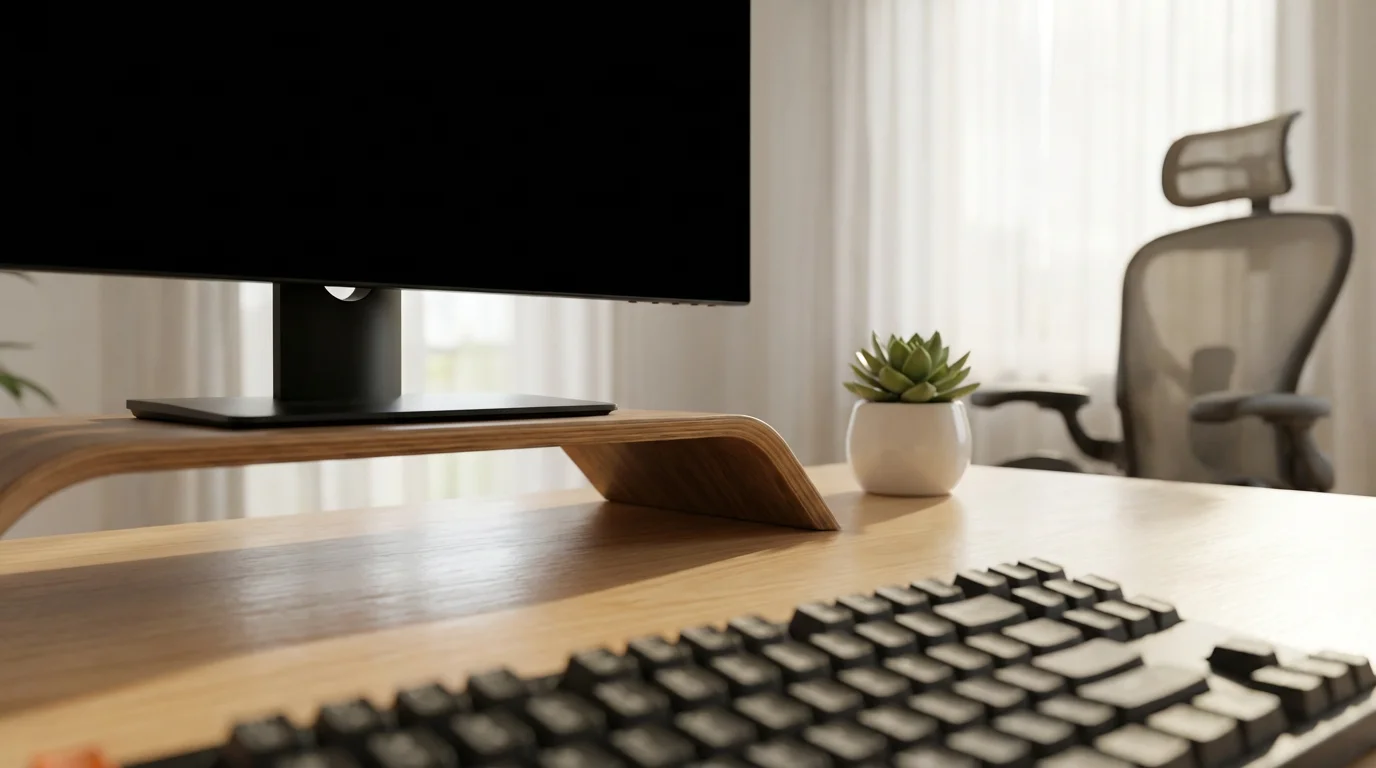
Your physical and digital workspace profoundly influences your ability to perform solo work effectively. A cluttered environment leads to a cluttered mind, making sustained focus difficult. By intentionally designing your workspace, you create a dedicated zone for productivity, signaling to your brain that it is time to engage in individual work.
Understanding how to optimize your environment for maximum focus ensures that your physical surroundings support, rather than hinder, your cognitive output.
Key Elements of an Optimized Workspace:
- Physical Environment:
- Declutter: Remove unnecessary items from your desk. Keep only what you need for your current task within reach.
- Ergonomics: Ensure your chair, desk, and monitor are set up to promote good posture and prevent discomfort. Pain distracts from solo projects.
- Lighting: Maximize natural light or use appropriate task lighting to reduce eye strain.
- Sound: Use noise-canceling headphones if you work in a noisy environment. Consider ambient sounds or instrumental music if it aids your concentration.
- Digital Environment:
- Desktop Organization: Keep your desktop clean with minimal icons. Use a structured folder system for files.
- Browser Management: Close unnecessary tabs. Use browser extensions that help manage or suspend tabs you are not actively using.
- Notifications: Disable non-essential notifications on your computer and phone during solo work blocks.
Imagine your desk is clean, your monitor is at eye level, and your files are neatly organized in digital folders. This setup provides a clear runway for your individual work, minimizing visual and mental distractions. You reduce the effort required to focus, allowing your energy to go directly into your tasks.

Strategy 4: Leverage Automation and Smart Tools
Automation and smart tools are powerful productivity hacks for busy professionals. By automating repetitive or low-value tasks, you free up significant time and mental energy for your high-impact solo work. These tools range from simple keyboard shortcuts to more complex workflow automations, all designed to make your individual work more efficient.
Beyond technical solutions, incorporating strategic breaks into your schedule prevents burnout and maintains long-term clarity during solo projects.

Practical Automation Ideas:
- Keyboard Shortcuts: Learn and use keyboard shortcuts for frequently performed actions in your most used applications, for example, copy, paste, save, switch applications, close tabs. This reduces reliance on your mouse and speeds up navigation.
- Text Expanders: Use text expander tools to create snippets for common phrases, email responses, or code blocks. Type a short abbreviation, and the tool expands it into the full text. This saves countless keystrokes during solo projects.
- Email Rules and Filters: Set up rules in your email client to automatically sort incoming emails into folders. Prioritize important senders or projects and filter out newsletters or notifications. This streamlines your inbox management, a critical aspect of effective solo work.
- Workflow Automation Platforms: Explore platforms for connecting different apps. You can automate tasks such as saving email attachments to cloud storage, adding meeting notes to a project management tool, or logging completed tasks.
For example, if you frequently send an email acknowledging receipt of a document, you can create a text expander shortcut like “ackdoc.” Typing “ackdoc” could instantly insert, “Thank you for sending this over. I’ve received it and will review it shortly.” This small automation saves you minutes multiple times a day, cumulatively adding up to hours for your solo work.

Strategy 5: Implement the “Two-Minute Rule” for Momentum
The “Two-Minute Rule” is a simple yet incredibly effective productivity hack. If a task takes less than two minutes to complete, do it immediately. This rule prevents small tasks from accumulating and becoming overwhelming. It helps you maintain a sense of control and progress in your individual work, building momentum throughout your day.

Applying the Two-Minute Rule:
- Email Replies: If an email requires a quick, two-sentence response, send it right away instead of flagging it for later.
- File Organization: When you finish working on a document, file it in the correct folder immediately.
- Small Adjustments: Make that quick update to a spreadsheet or add that single item to your to-do list as soon as you think of it.
- Decluttering: Put away that coffee cup or organize a small stack of papers on your desk right now.
This rule helps you avoid procrastination on minor items that can quickly build into a daunting backlog. By tackling these quick wins, you clear your mental space and keep your focus on larger solo projects. You prevent tiny tasks from becoming mental burdens that erode your productivity.

Strategy 6: Proactive Digital Distraction Management
Digital distractions represent one of the largest threats to effective solo work. Notifications, social media, and endless internet browsing fragments your attention and prevents deep concentration. Managing these distractions proactively is not about willpower alone; it involves setting up your digital environment to support your focus on individual work.

Tactics for Digital Distraction Management:
- Notification Control: Turn off all non-essential notifications on your computer, phone, and tablet during your designated solo work periods. Consider using “Do Not Disturb” modes.
- Website Blockers: Employ browser extensions or apps that block distracting websites during specific times. These tools can be invaluable for creating a focused digital environment.
- Dedicated Browsers/Profiles: Use a separate browser profile or even a different browser, for example, Firefox for work and Chrome for personal, for your individual work. This separates your contexts and reduces temptation.
- Scheduled “Distraction Time”: Instead of fighting the urge to check social media, schedule specific short breaks for it. Knowing you have dedicated time for these activities reduces the immediate craving during solo work.
- Single-Tasking Principle: Actively resist the urge to multitask with digital tools. Close tabs and applications you are not actively using for your current solo project.
Imagine you have a complex report due. You activate your website blocker, silence your phone, and close your email client. This creates a digital ‘bubble’ where only your report exists. You eliminate the constant pull of external information, allowing your brain to fully immerse itself in the task at hand. This discipline is crucial for maximizing your individual work output.

Strategy 7: The Habit of Strategic Breaks and Recovery
Sustained, high-quality solo work is not about working longer; it is about working smarter, incorporating regular, strategic breaks. Your brain needs time to rest and consolidate information. Pushing through without breaks leads to mental fatigue, decreased focus, and reduced productivity. Implementing structured breaks is a critical productivity hack that enhances your ability to perform individual work over the long term.

Implementing Strategic Breaks:
- The Pomodoro Technique: Work for 25 minutes, then take a 5-minute break. After four “pomodoros,” take a longer break of 15-30 minutes. This method structures your solo work and prevents burnout.
- Movement Breaks: Use your breaks to stand up, stretch, walk around, or get a glass of water. Physical movement helps refresh your mind and body.
- Disconnect Completely: During breaks, step away from your screen. Avoid checking emails or social media. Engage in something entirely different that allows your mind to disengage from your solo projects.
- Micro-Breaks: Even a 30-second gaze out a window or a few deep breaths can reset your focus during intense individual work sessions.
Think of your brain as a muscle. It needs periods of intense exertion followed by periods of rest to recover and grow stronger. Neglecting breaks depletes your cognitive resources, making you less effective in your solo work. Prioritize these recovery periods to maintain high energy levels and sharp focus throughout your day.

Refining Your Solo Work Approach
Implementing these strategies is an iterative process. You will find that some productivity hacks resonate more with your individual work style than others. The key is to experiment, observe, and adjust. You might discover that your peak focus hours differ from conventional wisdom, or that a specific type of background noise helps you concentrate. Tailoring these strategies to your unique context is essential for optimizing solo work habits.

Common Pitfalls and How to Avoid Them:
- Over-scheduling: Do not fill every minute of your day with tasks. Leave some buffer time for unexpected events or deeper thinking.
- Ignoring Energy Levels: Pushing through fatigue is counterproductive. Listen to your body and adjust your solo work schedule if needed, prioritizing rest and recovery.
- Perfectionism: Aim for progress, not perfection. Spending too much time on minor details can derail your individual work on more critical tasks.
- Lack of Review: Regularly review what worked and what did not. Dedicate 15 minutes at the end of each week to reflect on your solo project productivity and plan adjustments.
By continuously refining your approach, you develop a sustainable system for maximizing your individual productivity. You become more attuned to your own patterns and learn to proactively address challenges, turning potential obstacles into opportunities for growth in your solo work.
Frequently Asked Questions
How can I stay motivated during long periods of solo work?
Break large solo projects into smaller, manageable chunks. This creates a sense of accomplishment with each completed sub-task. Implement the Pomodoro Technique to structure your work and breaks, preventing burnout. Additionally, define clear rewards for reaching milestones, keeping your motivation high.
What if I get constantly interrupted, even with time blocking?
Communicate your time blocking clearly to colleagues or family members. Use visible signals like a “Do Not Disturb” sign or status updates in communication tools. If interruptions are digital, proactively manage notifications and use website blockers. For truly critical solo work, consider changing your physical location or working during off-peak hours if feasible.
How do I choose the right tools for automation and productivity?
Start small. Identify one or two repetitive tasks that consume a lot of your time in your individual work. Research tools specifically designed to automate those tasks. Prioritize tools that integrate well with your existing workflow and offer a clear return on investment in terms of time saved. You do not need every shiny new app; focus on what solves your specific problems.
Is multitasking ever beneficial for solo work?
Generally, no, especially for tasks requiring significant cognitive effort. True multitasking is a myth; your brain rapidly switches between tasks, leading to decreased efficiency and increased errors. While you might listen to a podcast during a walk, this differs from attempting to write a report while responding to emails. Focus on single-tasking for optimal individual productivity.
How long should my deep work sessions be?
The ideal length varies by individual and task complexity. Many find 60-90 minute blocks effective for deep work before needing a short break. Experiment with different durations, such as 45, 60, 90, or even 120 minutes, to discover what works best for your personal focus capacity and the demands of your solo projects.
What is the most important solo work optimization strategy?
While all strategies contribute, the most important often involves disciplined attention management. This includes strategic time blocking to protect focus and proactive digital distraction management. Without controlling your attention, other strategies will yield limited results. Prioritizing focus allows you to maximize the impact of your individual work efforts.
These strategies offer a robust framework for enhancing your solo work and individual productivity. By applying these methods consistently, you will notice significant improvements in your focus, output, and overall professional satisfaction. You have the power to transform how you approach your solo projects, making every effort count.
The information provided in this article is for informational purposes only and does not constitute medical, psychological, or legal advice. Always seek professional support when appropriate for your specific circumstances.



Leave a Reply