You want one weekend where your phone stops running the show. Going fully dark feels unrealistic, though, with family to reach, plans to coordinate and a Monday inbox waiting. Plan the detox in three parts: pick a tier you can actually keep, spend 30 minutes on Friday removing your reasons to unlock the phone, and schedule a short Sunday re-entry so Monday doesn’t undo the calm.
This playbook runs from Friday 5 PM to Sunday evening and assumes a Monday-to-Friday job. If your days off fall elsewhere, keep the sequence and shift the clock.
Why weekend detoxes collapse by Saturday lunch
Most attempts fail on logistics. The phone is still your map, your music, the way family reaches you and the place work email lands. Each is a legitimate reason to unlock it, and each unlock opens the door to everything else.
The second problem is proximity. A 2023 meta-analysis of 22 studies on the “brain drain” effect found that simply having a smartphone nearby can drag on cognitive performance, though the effects were modest and varied between studies. A phone in your pocket “on silent” is still a pull. A phone in a drawer, outside your phone-free rooms, is not.
The third is the Sunday cliff. The detox ends at 9 PM, you open 140 emails in bed, and the weekend’s calm is gone before Monday starts.
Choose your detox tier
Pick the tier that matches your obligations, not your ambition. A tier you finish beats a stricter one you abandon by Saturday afternoon.
| Tier | Allowed tools | Communication rule | Friday prep |
|---|---|---|---|
| The Dimmer Switch (low-tech weekend, Fri 6 PM to Sun 6 PM) | Calls, texts, camera, offline maps and music. No social apps, news or email. | Reply to texts only in two 20-minute check-in windows a day. VIP calls ring any time. | Focus/DND schedule, delete social apps, offline downloads |
| The 24-Hour Digital Sabbath (Sat 6 PM to Sun 6 PM) | Phone locked to VIP calls only, or a basic phone. E-reader with Wi-Fi off. Offline maps. | Nothing outgoing except emergencies. Auto-replies on everywhere. | Everything above, plus auto-responders and telling your household |
| The Full 48-Hour Offline Reset (Fri 6 PM to Sun 6 PM) | Smartphone powered off in a drawer. A basic phone or a named relay person for emergencies. Printed tickets and directions. | Unreachable except through the emergency route. | Everything above, plus a written plan and a relay person briefed |
Start with the Dimmer Switch if this is your first attempt or you care for someone. If even that feels like too much, run a single Saturday afternoon from 2 PM to 8 PM and build from there.
The case for the full reset is suggestive rather than proven. In a 2012 study of backpackers on device-free wilderness trips, people four days in scored about 50% higher on a creative problem-solving test than those about to set out. The sample was 56 people, and the design could not separate the effect of nature from the absence of technology.
The Friday 5 PM prep checklist
Thirty minutes of setup removes most of Saturday’s temptations. Do it before you leave work, while you still have the energy.
- Build your VIP bypass list (5:00 to 5:05). Choose three to six people: partner, children, parents, a childminder. On iPhone, go to Settings > Focus, pick or create a Focus, then add people under Allow Notifications From and turn on Allow Repeated Calls. On Android, set Do Not Disturb to allow calls from starred contacts and repeat callers; menu names vary by manufacturer. Schedule it to start Friday 6 PM and end Sunday 6 PM.
- Set auto-responders (5:05 to 5:12). In Gmail, use Settings > See all settings > General > Vacation responder, with an end date. In Outlook, use Automatic Replies and tick the option to send only during a time period. Set a Slack or Teams status with your return time.
- Delete social apps, don’t just hide them (5:12 to 5:17). Deleting an app leaves your account intact, but reinstalling takes a password and a download, which is enough friction to break the reflex. Your everyday layout belongs in our guide to designing your phone for focus.
- Download maps and music (5:17 to 5:25). In Google Maps, tap your profile picture, then Offline maps > Select your own map for the areas you’ll visit. Download one or two playlists, not a podcast backlog. Offline libraries in Apple Music and Spotify need a paid subscription.
- Close open loops (5:25 to 5:30). Pay anything due Monday, confirm Saturday plans with exact times and meeting points, and write Monday’s three must-dos on paper.
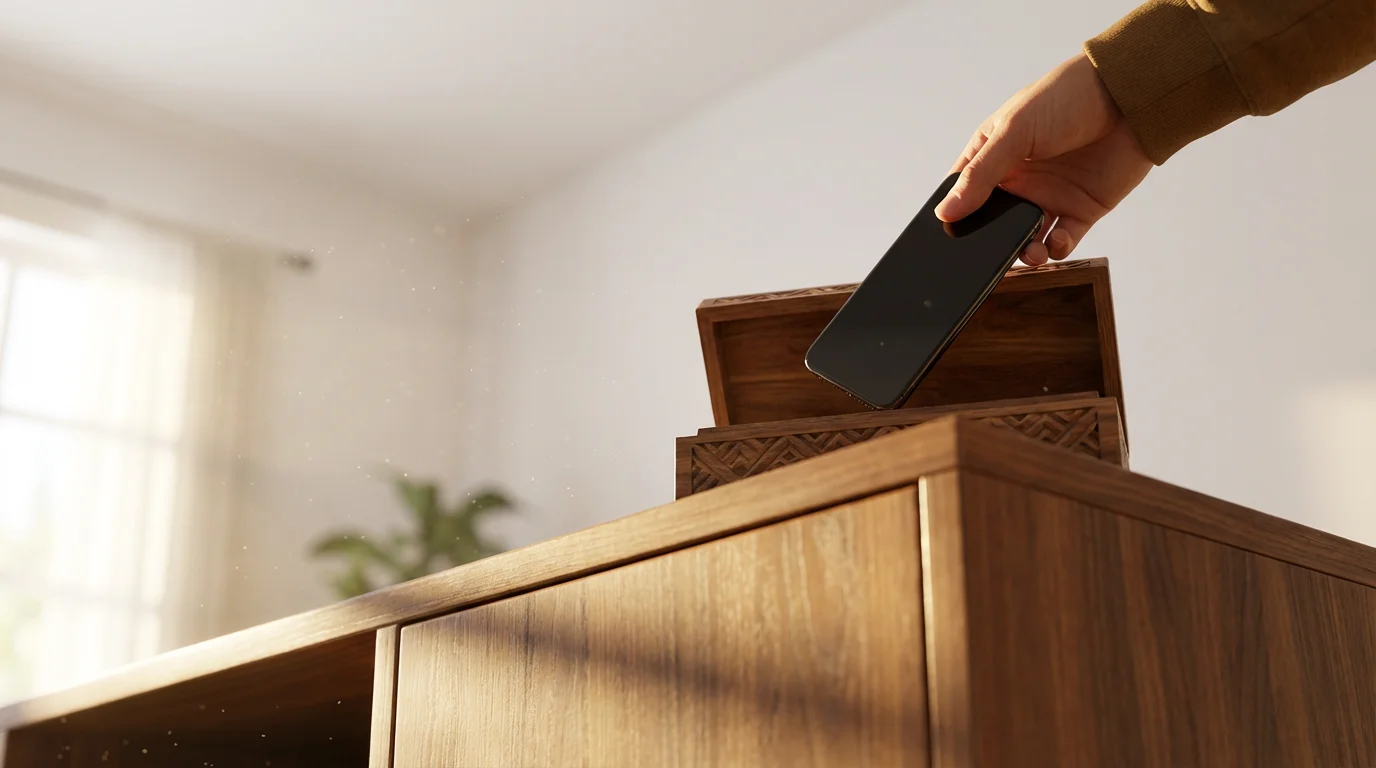
- Park the phone. Put the charger in a drawer or hallway, and leave a written list of offline options where you’ll see it; these alternatives to scrolling are a good starting point.

The Dimmer Switch itinerary, hour by hour
This is the Dimmer Switch tier. For the 24-hour Sabbath, run Saturday 6 PM to Sunday 6 PM with no check-in windows. For the full reset, drop the check-ins entirely and let your relay person handle emergencies.
Friday night
- 6:00 PM: The schedule activates. Phone goes in the drawer, not your pocket.
- 6:15 to 9:00 PM: Something with a clear start and end: cook from a paper cookbook, or have dinner with a friend with both phones in bags.
- 9:00 PM: First check-in window, 20 minutes on a kitchen timer. Reply to texts, confirm tomorrow’s logistics, put the phone back. If late-night scrolling is your weak point, our screen-free bedtime guide covers the overnight setup.
Saturday
- 8:00 AM: Wake to an analog alarm. No phone until breakfast is finished.
- 9:00 AM to 12:00 PM: An outdoor block: a long walk, a hike or the market. If you need the offline map, open it, check the route and put the phone away.
- 12:30 PM: Second check-in window, 20 minutes.
- 1:00 to 5:00 PM: The long project. Pick something that takes hours and uses your hands: baking bread, a furniture repair, a 1,000-piece puzzle, a whole novel.
- 5:00 PM: Expect the boredom spike. Go to your written list rather than the drawer.
- 7:00 PM onward: People. Calls are allowed, so use the phone as a phone.
Sunday
- Morning: Slow and unscheduled: long breakfast, library, a swim.
- 12:30 PM: Check-in window, 20 minutes.
- 2:00 to 4:00 PM: Light admin on paper: grocery list, a rough sketch of the week’s appointments.
- 5:00 PM: Re-entry begins (below). The schedule ends at 6:00 PM.
A worked example: a parent with two children who shares custody runs the Dimmer Switch. Their VIP list is the co-parent, both grandparents and the eldest child’s phone, so the only things that can break through are the four people who might genuinely need them.
Sunday re-entry without Monday inbox shock
Re-entry is where the weekend is kept or lost. An observational study of after-hours work email linked it to poorer psychological detachment from work and more rumination. Treat Sunday evening as a buffer, not a head start on Monday.
| Step | Full re-entry (45 min) | Minimum version (10 min) |
|---|---|---|
| Personal messages | Read and reply to everything from the weekend | Reply only to anything with a question in it |
| Work inbox | Scan subject lines for anything that changes Monday morning; flag, don’t reply | Leave closed until Monday |
| Auto-responder | Set to end Monday 9 AM so late-Sunday senders still get it | Same: already scheduled on Friday |
| Apps | Reinstall only the ones you missed by name | Reinstall nothing tonight |
| Monday plan | Write the first three tasks on paper, in order | Re-read Friday’s list of three |
Replies sent Sunday night teach colleagues you are available on Sundays, so flag instead. For Monday morning itself, our email workflow guide covers processing a backlog in batches.

What to tell family, friends and work before 6 PM Friday
Most detox friction comes from other people’s expectations. Send these before 6 PM on Friday so nobody is left guessing.
- Family and friends: “I’m offline from Friday 6 PM to Sunday 6 PM. I’ll check texts around 9 PM tonight and 12:30 PM on Saturday and Sunday. If it’s urgent, call; your number rings through.”
- Work auto-reply: “I’m away from email until Monday 9 AM and will reply then. For anything that can’t wait, contact the on-duty lead at the team support address.”
- Group chat: “Muting this until Sunday evening. If plans change for Saturday, text me directly.”
- A friend who wants to send photos now: “Send them anyway, I’ll look on Sunday. Tell me the best one over dinner.”
- A colleague who messages on Saturday anyway: Don’t reply until Monday. If it truly can’t wait, they’ll use the route in your auto-reply.
If one weekend works, the daily version is mostly a matter of notification rules that keep the weekday phone quieter, so the next Friday’s prep takes ten minutes instead of thirty.