
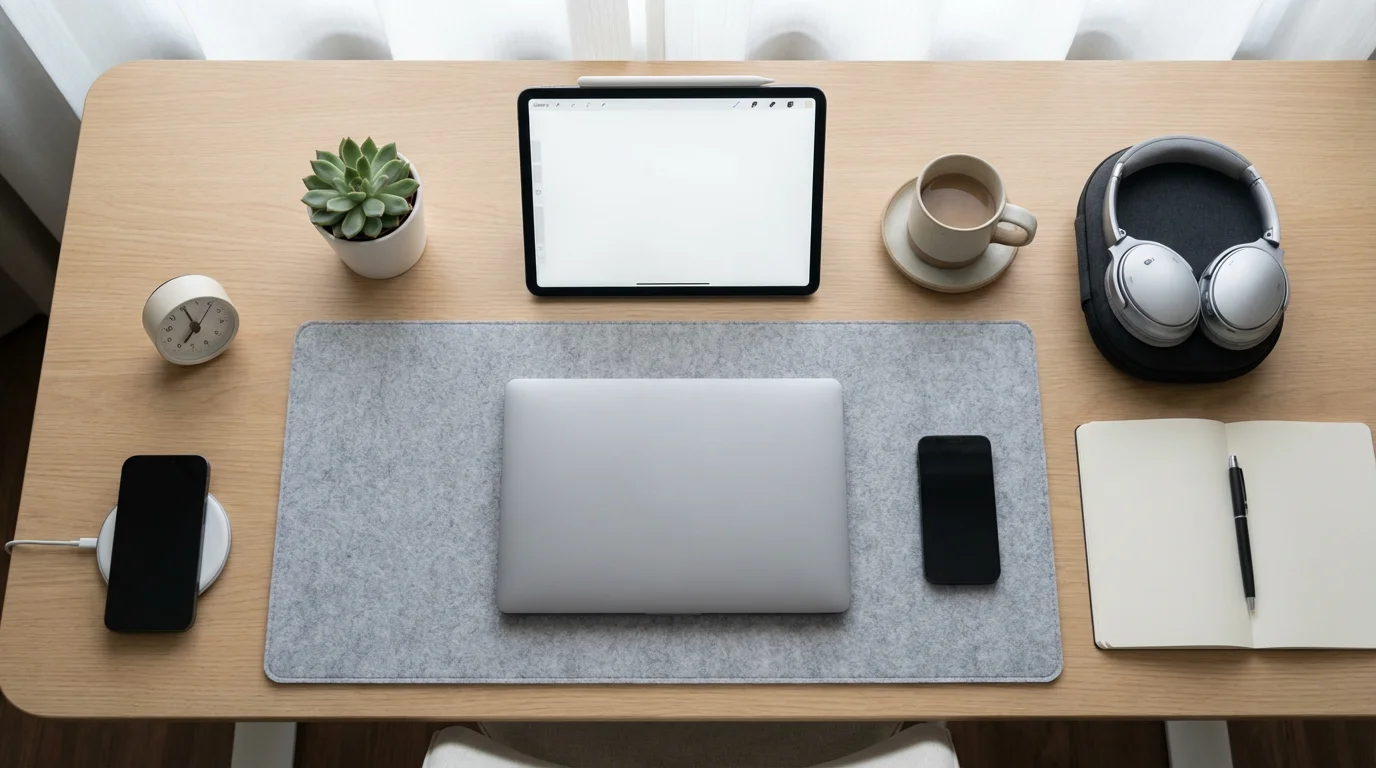
In today’s always-on world, distractions constantly vie for your attention. Your productivity often hinges on your ability to focus, yet your physical and digital environments frequently undermine this critical skill. This comprehensive guide shows you how to reclaim your focus by systematically designing an anti-distraction workspace.
To start, it is essential to identify and eliminate common time thieves that compete for your limited attention.
Learning how to configure your mobile devices for productivity is a vital component of this environmental shift.
You will learn practical, actionable strategies to minimize digital distractions and create a distraction-free zone, empowering you to achieve deeper work and more meaningful output. We cover everything from decluttering your desk to optimizing your notification settings, ensuring you build an environment that supports, rather than sabotages, your concentration.
Understanding the Modern Distraction Landscape
Modern work environments, whether physical or digital, present unique challenges to sustained focus. Constant pings, open-plan office chatter, and the allure of endless information fragments your attention. This continuous shifting between tasks, known as context switching, significantly erodes your productivity and cognitive energy.
By eliminating these constant interruptions, you make it much easier to reach a state of deep flow where your best work happens.
Digital wellness involves actively shaping your relationship with technology to support your well-being and productivity. It moves beyond simply reducing screen time. Instead, it encourages intentional tech use. You gain control over your devices, preventing them from controlling you.
Research consistently shows that even brief interruptions can take up to 23 minutes to fully recover from. Each notification, email alert, or colleague’s question pulls you away, forcing your brain to re-engage with your original task. This cumulative effect makes deep, focused work incredibly difficult to achieve.
Auditing Your Current Workspace: The Baseline Assessment
Before you can design an anti-distraction workspace, you must first understand your current challenges. Take an honest look at your existing physical and digital environments. This audit reveals your personal distraction triggers.
Conducting Your Physical Workspace Audit:
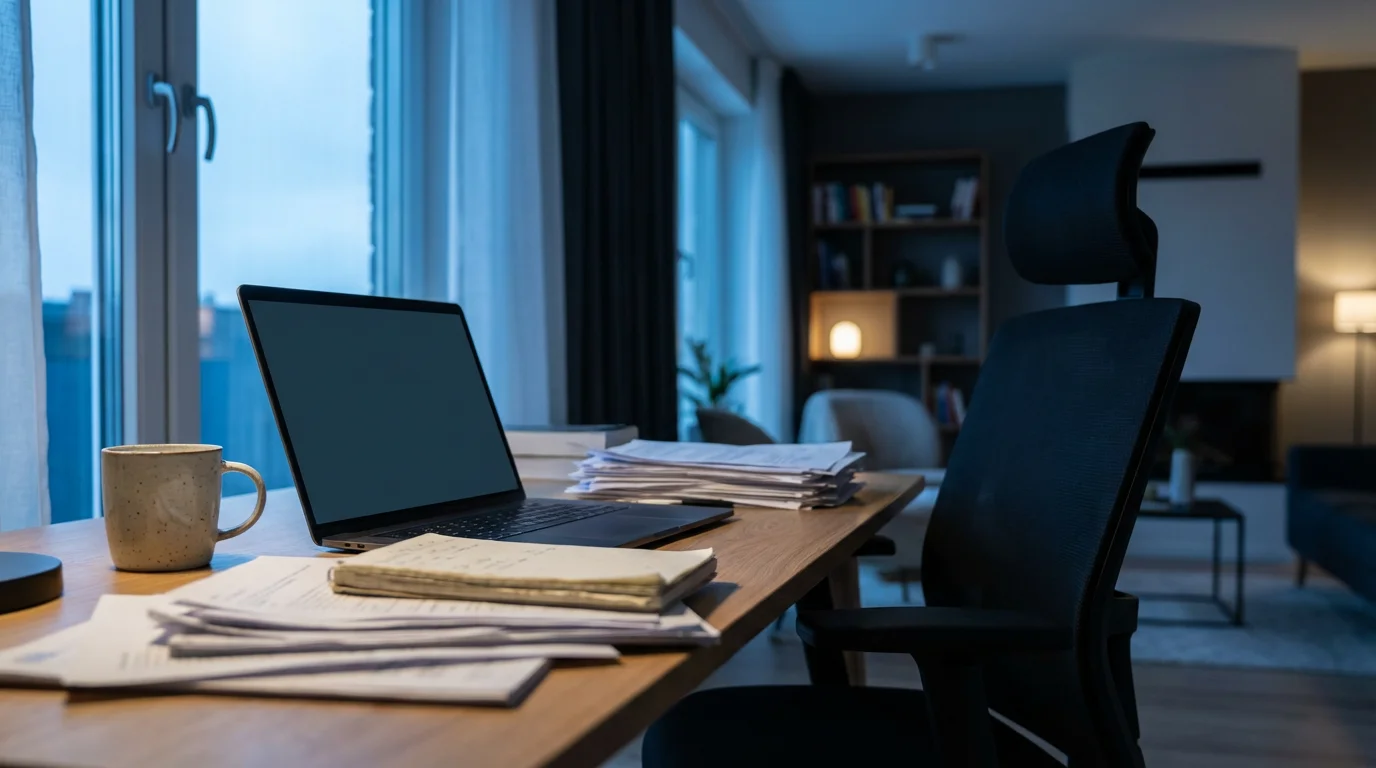
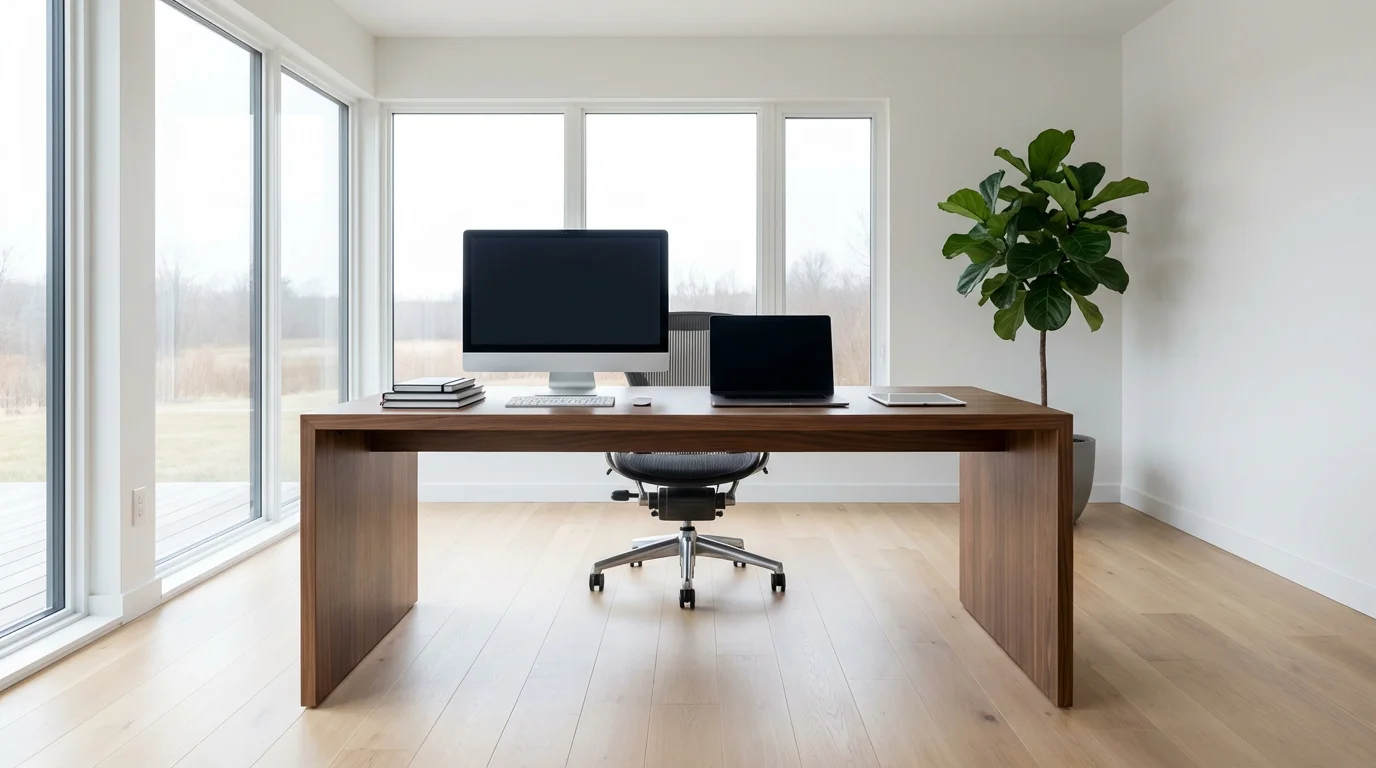
Walk through your physical space as if seeing it for the first time. Identify sources of noise, visual clutter, and ergonomic discomfort. Ask yourself these questions:
- What items on my desk are not directly related to my current project?
- Do I frequently hear external noises that break my concentration?
- Is my chair comfortable? Does my monitor sit at eye level?
- How often do I get up to search for a tool or document?
- What visual elements in my peripheral vision draw my eyes away from my screen?
Conducting Your Digital Workspace Audit:
Your digital environment often holds the most potent distractions. Take time to examine your device usage patterns and software setup. This might take 15-30 minutes for an initial review.
- Review Notification Settings: Go through your phone and computer settings. Which apps send alerts? Do you truly need every notification active?
- Examine Your Browser Habits: How many tabs do you typically have open? Which websites do you visit when you feel a dip in focus?
- Analyze Your Desktop and Downloads Folder: Are they filled with unsorted files? Can you easily find what you need?
- Identify Time-Sink Apps: Which social media, news, or entertainment apps do you open out of habit? Track your usage for a day or two if unsure.
This audit provides a clear picture of where your attention currently drifts. You now have specific targets for improvement.
Physical Environment Mastery: Creating a Sanctuary for Focus
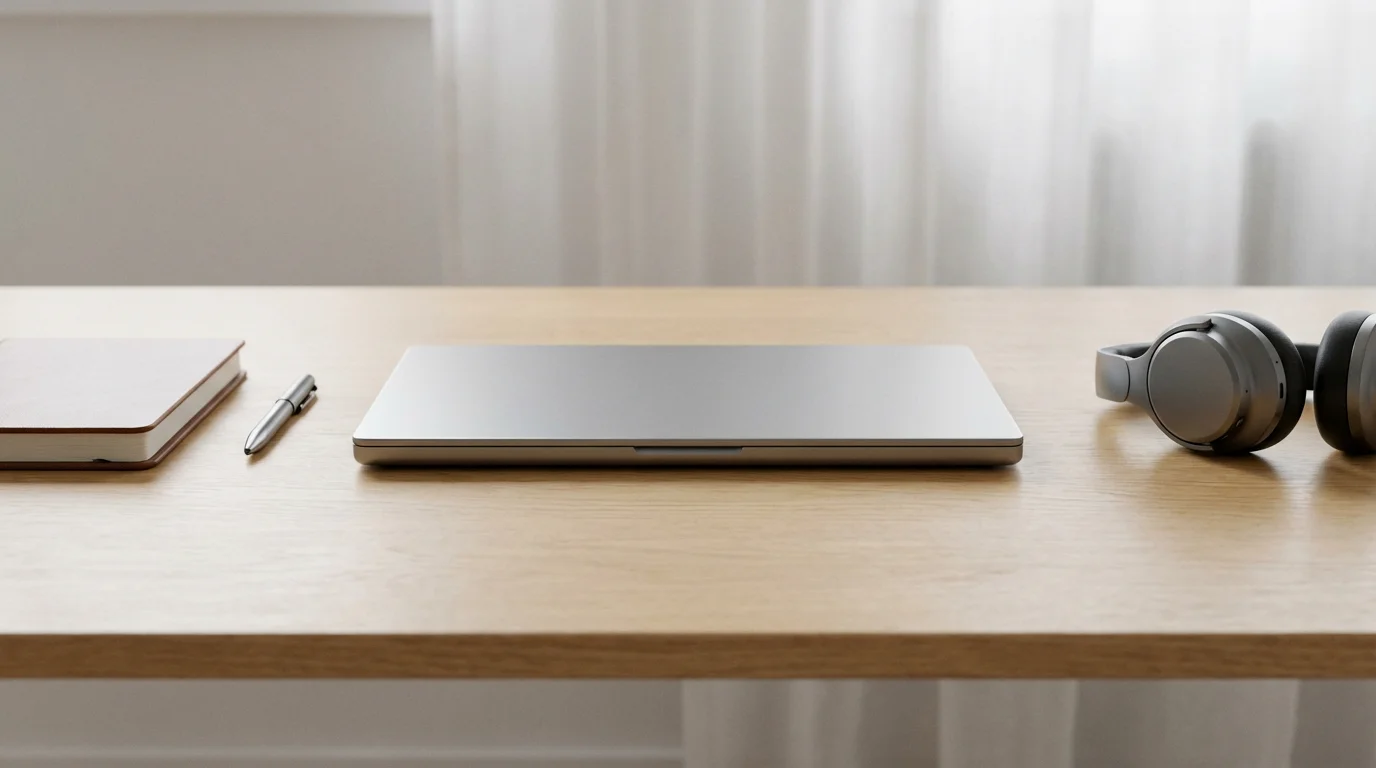
Your physical workspace profoundly impacts your ability to concentrate. A thoughtfully designed physical environment minimizes sensory distractions and supports sustained attention. You want to create a space that signals “focus” to your brain.
Properly designing your space for habit success ensures that concentration becomes the path of least resistance.
To keep things simple, prioritize the essential items you need at your desk to avoid unnecessary visual noise.
Declutter for Clarity: The “One-Touch” Rule
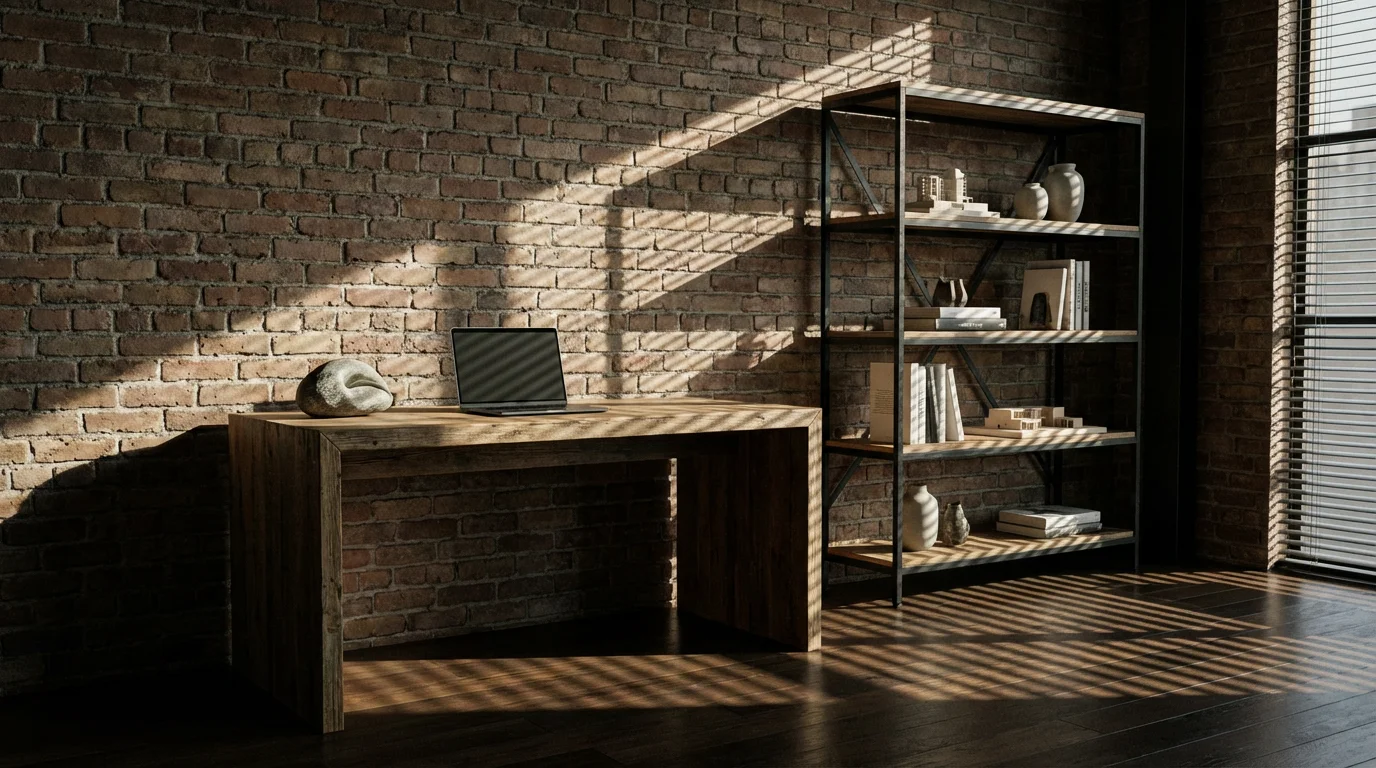
Visual clutter competes for your cognitive resources. Even items you do not actively use can pull at your attention. Implement the “one-touch” rule: handle each item once, then put it where it belongs. This applies to papers, pens, and personal items.
- Clear Your Desk: Remove everything not essential for your current task. Store pens, notebooks, and reference materials in drawers or on shelves.
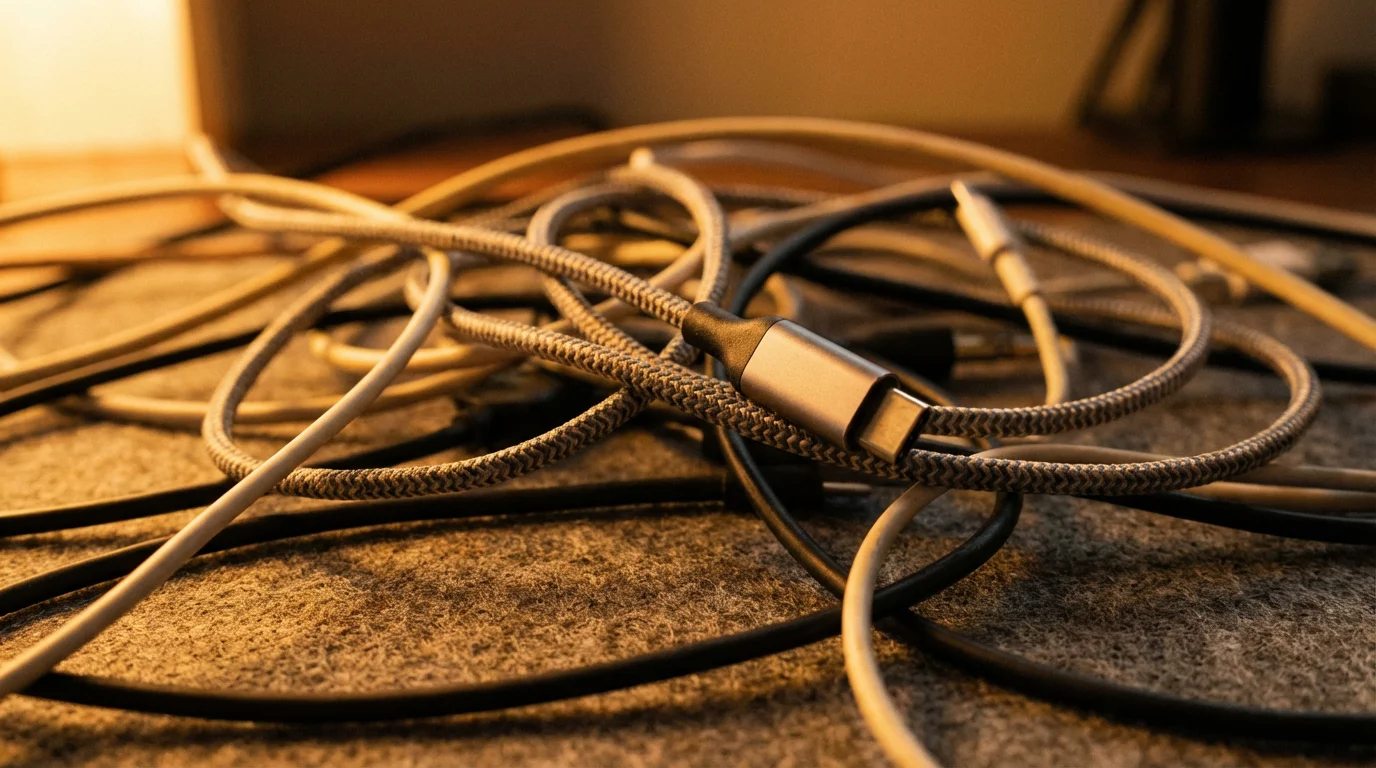
- Organize Cables: Tangled cables create visual chaos. Use cable ties or sleeves to keep them tidy and out of sight.
- Process Paperwork Daily: Dedicate 5-10 minutes at the end of each day to sort, file, or discard new paperwork.
Consider a simple example: a project manager working from home. Their desk previously had mail, coffee mugs, and loose notes. By applying the “one-touch” rule and storing non-essentials, their desk now only holds their laptop, a notepad, and a pen. This simple change reduces visual noise, making it easier to start and stay focused on complex reports.

Optimize Lighting, Sound, and Ergonomics
These elements subtly influence your mood, energy levels, and comfort, all critical for long-term focus.
- Lighting: Maximize natural light. Position your desk near a window if possible. Supplement with warm, diffuse artificial light that avoids glare. Bright, cool light can improve alertness, but avoid harsh overhead lights that cause eye strain.
- Sound: Invest in noise-canceling headphones if you work in a noisy environment. For open-plan offices, create a buffer zone by positioning your desk away from high-traffic areas if possible. Use white noise or instrumental music to mask disruptive sounds.
- Ergonomics: A comfortable body supports a focused mind. Ensure your chair provides good lumbar support. Adjust your monitor so the top third of the screen is at eye level. Keep your keyboard and mouse within easy reach, with wrists straight. Small adjustments prevent physical discomfort that can become a major distraction over hours.
“Clarity about what matters provides clarity about what does not.” — Deep Work Principle
Digital Environment Mastery: Taming the Tech Beast
Your digital world often presents the most pervasive distractions. Mastering this environment means proactively managing notifications, organizing digital files, and cultivating intentional online habits. This creates a digital distraction-free zone.
Beyond your desk, you may also benefit from creating a digital-free zone in your home to support deeper mental clarity.

Conquering Notifications: A Surgical Approach
Notifications are interruption machines. They pull your attention away and make it difficult to return to deep work. Take a strategic approach to manage them.
- Disable Most Notifications: On your phone and computer, turn off all non-essential notifications. This includes social media, news alerts, and many email alerts. Keep only those critical for your immediate work or safety.
- Batch Communication: Instead of reacting to every email or message instantly, dedicate specific times throughout the day to check and respond. For example, check email for 15 minutes at 9:00 AM, 1:00 PM, and 4:30 PM.
- Use Do Not Disturb Modes: Activate “Do Not Disturb” or “Focus” modes during focused work periods. Most operating systems allow you to whitelist specific contacts for emergencies.
Consider a marketing specialist who found themselves checking their phone every few minutes due to message alerts. They switched off all social media notifications and set their messaging apps to “silent” during their core work block. This simple action immediately reduced context switching, allowing them to complete creative tasks with fewer interruptions.
Streamlining Your Digital Workspace: Desktop, Browser, and Apps
A cluttered digital space mirrors a cluttered physical one, creating unnecessary cognitive load.
- Declutter Your Desktop: Aim for a minimal desktop with only active project files or essential shortcuts. Use folders to organize documents. Clear your downloads folder weekly.
- Browser Hygiene:
- Close unnecessary tabs. Each open tab represents a potential distraction.
- Use a tab management extension to group or suspend tabs you need for later.
- Bookmark frequently used pages, then close them when not in use.
- App Organization: Group similar apps into folders on your phone and computer. Place distracting apps (social media, games) on secondary screens or within folders to make them less accessible.

The Art of Device-Free Zones and Time Blocks
Intentional focus requires not just reducing distractions, but also actively creating dedicated periods for uninterrupted work. Device-free zones and time blocking are powerful techniques to achieve this.

Implementing Device-Free Zones
A device-free zone is a designated physical space or period where technology is explicitly prohibited or minimized. This helps you create a true distraction-free zone for specific activities.
- The Focus Nook: Designate a specific corner of your office or home as your “focus nook.” When you enter this space, your phone goes into a drawer or another room. Your computer only runs essential work applications.
- Meeting Without Screens: Encourage screen-free meetings. Ask participants to close laptops and put away phones. This improves engagement and collaboration.
- Mealtime or Family Time: Make meals device-free. This simple practice improves presence and connection, offering a mental break from digital demands.
Mastering Time Blocking for Deep Work
Time blocking involves scheduling specific blocks of time for specific tasks, including “deep work” periods where you tackle complex projects without interruption. This practice minimizes digital distractions by allocating dedicated focus periods.
- Identify Your Peak Focus Times: Are you a morning person or an afternoon optimizer? Schedule your most demanding tasks during these periods.
- Schedule Deep Work Blocks: Dedicate 60-90 minute blocks for deep, uninterrupted work on your most important tasks. During these blocks, close email, turn off notifications, and inform colleagues of your unavailability.
- Buffer Time: Schedule short breaks between blocks to transition between tasks, grab a drink, or briefly check messages.
- Review and Adapt: At the end of each day or week, review how well you stuck to your time blocks. Adjust your schedule based on what worked and what proved challenging.
An engineer, for instance, used to jump between coding and email all day. By scheduling two 90-minute “deep work” blocks for coding each morning, with a strict no-interruptions policy, they completed complex features faster and with fewer errors. Their email was then handled during a separate, scheduled block later in the day.
Optimizing Your Tools for Intentional Use
Technology does not have to be the enemy of focus. When used intentionally, certain tools can actively support your anti-distraction workspace goals. You gain greater control over how and when your devices capture your attention.
Leveraging Focus-Enhancing Software and Apps
Many applications exist specifically to help you manage your attention and minimize digital distractions.
- Website Blockers: Tools like Freedom, Cold Turkey, or browser extensions such as StayFocusd or LeechBlock allow you to block distracting websites or applications for set periods. This is highly effective during deep work sessions.
- Timer Apps: Use a simple timer (like a Pomodoro app) to structure your work sessions. Work for 25 minutes, then take a 5-minute break. This technique improves focus and prevents burnout.
- Mindfulness Apps: Short guided meditations or focus-enhancing soundscapes can help you reset your attention during breaks or transition into a deep work session. Apps like Calm or Headspace offer these resources.

Setting Boundaries with Communication Tools
Communication tools, while essential, are also primary sources of interruption. You must set clear boundaries.
- Status Messages: Use “Do Not Disturb,” “Focusing,” or “In a Meeting” status messages on communication platforms (Slack, Teams) to signal your unavailability for interruptions.
- Email Filters and Rules: Create rules to automatically sort non-essential emails into specific folders, preventing them from appearing in your primary inbox.
- Delay Send: Write emails when convenient, but schedule them to send at optimal times for your recipients, avoiding immediate back-and-forth exchanges during your focus periods.
For example, a freelance graphic designer used to get constant client messages throughout the day. They now use a website blocker for all messaging apps during creative design blocks (2 hours). They then dedicate 30 minutes twice a day to respond to clients, dramatically improving their focus and creative flow.

Cultivating Anti-Distraction Habits: Consistency is Key
Designing an anti-distraction workspace is not a one-time setup. It requires consistent effort and the development of new habits. Your environment supports your habits, and your habits reinforce your environment.

Establishing a Pre-Work Routine
A consistent routine helps you mentally transition into work mode and prepare your environment for focus. This routine can take 10-15 minutes.
- Physical Setup: Clear your desk, arrange essential tools, and ensure proper lighting.
- Digital Setup: Close unnecessary tabs, activate your website blocker, set your communication status, and open only the applications you need for your first task.
- Mindset Shift: Take a few deep breaths, review your priorities for the day, and set an intention for focused work.

Regular Digital Detoxes and Reviews
Periodically stepping away from technology helps reset your mind and reinforces your intentional tech use.
- Weekly Digital Detox: Designate a few hours, or even a full day, each week to be device-free. Engage in hobbies, spend time outdoors, or connect with loved ones without digital interference.
- Monthly Environment Review: Take 15-30 minutes each month to re-evaluate your physical and digital workspaces. What new distractions have crept in? What adjustments do you need to make?
- Track Your Focus: Pay attention to when and why you get distracted. Journaling briefly about these patterns helps you identify recurring triggers and develop targeted solutions.

Adapting to Different Contexts: Remote, Office, Hybrid
The principles of designing an anti-distraction workspace remain universal, but their application varies depending on your work context. You must tailor your strategy to your specific situation, whether you work remotely, in an office, or a hybrid model.
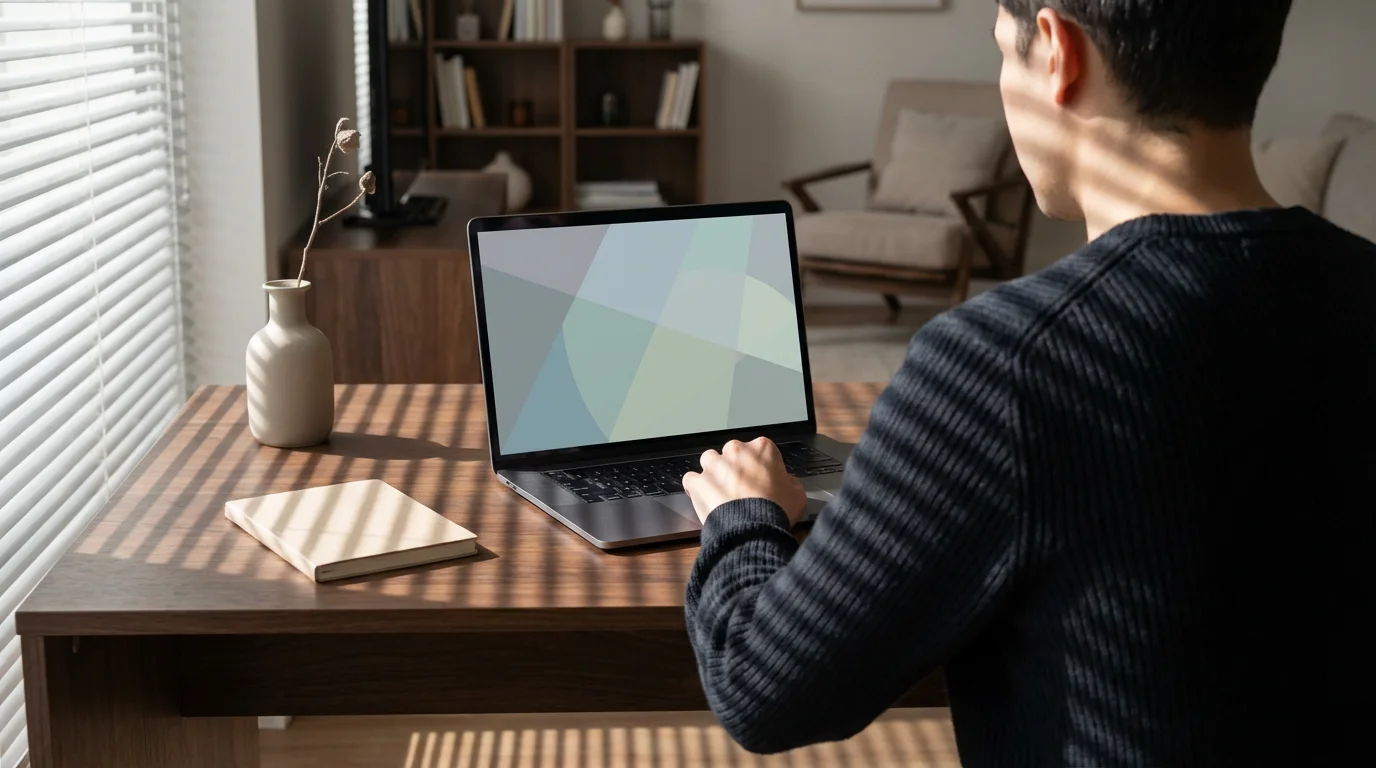
Remote Work Optimization
Remote workers have more control over their physical environment but often struggle with the blurred lines between work and home.
- Dedicated Workspace: If possible, establish a separate room or specific area solely for work. This physical separation helps create a mental boundary.
- Communicate Boundaries: Inform household members of your “focus hours” and ask them to respect your need for uninterrupted time. Use a “Do Not Disturb” sign on your door.
- Structured Breaks: Step away from your workspace entirely during breaks. Go for a walk, do a chore in another room, or enjoy a meal away from your desk.
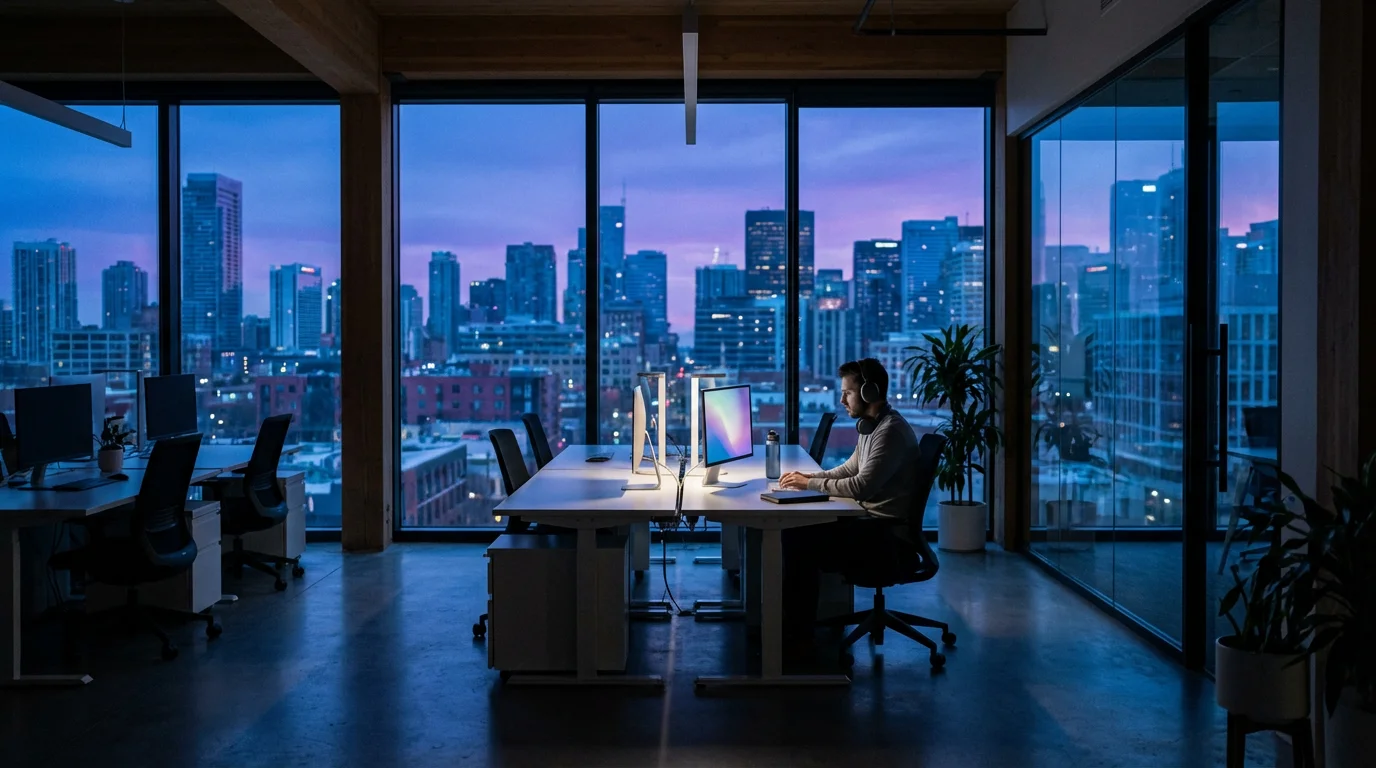
Office Environment Strategies
In a traditional office, you have less control over the physical space but can still implement powerful anti-distraction techniques.
- Strategic Seating: If you can choose your desk, pick a spot away from high-traffic walkways, noisy colleagues, or frequently used communal areas.
- Visual Barriers: Use plants, monitor risers, or even small personal partitions if permitted, to create subtle visual barriers and minimize peripheral distractions.
- Negotiate Focus Time: Discuss with your team or manager the possibility of designating “quiet hours” where interruptions are minimized, allowing everyone to engage in deep work.
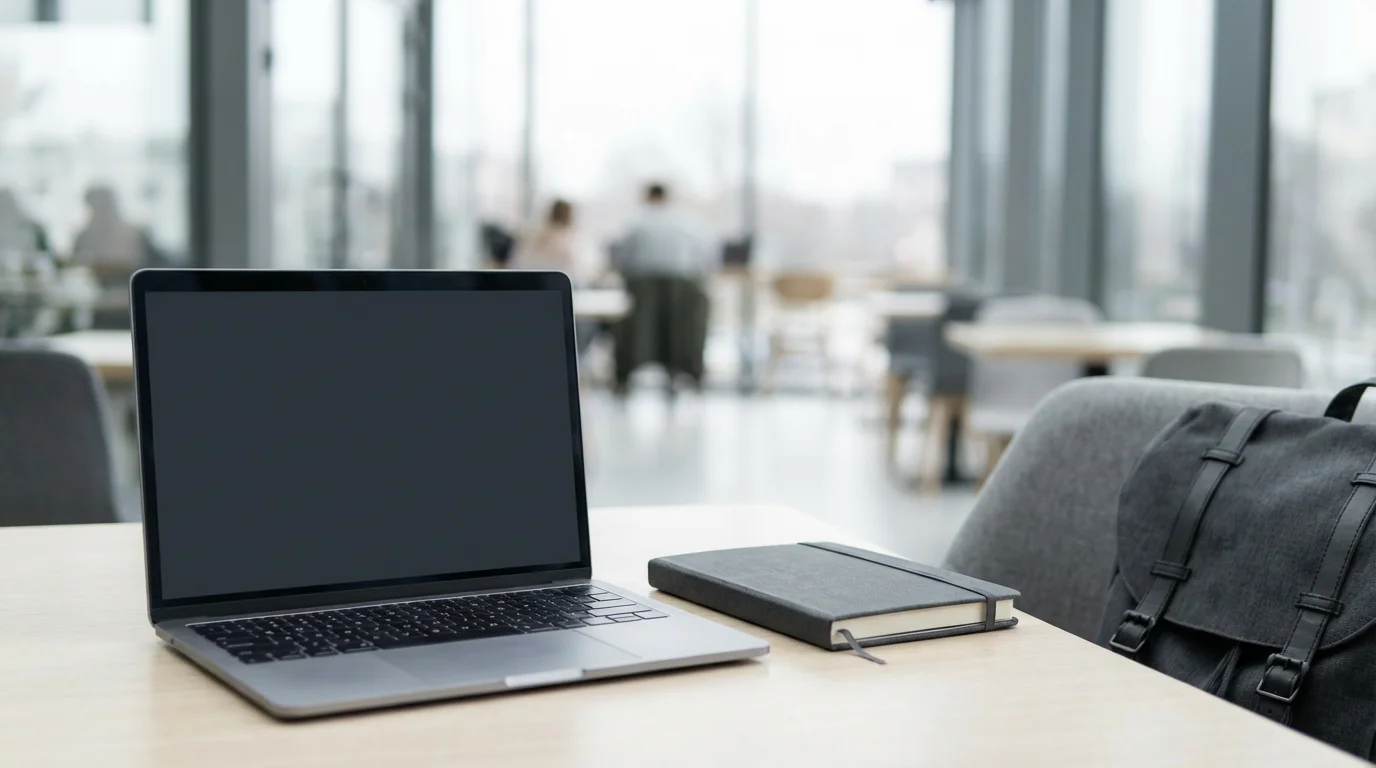
Hybrid Model Considerations
The hybrid model demands adaptability. You need consistent anti-distraction habits that translate across environments.
- Consistent Digital Hygiene: Maintain the same notification settings, browser habits, and digital organization on both your work and home setups. This prevents context switching when you move between locations.
- Portable Focus Kit: Assemble a small kit with noise-canceling headphones, a small notebook, and a focus timer that you can easily take between your home and office.
- Schedule Workflows: Plan tasks that require intense focus for days you are in your preferred “focus environment,” and save collaborative or administrative tasks for other days.
Frequently Asked Questions
How long does it take to create a truly anti-distraction workspace?
Establishing an anti-distraction workspace is an ongoing process, not a one-time event. You can implement significant changes in a few days to a week. Full optimization and habit formation will take several weeks of consistent effort and adjustment. Start with small, manageable steps and build from there.
Is it realistic to eliminate all distractions?
No, completely eliminating all distractions is rarely realistic. The goal is to minimize digital distractions and environmental interruptions to a manageable level. You aim to create a proactive system that protects your focus, rather than reacting constantly to external stimuli. Focus on progress, not perfection.
What if my colleagues or boss constantly interrupt me?
This is a common challenge. Communicate your need for focused work periods proactively. Use status messages on communication platforms. If possible, schedule specific “office hours” when you are available for interruptions and “focus hours” when you are not. A brief, polite explanation of why you need uninterrupted time can often help.
Should I completely avoid social media and news during work hours?
For most knowledge workers, avoiding these during core work hours significantly improves focus. Consider batching your social media and news consumption into scheduled breaks or after work. If you need to monitor certain platforms for work, use specific tools or browser profiles to limit exposure to personal feeds.
Can I still be productive in an open-plan office?
Yes, but it requires more proactive strategies. Invest in quality noise-canceling headphones, create visual barriers if allowed, and communicate your focus needs to your team. Utilize time blocking rigorously, and consider using focus-enhancing apps to create a personal bubble of concentration within the larger space.
How do I maintain motivation for these changes over time?
Start small, celebrate small victories, and remind yourself of the tangible benefits: reduced stress, higher quality work, and more free time. Regularly review your progress and adjust your strategies. Find an accountability partner if that helps. Remember that these efforts improve your overall well-being and productivity long term.
Disclaimer: This article provides general information and recommendations for productivity and digital wellness. It is not intended as a substitute for professional medical, psychological, or legal advice. Always seek the guidance of qualified professionals for specific concerns or conditions.






1 Comment