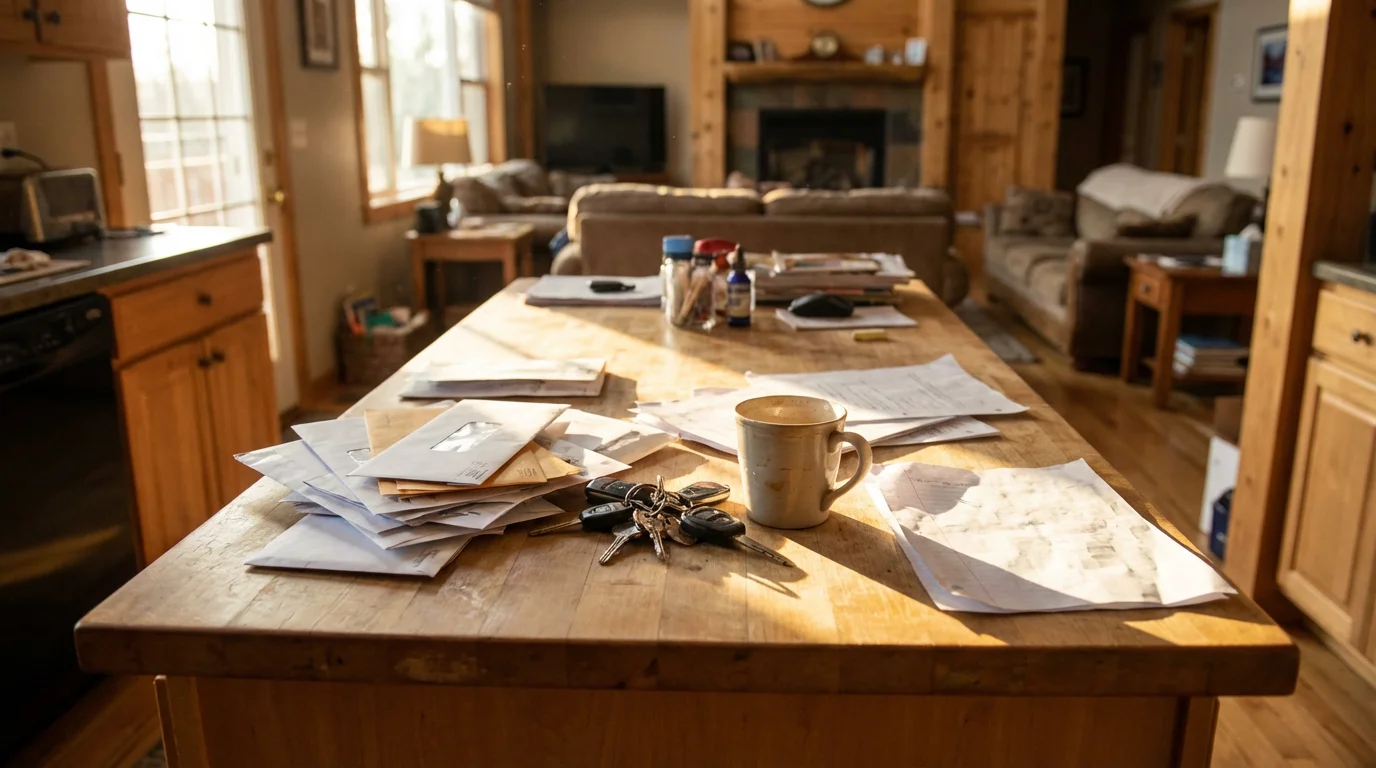
Household information leaks into too many places: a permission slip on the counter, a dentist appointment in one parent’s phone, a water bill under the takeout menus. A command center fixes this only if every item has exactly one home. The most common failure is a wall calendar that duplicates the phone calendar until nobody trusts either.
The answer is a hybrid hub with a strict split. The wall handles things you can touch and the next seven days. A shared app handles anything that repeats, sits more than two weeks out, or needs to be found next year. Each piece of information is entered once, by whoever learns it first.
Find where your household’s information leaks
For three days, note every “where is…” and “nobody told me…” moment. Almost all of them fall into three buckets: lost objects (keys, library books, sports kit), missed paper (forms, bills, renewal notices) and schedule surprises (who has pickup, which evening is the recital).
The bigger cost is mental, not visual. Sociologist Allison Daminger splits household cognitive labor into four stages: anticipating needs, identifying options, deciding and monitoring. Anticipating and monitoring are the invisible parts, and a good hub moves them out of one person’s head and onto a surface everyone can read.
The one rule that prevents double entry
Decide in advance where each type of item lives. If it repeats, is more than 14 days away, or must be retrievable later, it goes in the app. If you can touch it or it matters this week, it goes on the wall. The wall displays what the app stores; it never holds a dated event the app doesn’t know about.
| Item | On the wall | In the shared app | Why |
|---|---|---|---|
| Keys, wallets, outgoing library books | Hooks and a tray | Nothing | Physical objects need a physical home |
| School slips needing a signature | School/Action slot | The event date, entered when the slip is signed | The paper needs a pen; the date needs a reminder |
| This week’s schedule | Printed week view or exceptions-only whiteboard | The master calendar | The wall is a display, not a second record |
| Meal plan | A strip listing seven dinners | The shopping list | The plan is glanced at; the list is added to from anywhere |
| Recurring appointments (piano Tuesdays, bin day) | Nothing | Repeating event | Rewriting repeats by hand is where errors creep in |
| Long-term reminders (passport, car inspection) | Nothing | Reminder with a lead time | Too far out to stay visible on a wall |
| Tax documents, warranties, medical records | To File slot until digitized | Searchable PDF in a shared folder | You need to search for these, not look at them |
Set up the digital half first
The wall depends on the app being trustworthy, so build that first. It takes about 30 minutes.
One shared calendar, one entry point
On Google, creating a family group of up to six people gives you a shared Family calendar that everyone can add events to from any device. Apple Family Sharing does the same for iPhone households. Mixed Android and iPhone families should pick Google, since it works on both.
Give each person a colour and set one rule: whoever hears about an event enters it, from their phone, the same day. That single entry point is what keeps the wall and the app in agreement. A study of 44 families’ calendaring routines found that coordination depended on a calendar everyone could see and update, not on any one person’s private schedule.
A scanning habit for paper you must keep
You don’t need a scanner. The Google Drive mobile app has a built-in scanner that turns a bill or school report into a searchable PDF; on iPhone, the Notes app can scan and let you sign a form on screen. Save into a shared folder with a few subfolders, such as Tax 2026, School, Home and Car, and Medical. Our guide to organizing your digital files covers naming conventions if you want more structure.

Build the wall: four zones in one small footprint
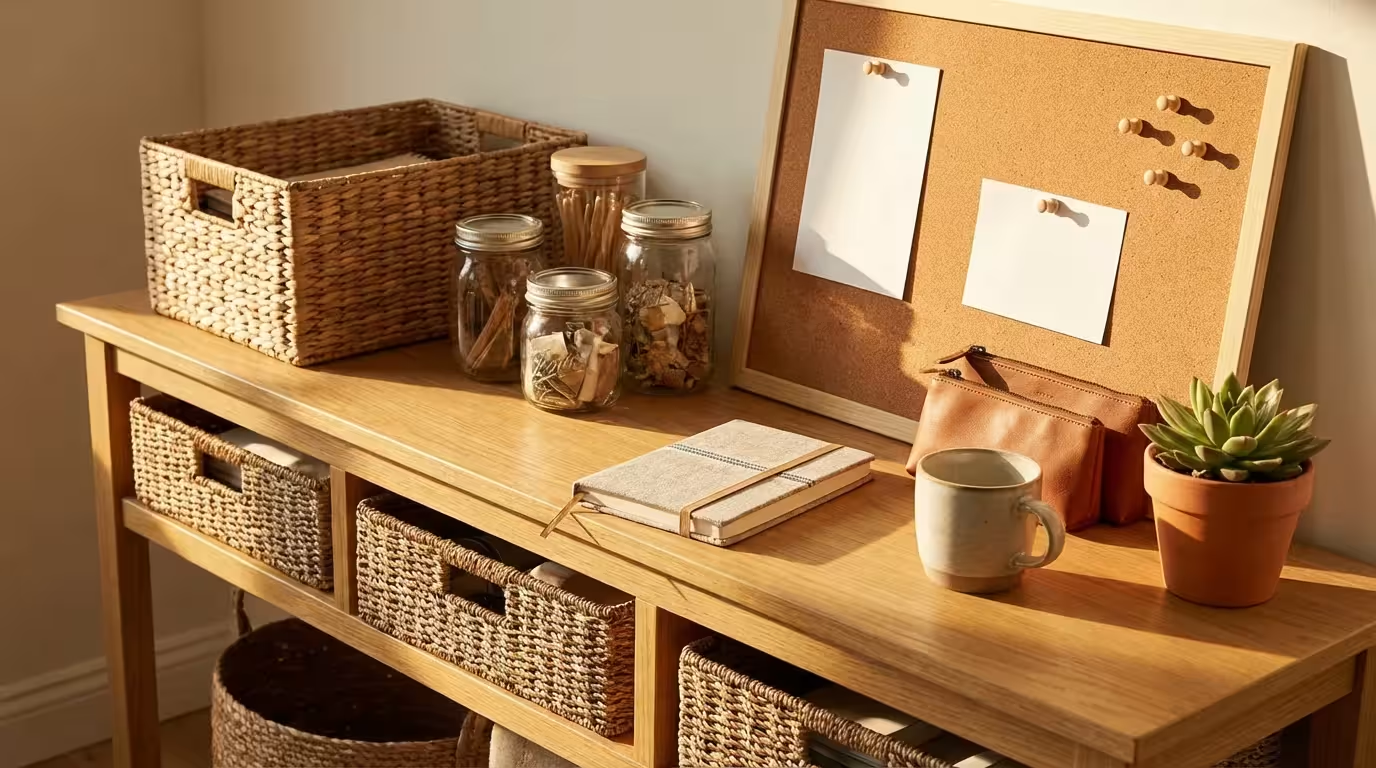
A strip of wall roughly 60 cm wide by 90 cm tall, by the door you actually use or beside the fridge, is enough. If space is tight, stack the zones upward with the ideas in our guide to vertical storage.
- Drop zone (lowest). Key hooks above a small tray for wallets and transit cards. Put children’s hooks at their shoulder height so they can use them unprompted.
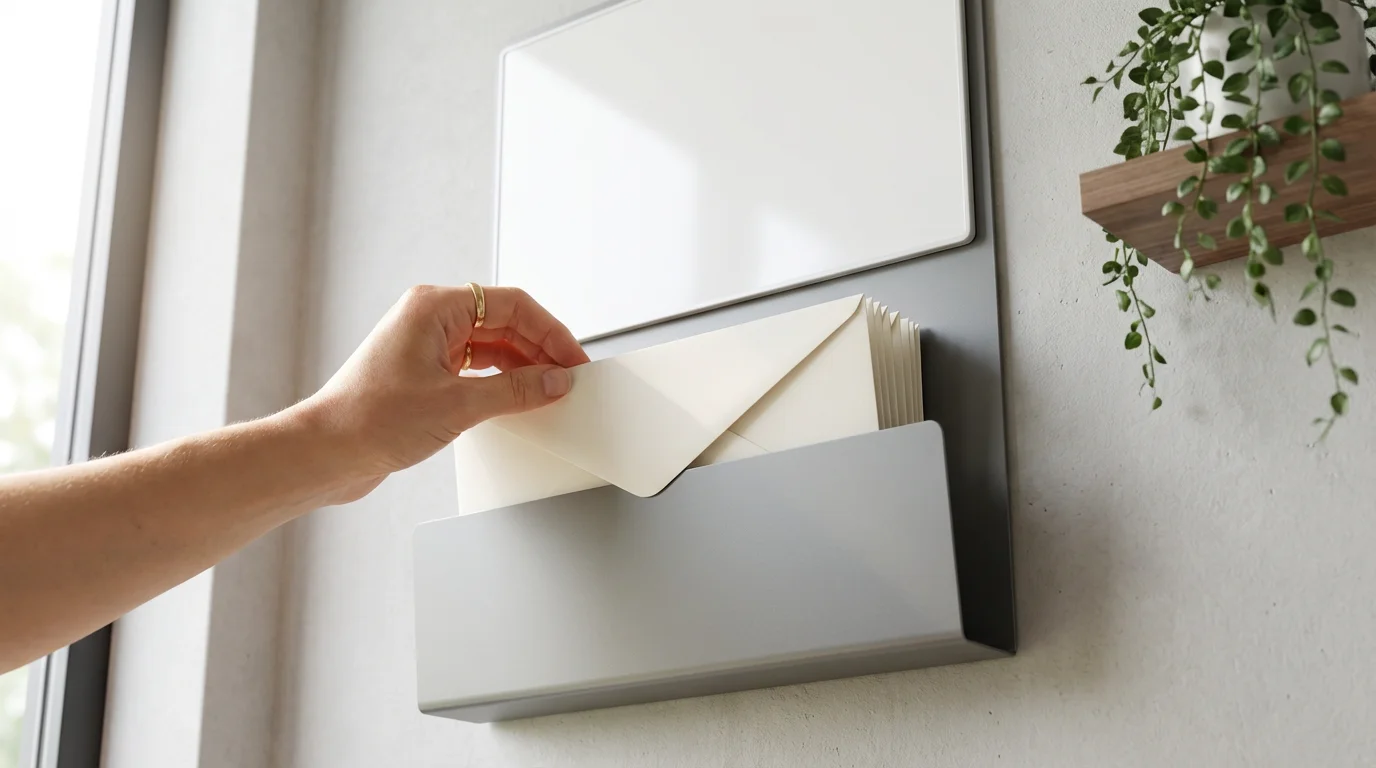
- Three-slot mail sorter. Labelled To Pay, School/Action and To File. Place a recycling bin directly underneath.
- Weekly snapshot (eye level). Print the coming week from Google Calendar on the web (the Print option sits in the settings gear menu) and clip it up. If you prefer a whiteboard, write only exceptions: late pickups, who drives, a changed practice time.
- Meal strip and pen. Seven lines for dinners, with a pen tied on. When an ingredient runs out, it goes straight into the shopping list app, not on the board.
Resist adding a chore chart, a cork board and a motivational sign on day one. Every extra surface is another place information can hide.
Run the three-slot mail system
Crabtree and Rodden’s study of domestic routines traced how incoming mail travels through a home and where it stalls: paper gets stuck wherever there is no obvious next step. The three slots give every envelope a next step, and the bin below catches the rest. Junk mail never enters a slot, which is the One-Touch Rule applied at the door.
| Slot | What goes in | Exit rule | Digital step |
|---|---|---|---|
| To Pay | Bills, renewal notices, fines | Emptied on a fixed payment day each week | Pay or set up autopay; shred, or move the statement to To File |
| School/Action | Permission slips, forms, invitations needing a reply | Signed or answered within 48 hours | Enter any date in the family calendar at the moment of signing |
| To File | Tax forms, insurance, warranties, medical letters | Emptied monthly | Scan to the shared folder; keep originals only where legally needed (tax records, titles, deeds) |
A worked example: a household with two working adults, one on rotating rail-signaller shifts, and children aged 7 and 11. Because the signaller’s rota changes which adult is home in the evening from week to week, nobody can be “the one who handles school stuff.” A field-trip slip arrives on Thursday and the 11-year-old drops it in School/Action. That evening, whichever adult is home signs it, adds the trip to the Family calendar in the child’s colour, and puts the slip back in the backpack. About two minutes, one entry, and Sunday’s printed snapshot shows the trip without anyone copying it. If you want to go further and drop most paper entirely, see our guide to a paperless workflow.
Keep it running: the Sunday handoff and common failures
Once a week, one adult spends ten minutes at the hub: print the new week, wipe and refill the meal strip, confirm To Pay is empty, and settle the week’s pickups out loud with the other adult. Alternate who does it.
- The wall and the app disagree. Someone wrote a date only on the whiteboard. Shrink the whiteboard so it can only hold exceptions, and repeat the rule: dated events start in the app.
- To File overflows. Monthly is too slow for your volume. Scan on arrival and file originals weekly.
- One adult does all the upkeep. This matters beyond fairness: research by Aviv and colleagues found that carrying a disproportionate share of planning and tracking work was linked to poorer maternal wellbeing. Give each adult ownership of one slot and swap every quarter.
- The kids ignore it. Lower their hooks, give them their own calendar colour, and make them responsible for putting their own slips in School/Action.
- The tray becomes a junk shelf. Anything that isn’t keys, wallets or outgoing items gets returned to its room during the Sunday handoff.
A hub works when it is boring: a few hooks, three slots, one printed week and one shared calendar that everyone trusts. Start with those, run it for a month, and add a component only when a specific leak keeps recurring.