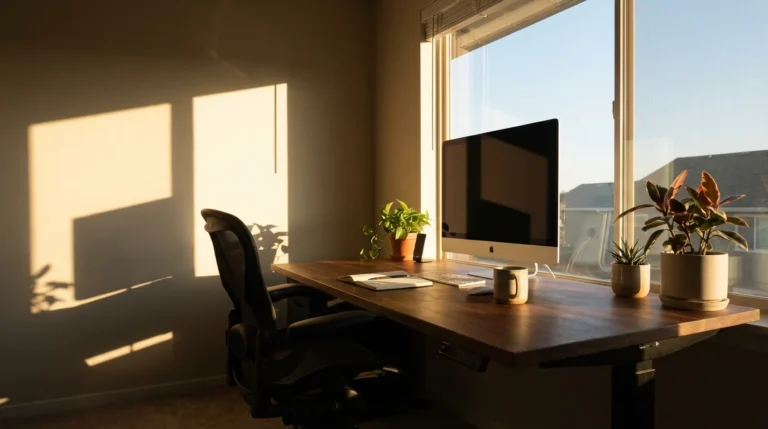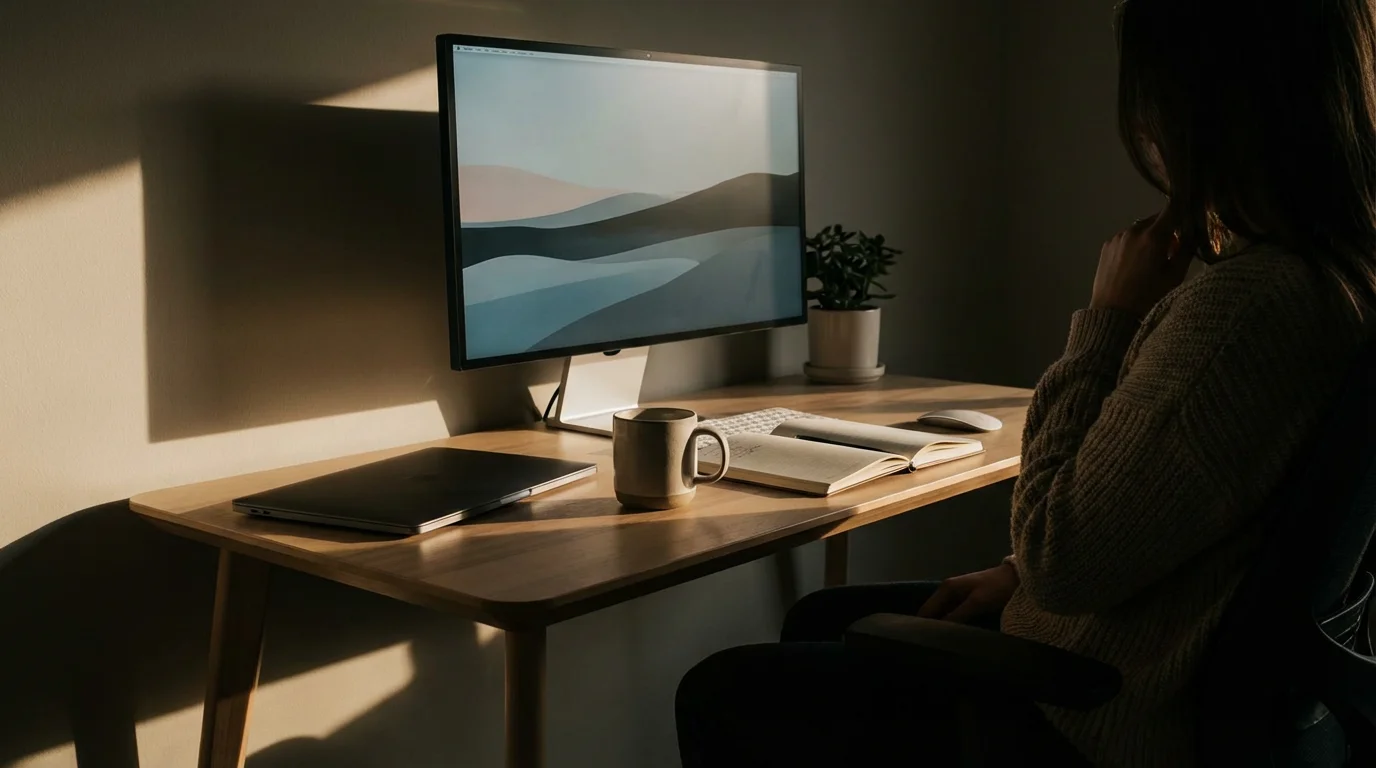
In today’s fast-paced world, maintaining concentration feels increasingly difficult. Distractions constantly vie for your attention, making deep work and productivity a challenge. You need more than just a quiet corner; you need a thoughtfully designed focus zone.
A focus zone is a dedicated area engineered to minimize distractions and maximize your ability to concentrate. It is where you perform your most demanding mental tasks, allowing you to achieve peak performance. Designing such a space helps you reclaim your attention and boost your output.
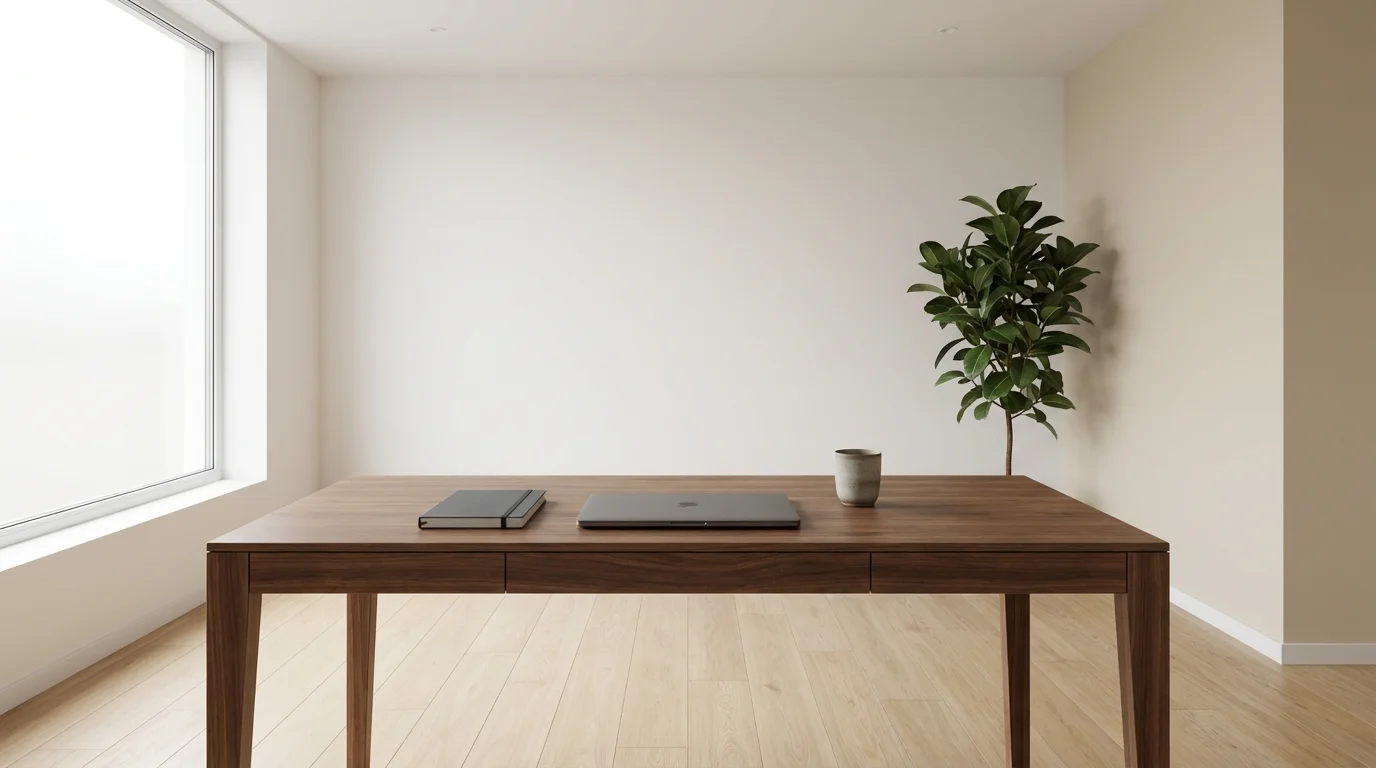
Unlock Peak Performance: Why Your Workspace Needs a Focus Zone
Your workspace significantly impacts your productivity and mental state. A cluttered, disorganized environment breeds mental clutter, making it harder to initiate and sustain focus. Conversely, an optimized home office or designated workspace supports deep concentration.
Creating a focus zone transforms your work environment from a source of stress into a catalyst for achievement. This intentional design reduces cognitive load, allowing your brain to dedicate more resources to the task at hand. It serves as a visual cue, signaling to your brain that it is time to engage in focused work.
Benefits of a well-designed focus zone include:
- Increased Productivity: You accomplish more in less time by minimizing interruptions.
- Enhanced Quality of Work: Better concentration leads to fewer errors and more thoughtful output.
- Reduced Stress and Overwhelm: An organized space fosters a sense of calm and control.
- Improved Mental Clarity: A clear physical space often translates to a clearer mind.
- Stronger Work-Life Boundaries: A dedicated zone helps separate work activities from personal life, especially for those optimizing home office setups.
Invest time in designing your focus zone. This proactive step yields substantial returns in your daily effectiveness and overall well-being. It is a foundational element of organized living.

Strategic Decluttering: Clearing the Path to Concentration
Before optimizing any workspace, declutter it thoroughly. Clutter, both physical and digital, acts as a constant, low-level distraction, draining your mental energy. Eliminating unnecessary items clears your mind and improves your ability to focus.

Physical Decluttering: A Systematic Approach
Begin by removing everything that does not directly support your current work tasks or contribute to a calming atmosphere. Adopt a “one in, one out” policy for new items to prevent future accumulation. This prevents your organized space from reverting to chaos.
Follow these steps for effective physical decluttering:
- Empty Everything: Remove all items from your desk, drawers, and shelves in your focus area.
- Sort and Categorize: Create piles for “Keep,” “Donate/Sell,” “Trash/Recycle,” and “Relocate.” Be honest about what you truly need and use regularly.
- Clean the Space: Wipe down surfaces, dust, and vacuum. A clean space feels fresh and inviting.
- Return Essentials: Only put back items that are essential for your work or enhance your environment. Store less frequently used items out of sight.
- Assign a Home: Every item you keep needs a designated place. This prevents future clutter and makes tidying quick.
Consider a simple example: your desk. A desk covered in stacks of papers, old coffee cups, and miscellaneous gadgets creates visual noise. By clearing it, you present your brain with a clean slate, making it easier to start and maintain focus on a single task.
Digital Decluttering: Taming Your Screens
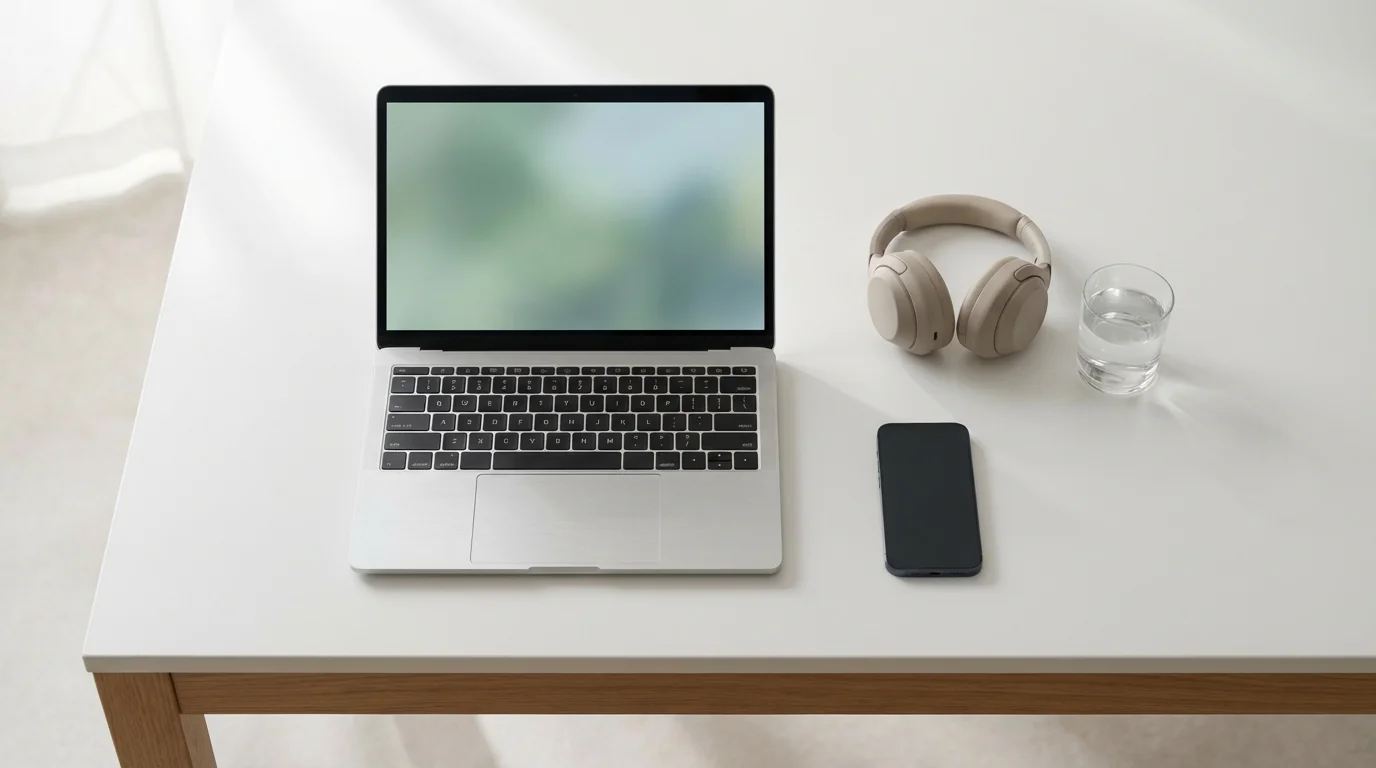
Your digital environment requires as much attention as your physical one. A cluttered desktop, an overflowing inbox, or too many open browser tabs can be just as distracting. Digital clutter directly impacts your ability to improve focus area efforts.
Implement these digital decluttering strategies:
- Desktop Clean-Up: Remove all unnecessary icons and files from your computer desktop. Use a clean, minimalist wallpaper.
- File Organization: Create a logical folder structure for your digital files. Commit to filing documents immediately after creation or use.
- Inbox Zero: Process your email inbox daily. Delete, archive, respond, or move emails to specific action folders.
- Browser Tab Management: Use browser extensions to manage tabs or commit to closing tabs you are not actively using. Avoid accumulating dozens of open tabs.
- Notification Control: Disable non-essential notifications on your computer and phone. You control when you receive information.
By investing 30-60 minutes in a focused decluttering session each week, you maintain a clear physical and digital workspace, significantly boosting your concentration.
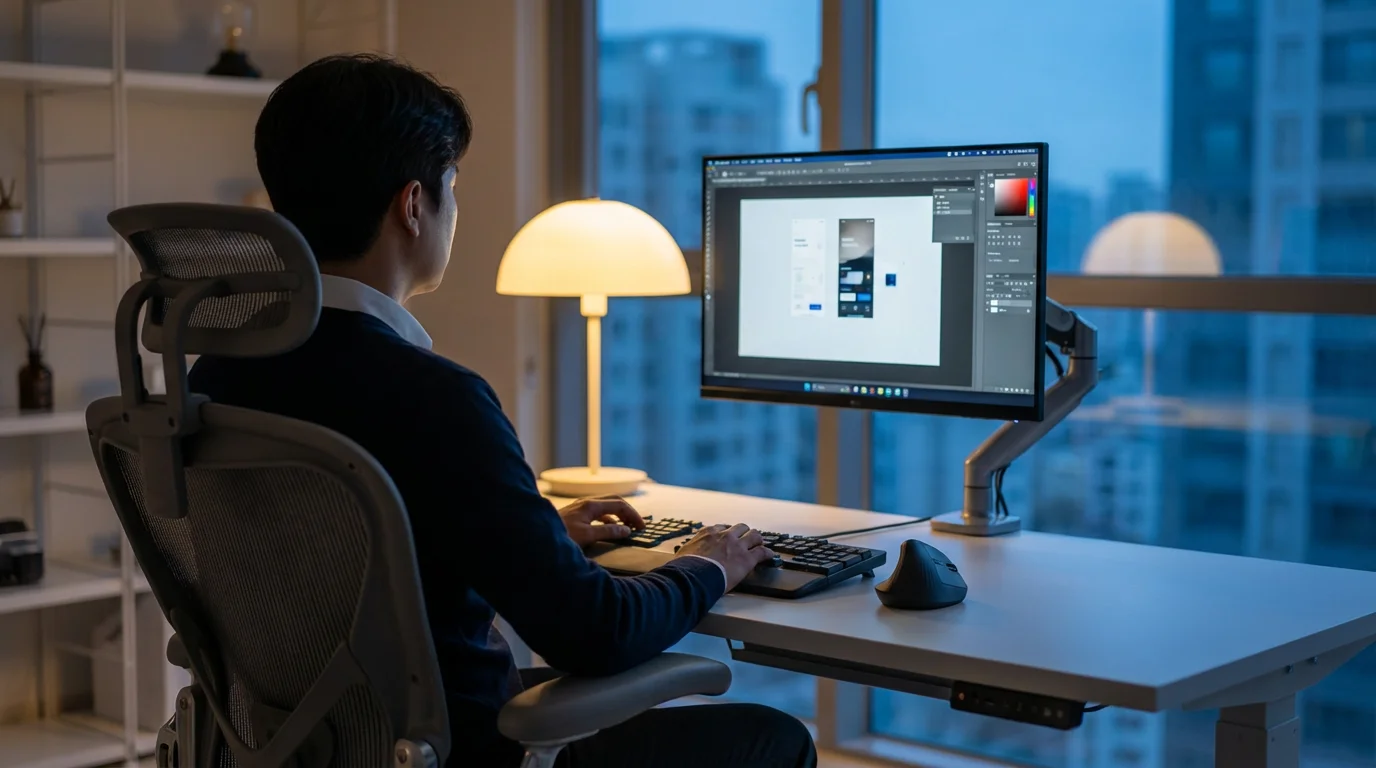
Ergonomics and Layout: Designing Your Workspace for Comfort and Efficiency
Your physical comfort directly influences your ability to concentrate for extended periods. Poor ergonomics lead to discomfort, fatigue, and pain, becoming significant distractions. A thoughtfully arranged workspace supports both your body and your workflow.
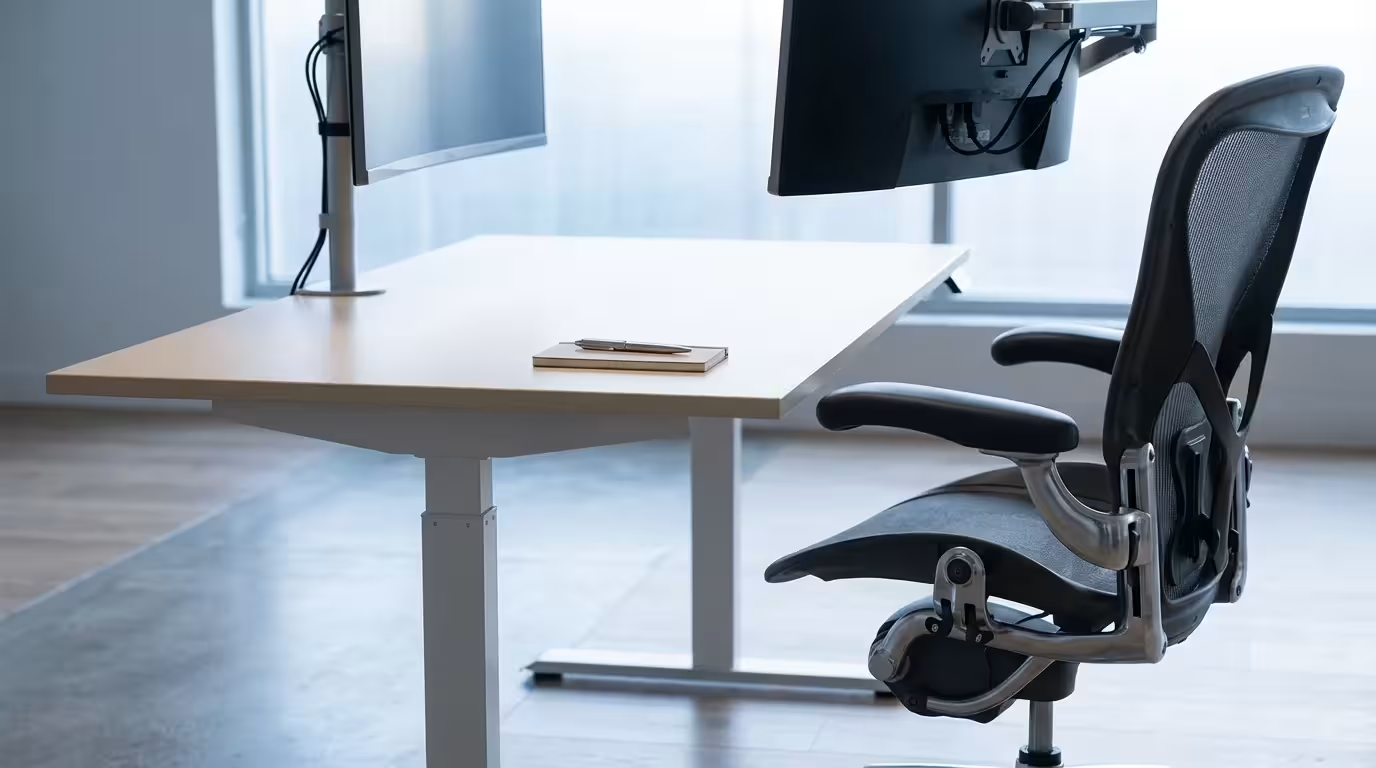
Essential Ergonomic Considerations
Prioritize your health and comfort when setting up your focus area. Proper ergonomics prevent strain and allow you to work efficiently.
- Chair: Invest in an adjustable ergonomic chair that supports your lower back. Your feet should rest flat on the floor, or on a footrest, with your knees at a 90-degree angle.
- Desk Height: Position your desk so your forearms are parallel to the floor when typing, with your wrists straight. A standing desk option can also improve focus by reducing sedentary time.
- Monitor Placement: Position your monitor directly in front of you, about an arm’s length away. The top of the screen should be at or slightly below eye level. This prevents neck strain.
- Keyboard and Mouse: Keep these close to your body to avoid reaching. Use ergonomic accessories if you experience wrist discomfort.

Optimizing Layout for Focus
How you arrange your workspace impacts your workflow and mental clarity. Consider the “zone” approach: primary tools within easy reach, secondary tools slightly further, and rarely used items stored away. This streamlines your movements and reduces visual clutter.
When designing your workspace, apply these principles:
- Minimize Reach: Place frequently used items, like your phone (on silent, face down), pen, or notebook, within arm’s reach.
- Clear Line of Sight: Position your desk to minimize visual distractions. Facing a wall can be effective for deep focus, while facing a window might be better for tasks requiring creative thought, if the view is not too busy.
- Adequate Lighting: Use a combination of natural and artificial light. Natural light improves mood and reduces eye strain. Supplement with task lighting that eliminates shadows without creating glare.
- Cable Management: Organize and conceal cables to reduce visual mess. Cable ties or sleeves keep your area looking clean and professional.
A well-organized desk, free from tangled wires and unnecessary items, significantly supports concentration. You spend less time searching for tools and more time working effectively. This is a core tenet of optimizing home office productivity.

Mastering Distraction Control: Creating an Auditory and Visual Sanctuary
Distractions are the arch-nemesis of focus. Your focus zone must act as a sanctuary, shielding you from both internal and external interruptions. Actively managing your sensory environment is key to sustained concentration.
Cultivating an undisturbed atmosphere often requires adopting advanced techniques for focus in noisy environments alongside your physical setup.
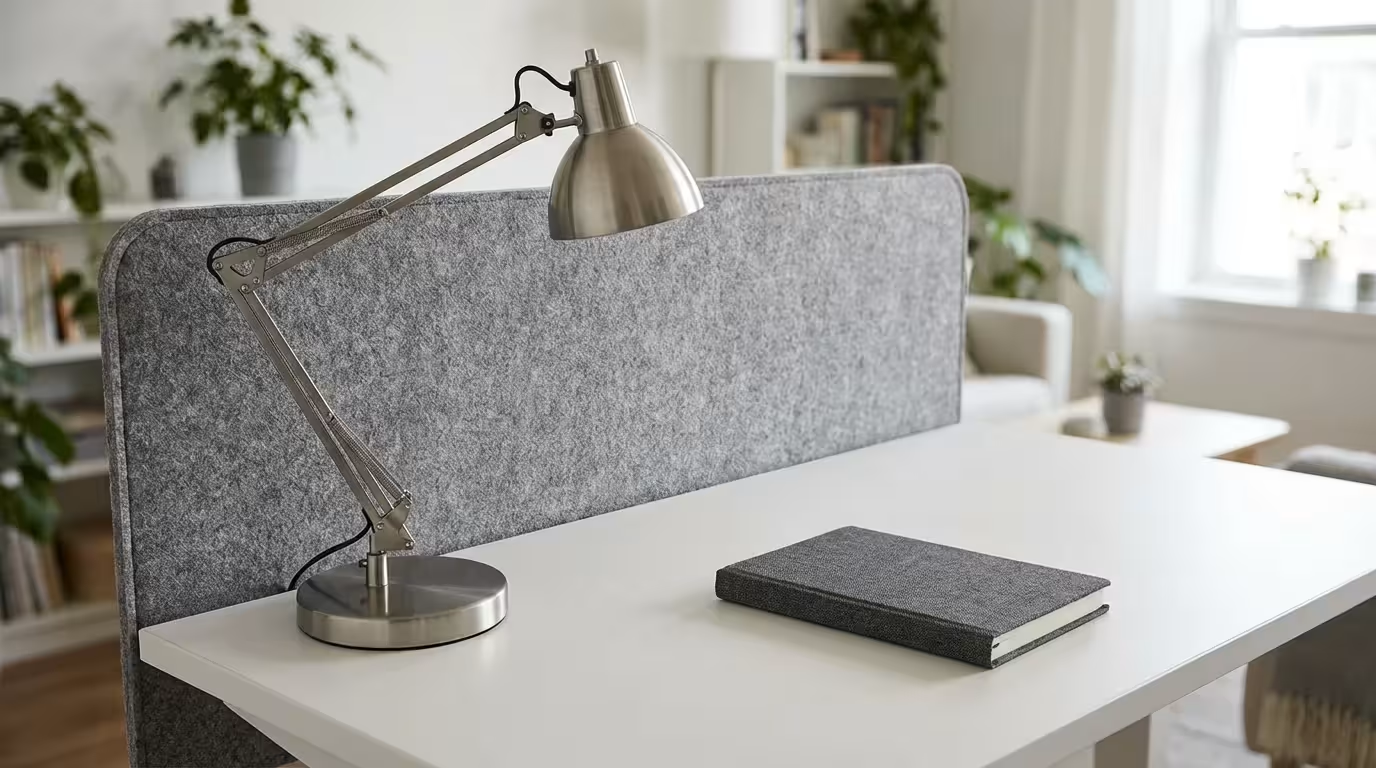
Blocking Visual Distractions
Visual distractions constantly pull your eyes and mind away from your work. Even subtle movements or objects in your peripheral vision can disrupt your cognitive flow.
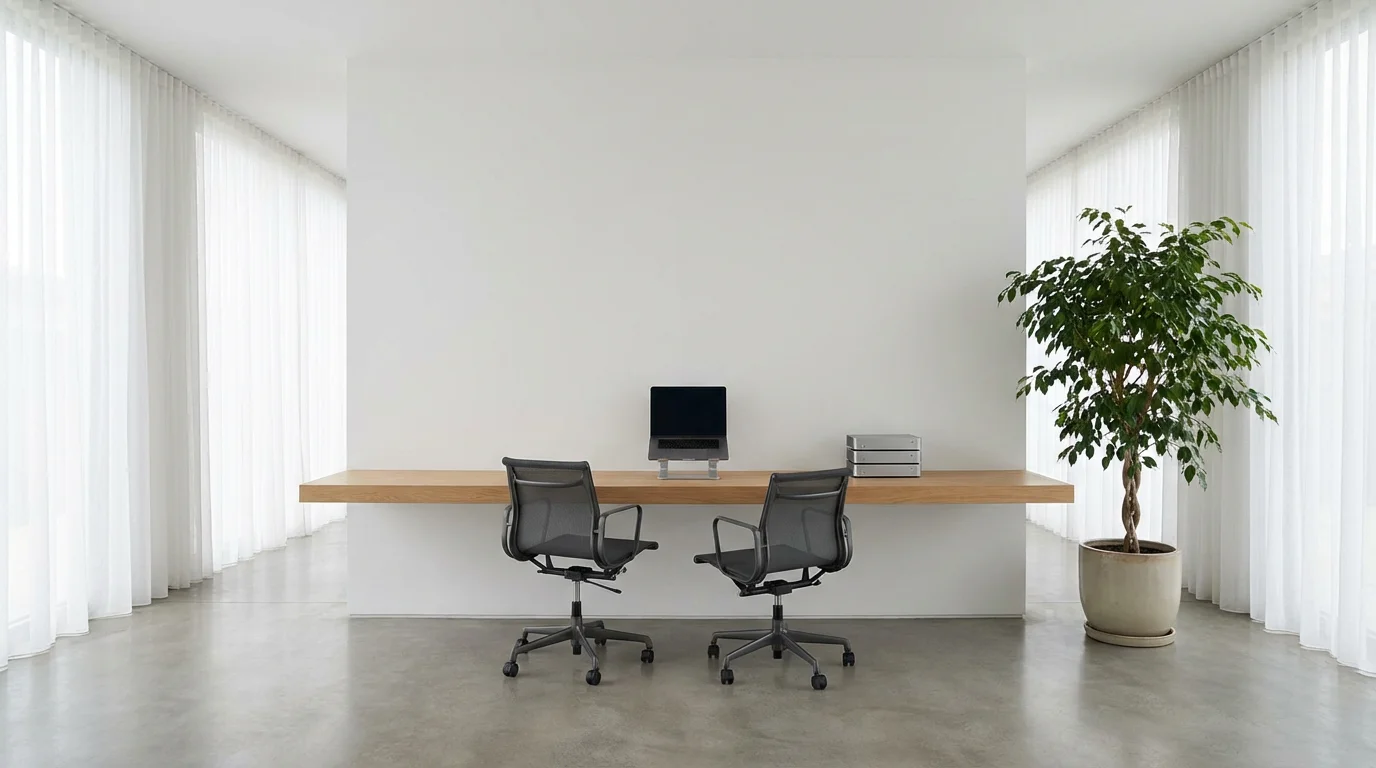
- Strategic Desk Placement: Position your desk facing a blank wall if possible. If you must face a window, ensure the view is calming, or use blinds during high-focus tasks.
- Minimize Non-Work Items: Keep only work-related items on your desk. Personal photos or decorative items, while comforting, can draw your eye.
- Use Dividers: In open-plan offices or shared home spaces, consider using a room divider or a desk screen. These create a visual barrier, enhancing privacy and focus.
- Clear the Background: If you use video calls, ensure your background is clean and professional. A cluttered background can be distracting for you and others.

Mitigating Auditory Distractions
Noise, whether constant or intermittent, significantly impairs concentration. Your brain expends energy processing irrelevant sounds, leaving fewer resources for your work.
For shared or busy spaces, using advanced focus techniques for noisy environments will help safeguard your attention against sudden auditory interruptions.
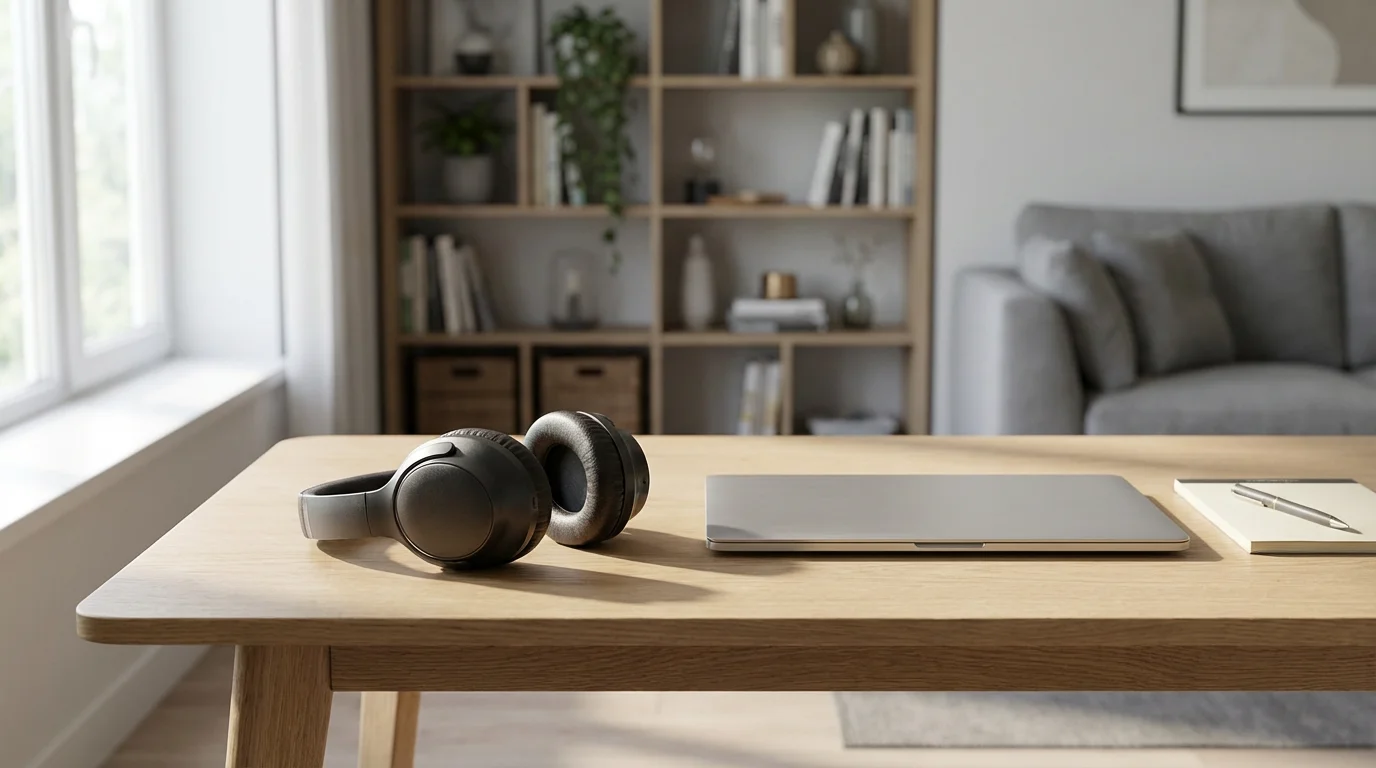
- Noise-Canceling Headphones: These are an invaluable tool for blocking out environmental noise. Pair them with instrumental music or ambient soundscapes for a consistent auditory background.
- White Noise or Nature Sounds: Consistent background noise can mask sudden, distracting sounds. Apps and dedicated devices offer various options like rain, forest sounds, or static white noise.
- Communicate Boundaries: If you share a living space, establish clear “do not disturb” signals or times with family members or roommates.
- Soundproofing: For a more permanent solution, consider sealing gaps under doors or adding heavy curtains to reduce external noise infiltration.
“Clarity about what matters provides clarity about what does not.” — Deep Work Principle
Applying this principle means actively deciding what you allow into your sensory environment. Every choice you make to reduce visual and auditory clutter helps improve focus area outcomes. Your workspace becomes a dedicated container for your attention.
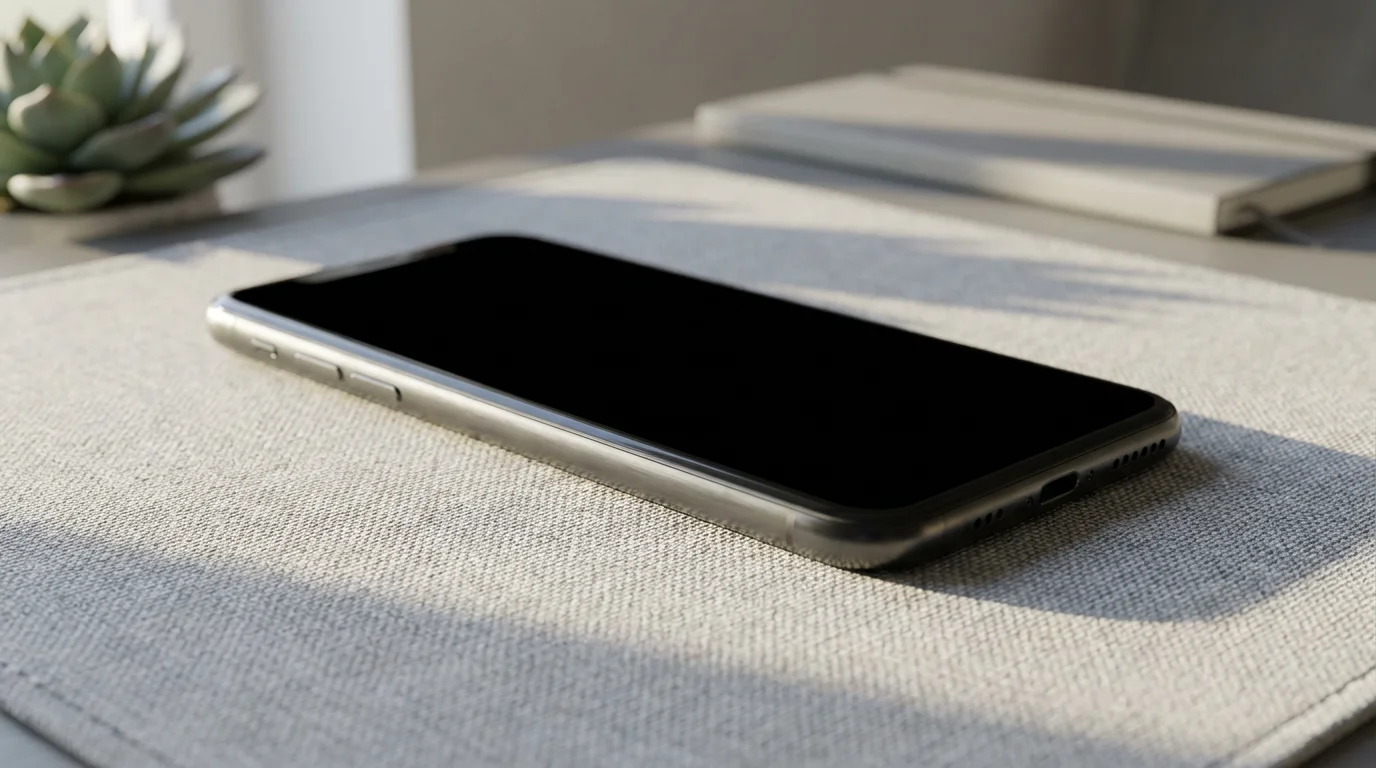
Controlling Digital Distractions
Your devices are perhaps the most potent source of distraction. Notifications, social media, and endless internet browsing can derail your focus in seconds. Proactive digital hygiene is critical.
- Turn Off Notifications: Disable all non-essential notifications on your phone, computer, and tablet. Check messages on your schedule, not theirs.
- Use Focus Modes/Do Not Disturb: Activate your device’s built-in focus features. These temporarily block notifications and calls.
- Website Blockers: Employ browser extensions or apps that block distracting websites during designated work periods. Set specific times for “allowed” browsing.
- Phone Out of Sight: Place your phone in a drawer, in another room, or face down and on silent. The mere presence of your phone can reduce cognitive performance.
By taking these steps, you build a robust defense against common distractions. This intentional control creates an environment where deep work can flourish, significantly boosting your concentration.

Organized Systems: Streamlining Your Workflow for Sustained Focus
A well-designed focus zone extends beyond physical arrangement; it incorporates efficient systems for managing your tasks, information, and workflow. Strong organizational systems reduce mental overhead, allowing you to sustain focus without constantly searching or recalling information.

Task Management System
Knowing what to work on next, and how it fits into your larger goals, prevents decision fatigue. Implement a reliable task management system to keep your priorities clear. This is crucial for optimizing home office productivity.
- Choose Your Tool: Whether it is a digital app (e.g., Todoist, Asana) or a physical notebook, select a system you will consistently use.
- Daily Planning: At the start or end of each workday, identify your top 1-3 priorities. Break larger projects into smaller, actionable steps.
- Batch Similar Tasks: Group similar tasks, such as answering emails, making calls, or administrative work. Process them together to minimize context switching.
- Review and Update: Regularly review your task list, crossing off completed items and adding new ones. This builds momentum and reduces forgotten tasks.
For example, if you need to research a new client, instead of haphazardly browsing, your task system guides you to dedicate a specific block of time for research. This prevents you from getting sidetracked by other digital distractions during that period.
Information and File Management
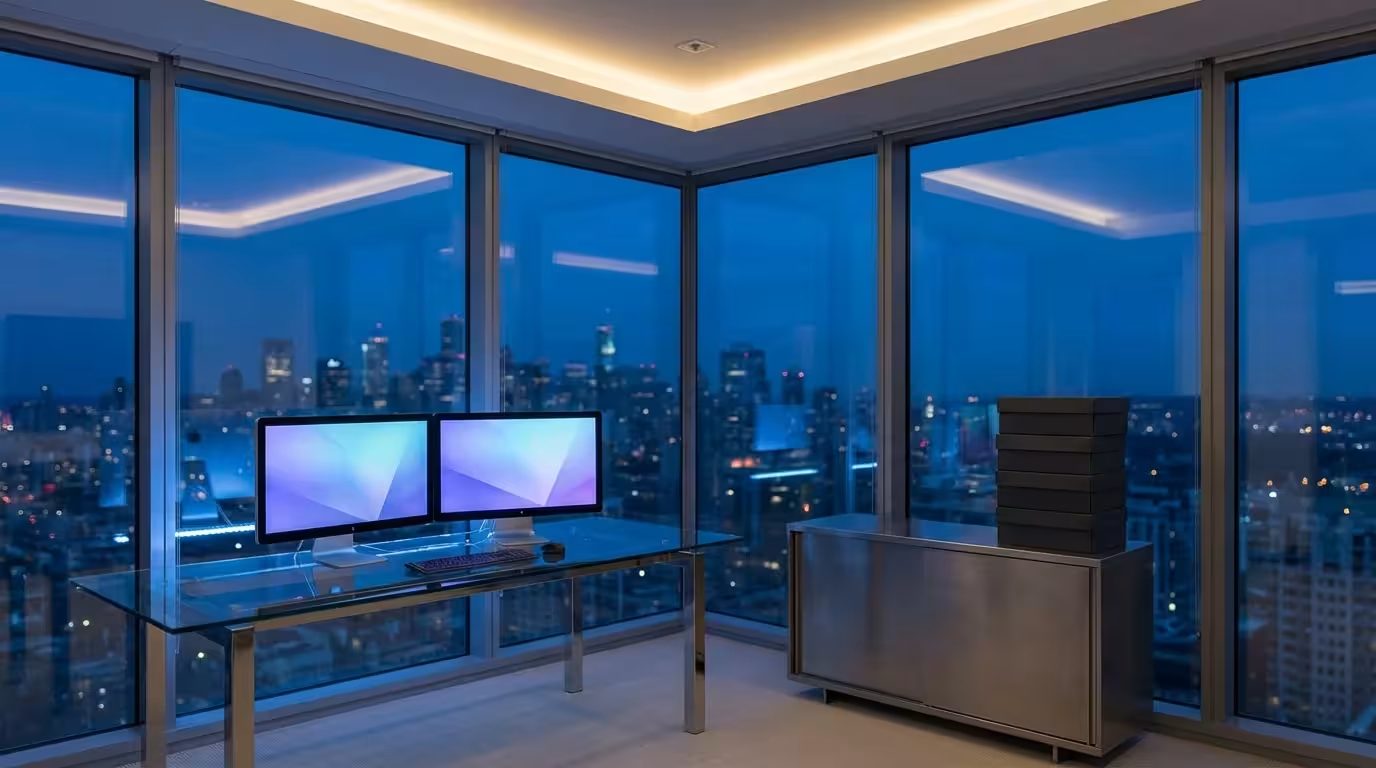
Efficiently locating necessary documents and data is paramount. Disorganized files, whether physical or digital, lead to wasted time and frustration. A consistent approach to file management prevents this drain on your focus.
- Consistent Naming Conventions: Use clear, descriptive names for all files and folders. This makes searching and retrieval much faster.
- Centralized Storage: Store all project-related documents in one accessible location, whether a cloud service or a dedicated hard drive.
- Regular Archiving: Move old or completed project files to an archive to keep your active workspace clutter-free.
- Physical Filing System: For physical documents, use a simple alphabetical or chronological system. Label folders clearly and return documents immediately after use.
Managing Incoming Information
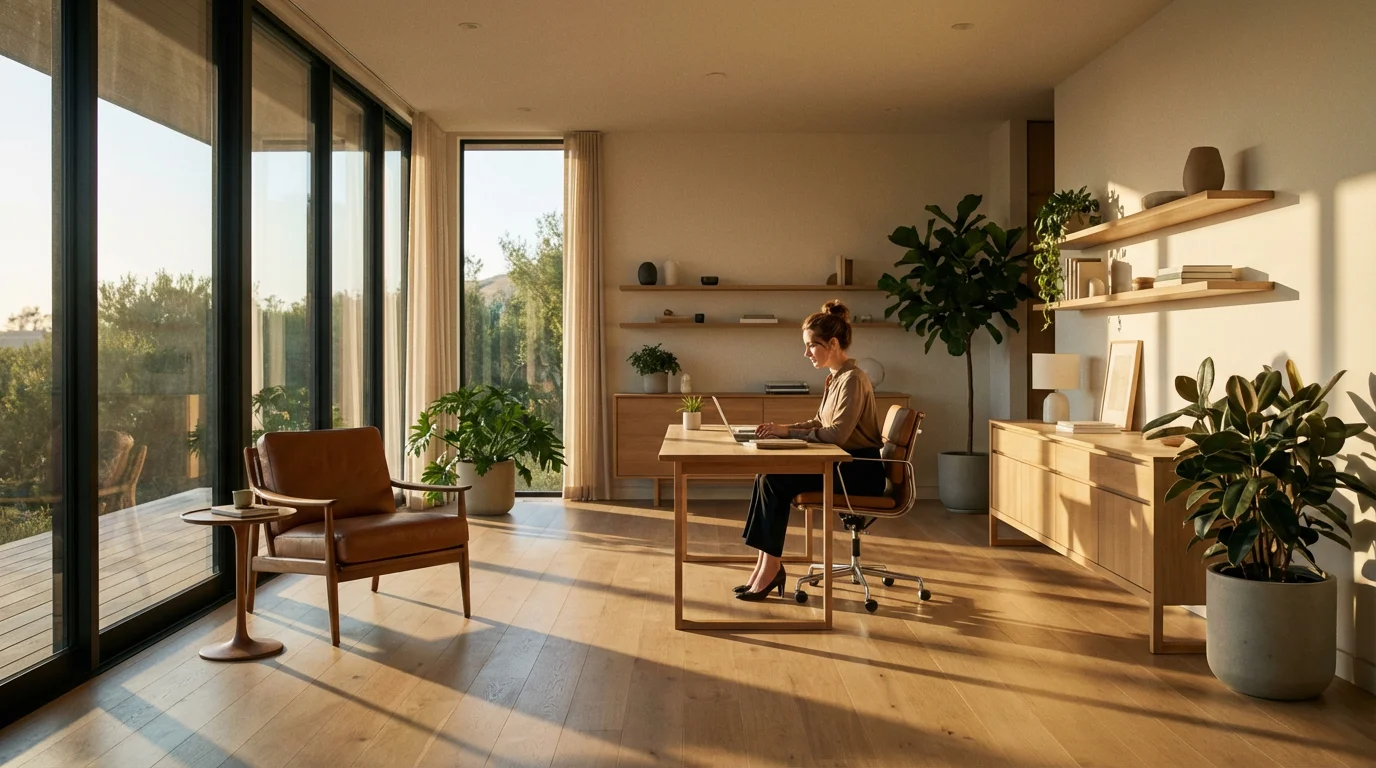
Emails, messages, and calls constantly disrupt focus. Develop strategies to process incoming information efficiently without letting it derail your work.
- Scheduled Email Checks: Dedicate specific times (e.g., 9:00 AM, 1:00 PM, 4:00 PM) to check and process emails. Avoid keeping your inbox open all day.
- The Two-Minute Rule: If an email or task takes less than two minutes to complete, do it immediately. This prevents small items from accumulating.
- Triage System: Quickly categorize incoming messages as “Action Required,” “Information Only,” or “Archive/Delete.” This helps prioritize your responses.
- Limit Communication Channels: If possible, consolidate communication to one or two primary platforms rather than scattering it across multiple apps.
By establishing these systems, you create a seamless workflow within your workspace. This reduces mental friction, allowing you to allocate more cognitive resources to productive work rather than administrative overhead, significantly improving your focus area.

Personalizing Your Focus Zone: Nurturing Inspiration and Well-being
While minimalism is often beneficial for focus, a sterile environment can feel uninspiring. Personalizing your focus zone with thoughtful touches can enhance comfort, reduce stress, and subtly boost your motivation. The goal is a balance between functionality and personal well-being.

Elements of Comfort and Calm
Integrate elements that promote a sense of calm and well-being. These small additions can significantly impact your mood and ability to sustain focus.
- Plants: A small desk plant, like a snake plant or a pothos, adds a touch of nature, improves air quality, and can reduce stress. Research suggests plants in the workspace contribute to a sense of well-being.
- Aromatherapy: Consider an essential oil diffuser with calming scents like lavender or uplifting scents like peppermint. Use these subtly to create a pleasant atmosphere.
- Comfortable Temperature: Ensure your workspace maintains a comfortable temperature. Being too hot or too cold is a constant, irritating distraction.
- Personal Touches (Minimal): One or two meaningful, non-distracting items, such as a small piece of art, a framed photo, or a calming desk sculpture, can make the space feel more inviting.

Inspiration and Motivation
Strategically placed items can offer subtle boosts of inspiration or serve as reminders of your goals. They should support, not detract from, your primary objective of focus.
- Motivational Quote: A simple quote, displayed discreetly, can provide a quick mental boost when you encounter a challenge.
- Vision Board (Out of Sight): If you use a vision board, place it where you can see it during breaks but not constantly while working. This keeps it inspiring without becoming a visual distraction.
- Achievement Reminders: Display a small award or a reminder of a past success. This reinforces your capabilities and encourages perseverance.
The key to personalization is intentionality. Every item in your focus zone should either serve a functional purpose, contribute to your comfort, or offer genuine, non-distracting inspiration. Avoid adding items simply to fill space. This approach supports your overall goal of an optimized home office.

Sustaining Your Optimal Focus Area: Daily Habits and Routine Maintenance
Creating a focus zone is an initial project; maintaining it requires consistent effort and good habits. Without these, even the most perfectly designed workspace will eventually succumb to clutter and disorganization. Integrate maintenance into your daily and weekly routines.

Daily Rituals for a Clear Workspace
Small, consistent actions prevent significant build-up. These daily habits take only a few minutes but yield substantial benefits in maintaining your focus area.
- The 5-Minute Tidy: At the end of each workday, dedicate five minutes to clearing your desk. Put away papers, return items to their homes, and wipe down surfaces. This ensures you start fresh the next morning.
- Digital Shutdown: Close all unnecessary tabs, applications, and documents before logging off. This prepares your digital environment for a productive start the next day.
- Plan Tomorrow’s Priorities: Before you finish for the day, quickly jot down your top 1-3 priorities for the next day. This minimizes decision fatigue in the morning.
This approach combats the tendency for work to expand, as noted by Parkinson’s Law, by setting clear boundaries for your physical and mental space.
“Work expands to fill the time available for its completion.” — Parkinson’s Law
By limiting the time you allow for daily tidying, you make it a manageable and consistent habit.

Weekly and Monthly Maintenance
Beyond daily tidying, schedule deeper maintenance tasks to keep your workspace in prime condition. These activities ensure your organization systems remain effective and your environment truly supports deep work.
- Weekly Review: Spend 30-60 minutes each week to review your task list, process lingering emails, organize digital files, and do a more thorough declutter of your physical space.
- Deep Clean: Every month or two, perform a more thorough cleaning of your focus zone. Dust shelves, clean your monitor, and organize drawers.
- System Check: Periodically assess whether your organizational systems still work for you. Are your filing methods effective? Is your task management tool still serving its purpose? Adjust as needed.
- Evaluate Lighting and Ergonomics: As seasons change or your habits evolve, reassess your lighting and ergonomic setup. Make minor adjustments to maintain optimal comfort and visibility.
Consistent maintenance is not an optional extra; it is a core component of sustainable organized living. By embedding these routines, you ensure your focus zone remains a powerful tool for optimal concentration, continually improving your focus area.
Adapting Your Focus Zone: Solutions for Diverse Work Environments
Not everyone has the luxury of a dedicated, private office. Whether you work remotely, in a bustling open-plan environment, or a hybrid model, you can still create a functional focus zone. The principles remain the same, but the application adapts to your specific context.
Even if you are working with limited square footage, you can still design a compact productivity corner that fosters deep concentration.
Remote Work and Home Office Challenges
Working from home often blurs the lines between professional and personal life. Your focus zone becomes even more critical for establishing boundaries.
- Designated Area: Even if it is a small corner, visually and functionally separate your workspace from other living areas. Use a screen or bookshelf if a physical barrier is needed.
- “Work Mode” Cues: Create rituals to signal the start and end of your workday. This might involve changing clothes, setting up your laptop, or playing a specific type of music.
- Communicate Boundaries: If you live with others, clearly communicate your working hours and need for uninterrupted time. Use a “do not disturb” sign.
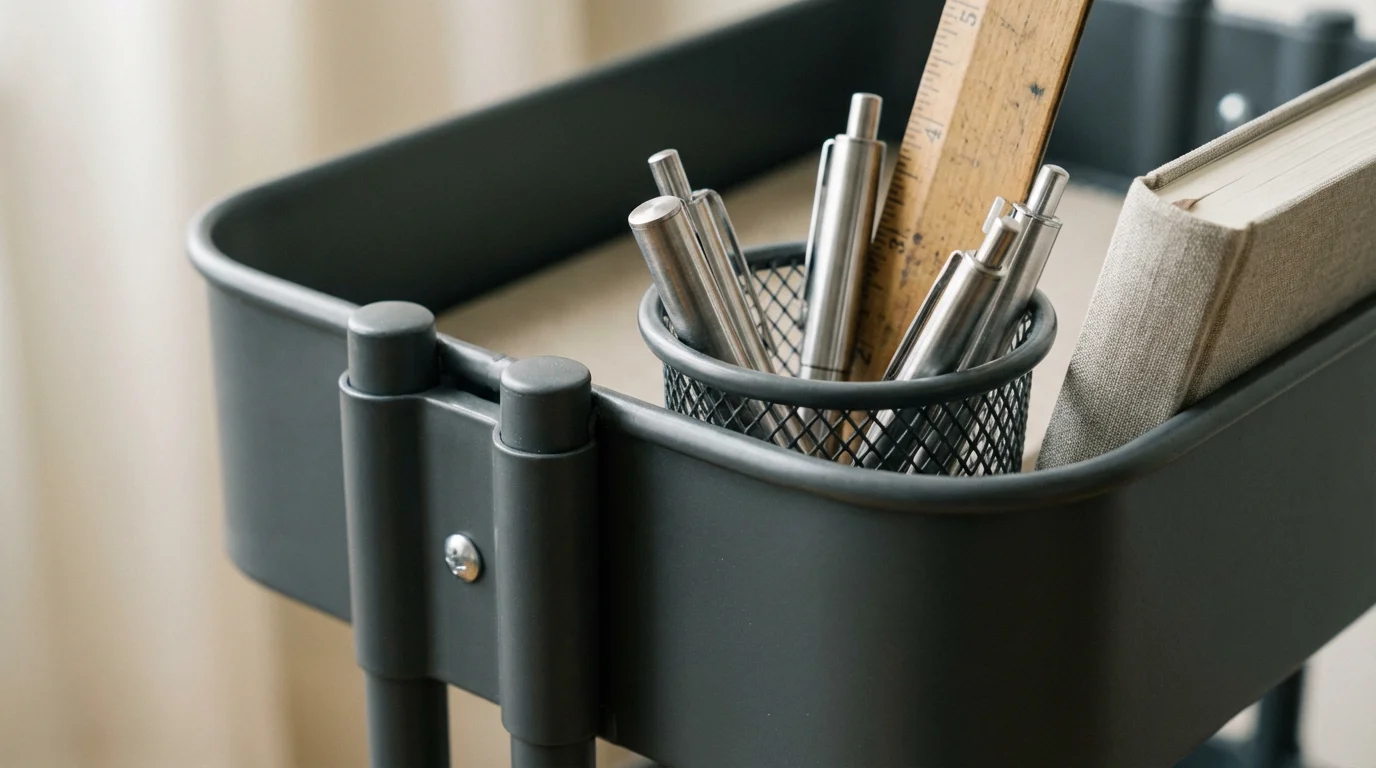
- Portability: If your workspace needs to be mobile, organize your essentials into a caddy or a dedicated bag. This allows you to quickly set up and pack away your focus zone.
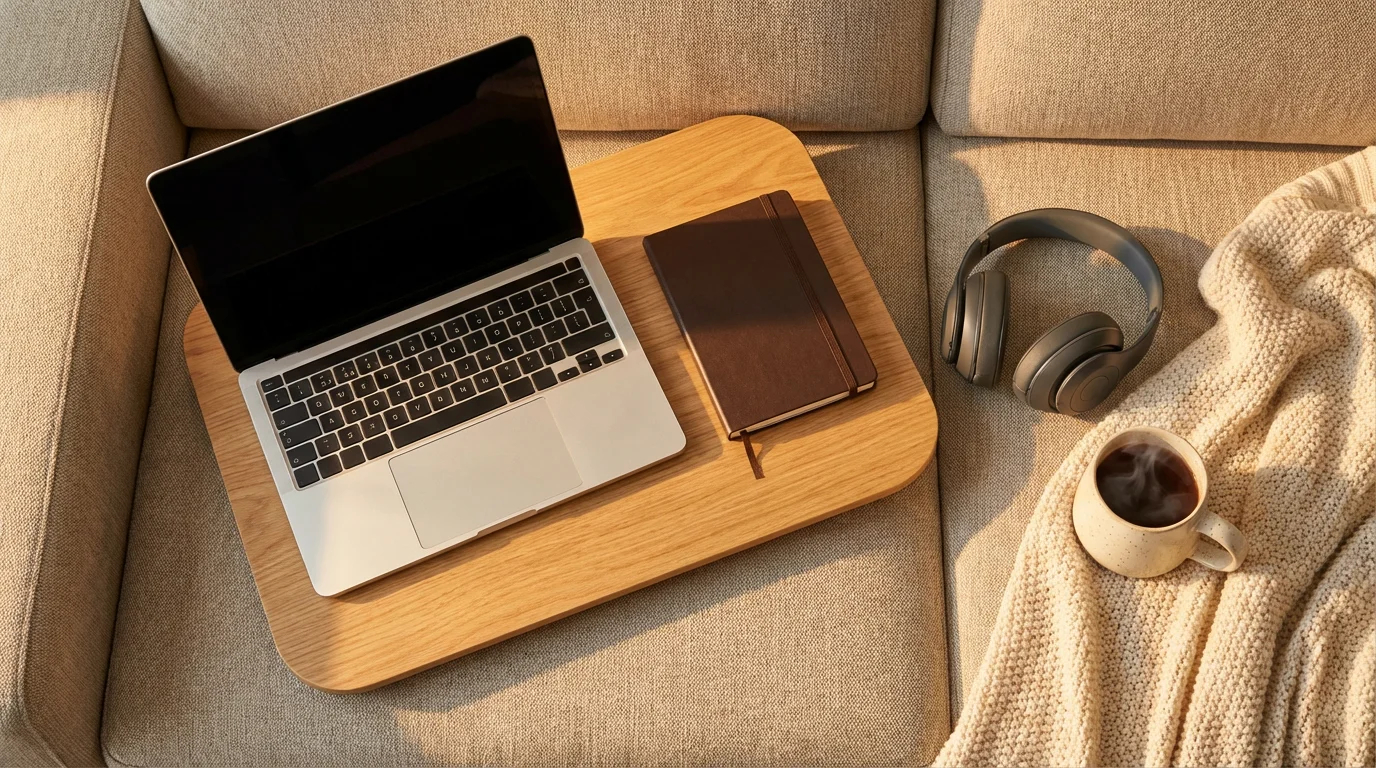
For example, a freelancer working from a small apartment might use a portable lap desk and noise-canceling headphones, transforming their couch into a temporary, focused workspace for a few hours. The key is intentionality and clear boundaries.

Open-Plan Office Solutions
Open-plan environments present unique challenges due to constant noise and visual activity. Your focus zone here often relies heavily on personal strategies and tools.
- Noise Management: High-quality noise-canceling headphones are indispensable. Create your private soundscape with white noise or instrumental music.
- Visual Privacy: Position yourself strategically if possible. Use desktop privacy screens. Avoid cluttering your immediate desk area, as it provides visual noise for you and others.
- Schedule Focused Time: Book meeting rooms or quiet zones for tasks requiring deep concentration. Communicate “focus time” to colleagues.
- Minimize Desk Personalization: Keep personal items to a minimum to reduce visual distractions for yourself and others in your shared workspace.
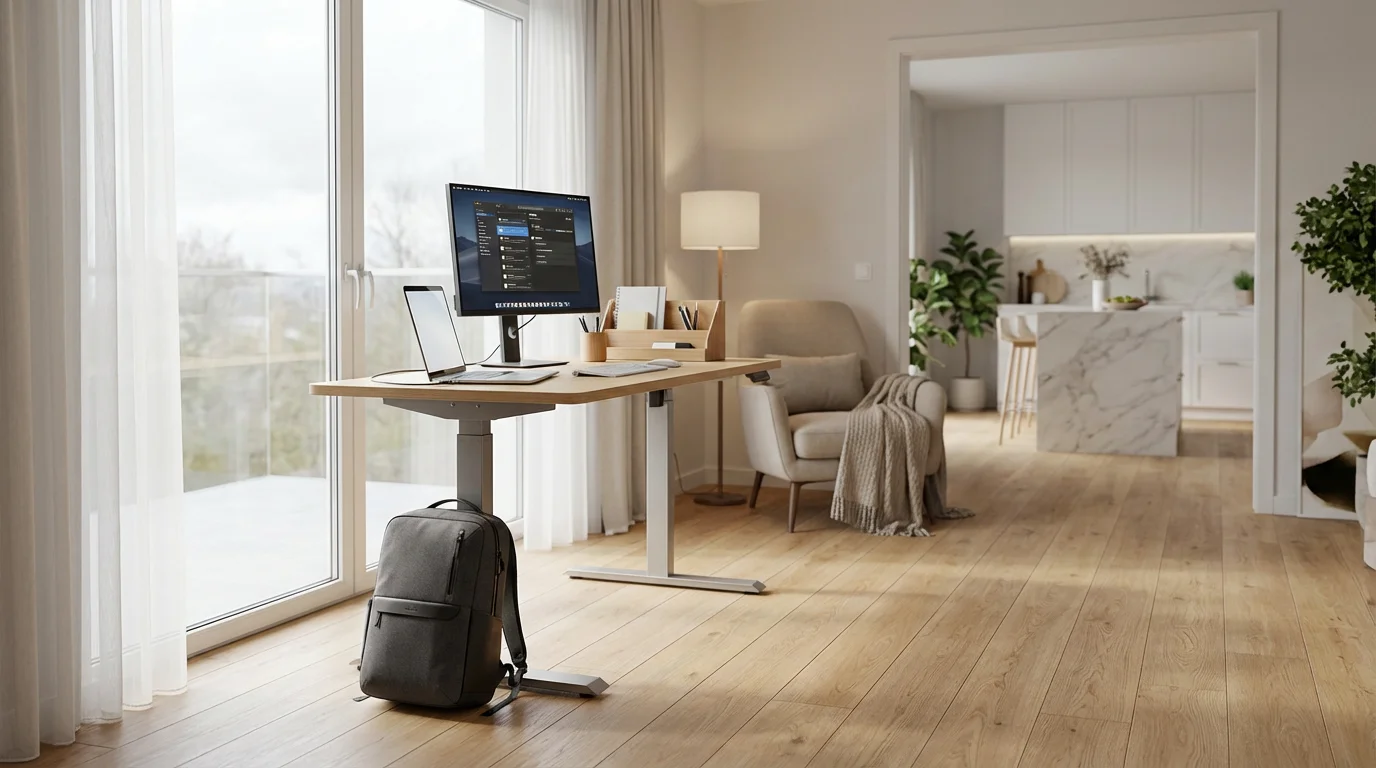
Hybrid Work Strategies
Those balancing home and office work need flexible solutions for their focus zone.
- Duplicate Essentials: Maintain essential items (e.g., keyboard, mouse, charging cables) at both locations to avoid constant packing and unpacking.
- Consistent Digital Environment: Utilize cloud storage and syncing services to ensure your files and applications are identical and accessible, regardless of your physical location.
- Clear Transition Rituals: Develop routines for transitioning between your home and office focus zones. This helps your brain switch contexts efficiently.
Regardless of your environment, the goal remains the same: to create a space that consistently supports your concentration. Adapt these strategies to fit your unique circumstances, always prioritizing the principles of decluttering, distraction control, and organized systems.
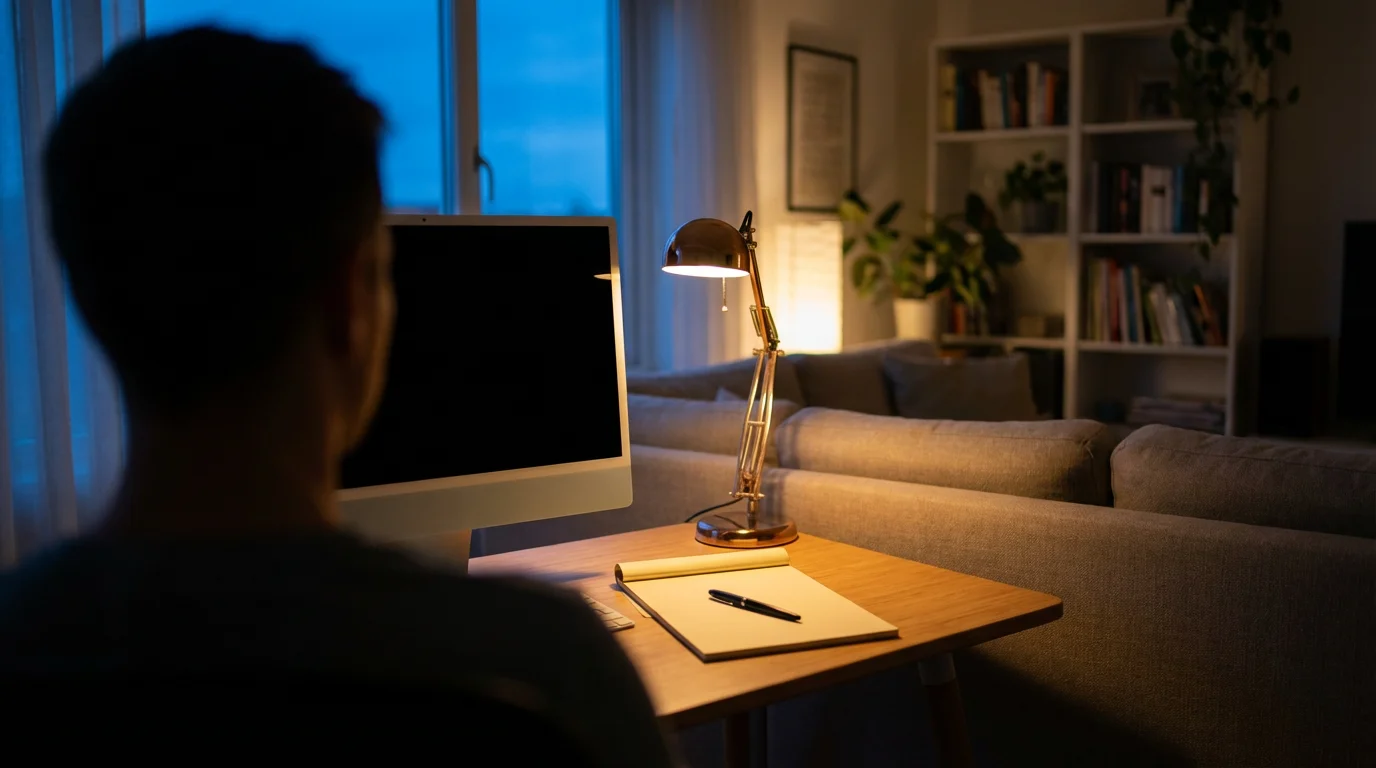
Troubleshooting Your Focus Zone: Overcoming Common Obstacles
Even with the best intentions, you might encounter challenges in creating and maintaining your focus zone. Recognizing common pitfalls and having strategies to address them helps you stay on track. This is part of the continuous process of optimizing home office effectiveness.
Obstacle 1: Limited Space
Challenge: You do not have a separate room or a large area for a dedicated workspace.
Solution: Embrace vertical space. Use wall-mounted shelves, stackable drawers, or under-desk storage. A folding desk that can be put away after work helps reclaim your living area. Create a “mobile” focus zone using a portable caddy to hold essentials, allowing you to set up and pack away quickly. For example, a student in a dorm might use a rolling cart to organize books and supplies, easily tucking it under their bed when not in use.

Obstacle 2: Persistent Distractions
Challenge: Family members, roommates, or pets consistently interrupt your concentration.
Solution: Implement stricter boundaries. Use visual cues like a “Do Not Disturb” sign. Communicate your need for focus time clearly and proactively. For instance, tell family members you will be unavailable for the next hour, but you will check in at the top of the hour. Consider setting up a temporary focus zone in a less-trafficked area of your home during critical work periods. Noise-canceling headphones remain a powerful tool here.

Obstacle 3: Motivation Dips and Procrastination
Challenge: Despite an organized space, you struggle to start or maintain focused work.
Solution: Your focus zone is a tool, but motivation comes from within. Ensure your tasks are clearly defined and broken into manageable steps. Use techniques like the Pomodoro Technique (25 minutes of focused work, 5-minute break) to build momentum. Reassess if your workspace is truly inspiring; perhaps a subtle personal touch or a plant could help. Sometimes, the issue is not the space but the task itself; ensure your work aligns with your values.
Obstacle 4: Digital Clutter Reappears
Challenge: Your desktop and inbox quickly become cluttered again after cleaning them.
Solution: The problem often lies in inconsistent habits. Reinforce your daily 5-minute digital tidy. Schedule dedicated weekly digital maintenance. Implement stricter rules for file saving and email processing. Use automated tools for managing downloads or temporary files. The key is to make prevention a consistent habit rather than relying solely on reactive clean-ups.

Obstacle 5: Ergonomic Issues Persist
Challenge: You experience discomfort despite adjusting your chair and monitor.
Solution: Consider professional ergonomic advice if discomfort persists. Ensure you are taking regular breaks to stretch and move your body. Even a perfectly ergonomic setup needs movement breaks. Try a standing desk converter for part of your day to alternate positions. Sometimes, minor adjustments to your posture or the position of your keyboard and mouse can make a significant difference. Remember that your comfort and health are paramount for sustained concentration in your workspace.
By proactively addressing these common challenges, you can maintain an effective and supportive focus zone. Your efforts to improve focus area productivity are an ongoing process of adaptation and refinement.
Frequently Asked Questions
How long does it take to create a focus zone?
You can make significant progress in a weekend. Initial decluttering and basic setup might take 4-8 hours. Refining ergonomics and establishing systems could take another 2-4 hours over the following week. It is an ongoing process of optimization, not a one-time event.
Can I have a focus zone if I work in an open-plan office?
Absolutely. While physical isolation is limited, you can create a personal “micro-focus zone.” This involves using noise-canceling headphones, privacy screens, strategic desk arrangement, and digital distraction blockers. Communication with colleagues about your need for focused time is also essential.
What is the most important item for improving focus in a workspace?
The most important item is a clear, clutter-free surface. Visual clutter constantly pulls your attention, even subtly. Once you remove physical and digital clutter, your mind has fewer distractions to process, allowing for deeper concentration. Proper lighting and ergonomics follow closely in importance.
Should I ban all personal items from my focus zone?
No, complete banishment is unnecessary. A few carefully chosen personal items that evoke calm or inspiration can enhance your space. The key is to ensure they are not distracting. One plant or a small, meaningful photo might be appropriate. Avoid anything that draws your attention away from your work tasks.
How do I maintain my focus zone over time?
Consistency is key. Implement a daily 5-minute tidy at the end of each workday. Schedule a more thorough weekly review for deeper organization and system checks. Make these habits non-negotiable parts of your routine. Regular maintenance prevents clutter from accumulating and keeps your space optimized for concentration.
Is a standing desk necessary for a focus zone?
A standing desk is not strictly necessary, but it offers significant benefits for health and focus. Alternating between sitting and standing can improve circulation, reduce fatigue, and increase alertness. If a full standing desk is not feasible, consider a desktop converter that allows you to vary your posture throughout the day.
This article is provided for informational purposes only. It is not intended as medical, psychological, or legal advice. Always consult with a qualified professional for personalized guidance regarding your health, mental well-being, or legal matters.